

Explore the latest edition of the Diagram Album, featuring an expanded collection of high-quality diagrams designed to help you better understand Acumatica ERP functionalities, workflows, system interactions, and key processes.
This release includes updated visuals, enhanced clarity, and additional diagrams to support learning, troubleshooting, implementation, and day-to-day operations.
The Diagram Album is provided in PDF format, making it easy to access, share, and navigate whenever you need a visual overview of the system.
How to access it:
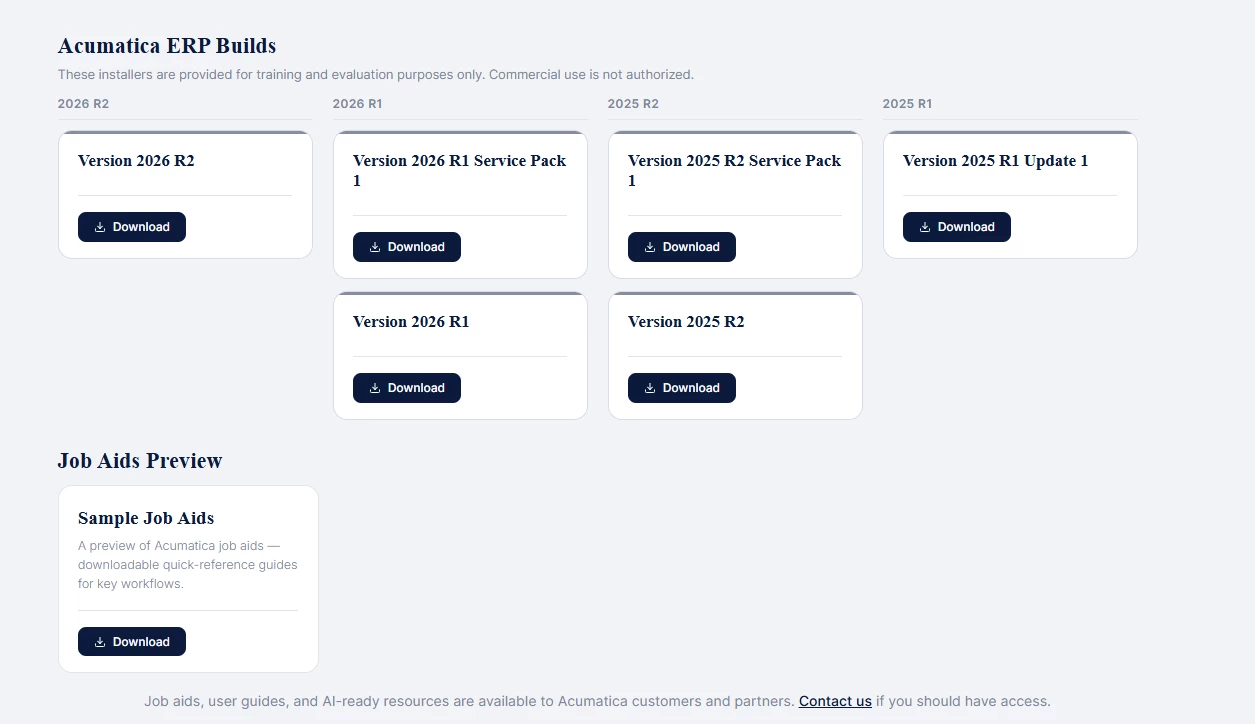
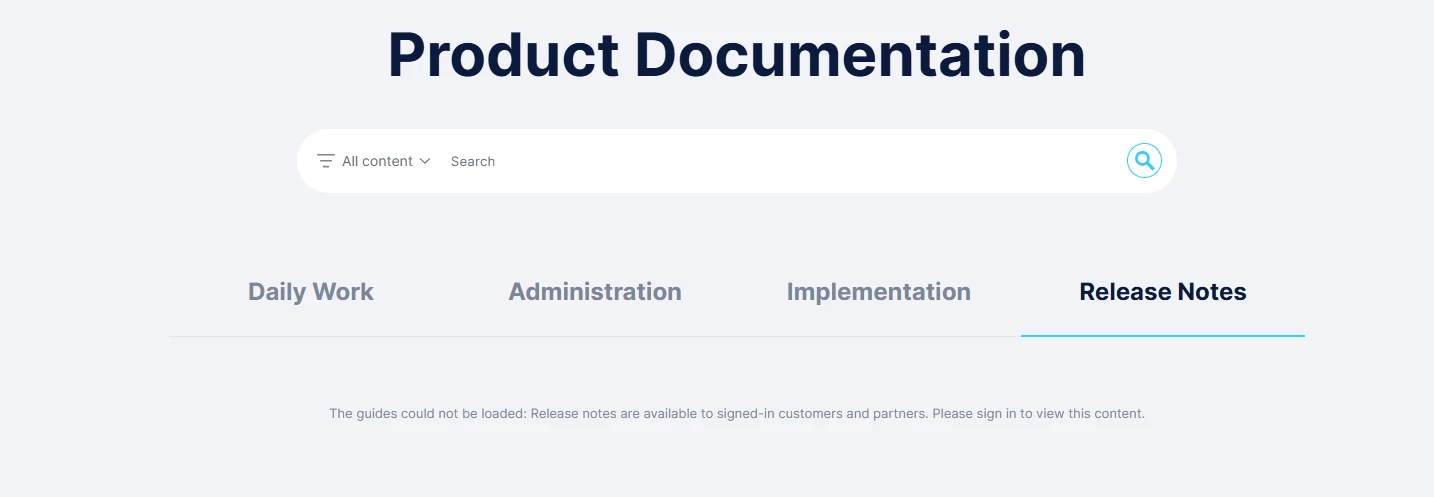
- Navigate to the Acumatica Beacon (Ensure you are signed in as a customer or partner with access to Beacon).
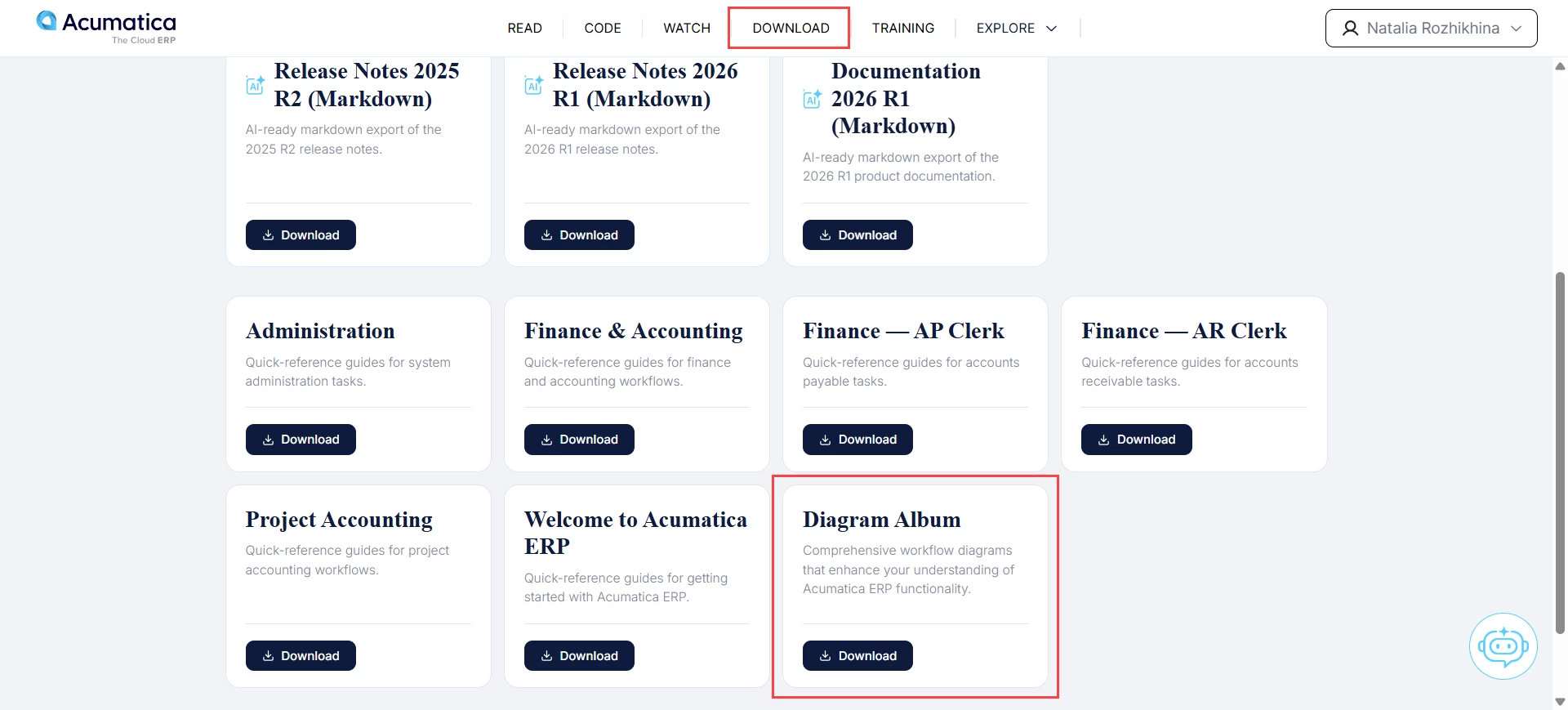
- Click the Download menu item at the top of the page.
- On the page that appears, scroll down to the end of the list to locate Diagram Album.
- Select Download to begin the download process.
Whether you're looking to understand the system or seeking a quick visual reference, the Diagram Album serves as a valuable companion for exploring workflows and functionality.