
Looking for more ways to access and use documentation? New resources are now available for you.
Documentation continues to evolve, and having access to different formats and versions helps you find the information you need faster. With the expanded Download section, you can explore a wider range of resources, including:
-
PDF user guides for the last three version of Acumatica ERP
-
Diagram album
-
Job aids
-
Markdown files for release notes, documentation, and form and report reference topics for the last three versions of Acumatica ERP.
Before You Begin
Sign in to your Beacon account to access the full Download library, which is available to signed-in customers and partners. If you aren’t signed in, you can still access and download the available sample job aids.
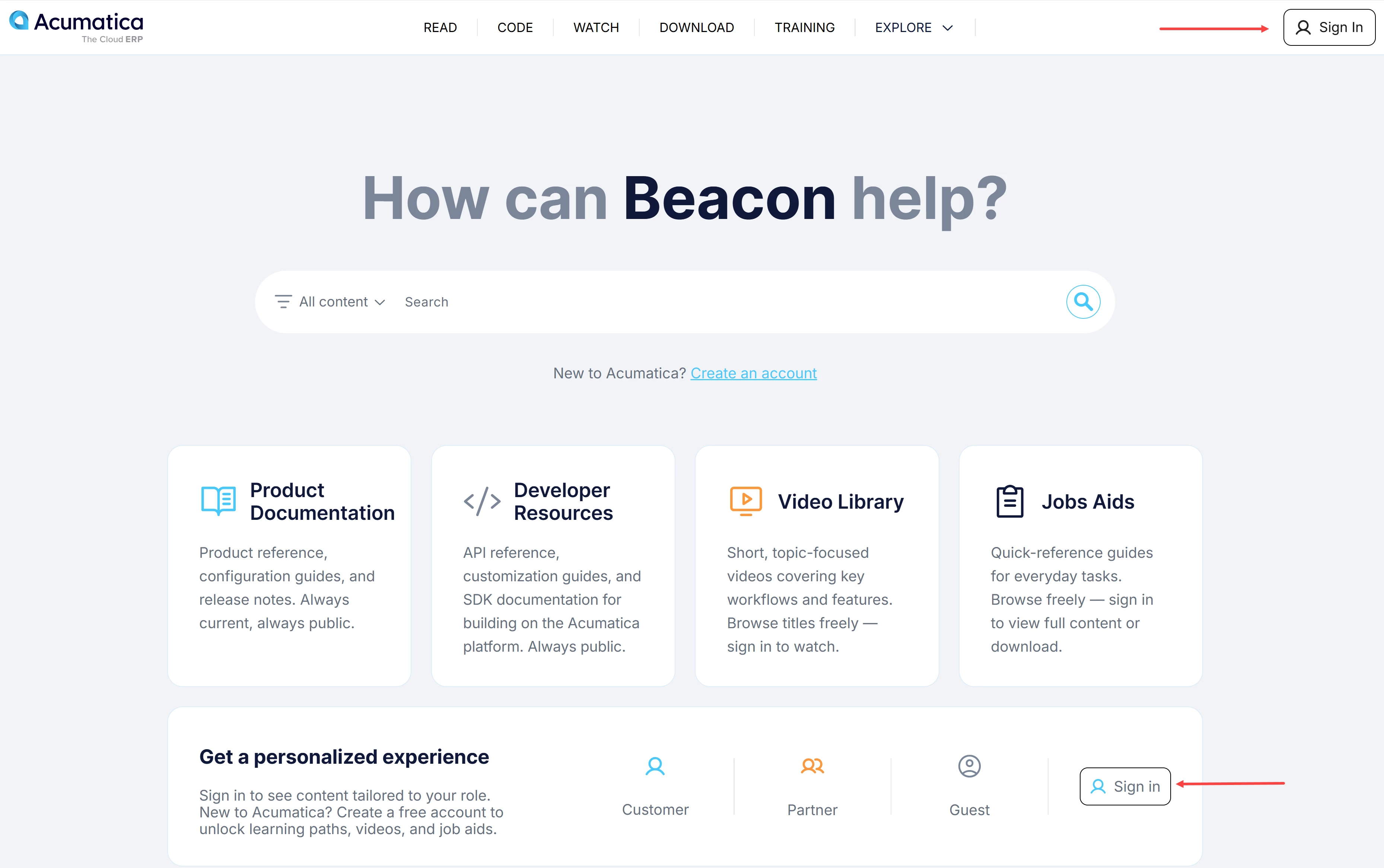
Need help with your account? See Beacon: How to Create an Account.
How to Download Resources
-
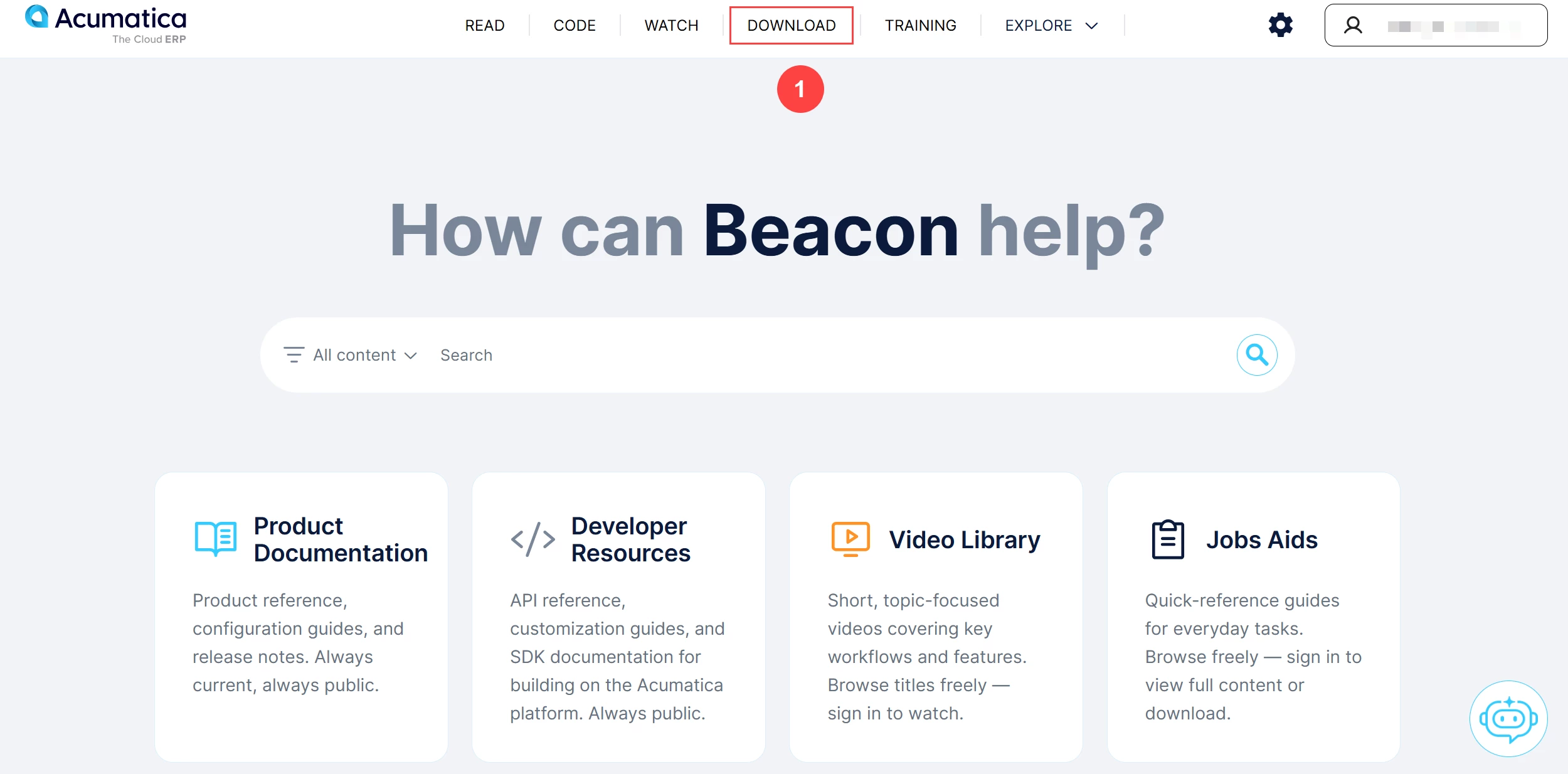
Click the Download tab (Item 1 below) from the top navigation bar on the home page.
-
Download and use the resources that support your work:
-
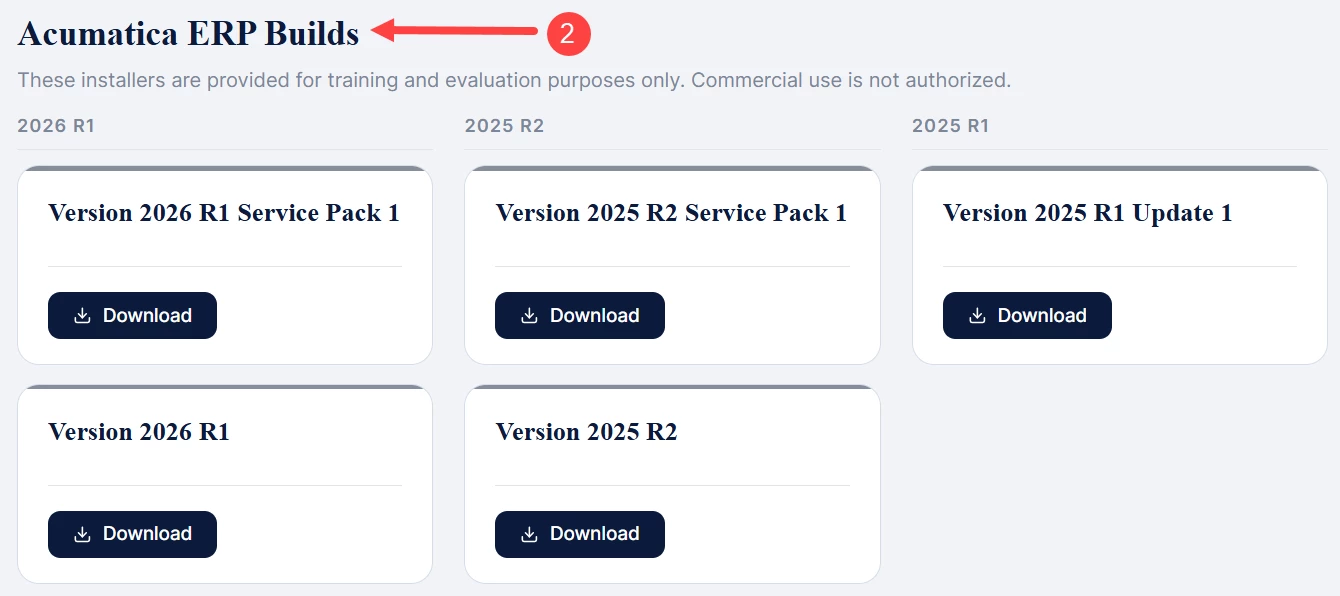
Acumatica ERP Builds (Item 2): Access to the most recent Acumatica ERP build versions and service pack installers for training and evaluation purposes, making it easier to explore new functionality and workflows across current releases. Commercial use of these installers is not authorized.
-
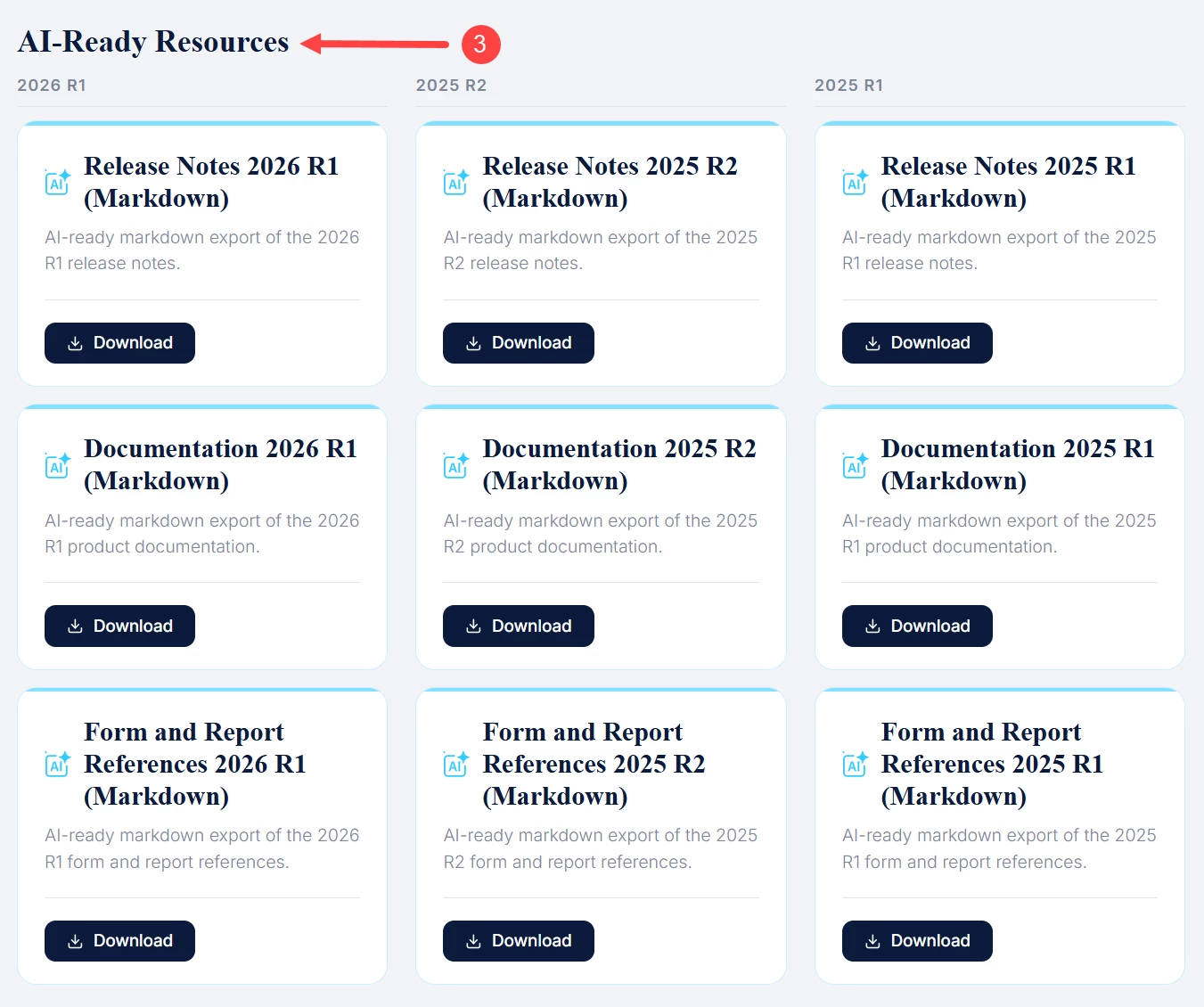
AI-Ready Resources (Item 3): Exports of documentation, release notes, form and report references in Markdown format making it easy to use, search across content, and incorporate them into your own documentation and workflows.
-
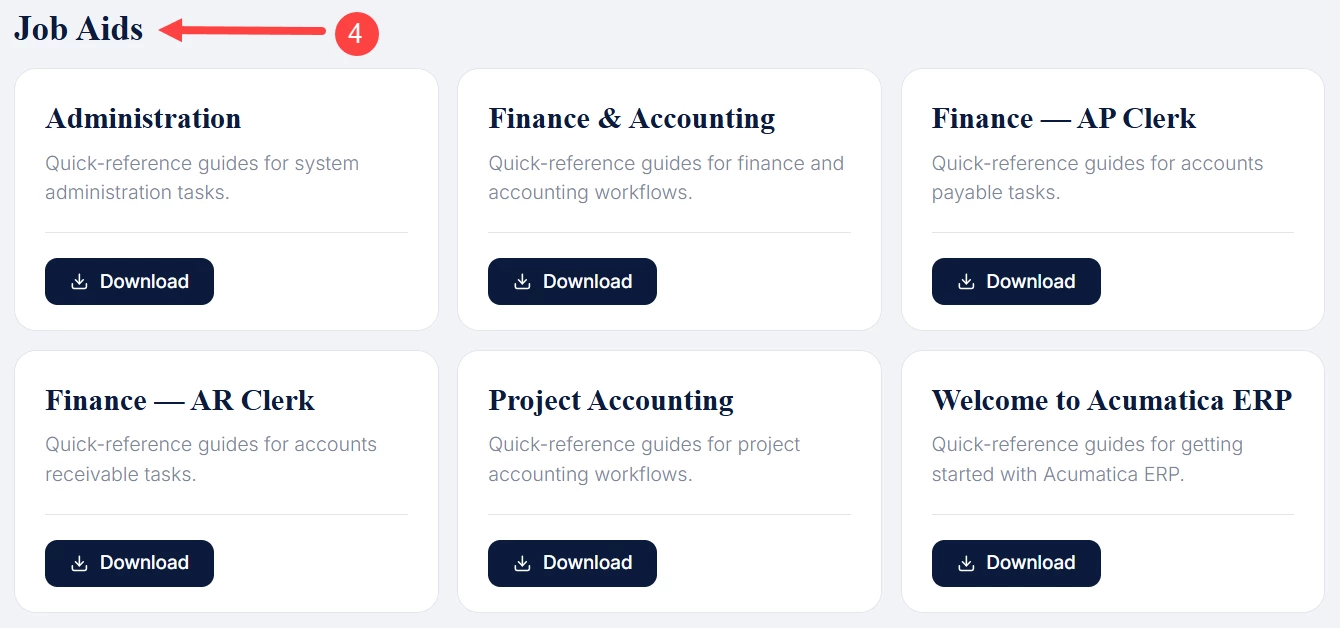
Job Aids (Item 4): Find quick-reference guides, practical instructions, and step-by-step workflows designed to help you complete tasks efficiently.
-
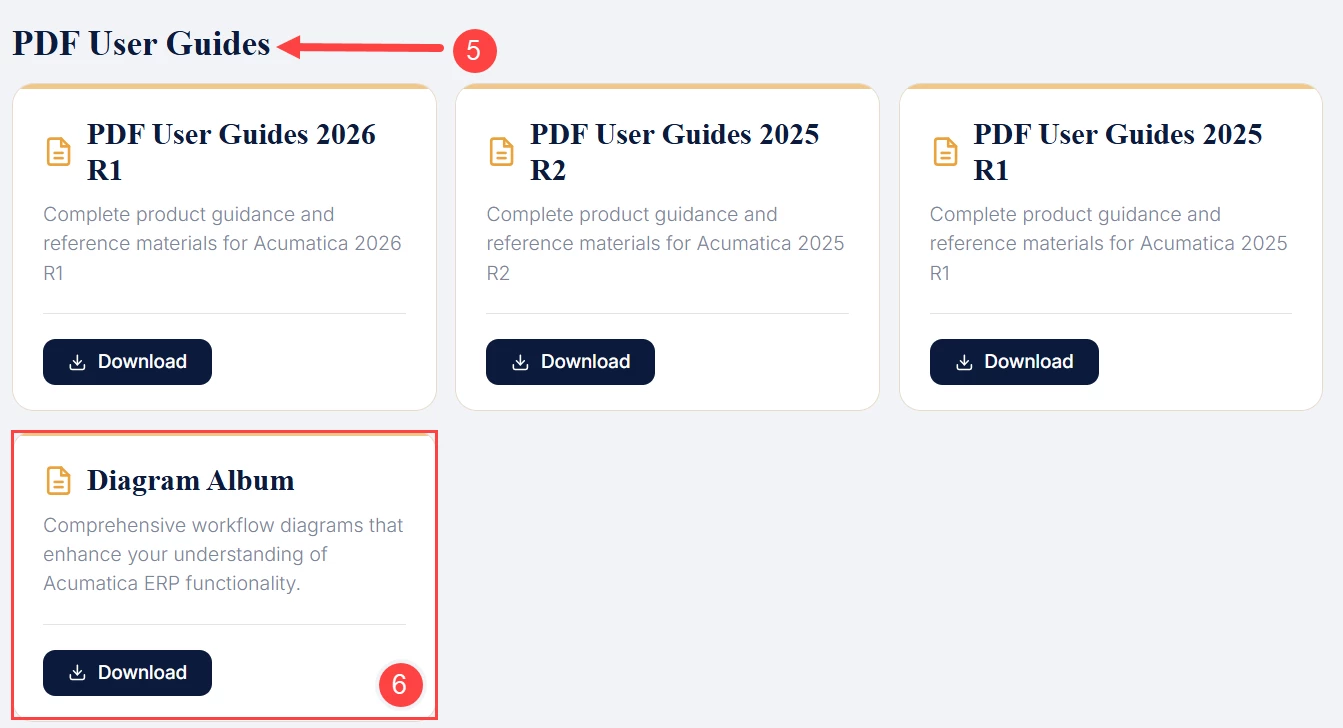
PDF User Guides (Item 5): Access complete product guidance and Acumatica reference materials in a downloadable PDF format for easy access.
-
Diagram Album (Item 6): Explore comprehensive workflow diagrams that enhance your understanding of Acumatica ERP functionality and processes.