

Sometimes the fastest way to understand something is to see it in action. The Beacon Video Library complements our Help content by providing visual reinforcement of key concepts and workflows, offering another way to deepen your understanding alongside the documentation.
What Is the Video Library?
The Video Library is a dedicated collection of helpful videos, walkthroughs, and visual guides designed to support learning and reinforce key concepts.
Before You Start
Make sure you’re signed into your Beacon account to access the Video Library. Our videos are available to Acumatica partners and customers.
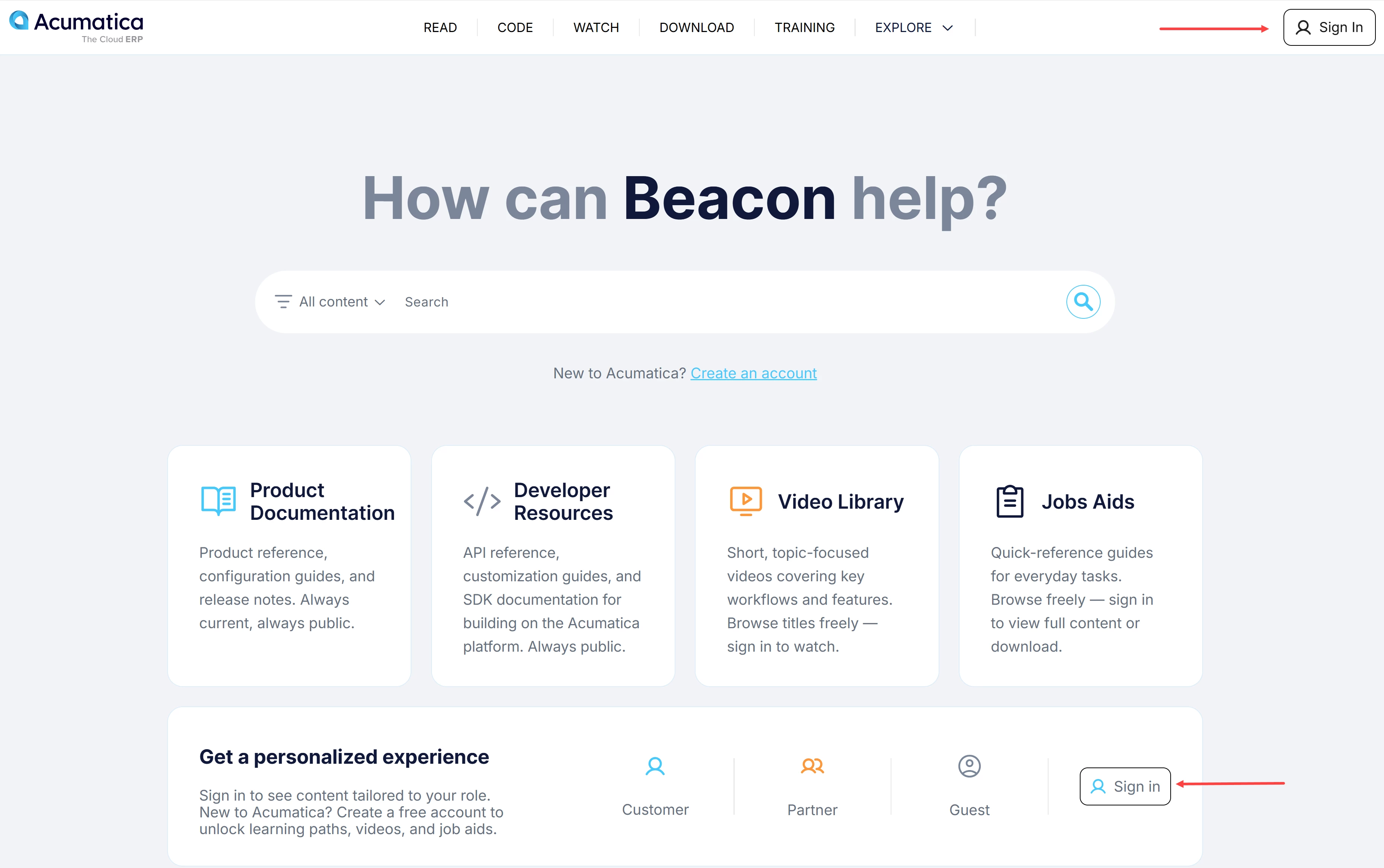
Need help with your account? See Beacon: How to Create an Account.
How to use the Video Library
- Access the Video Library from the Home page.
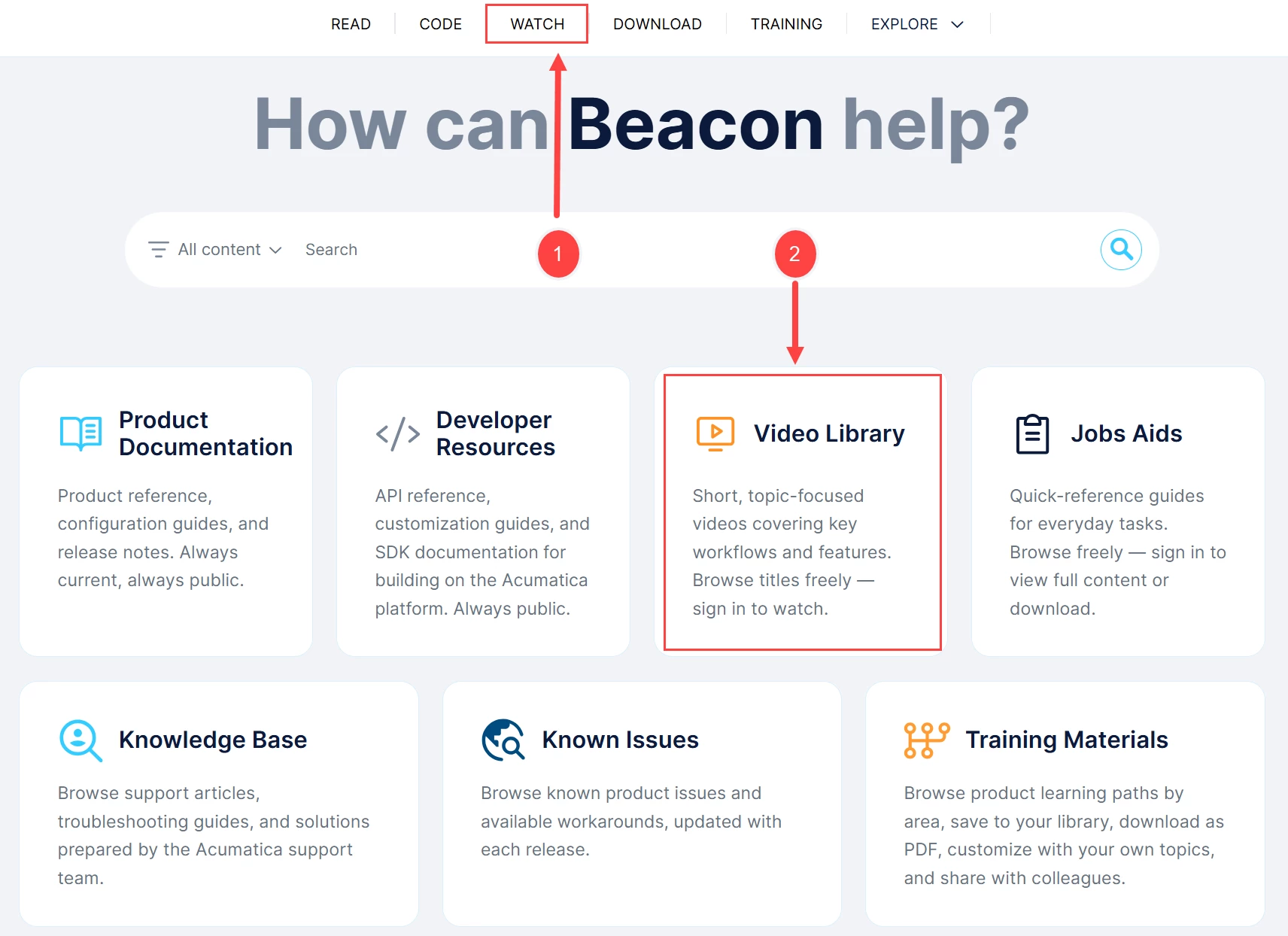
After signing in, you can access the Video Library in either of the following ways:
- Go to the Watch tab (Item 1 below) from the top navigation bar on the Home page.
- Click the Video Library tile (Item 2), as shown in the image below.
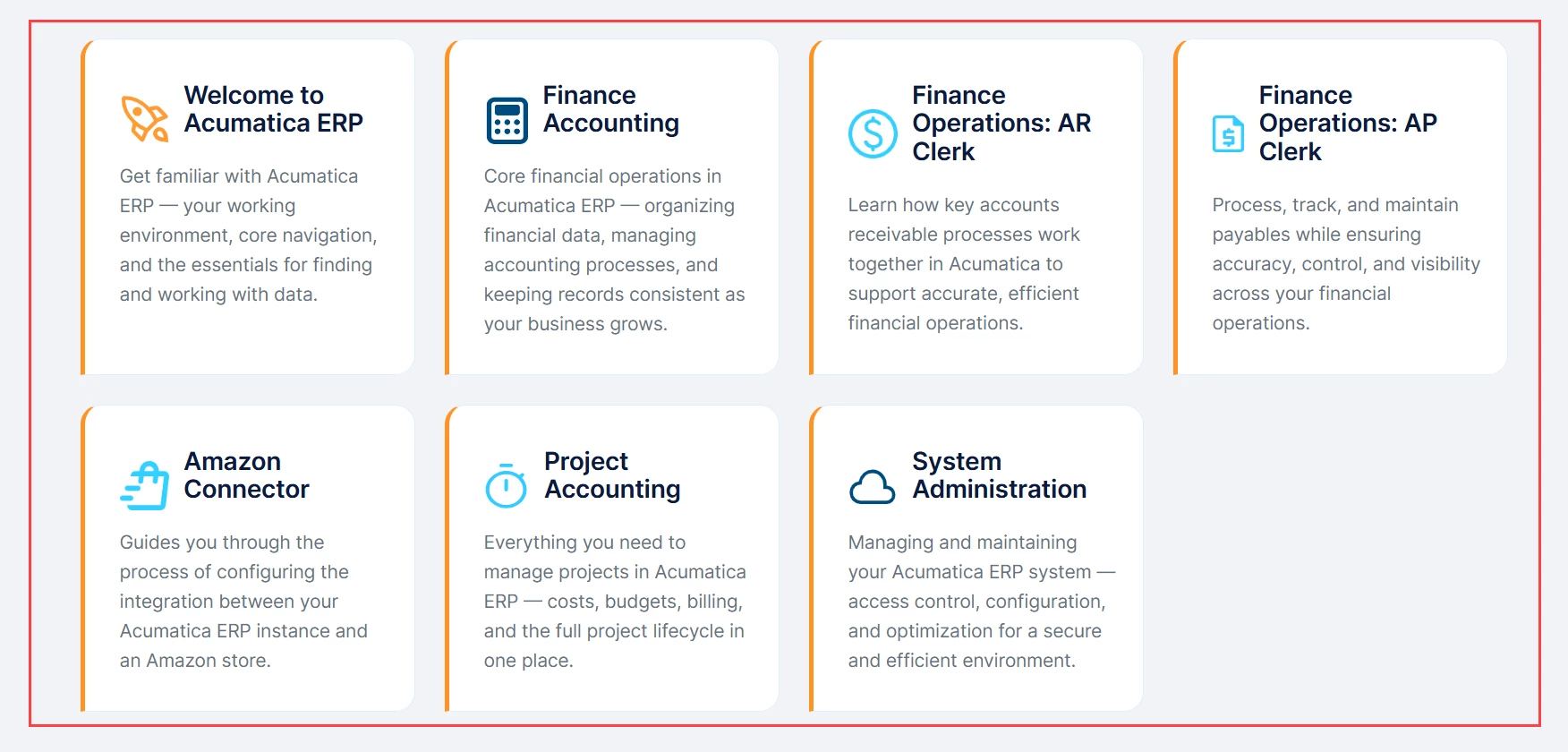
- Browse the available learning content.
Click a tile to explore its videos.
- Explore a video series.
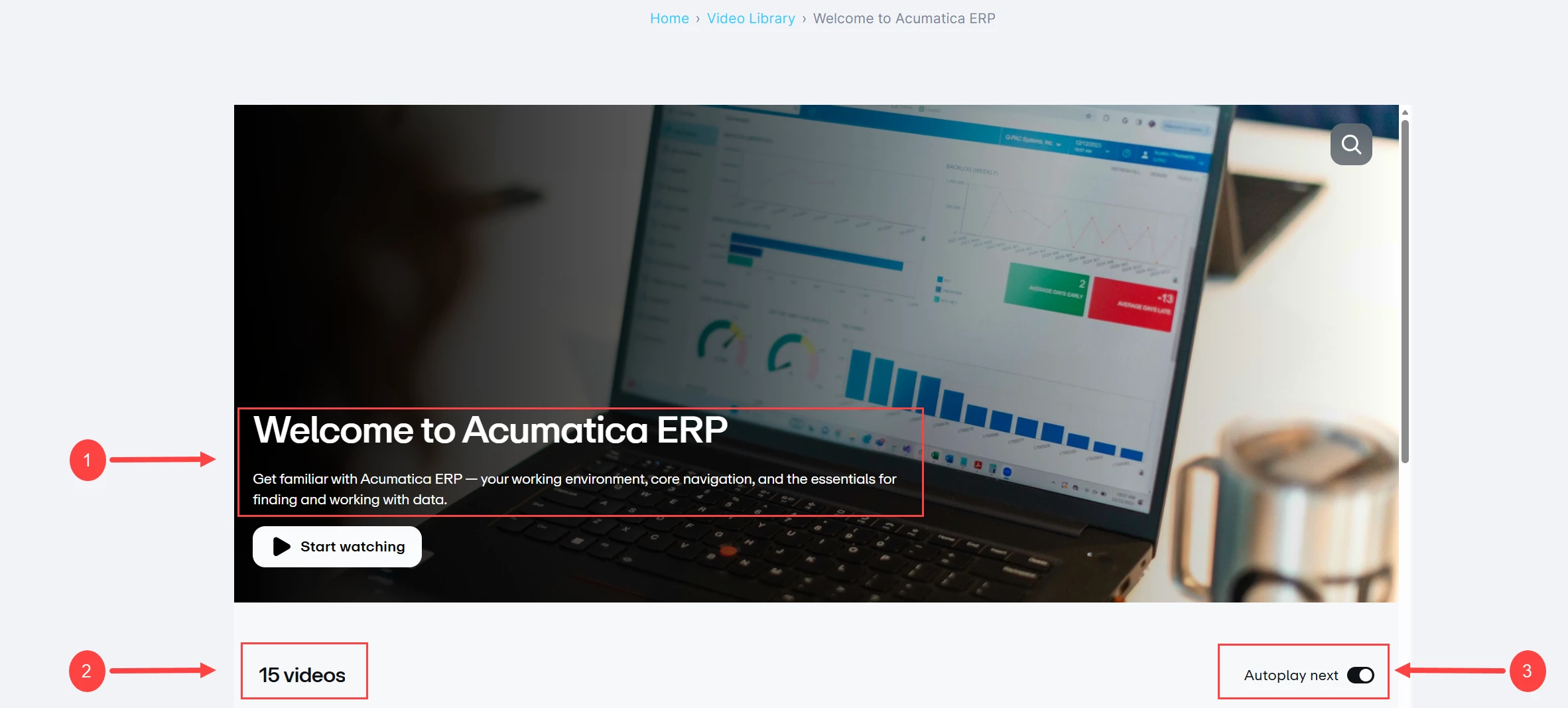
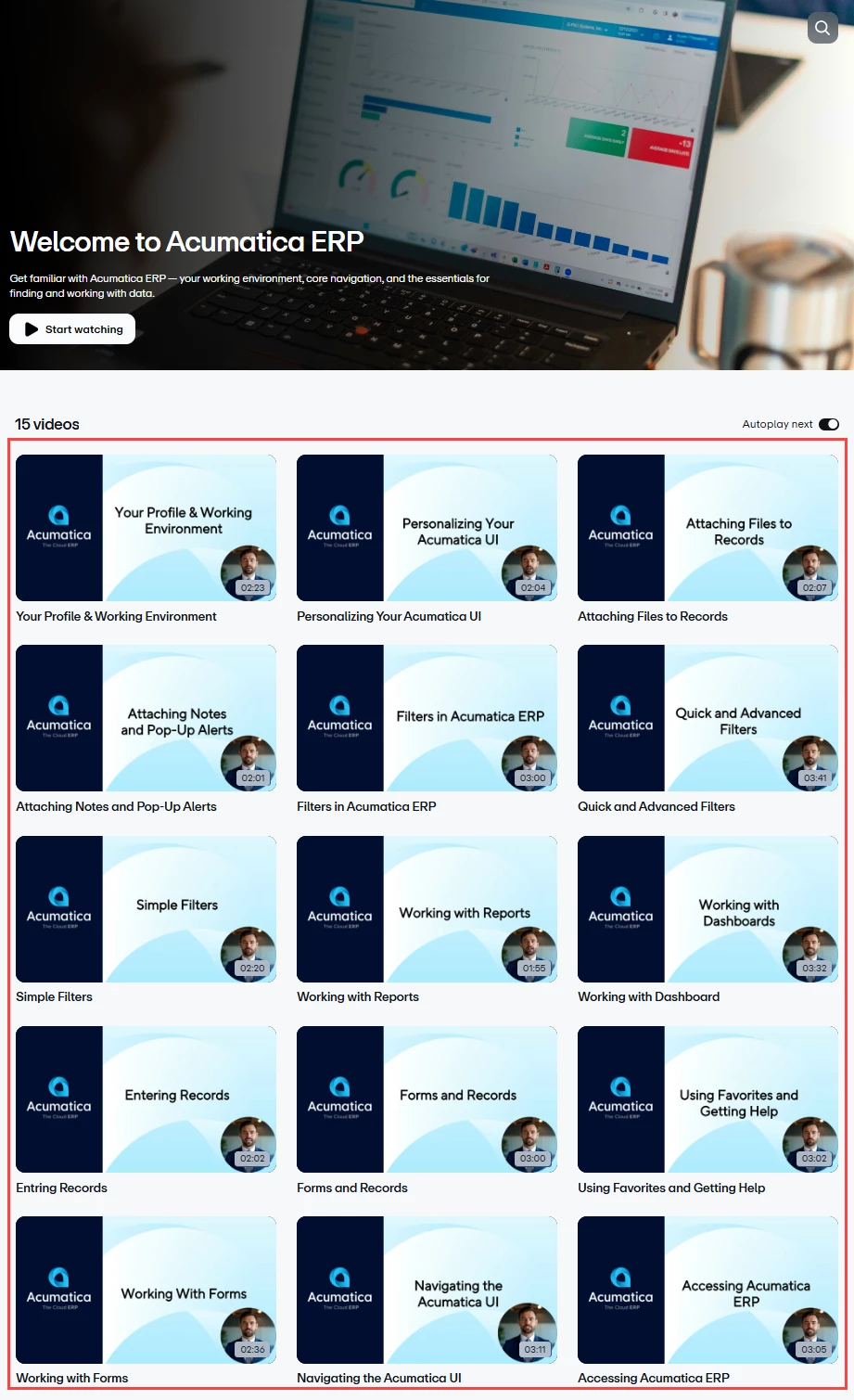
A video series is a set of videos related to the tile you clicked. Within each video series, you will find:
- A summary of the video series (Item 1 below)
- The total number of videos in the series (Item 2)
- An Autoplay next toggle (Item 3), which allows videos in the series to play continuously without manually selecting each one
- Start learning.
Select any video to begin watching and continue your learning journey.
Ready to learn in a whole new way? Explore the Video Library today.