




We're introducing a totally new experience—Personal Books. You can create your own personal books and do much more with this functionality, which we'll cover in future posts. But first, let's look at how to find personal books.
Note: Please sign in to access this feature.
For demonstration purposes, we'll use our predefined books, which are based on our existing training guides.
To access them:
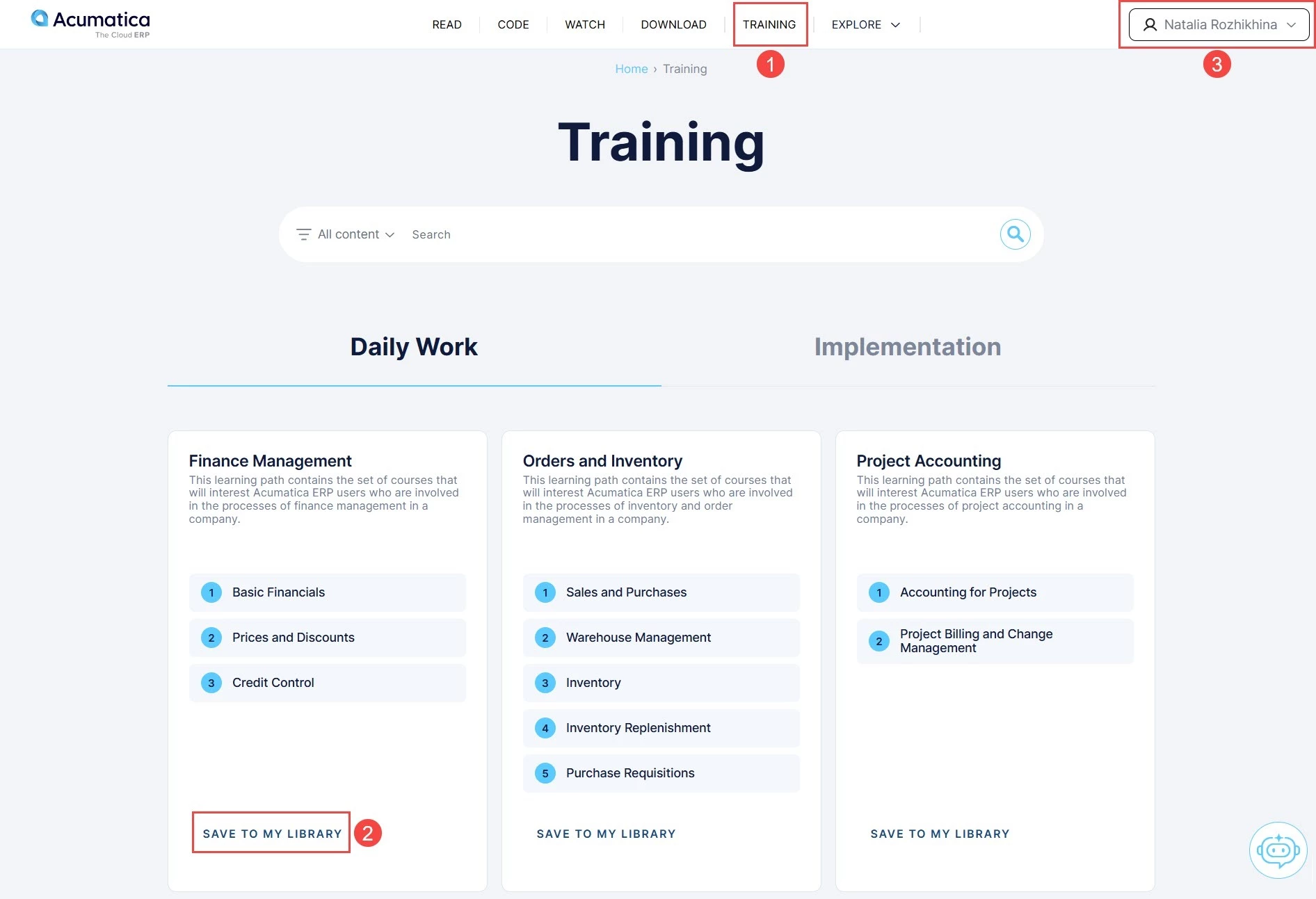
- Go to Training.
- Choose a learning path and click Save to My Library.
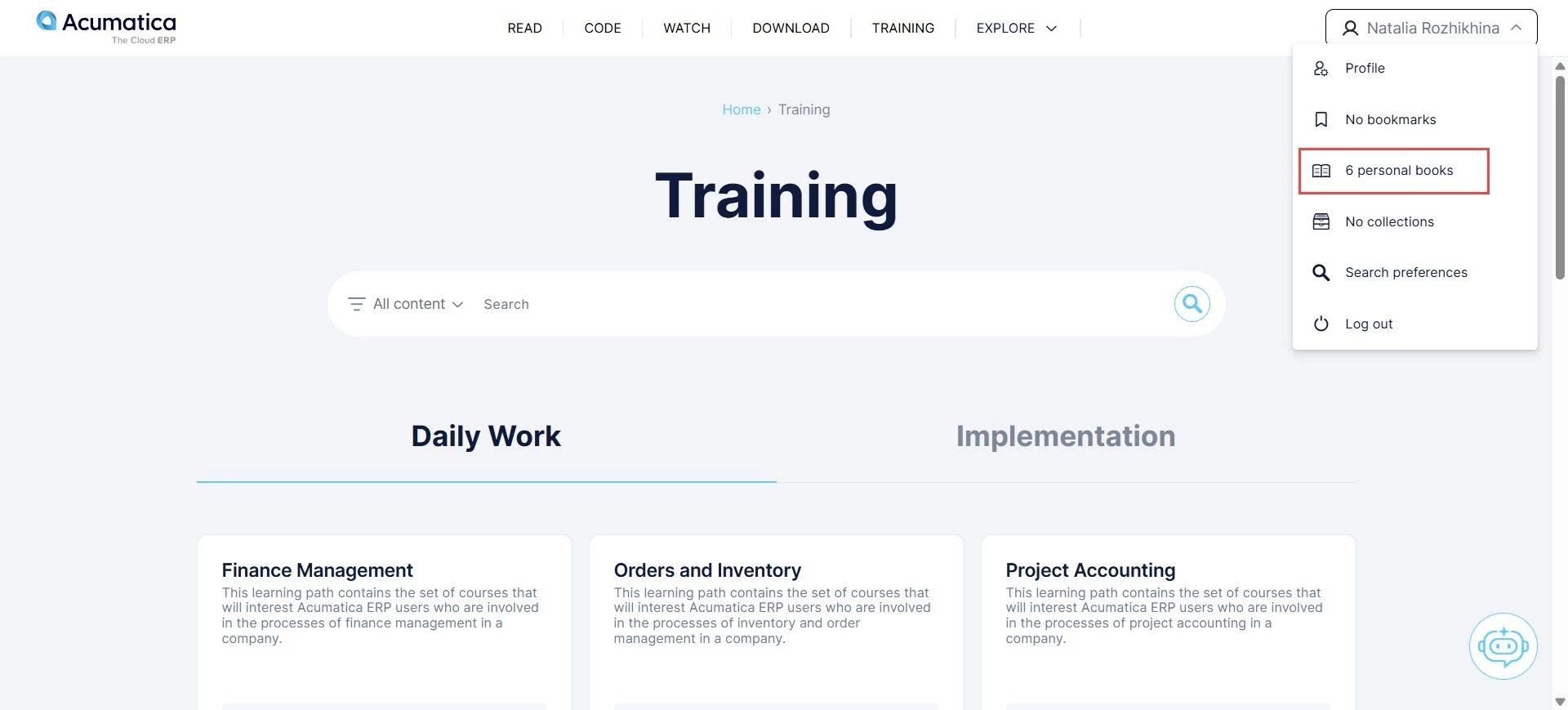
- Click your name in the top-right corner.
- Open Personal Books and select the one you need.
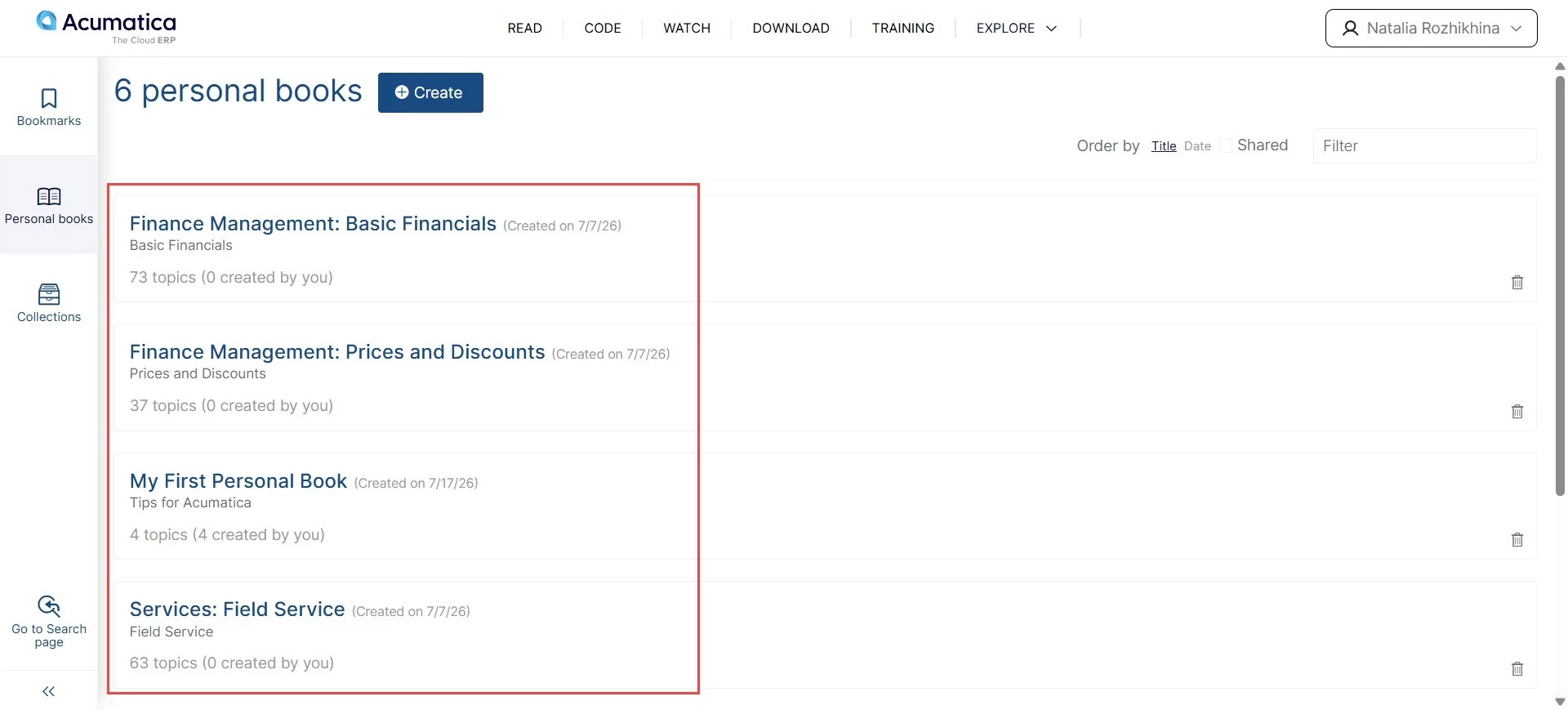
That's it! We hope you'll enjoy the new format and its benefits. Stay tuned for more Beacon tips, where we'll explore the features of Personal Books and help you get even more out of Beacon.