



Looking for something from the past? It’s still within reach.
Documentation changes over time, but sometimes older information is exactly what you need.
With Beacon’s archived documentation, you can revisit older content for the supported product versions whenever you need to compare versions, review previous guidance, or understand the changes to the product’s functionality.
Before You Begin
Sign in to your Beacon account to access the full Download library, which is available to signed-in customers and partners.
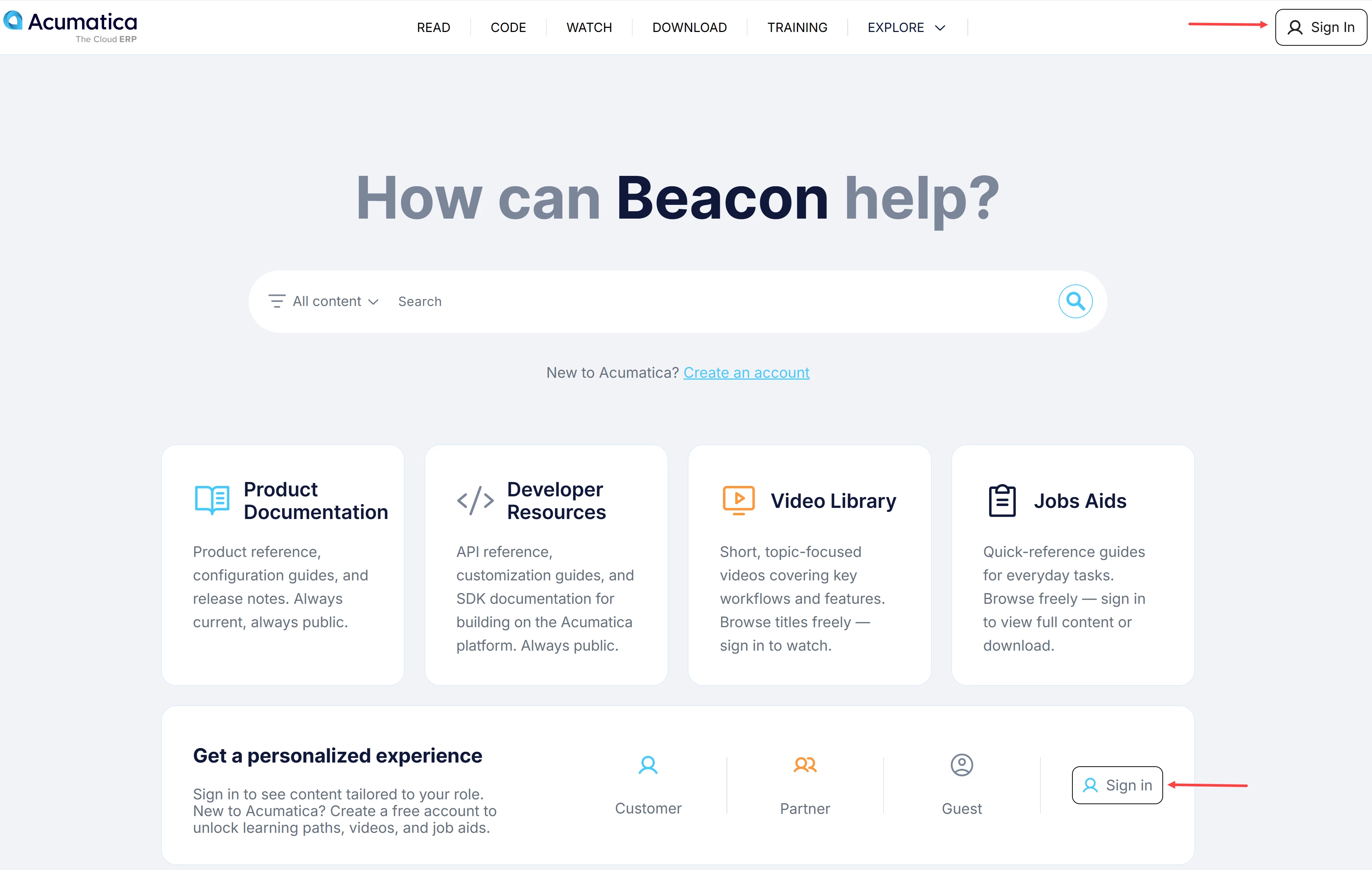
Need help with your account? See Beacon: How to Create an Account.
How to Use Archived Documentation
-
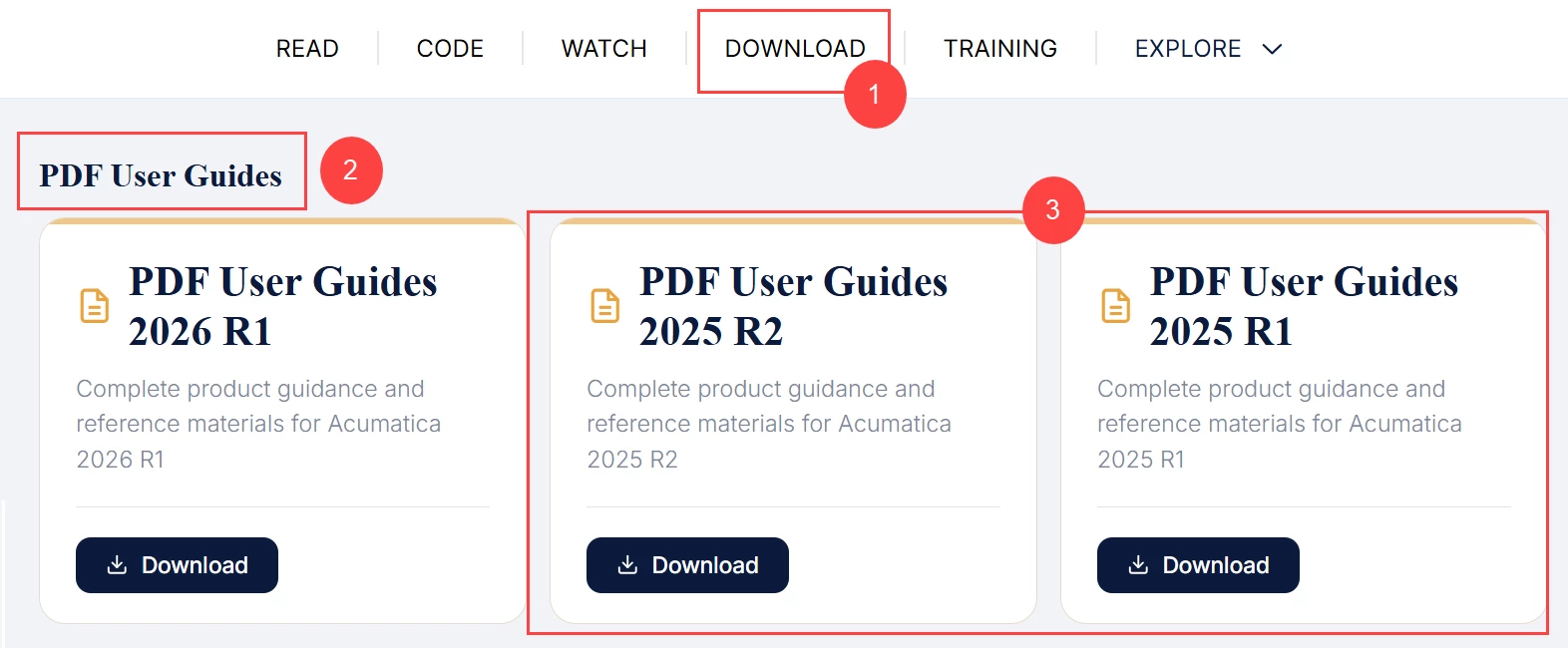
From the home page, click the Download tab (Item 1 below) in the top navigation bar.
-
Scroll down to the PDF User Guides section (Item 2).
-
Click Download for the supported product version you want (Item 3).
Ready to revisit the past?
Explore earlier documentation whenever you need historical context or want to see how the product has evolved.