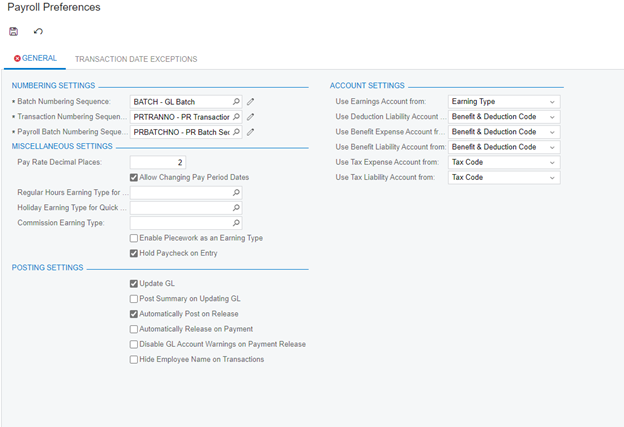
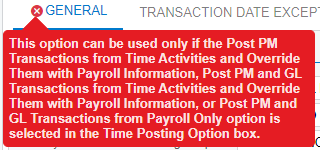
Hello, we are working to setup Acumatica Payroll and running into an error when setting up payroll preferences. The screen is checking for a specific option in the Time Posting option box, but its not showing up on our form and giving us the below error. Any ideas? Possibly a feature I need to enable\disable?
Thanks,
Adam
Best answer by Kristen Hanson
This is a known issue. There is a Workaround:
Go to Licensing and delete the license so that they are in Trial mode. Then go to Enable/Disable features and enable Projects. Then go back to Licensing and add back their license. You should then have the field on Payroll Preferences and should be able to Save the setup.
You'll want to have (copy/screenshot) their license to add it back:
Access the Activate License form
Delete the License (so that they are in Trial mode)
Go to Licensing and delete the license so that they are in Trial mode. Then go to Enable/Disable features and enable Projects. Then go back to Licensing and add back their license. You should then have the field on Payroll Preferences and should be able to Save the setup.
You'll want to have (copy/screenshot) their license to add it back:
Access the Activate License form
Delete the License (so that they are in Trial mode)
I am happy to report that this issue has been resolved on versions:2022R220, 2023R113 and 2023R204. Payroll Preferences (PR101000) form has been modified so that a change can be made to the form without Project feature being enabled.