Solved

Cash Transaction Import Scenario Help

  • February 26, 2025
  • 6 replies
  • 106 views

Forum|alt.badge.img

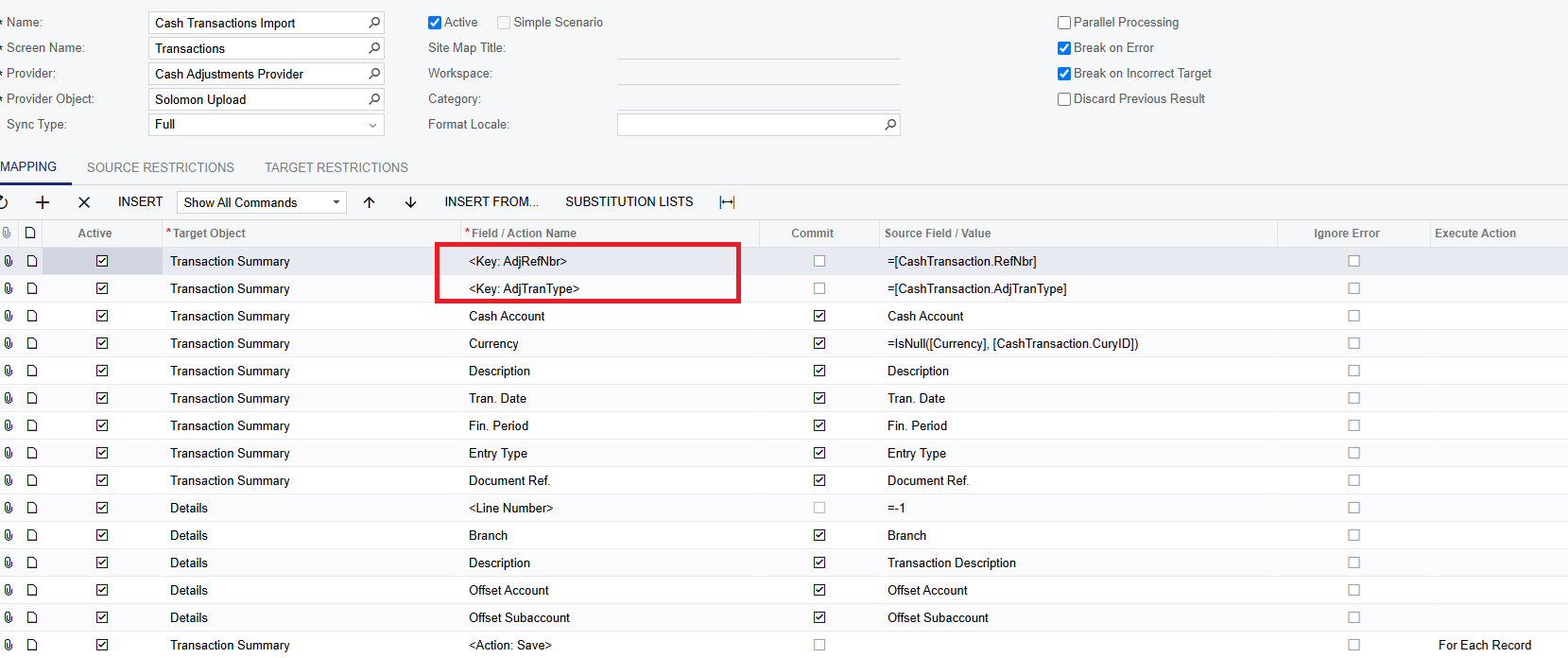
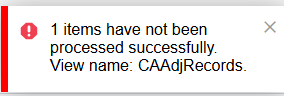
I'm setting up my first import scenario for cash transactions (CS.20.40.00). While I've successfully set up the provider and provider object, I'm encountering issues in the mapping section. The test import file prepares the lines perfectly, but the actual import returns multiple errors—here's the latest one.


Could someone please share a screenshot of their scenario so I can compare and see where I am going wrong?
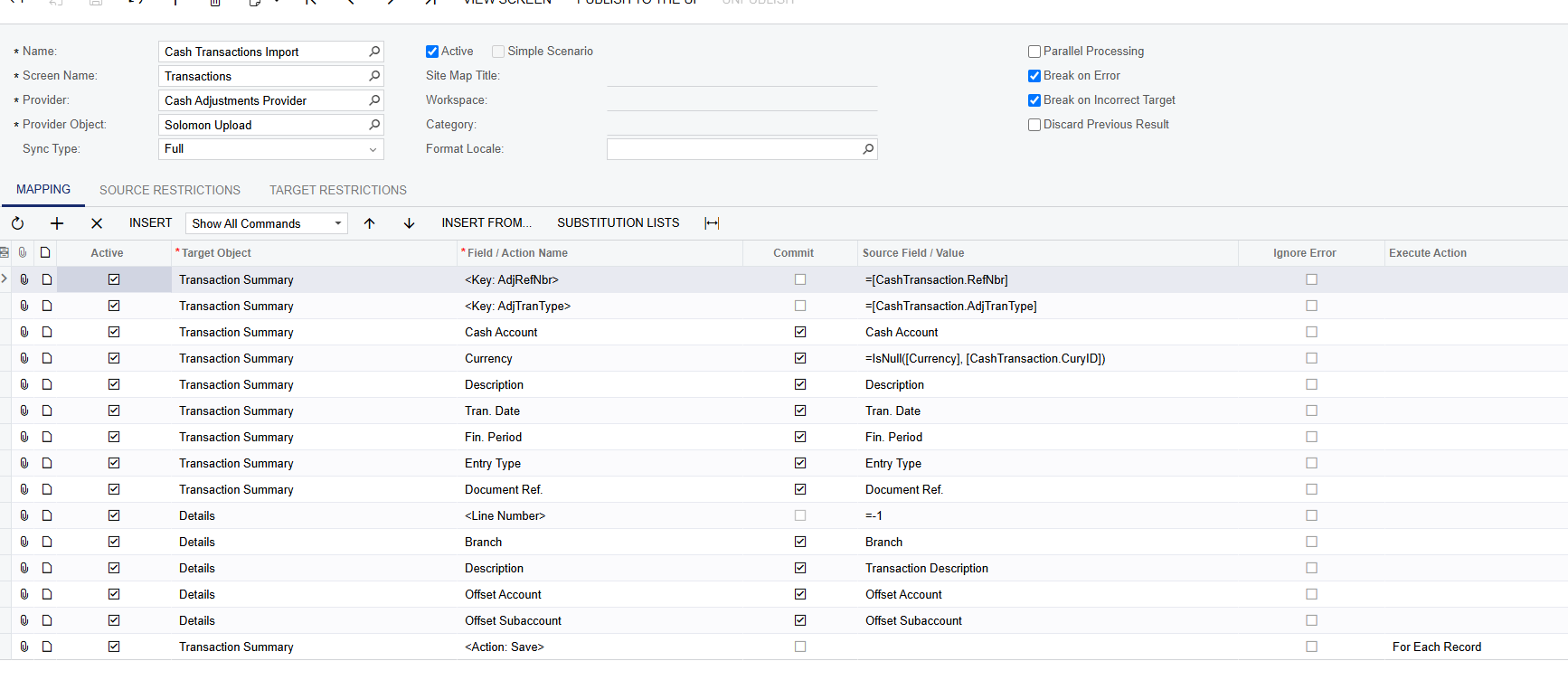
 

Best answer by Manikanta Dhulipudi

@Sydneysturtevant 

6 replies

riglesias
Acumatica Employee
Forum|alt.badge.img+2
  • Acumatica Employee
  • February 26, 2025

Hello ​@Sydneysturtevant 

You need to map the key fields (Ref Number and Type). You can identify the key fields from a screen by the lines are automatically inserted by the system:


Manikanta Dhulipudi
Captain II
Forum|alt.badge.img+15

@Sydneysturtevant 


Forum|alt.badge.img

Hmm, I want the ref number to auto generate since this is a tracking # provided by acumatica when I manually record these. What do I put to have Acumatica generate this based on the last ref # used? 

I believe the “AdjTransType” should be the same as the entry type. I can assign that one. Do I still need the entry type line as well? 


riglesias
Acumatica Employee
Forum|alt.badge.img+2
  • Acumatica Employee
  • February 26, 2025

Hi ​@Sydneysturtevant 

Even when auto-numbering is setup you still need to provide a value to let the system know a new record needs to be created.

Here’s a link for my webinar where I explain how to map import scenario when auto-numbering is enabled (min 7:24):  


Forum|alt.badge.img

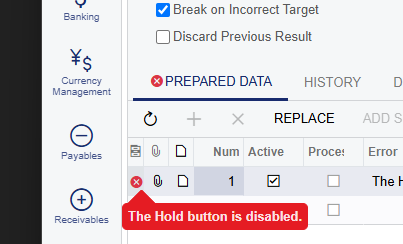
Thank you @manikanta! I get an error that says Hold is not an option. Is this an action in your upload file? 


Forum|alt.badge.img

@Manikanta Dhulipudi 


I set up the import file and added mine. I now get this error. Are you familar?