


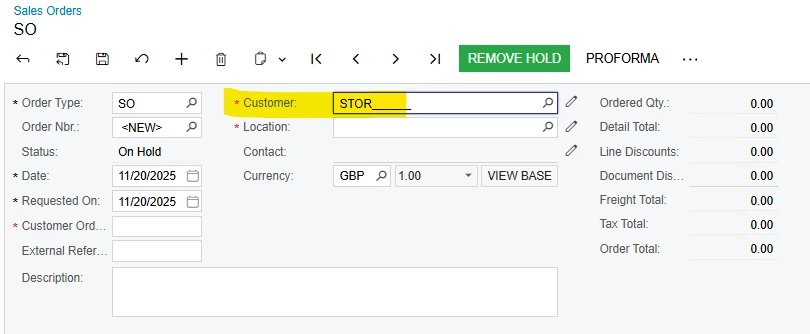
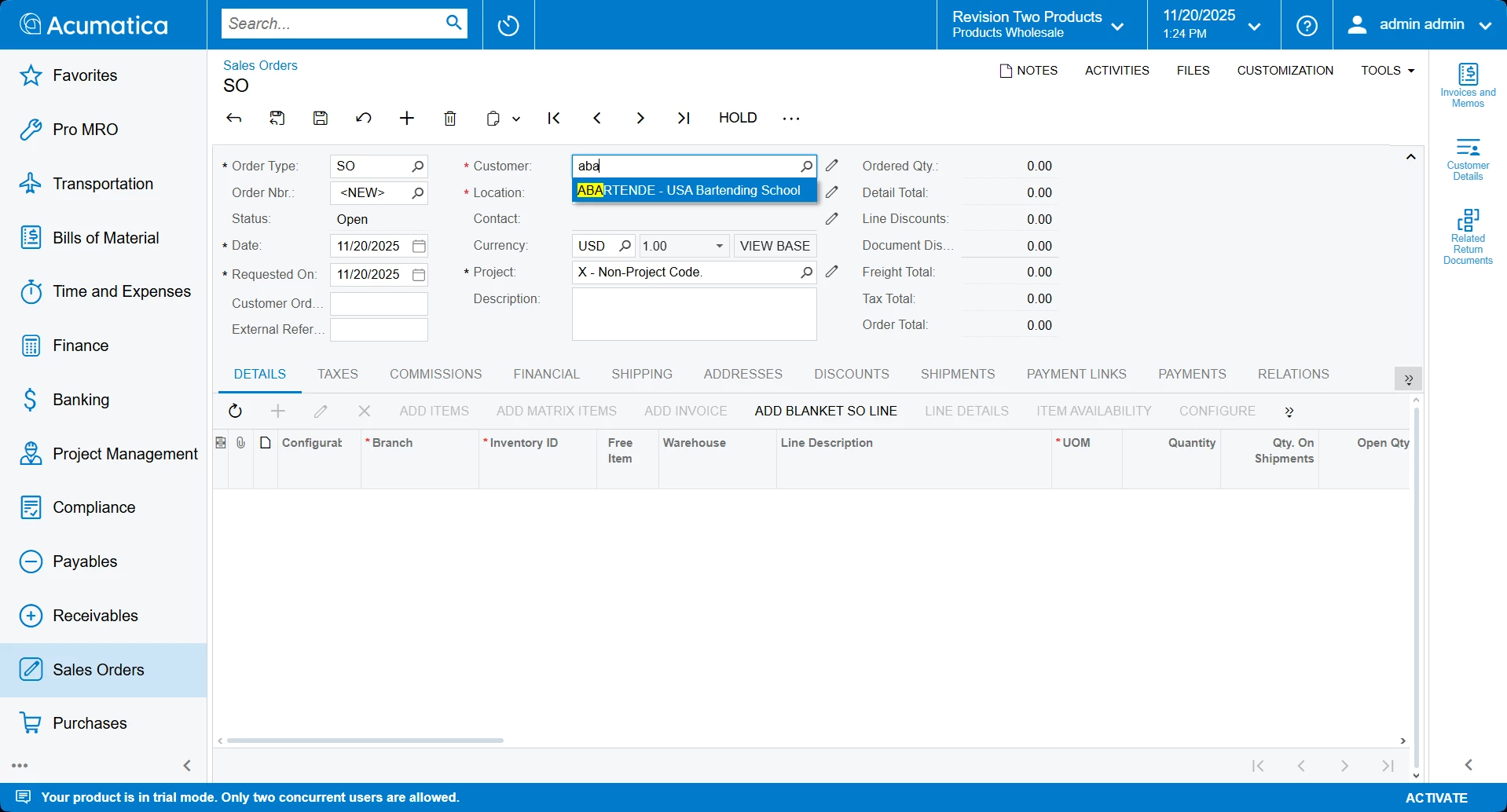
Seems as though 24R2 Version of Acumatica has gotten rid or disabled the autocomplete function in fields?
Not the biggest deal, but definitely a pain when trying to input information.
Wondering if anyone is also struggling with this, and if there is a work around.
Thanks!
Solved
Auto-complete Issue with 24R2
Best answer by MissyMain41
We use to be able to just start typing in the field and options would pop up.
Hey there,
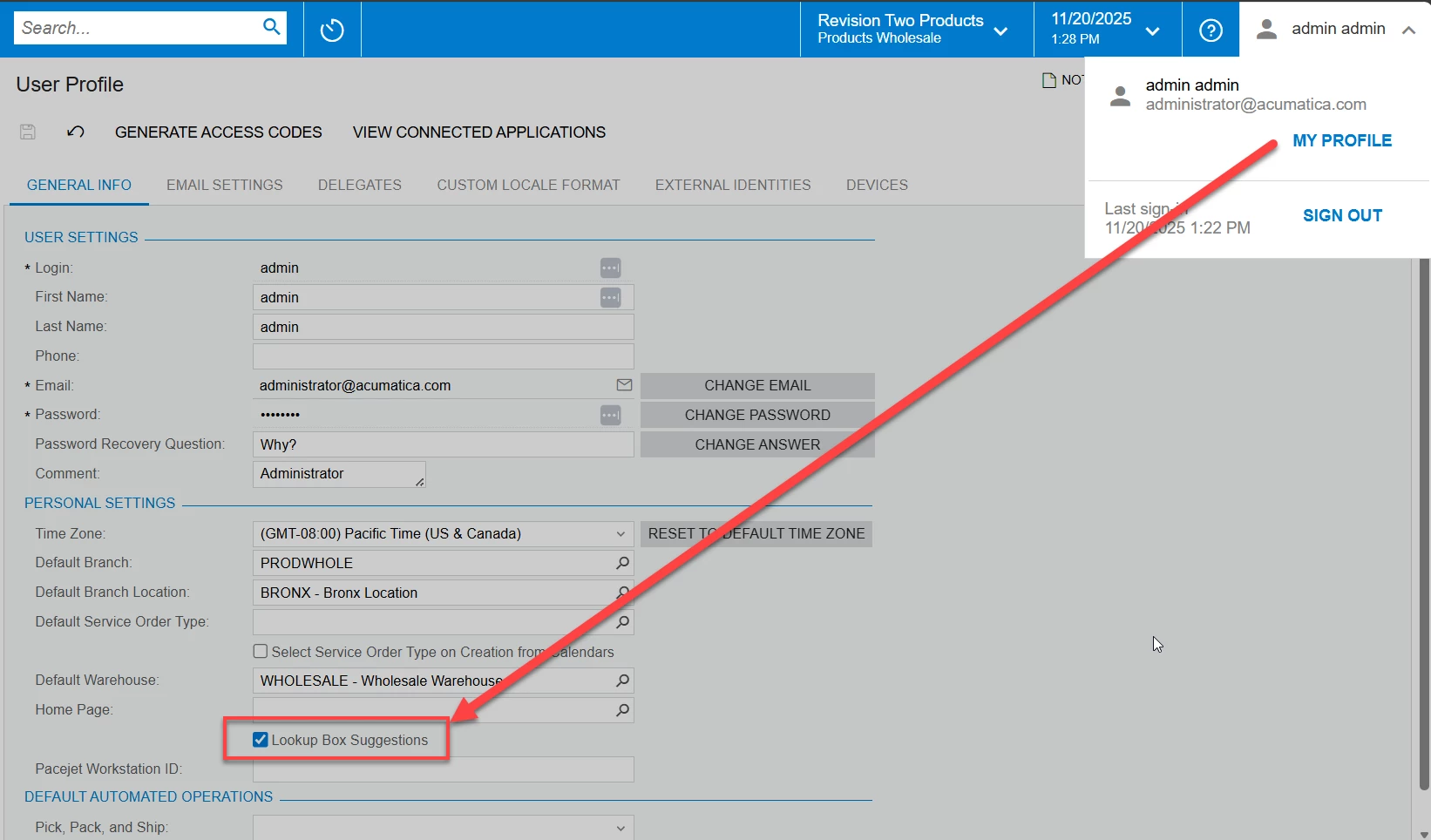
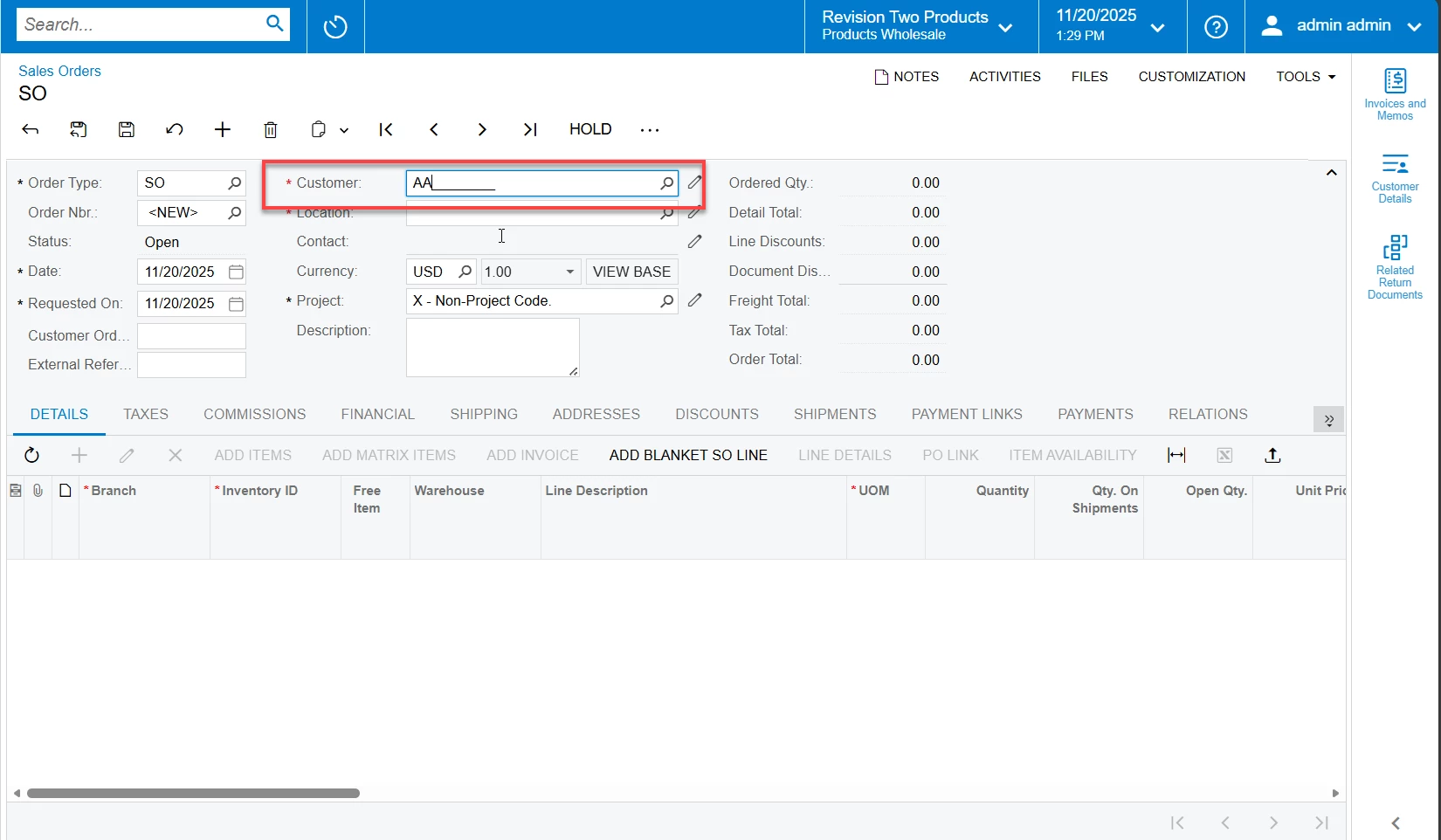
I was able to replicate this issue by de-activating “Look up box suggestions” from “My Profile” in Acumatica.
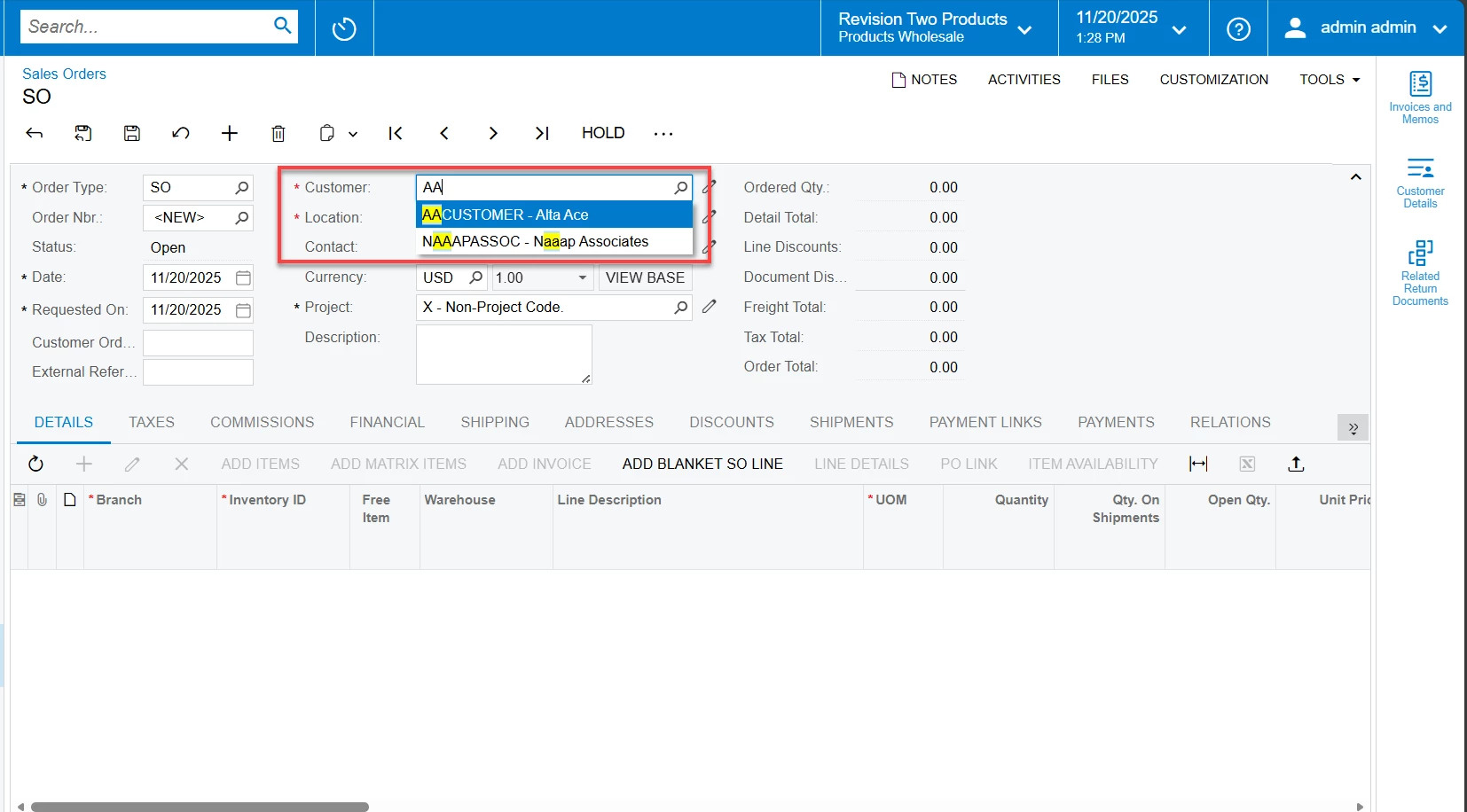
Re-activating this allowed the suggestions to appear while typing in the customer lookup box.
Help User Profile reference manual has the following description for this setting:
User Profile
| Lookup Box Suggestions | A check box that indicates (if selected) that the system displays a drop-down list with suggestions (for lookup boxes that support autocomplete or automatic completion) when you are typing text. The check box is selected by default. For details, see the Using Autocomplete section of Lookup Boxes. |
Images from 24.216
Example of the setting:
Example when it is deactivated:
Example of when it is reactivated





Enter your E-mail address. We'll send you an e-mail with instructions to reset your password.