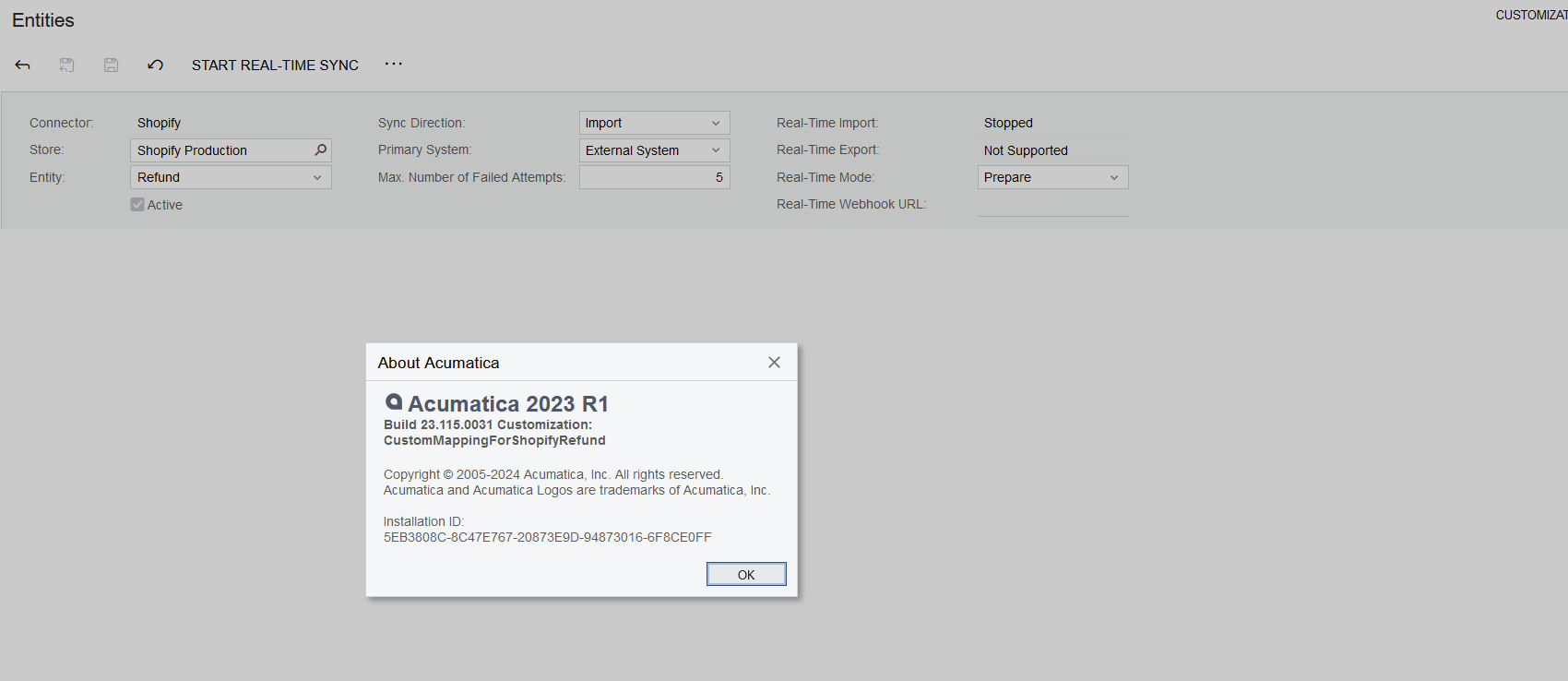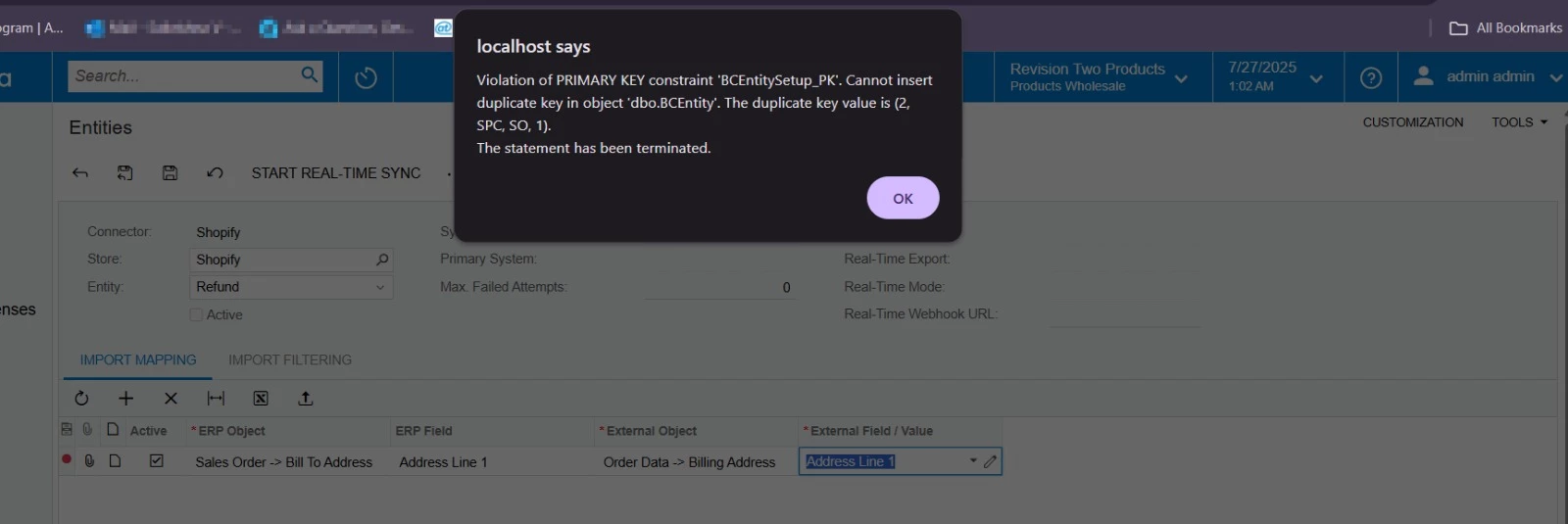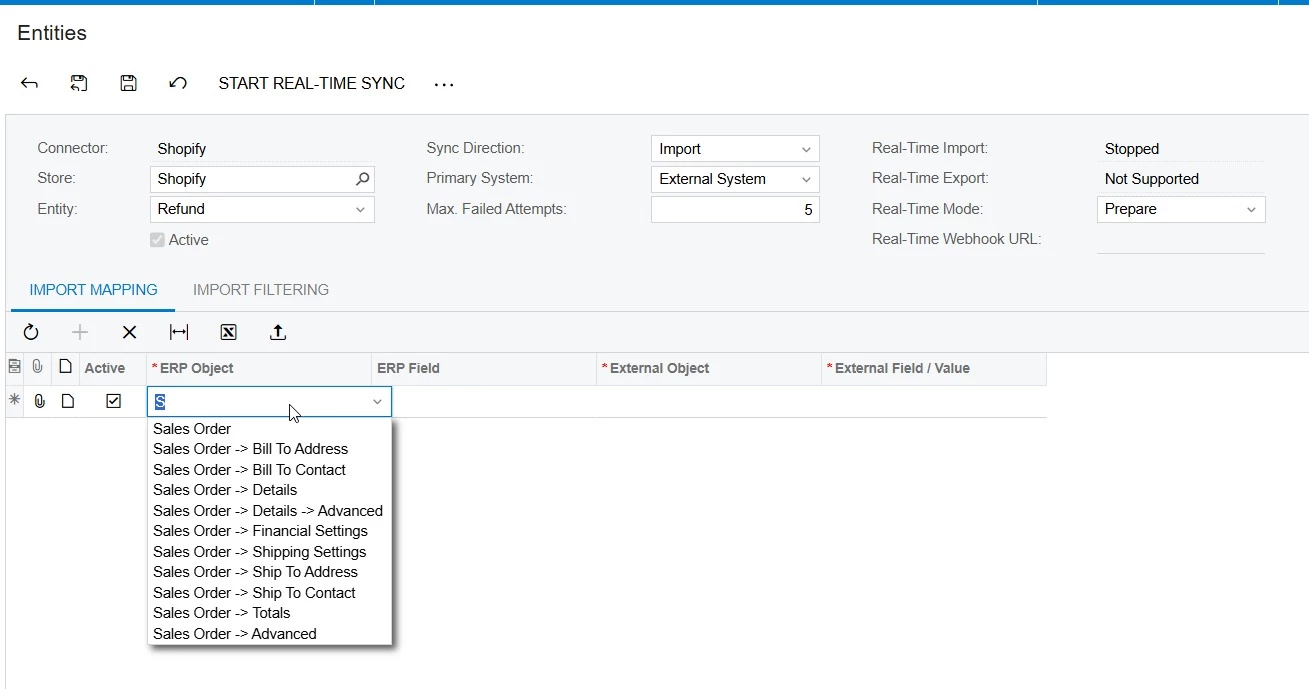


In the current Shopify connector, it doesn’t support the custom mapping in the Entity mapping screen for the Refund entity, but if you want to have some custom mappings in the Refund order, you can do it in the customization project.
In this topic, I want to share how to create a custom mapping in Shopify refund entity through the customization package. You can make a mapping to the original field or custom field. I tested it in 2023R2 and it works well.
- Create a new customization project
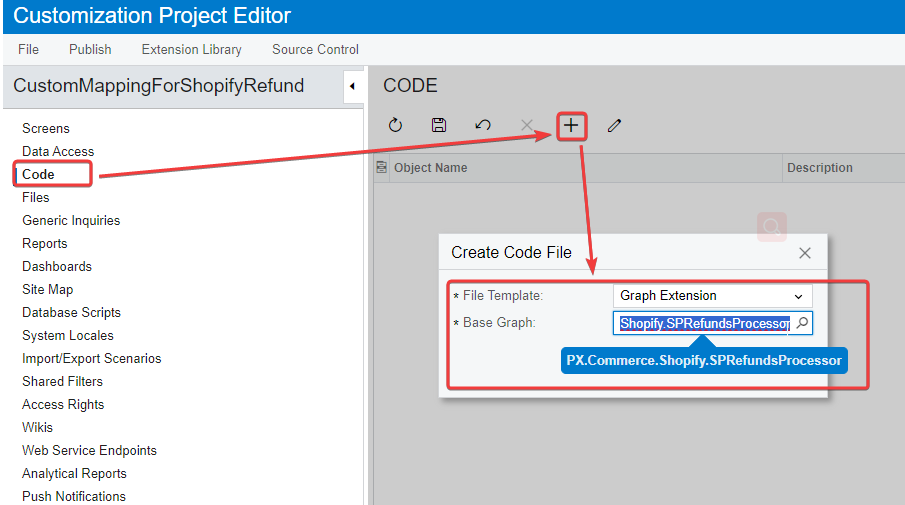
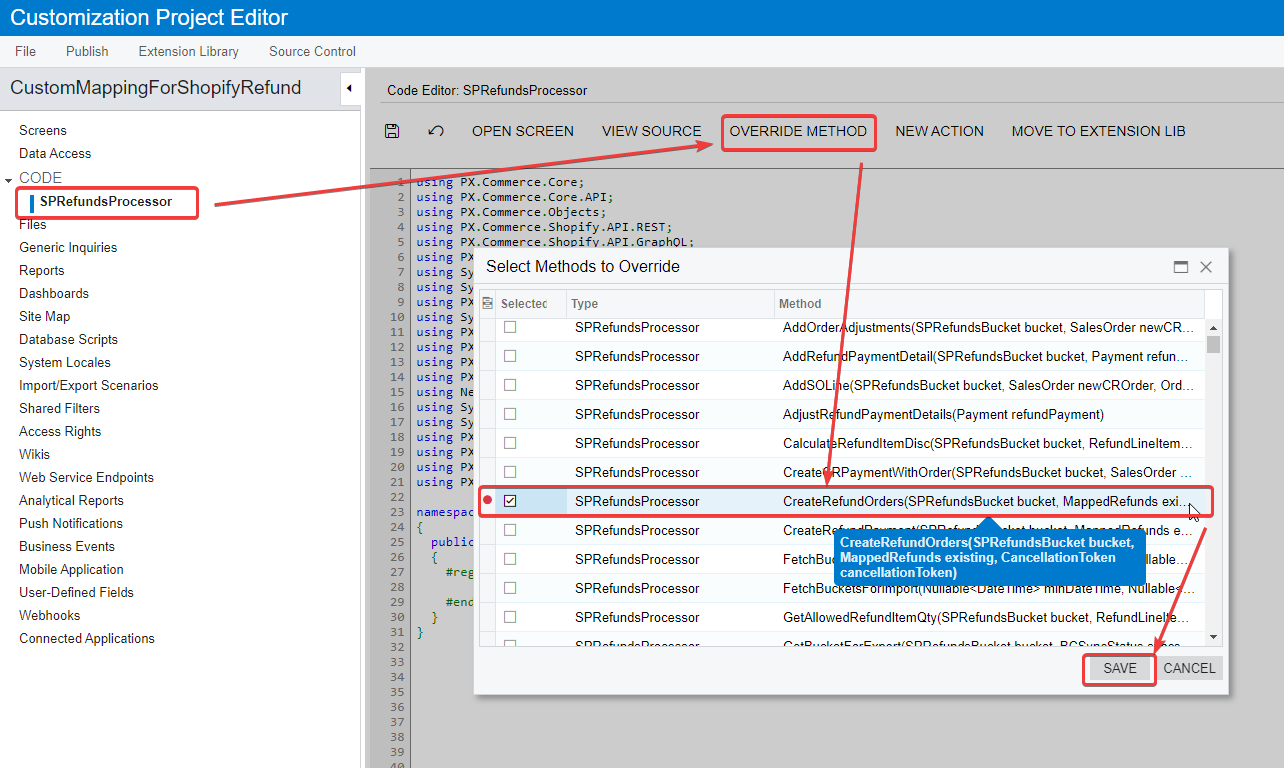
- Create a new code file, and extend the Graph from SPRefundsProcessor.
- Override the method CreateRefundOrders
	public class SPRefundsProcessor_Extension : PXGraphExtension<PX.Commerce.Shopify.SPRefundsProcessor>
	{
		public static bool IsActive() => CommerceFeaturesHelper.ShopifyConnector;
		#region Event Handlers
		public delegate Task CreateRefundOrdersDelegate(SPRefundsBucket bucket, MappedRefunds existing, CancellationToken cancellationToken);

		[PXOverride]
		public Task CreateRefundOrders(SPRefundsBucket bucket, MappedRefunds existing, CancellationToken cancellationToken, CreateRefundOrdersDelegate baseMethod)
		{
			var baseResult = baseMethod(bucket, existing, cancellationToken);

			SalesOrder origOrder = bucket.Refunds.Local;
			OrderData shopifyOrder = bucket.Refunds?.Extern;
			List<SalesOrder> refundOrders = new List<SalesOrder>();
			if(origOrder.RefundOrders?.Count > 0)
			{
				foreach(SalesOrder oneRefund in origOrder.RefundOrders)
				{
					//shopifyOrder is the Order data, if you want to map the value from Refund data, you can get it from ShopifyOrder.Refunds
					oneRefund.Note = shopifyOrder.Note;

					//Setup custom field mapping.
					SetCustomField(oneRefund);
					refundOrders.Add(oneRefund);
				}
				origOrder.RefundOrders = refundOrders;
			}

			return baseResult;
		}

		//Do the mapping to a custom field.
		private void SetCustomField(ILocalEntity impl)
		{
			string viewName = "Document";
			string fieldName = "SalesPersonID";
			string fieldValue = "WEB";
			CustomField field = impl.Custom?.Where(x => x.ViewName == viewName && x.FieldName == fieldName).FirstOrDefault();
			if(field == null)
			{
				SchemaInfo schema = ConnectorHelper.GetConnectorSchema(Base.Operation.ConnectorType, Base.Operation.Binding, BCEntitiesAttribute.Order);
				{
					CustomFieldInfo template = schema.CustomFields?.Where(x => x.Container == impl.GetType().Name && x.Field.ViewName == viewName && x.Field.FieldName == fieldName).FirstOrDefault();
					if (template?.Field != null)
					{
						field = template.Field.CreateCustomFieldCopy();
						if (impl.Custom == null) impl.Custom = new List<CustomField>();
						impl.Custom.Add(field);
					}
				}
			}
			if (field != null)
			{
				var targetType = field.GetType();

				//If the custom field is not StringValue type, you need to change it.
				StringValue newValue = new StringValue() { Value = fieldValue };
				var propertyVal = targetType.GetProperty("Value");
				if (propertyVal != null)
				{
					propertyVal.SetValue(field, newValue);
				}
				else
				{
					FieldInfo fieldVal = targetType.GetField("Value");
					if (fieldVal != null)
					{
						fieldVal.SetValue(field, newValue);
					}
				}
			}
		}

		#endregion
} - Publish the customization and import the refund.
I attached the customization package for your reference.
Hope it helps!