Answer

How to update Customer Attribute on customer sync

  • January 4, 2024
  • 6 replies
  • 137 views

Forum|alt.badge.img+1

Hi Team

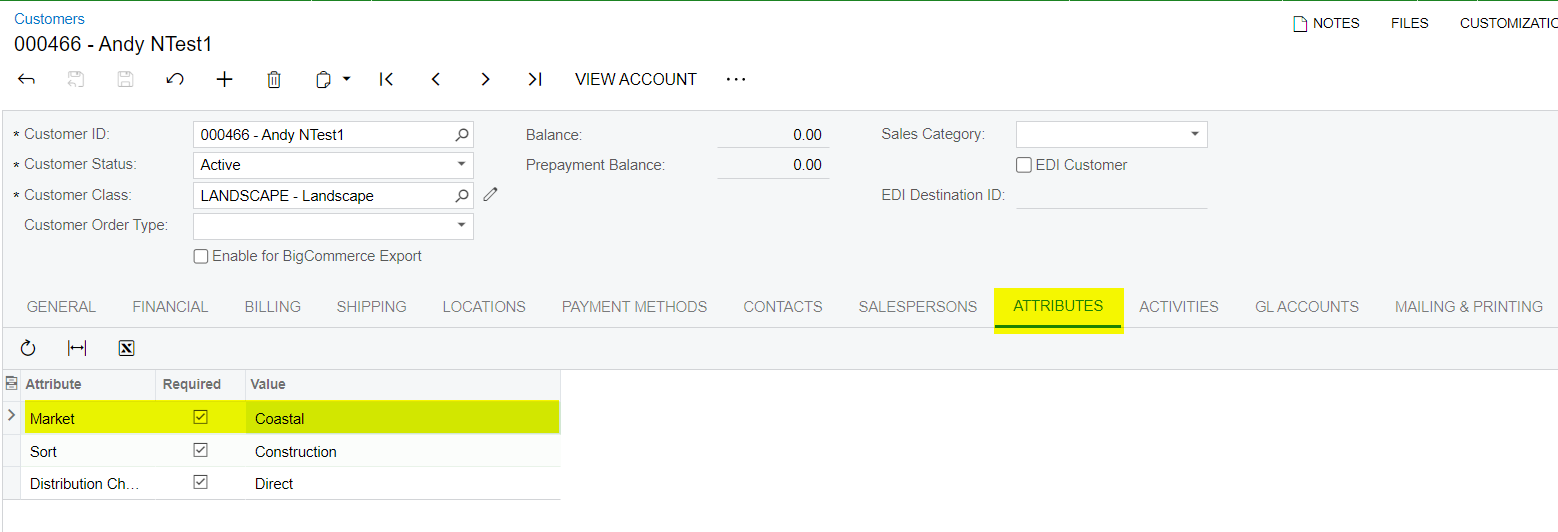
We have a requirement where we want to update Acumatica Customer level attributes value (based on some configuration) while customer sync from BigCommerce to Acumatica.

Can you please suggest what is the best possible way to achieve it. 


Thank you in Advance!

Best answer by simonliang91

@saikrishnav35 , if the source data is from order, I think it’s hard to get the correct order info in the Customer sync, because during the Customer sync process, it doesn’t have any order info. 

So I suggest to override the SaveBucketImport method in Order processor, you have both Customer and Order data in the Order processor, inside this method:

  1. you can get the the CustomerID from bucket.Order.Local.CustomerID field
  2. you can get the Customer localID(NoteID) from bucket.Customer.LocalID
  3. Get the source value from bucket.Order.Extern.NoteAttributes, NoteAttributes is a list of NameValuePair object(there are 2 fields inside NameValuePaie class, one is Name, another is Value), the source data in Shopify side is "note_attributes" field.
  4. Setup the customer attribute value
  5. Call the api to save customer into Acumatica

6 replies

simonliang91
Acumatica Employee
Forum|alt.badge.img+1
  • Acumatica Employee
  • January 5, 2024

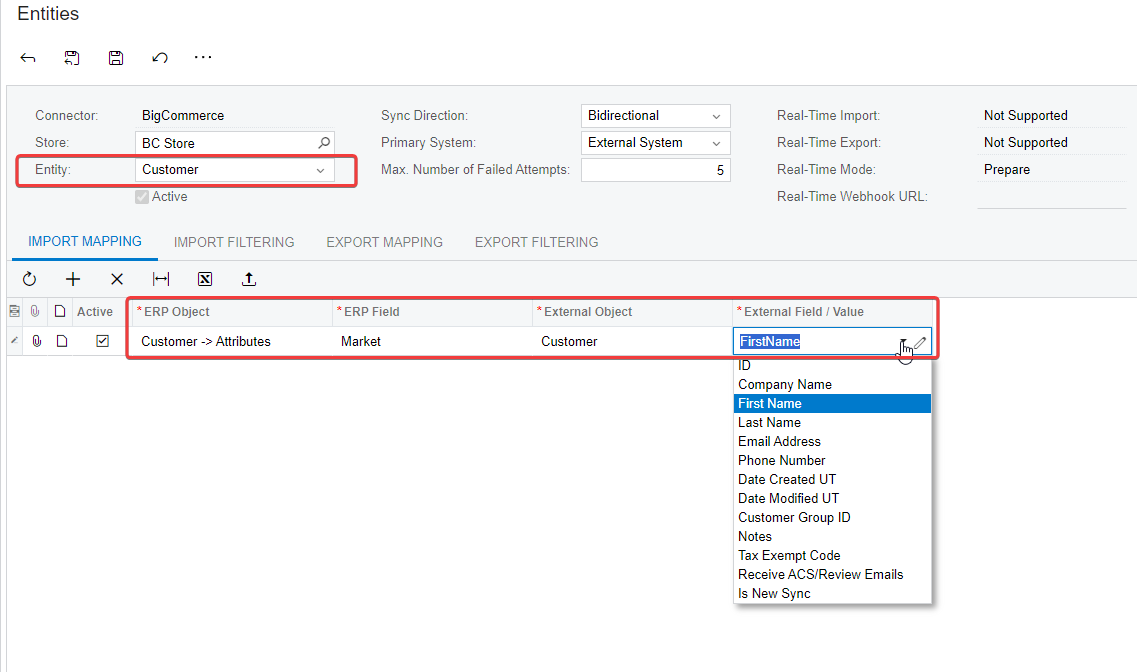
@saikrishnav35 , you can use the Entity Mapping(BC202000) to achieve this goal.

The data source is from “ExternalField/Value” column, it can be a field name in the list, or the fixed value or value based on the formula.


Forum|alt.badge.img+1
  • Author
  • Semi-Pro III
  • January 5, 2024

Hi @simonliang91 


Thank you for the response.
The attribute values that we need to update are not directly available to a certain field but it is there in some other field in the form on json with some additional details and that is where we need to deserialize this json data, fetch the respective value and assign to the respective attribute. We tried to override MapBucketImport in CustomerProcessor graph to achieve this but that didn’t worked.


simonliang91
Acumatica Employee
Forum|alt.badge.img+1
  • Acumatica Employee
  • January 5, 2024

@saikrishnav35 , what’s the data source field in this case? Is it a form field? 

Please share the json data, I can provide more help.


Forum|alt.badge.img+1
  • Author
  • Semi-Pro III
  • January 5, 2024

Hi @simonliang91 , thank you for the response.
 
The attribute values will be there in order notes as json in below format:
{"Territory_Info":"Eastern,GA","xyz":"abc"}
On order sync, first customer will sync. At this time we will make additional API call to get order notes details. Then deserialize this json, fetch the required value and update the customer attributes.


simonliang91
Acumatica Employee
Forum|alt.badge.img+1
  • Acumatica Employee
  • Answer
  • January 5, 2024

@saikrishnav35 , if the source data is from order, I think it’s hard to get the correct order info in the Customer sync, because during the Customer sync process, it doesn’t have any order info. 

So I suggest to override the SaveBucketImport method in Order processor, you have both Customer and Order data in the Order processor, inside this method:

  1. you can get the the CustomerID from bucket.Order.Local.CustomerID field
  2. you can get the Customer localID(NoteID) from bucket.Customer.LocalID
  3. Get the source value from bucket.Order.Extern.NoteAttributes, NoteAttributes is a list of NameValuePair object(there are 2 fields inside NameValuePaie class, one is Name, another is Value), the source data in Shopify side is "note_attributes" field.
  4. Setup the customer attribute value
  5. Call the api to save customer into Acumatica

Forum|alt.badge.img+1
  • Author
  • Semi-Pro III
  • January 8, 2024

Hi @simonliang91 

Thanks for you response, I will check as per your suggestion.