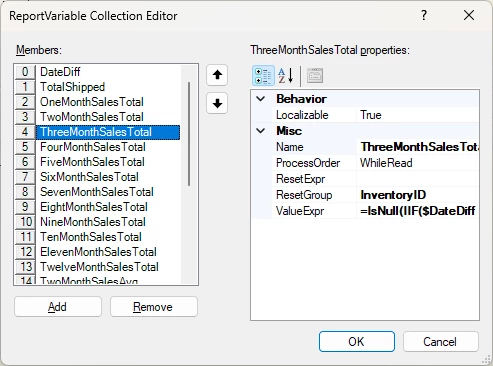
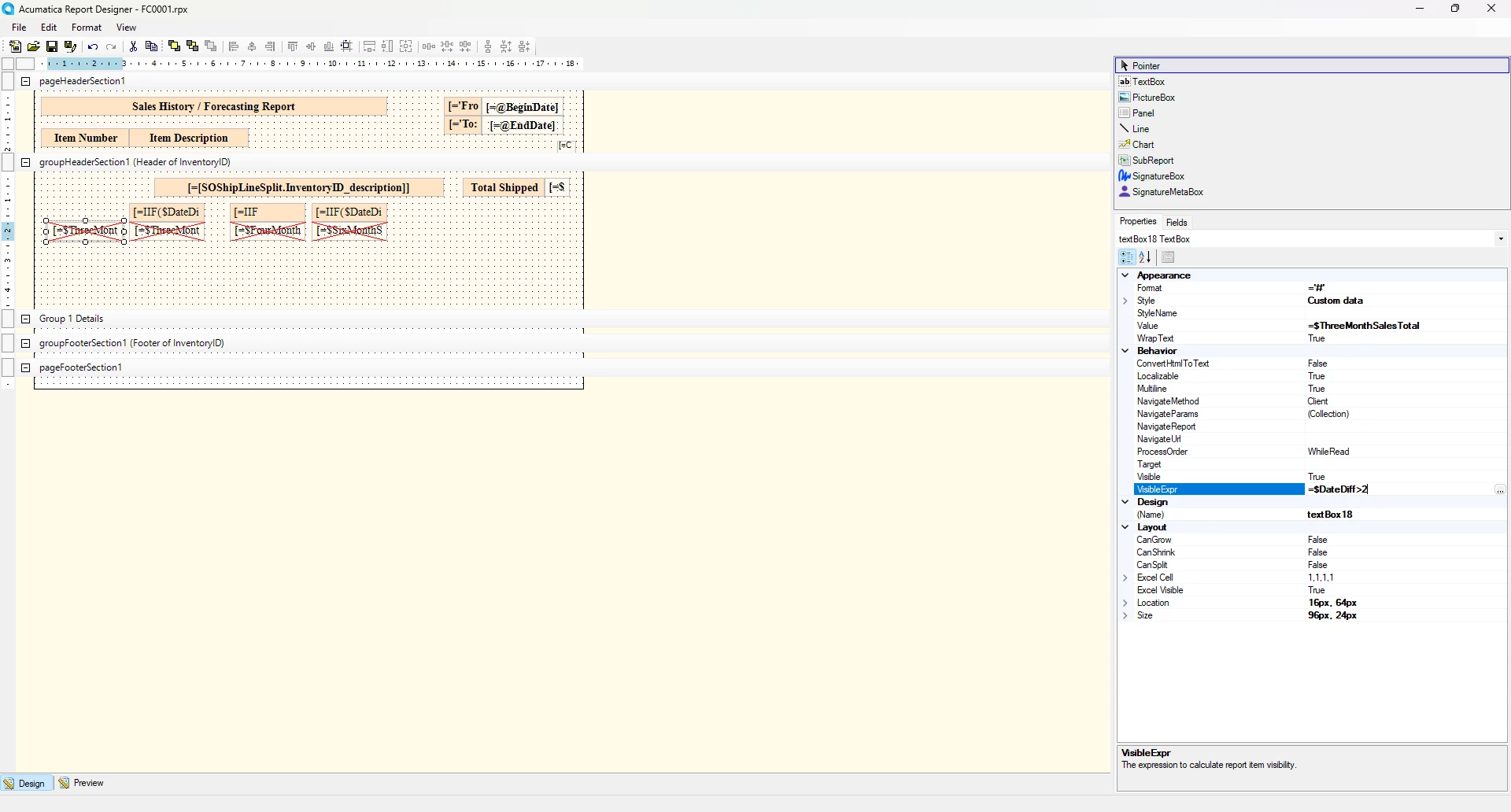
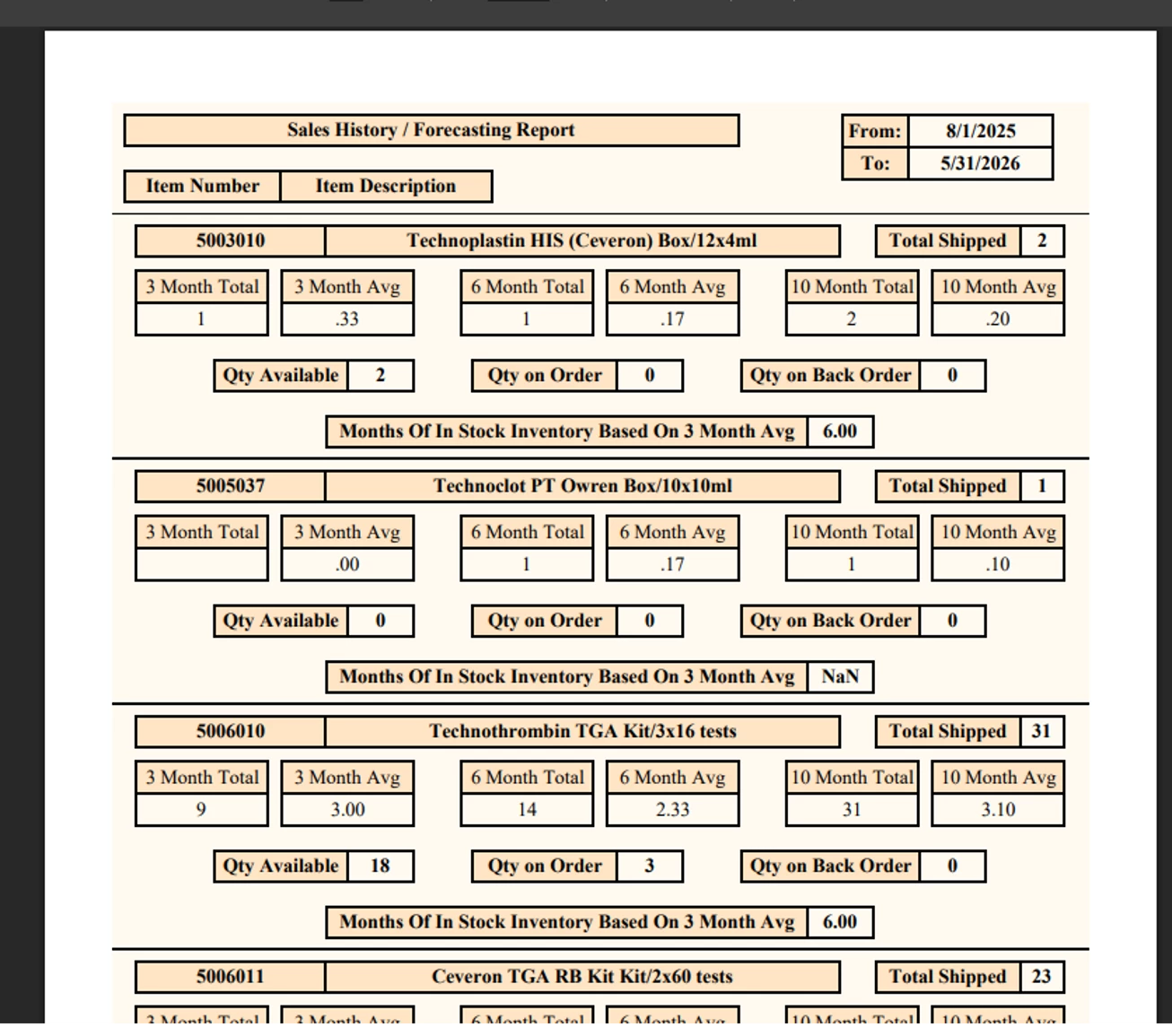
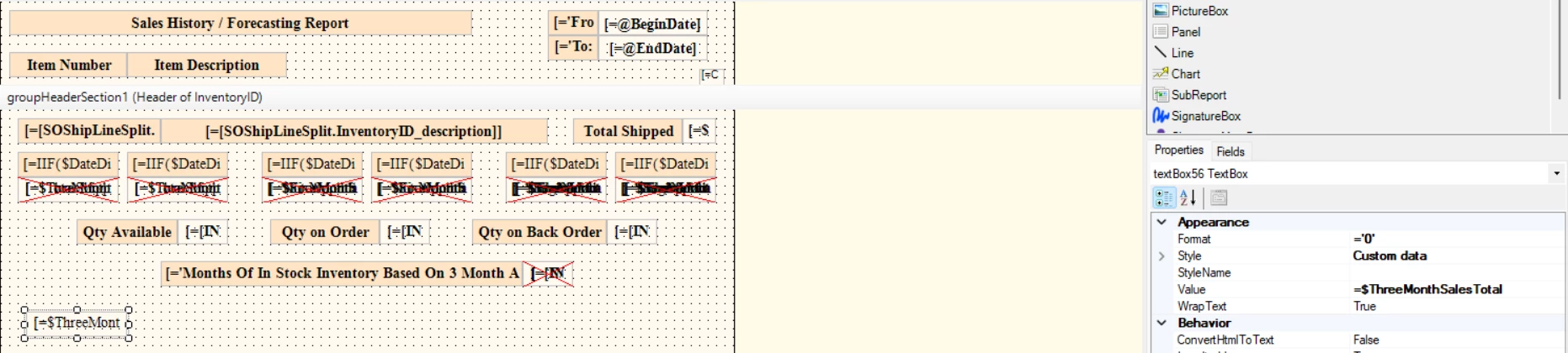
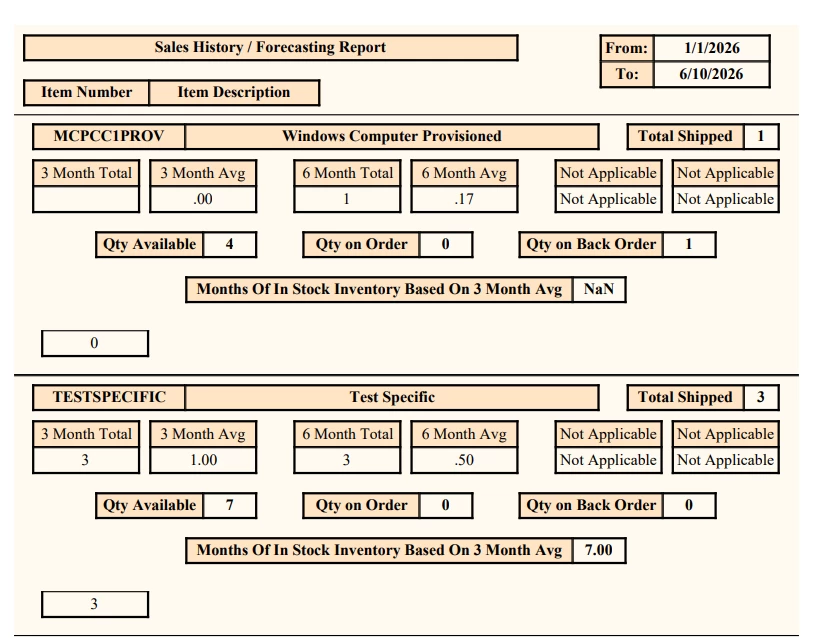
I’ve created a variable to sum the total amount shipped of an item during a specific time period. However, if zero of this item are shipped, the variable is blank, instead of outputting 0. Can someone review my code and hopefully point out what I have been overlooking?
Try =’0’ instead of =‘#’ as the format string. I’m still unsure why it doesn’t work as is, because the variable value should in fact be 0. Seems to be something about processing order related to the IIF, even though both the true and false expressions are numeric.
In any event, =’0’ will force the control to print a 0 if the value is null. Also if you leave the format string blank or use something like [INSiteStatus.QtyOnHand.Format] that worked in my testing. Hopefully one of these format options will accomplish what you need.
In the case when there are no details for the overall query on an inventory group, perhaps it is not executing the formula at all? Is your variable in the header or the footer section of the item group? You can use the ResetGroup and ResetExpr properties on the variable to reset the expression to 0 on each group. I don’t see any issue with the formula itself, but you could also try wrapping your expression with the IsNull function:
Try =’0’ instead of =‘#’ as the format string. I’m still unsure why it doesn’t work as is, because the variable value should in fact be 0. Seems to be something about processing order related to the IIF, even though both the true and false expressions are numeric.
In any event, =’0’ will force the control to print a 0 if the value is null. Also if you leave the format string blank or use something like [INSiteStatus.QtyOnHand.Format] that worked in my testing. Hopefully one of these format options will accomplish what you need.
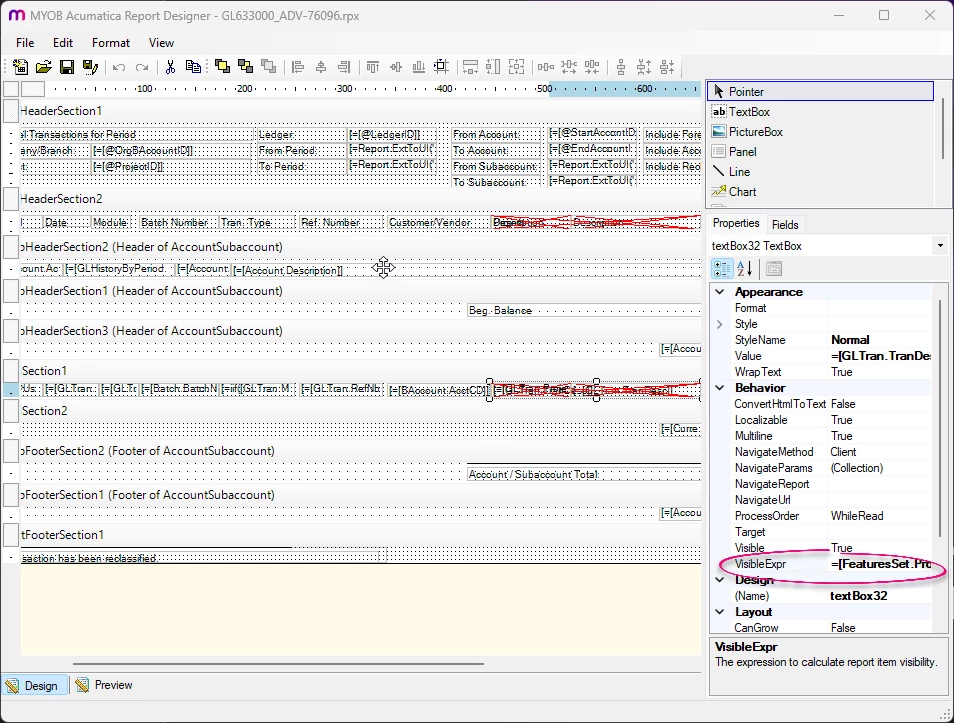
@MSmithDPG That's odd because it worked for me. I noticed that you have some overlapping controls. Could you try moving one to a different spot and removing the visibility condition to make sure they are not conflicting and that it's not a visibility issue?
Sorry for the slow reply (had to go wear one of my many other hats) but I figured out the issue. Your initial suggest of using INSite for the formatting worked. In my rush to move from task to task, I forgot to swap the report version back from my “working” version to the “test” version.
It was driving me crazy that the coding looked right but the formatting was throwing it through a loop for some reason.
Now I can adjust another variable and start adding in my subreports.
Thank you for all of your help. It’s much appreciated.