

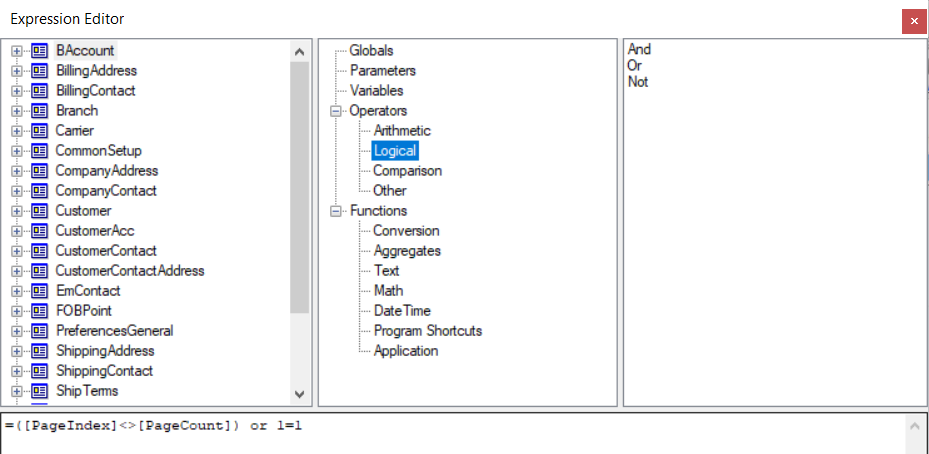
Is there away to use ‘AND’ and ‘OR’ in a visible expression on a report writer section? If so, what is the correct syntax as I have tried various parenthesis and cannot get it to work so any help would be appreciated.
Solved
Using 'OR' in a visible expression on section in report writer



Best answer by BenjaminCrisman
Hi
Either it meets the visibility expression, or it doesn’t, but there isn’t a way to specify multiple visibility expressions for a single section.
The thing to do would probably be to duplicate the section with the visibility expression and create one for each instance needed, or use one expression which will bring in all the needed data and then use visibility expressions on the individual fields instead.






Login to the community
No account yet? Create an account
Social Login
Login with your Acumatica accountEnter your E-mail address. We'll send you an e-mail with instructions to reset your password.