Answer

Time Format on Pivot Table based on GI

  • January 8, 2025
  • 12 replies
  • 152 views

bigil
Freshman II
Forum|alt.badge.img

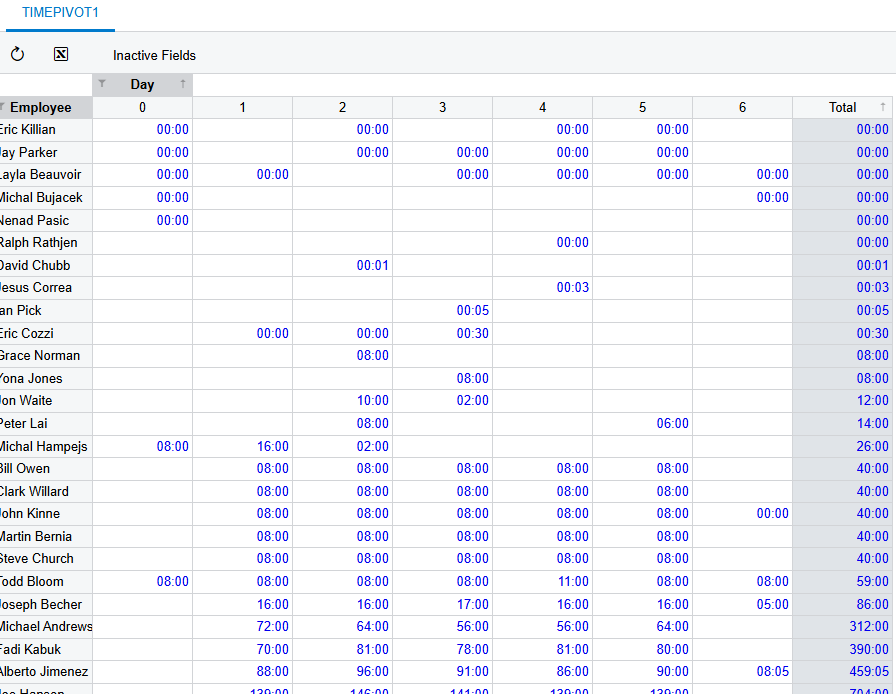
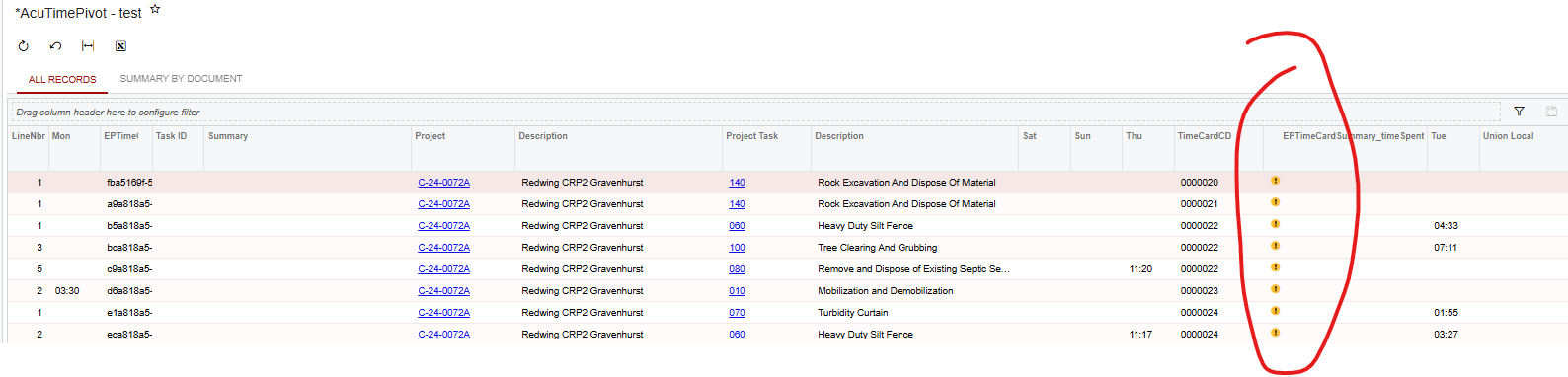
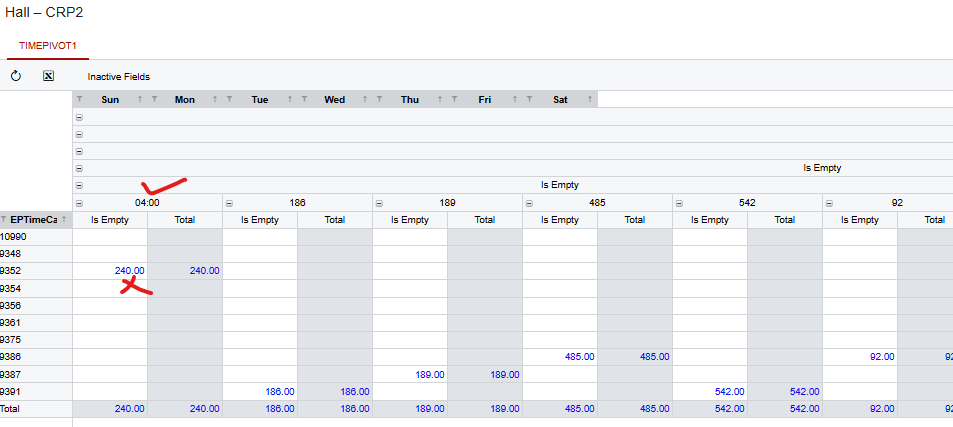
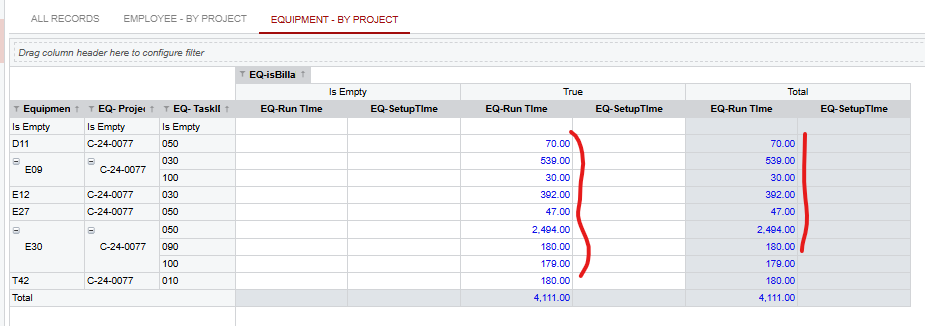
In Pivot Table , the time is not showing properly . It showing as Integer .

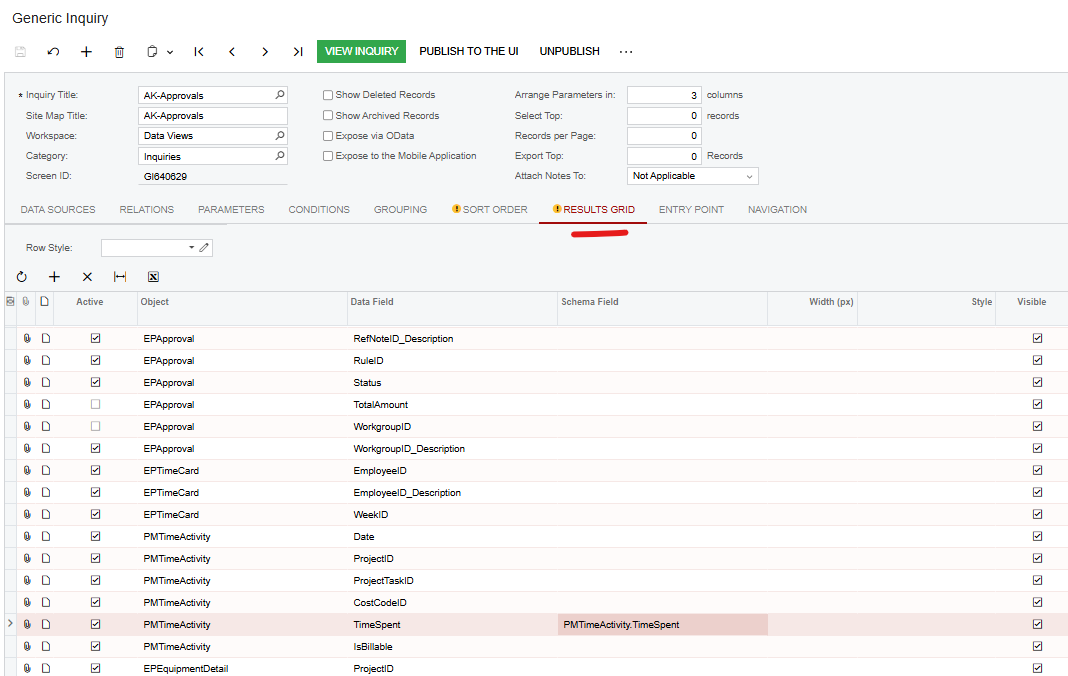
For example below GI based Time sheet report for Equipment / Employee Time . This is showing correctly
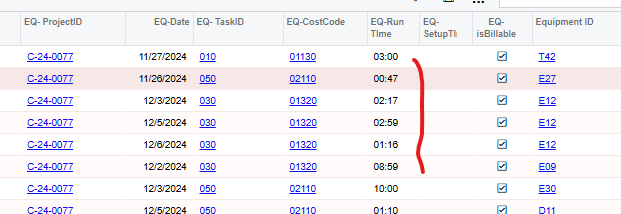
but when we make a Pivot table using the same data the time is showing as integer , any option to show it as proper time . 

Tried “Format” option on Pivot table but it does not helped.
 

Best answer by meganfriesen37

If you want to just convert it to decimals (i.e. 4:30 becomes 4.5 and then it’s way easier to do math with) then try this formula: =IsNull(cdbl([PMTimeActivity.TimeSpent]),'0.00')/60  (I’m looking at the PMTimeActivity table, so swap out the appropriate time field into the formula)

12 replies

BenjaminCrisman
Acumatica Employee
Forum|alt.badge.img+4
  • Acumatica Support Team
  • January 8, 2025

@bigil This is because the data is stored in this format in the DB, so it displays like this in the pivot.

Have you tried setting a schema on the field in the GI which the pivot is using?

Also, what formatting are you trying to use on the pivot already?


bigil
Freshman II
Forum|alt.badge.img
  • Author
  • Freshman II
  • January 10, 2025

Tried Schema option but it is not helping . Trying to use HH:mm as format 


BenjaminCrisman
Acumatica Employee
Forum|alt.badge.img+4
  • Acumatica Support Team
  • January 10, 2025

@bigil Where are you using this schema?


bigil
Freshman II
Forum|alt.badge.img
  • Author
  • Freshman II
  • January 14, 2025

in GI Result Grid.


BenjaminCrisman
Acumatica Employee
Forum|alt.badge.img+4
  • Acumatica Support Team
  • January 15, 2025

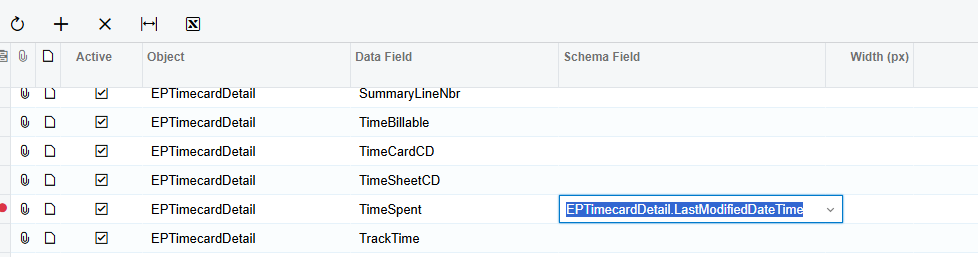
 ​@bigil This is because the field is stored as INT in the database, this type of schema is not going to work.

You should try using PMTimeActivity.LastModifiedDateTime, this worked for me:


bigil
Freshman II
Forum|alt.badge.img
  • Author
  • Freshman II
  • January 21, 2025

@BenjaminCrisman Can you please share the GI used . I am getting Data type error ..


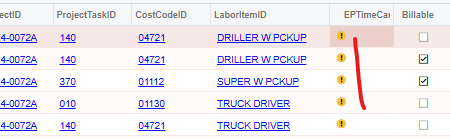
“The data type that is expected for this column mismatches the data type of the following retrieved value: 1491.” 


BenjaminCrisman
Acumatica Employee
Forum|alt.badge.img+4
  • Acumatica Support Team
  • January 21, 2025

@bigil Here’s the GI and the pivot I was using


bigil
Freshman II
Forum|alt.badge.img
  • Author
  • Freshman II
  • January 21, 2025

This GI also have same issue .


bigil
Freshman II
Forum|alt.badge.img
  • Author
  • Freshman II
  • January 21, 2025

This is my GI Report . Can you please have a look ?


bigil
Freshman II
Forum|alt.badge.img
  • Author
  • Freshman II
  • January 24, 2025

@BenjaminCrisman any luck ?


Chris Hackett
Community Manager
Forum|alt.badge.img
  • Acumatica Community Manager
  • April 24, 2025

Hi ​@bigil were you able to find a solution? Thank you!


meganfriesen37
Captain II
Forum|alt.badge.img+12
  • Captain II
  • Answer
  • April 25, 2025

If you want to just convert it to decimals (i.e. 4:30 becomes 4.5 and then it’s way easier to do math with) then try this formula: =IsNull(cdbl([PMTimeActivity.TimeSpent]),'0.00')/60  (I’m looking at the PMTimeActivity table, so swap out the appropriate time field into the formula)