

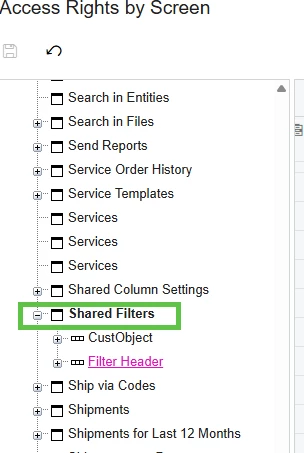
I can’t figure out where the access rights to share a filter on a GI is located in the permission settings.
Solved
Shared Filter on Generic Inquiry Permissions


 +5
+5Best answer by Manikanta Dhulipudi
Hi
Please follow the below article https://www.crestwood.com/2017/08/12/filters-permissions-in-acumatica/#:~:text=In%20order%20for%20users%20to,edit%2Fremove%20their%20own%20filters.
How to set permissions for filters:
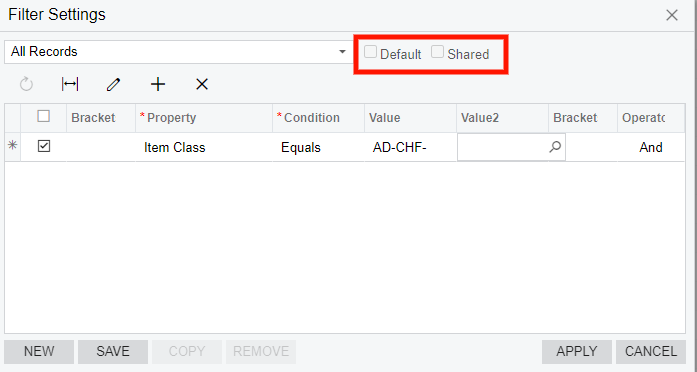
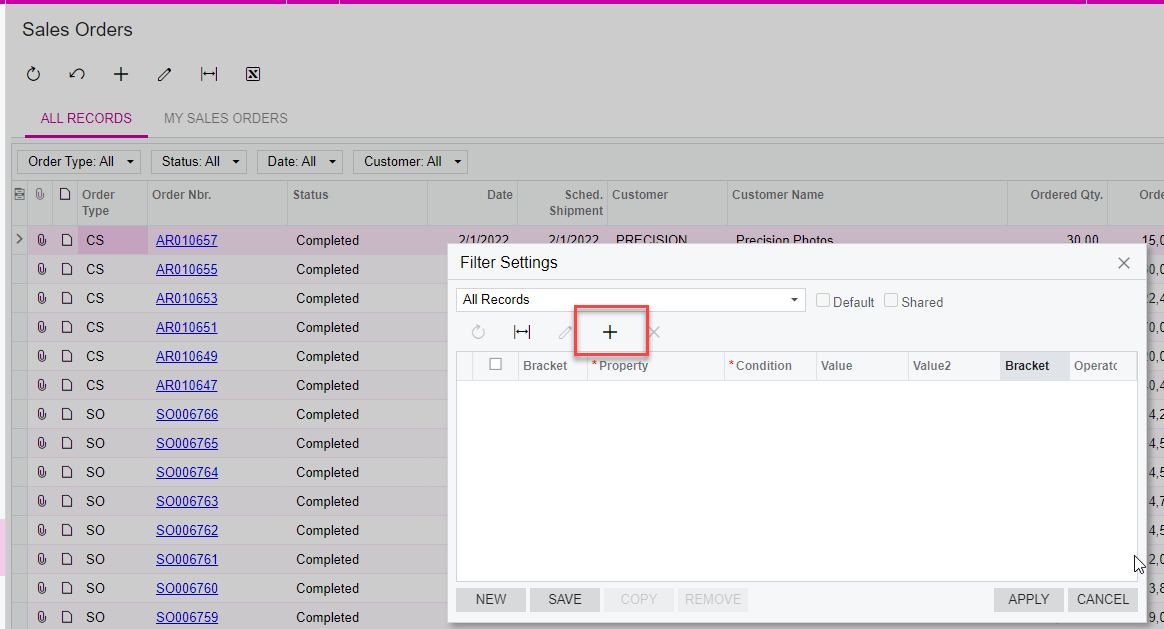
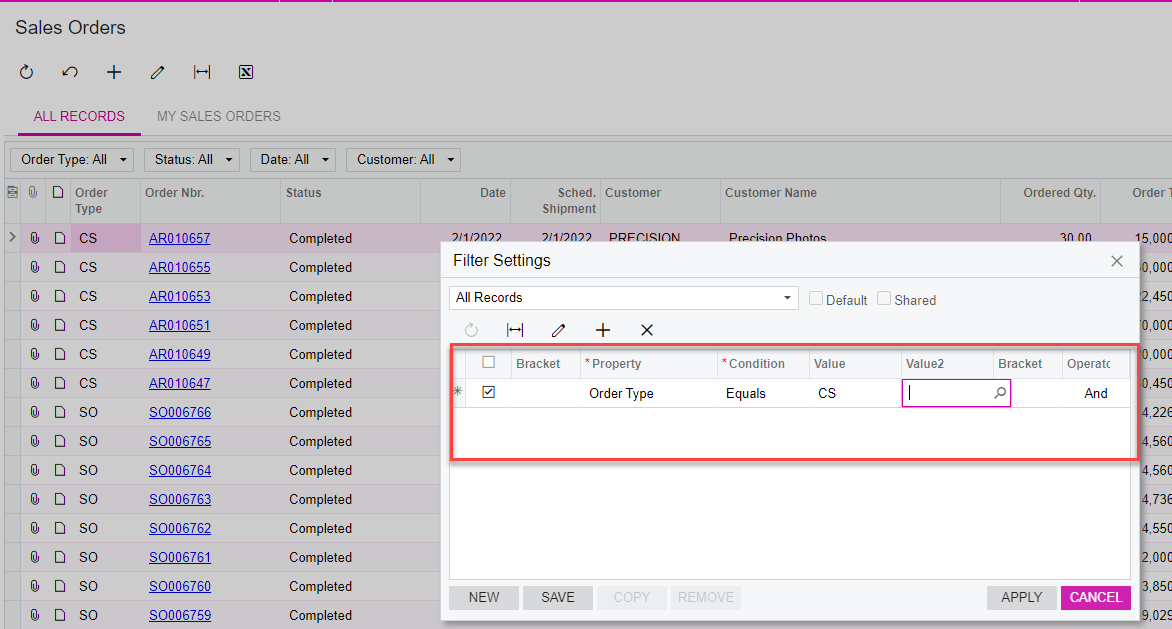
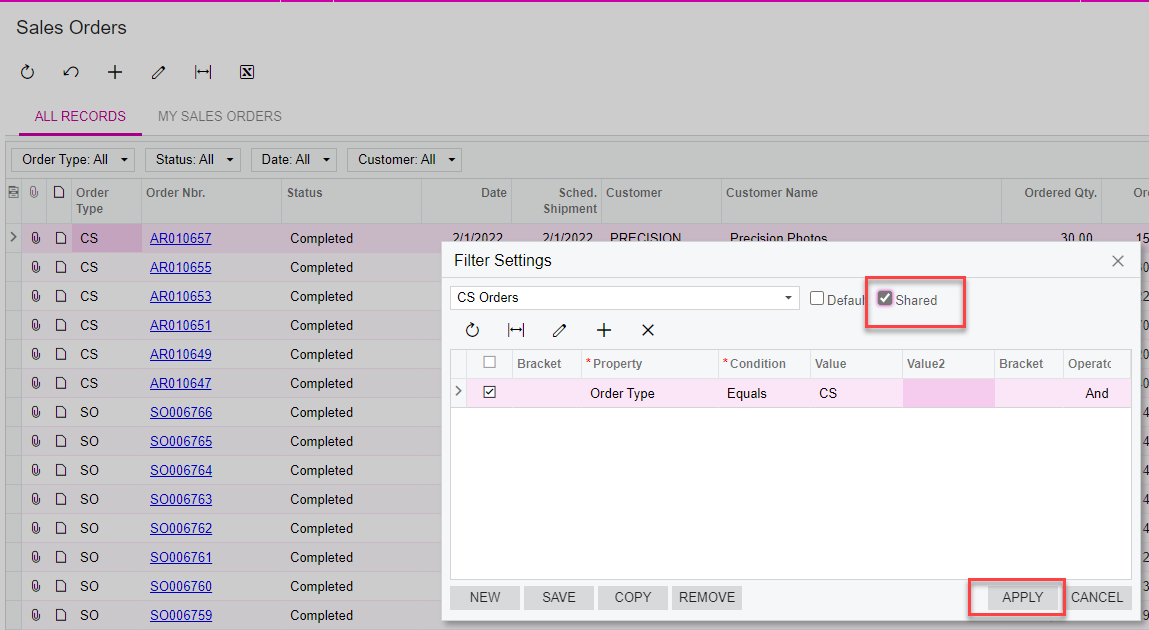
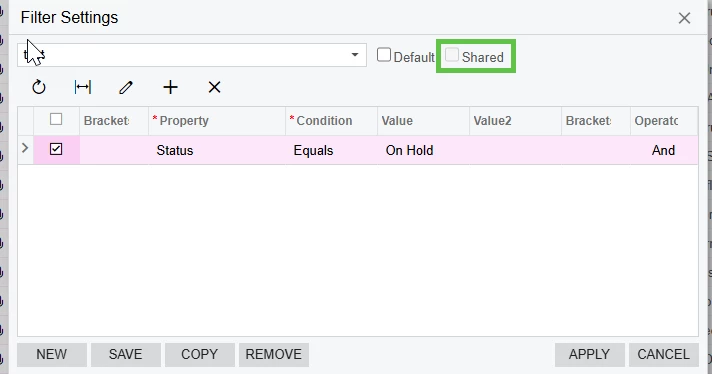
In order for users to be able to create filters in Acumatica, users need permissions to the “Filters” screen (located at System -> Customization -> Work Area -> Manage -> Filters). Giving the role, Delete rights, makes sure they can add/edit/remove their own filters. If you want to block users from being able to set a filter as “Shared”, here is what I’d recommend:
- System -> Customization -> Work Area -> Manage -> Filters = Delete
- System -> Customization -> Work Area -> Manage -> Filters -> Filter Header = Delete
- System -> Customization -> Work Area -> Manage -> Filters -> Filter Header -> Is Shared = Revoked
Thanks










Login to the community
No account yet? Create an account
Social Login
Login with your Acumatica accountEnter your E-mail address. We'll send you an e-mail with instructions to reset your password.