Question

Setting report lines to match project entry

  • February 16, 2026
  • 4 replies
  • 11 views

Forum|alt.badge.img

Hello,

I had a salesperson come to me and ask if I can make sure that the lines in her Project Quote match the lines that are printed in the report. I see for sales orders , SOLine.SortOrder can be used. However PMQuote.SortOrder doesn’t look to exist. Has anyone sorted the lines on a Project Quote?

Thank You,
Brent

4 replies

Samvel Petrosov
Jr Varsity II
Forum|alt.badge.img+9

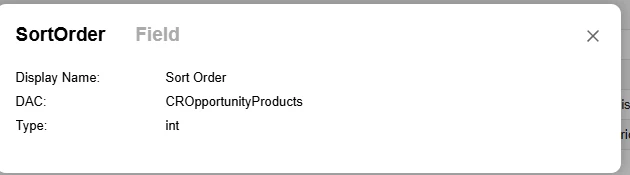
You need to look for that field in the CROpportunityProducts table and not PMQuote.

PMQuote is the header, CROpportunityProducts is the line details.


Forum|alt.badge.img
  • Author
  • Jr Varsity II
  • February 16, 2026

Thank You! That got it so the form didn’t explode, however it doesn’t seem to help with the line order. Am I missing a step? 


I entered that in the form under sorting. I added a line, then added it. I’ve moved it up and down the list with no resolve. 


Samvel Petrosov
Jr Varsity II
Forum|alt.badge.img+9

Have you adjusted the report to sort by SortOrder? Usually the default sorting is based on the configured groupings.


Could you please attach the report to this post?


Forum|alt.badge.img
  • Author
  • Jr Varsity II
  • February 17, 2026

@Samvel Petrosov What exactly do you need to see?


Where is the option to change it to sort by sortorder? How do you attach the .RPX file to the forum? Do I need to link it?

Brent