Answer

Run Report from Workspace Menu without Visible Parameters

  • June 20, 2025
  • 6 replies
  • 62 views

Forum|alt.badge.img

Hello-

We have a report in the workspace menu that uses the typical behavior:

  • Click the Workspace
  • Click on the Report - Navigates to Parameters screen
  • Click on Run Report

What we are trying to eliminate is skipping over the Parameters screen and by clicking on the report, it runs automatically.

We have only one parameter called “User”, and here are the settings for that parameter:

  • Prompt: Empty
  • Default Value: =Report.GetDefUI('RowAccessInfo.UserName')
  • Allow Null Value = Checked
  • Visible: Unchecked
  • Required: Unchecked

So, the user is literally entering the Parameter screen with no parameters showing and clicking Run Report. They do this many times throughout the day. So far, I have tried:

  • Using a ‘ReportViewer’ URL in the Site Map - Takes me to a blank screen with the Tenant name in the top left corner
  • There are 15 Report Versions, could this be the trigger taking me to the Parameter screen?
  • Print and Email tab is pretty standard
  • “No Records Found” appears under the Additional Sort and Filters tab

This seems like a small problem/annoyance but will save a lot of time. Thanks in advance for any input

Best answer by mattjesse68

@mohammadnawaz51, I suppose this would need to be submitted to the Ideas page, I just wasn’t sure if there was a current workaround. Thanks again for your engagement in this question!

6 replies

mohammadnawaz51
Jr Varsity I
Forum|alt.badge.img+4

@mattjesse68 


Are you referring run the report without selection of parameter every time.


If yes please fill the parameters and saved the template.


Forum|alt.badge.img
  • Author
  • June 20, 2025

Thanks for the quick response, ​@mohammadnawaz51! Maybe I’m not understanding the comment ‘fill the parameters’, but the one parameter I do have is automatically filled by the Default Value from Report Designer


mohammadnawaz51
Jr Varsity I
Forum|alt.badge.img+4

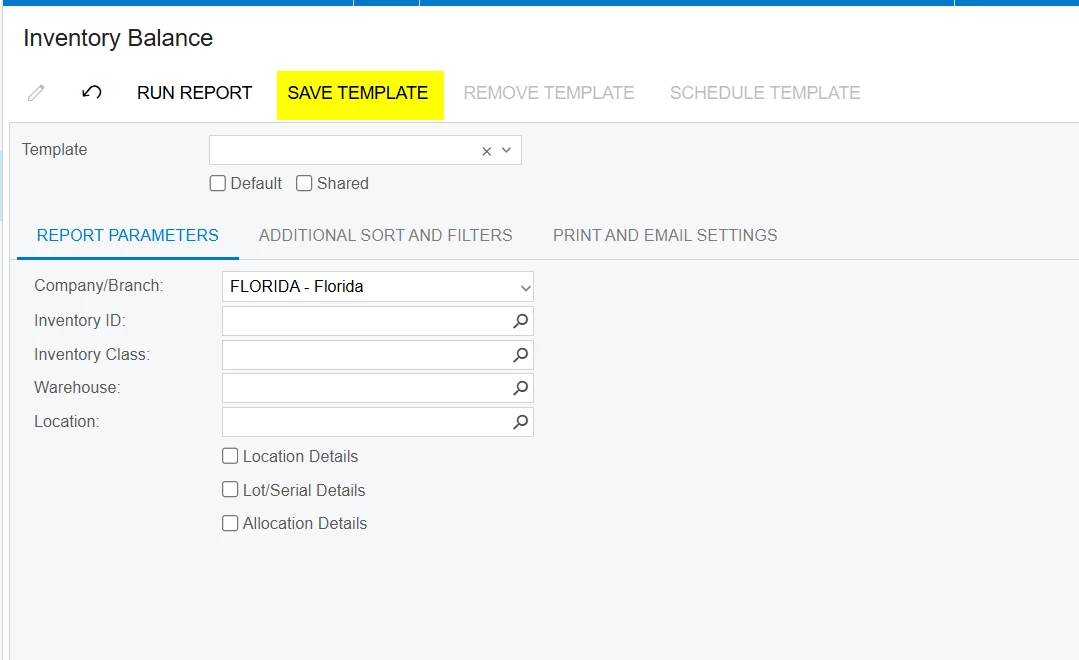
@mattjesse68 Could you please save the template?


Forum|alt.badge.img
  • Author
  • June 20, 2025

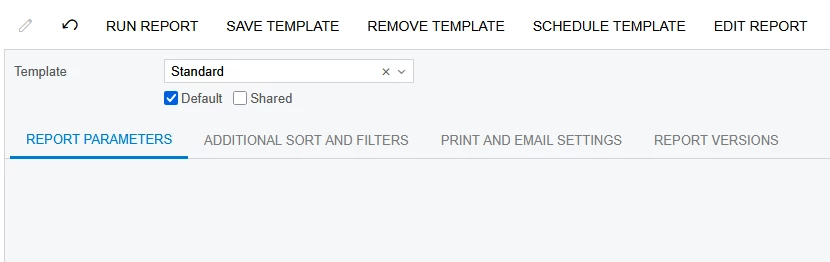
@mohammadnawaz51 Okay, I saved the Template as “Standard” and made it my Default. This is the screen I’m attempting to bypass and go straight to the report


mohammadnawaz51
Jr Varsity I
Forum|alt.badge.img+4

@mattjesse68I don't think conditionally hiding report parameters is currently possible.


Forum|alt.badge.img
  • Author
  • Answer
  • June 20, 2025

@mohammadnawaz51, I suppose this would need to be submitted to the Ideas page, I just wasn’t sure if there was a current workaround. Thanks again for your engagement in this question!