Hey, Gang - I’m trying to create a custom report for a client who wants to display all the lines associated with a selected task for any given Project Quote. Any assistance would be helpful here.
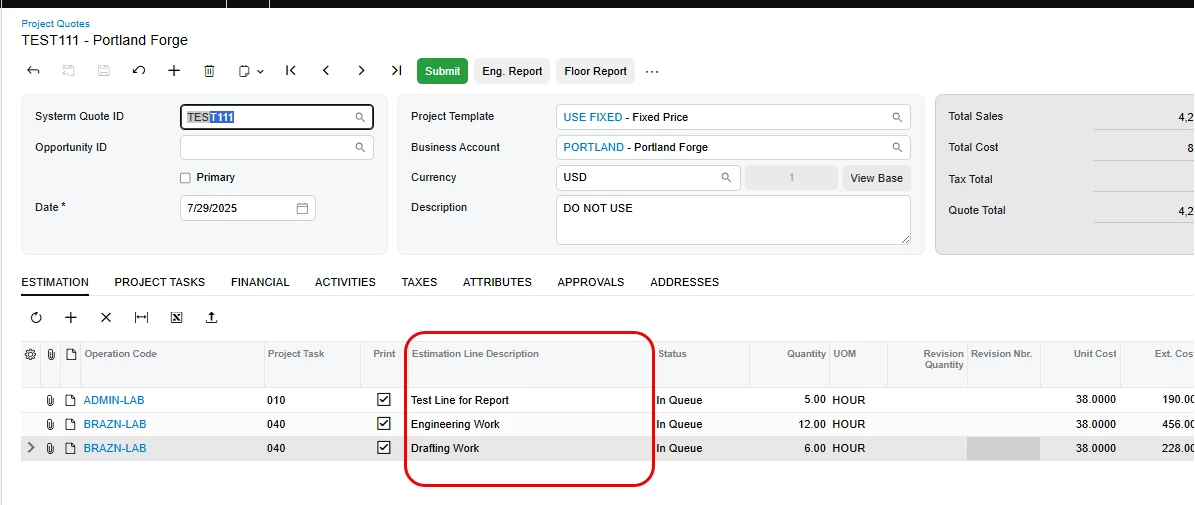
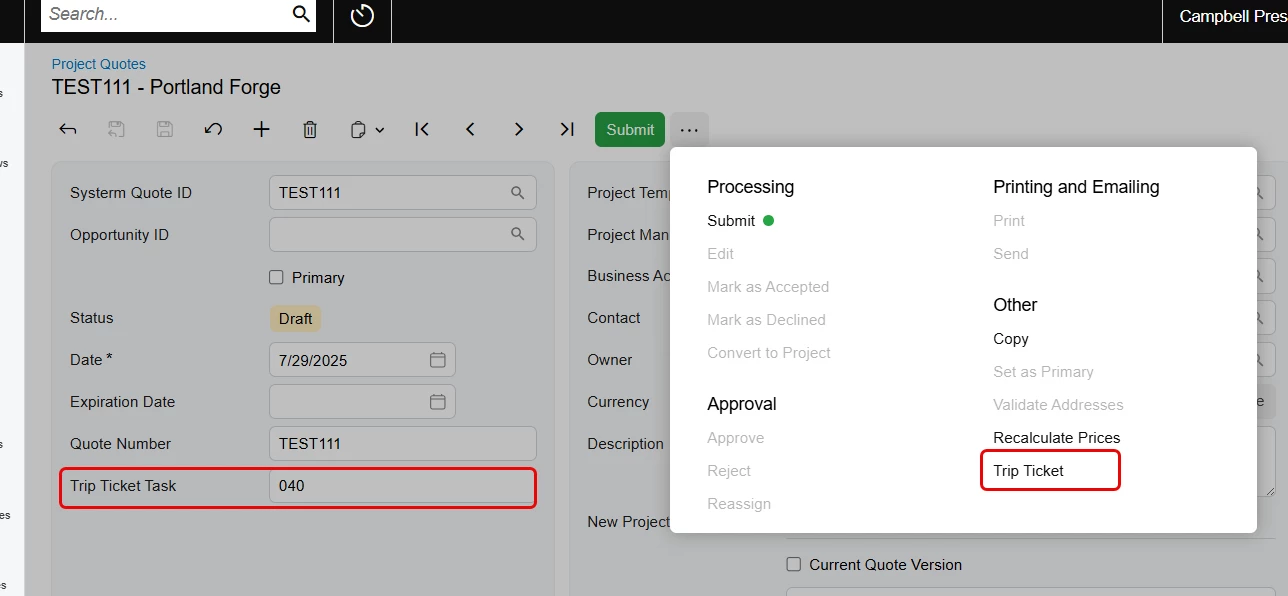
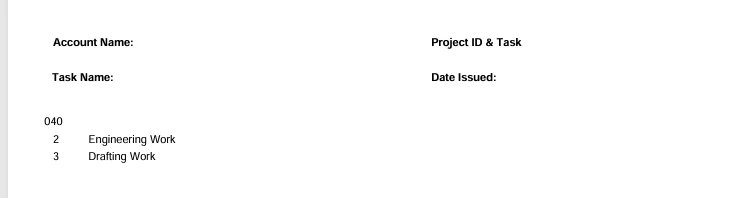
In a perfect world, the task would be retrieved from whatever line is selected on the Estimation tab. For example, using the screenshot below, the report would display ONLY the two lines associated with task 040 since that’s the task of the selected line. This would be awesome, but right now I just need to get it to recognize the tasks used in a given Quote.
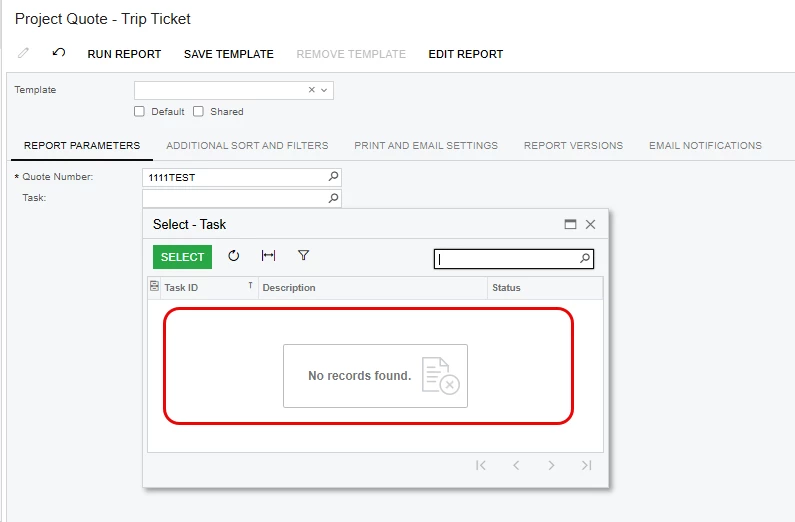
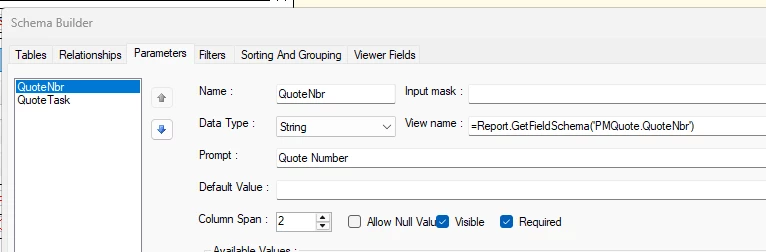
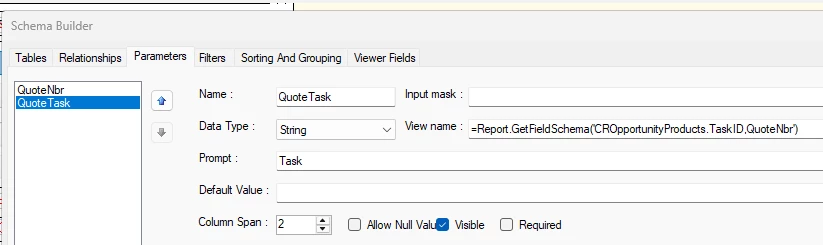
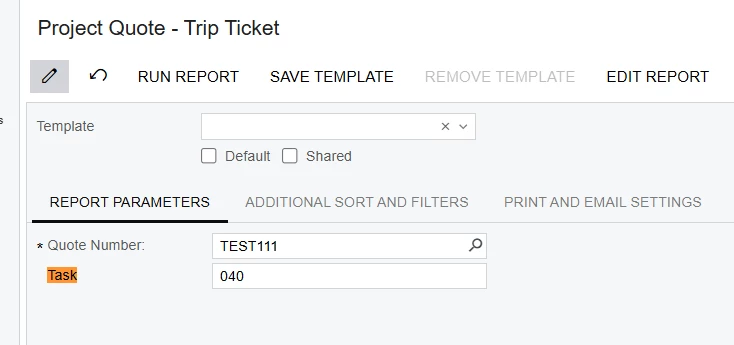
However, I can’t seem to get the system to recognize the task list for the selected Quote.
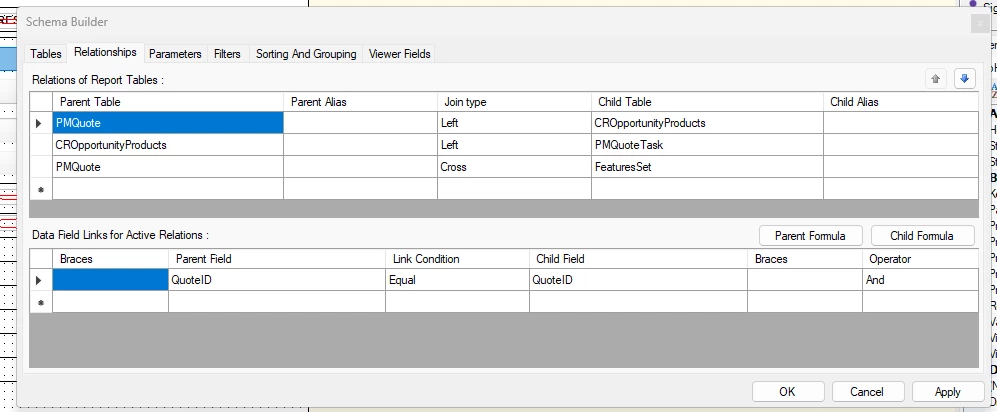
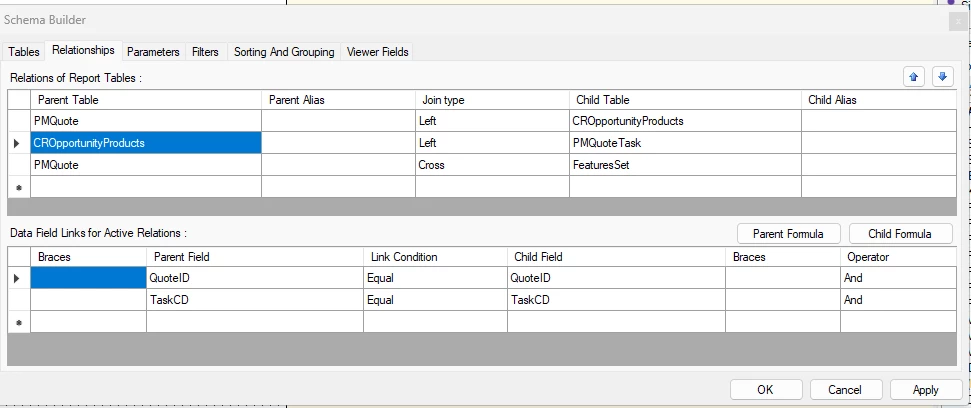
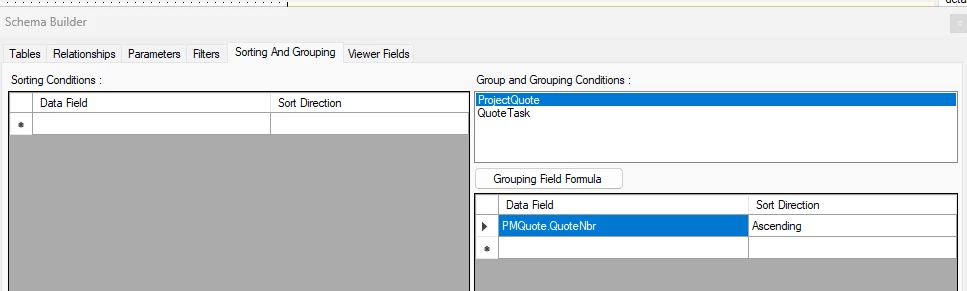
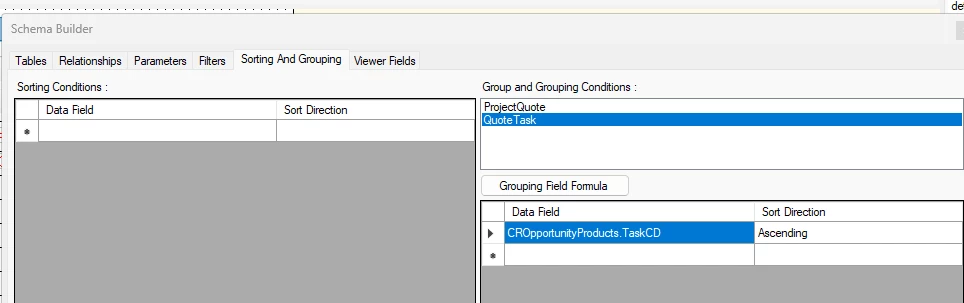
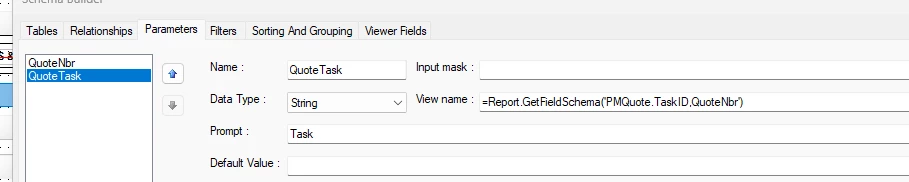
Here are the corresponding schema items
Best answer by nickcerri32
@npetrosov31 No, I only used the PMProject and PMTask reference for an example in Acumatica of how you can get the task to be a selector field as a parameter for a report. This post has only ever been about Quotes.
The system will not recognize using “QuoteID” instead of “QuoteNbr” in the parameter field. I’ve tested this a number of times, but the out of the box Quote report uses QuoteNbr, also.
Regardless, I can set the Task parameter to =Report.GetFieldSchema('PMQuoteTask.TaskID,QuoteNbr') and it works fine. I then put a UDF in the Summary for the Task to be selected. This is still a text field (since there are different tasks for each quote), but at least it’s in an area where the user can see the listing of Tasks.
I would try creating a small virtual (unbound) DAC containing QuoteNbr and TaskID, and use that DAC only to provide the schemas for the report parameters. A similar pattern is used in the SO641010 report, where BlanketSODetailsReportParameters is a virtual parameter DAC (for example, for OrderType).
In the virtual DAC, QuoteNbr can be the parent field and TaskID can have a dependent selector filtered by the selected quote. You can then reference those fields with Report.GetFieldSchema() in the Parameters tab; the virtual DAC does not need to be joined to the report tables.
Also, in your screenshots the parameter is named QuoteTask, but the report filter compares CROpportunityProducts.TaskCD to @Task. Unless there is another parameter named Task, that filter should reference @QuoteTask.
@npetrosov31 Thank you. I can’t say I have the dev knowledge to build a virtual DAC, so I won’t be going that route. Is there no other way to do this? I modeled the parameters after the Project/Task relationship and that seems to work just fine for project reports, why is it so different for Project Quotes?
I did change the filter reference from @Task to @QuoteTask, but this didn’t seem to make a difference - I still can’t get the task list related to the Quote.
For what it’s worth, if I change the parameter to =Report.GetFieldSchema(‘PMQuote.TaskID,QuoteNbr’), I can enter the task manually as a text field, which DOES give me the correct result. However, there is no task selection here.
Is this about PMProject and PMTask tables? The relation of the Project and Task are different in this case, that may become the source of the problem. In case of Project and Task the relation is done through ContractID field in Project and ProjectID field in Task, and those fields are directly related. In case of Project Quotes and CROpportunityProducts the relation is done through QuoteID field and not the QuoteNbr field. Actually CROpportunityProducts do not even have the QuoteNbr field. That may be the problem why you can’t show the Task ID-s in the filter field.
@npetrosov31 Thank you. I can’t say I have the dev knowledge to build a virtual DAC, so I won’t be going that route. Is there no other way to do this? I modeled the parameters after the Project/Task relationship and that seems to work just fine for project reports, why is it so different for Project Quotes?
I did change the filter reference from @Task to @QuoteTask, but this didn’t seem to make a difference - I still can’t get the task list related to the Quote.
I have tested many ways how to get the TaskID field working, but looks like creation of a Virtual DAC is the only one left. The thing is that the field itself is tied to the ProjectID field in the CROpportunityProducts DAC and the same ProjectID field is invisible and can’t be added or selected on report Parameters in UI.
Maybe somebody else can continue investigation from this point and help you with joining other tables, but I see the Virtual DAC creation as the only way now. I have checked other reports like Invoices report and they also are created using DAC with PXVirtual attribute.
@npetrosov31 No, I only used the PMProject and PMTask reference for an example in Acumatica of how you can get the task to be a selector field as a parameter for a report. This post has only ever been about Quotes.
The system will not recognize using “QuoteID” instead of “QuoteNbr” in the parameter field. I’ve tested this a number of times, but the out of the box Quote report uses QuoteNbr, also.
Regardless, I can set the Task parameter to =Report.GetFieldSchema('PMQuoteTask.TaskID,QuoteNbr') and it works fine. I then put a UDF in the Summary for the Task to be selected. This is still a text field (since there are different tasks for each quote), but at least it’s in an area where the user can see the listing of Tasks.