

Answer

Report Designer: Print results horizontally

  • June 19, 2025
  • 4 replies
  • 97 views

Forum|alt.badge.img

I tried to extract a generic inquiry and was hoping I could convert it into a report where they are print horizontally. I was wondering if you guys would have any insights how just like transpose in MS Excel. 


For example, I am printing a list of Branches and the time they are created and it is currently printing like this: 
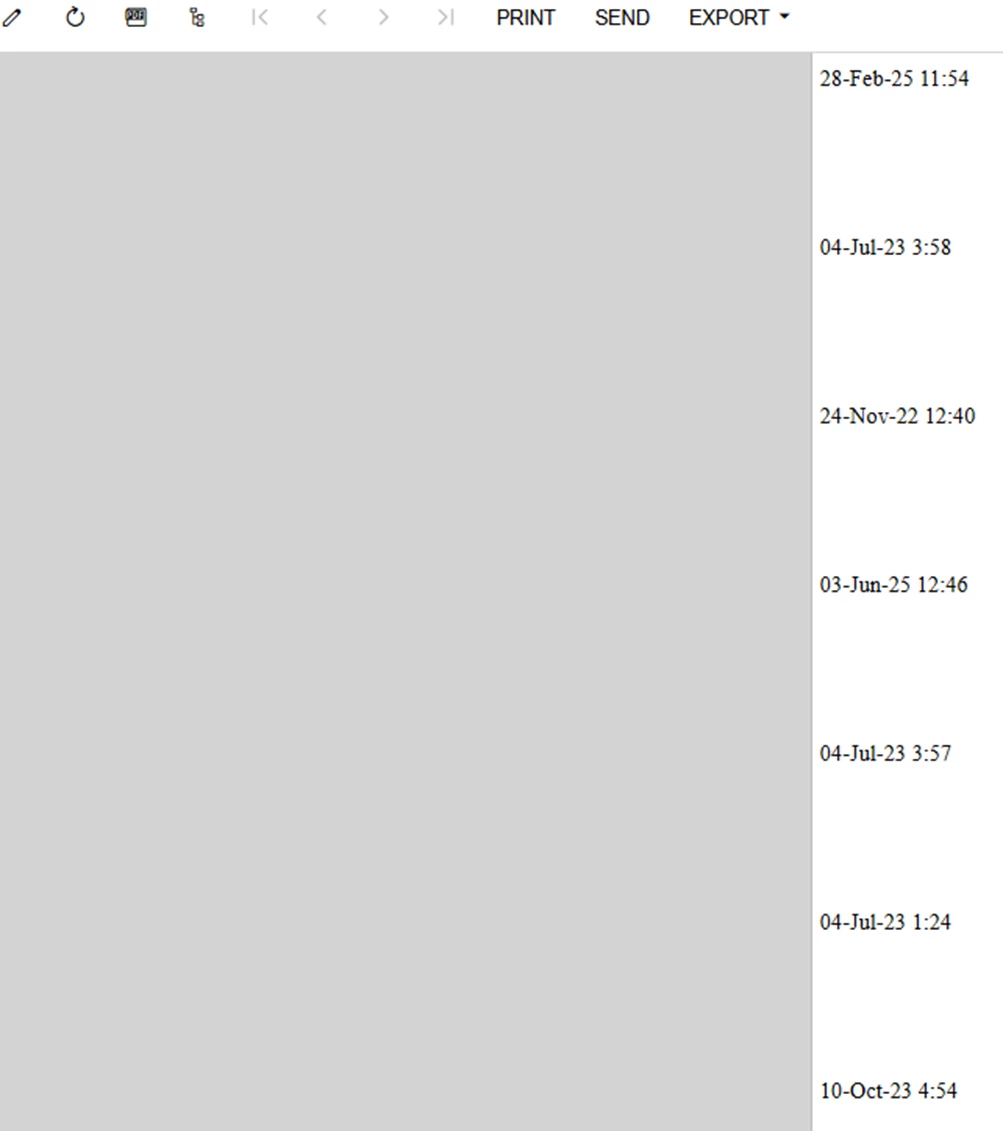
 

However, I want them to print like this: 

It is not a transactional DAC and only have a certain number of entries so I don’t have to worry about printing outside the width of the page. 


Attaching the report just in case but this report is an export of the generic inquiry. 


Thanks so much in advance.

Best answer by wmatthews1877

There is a way using a subreport. We have several reports that are listing the LotSerialNbr’s of our items, but it shouldn’t be too hard to adapt the subreport to what you need it for. I will attach a copy of the subreport to this reply. Subreports linked into the main can be tricky at times, but once you get it, they are a boon to work with. Hope this helps. You can name it anything you like. We named it after the main report SO643000.rpx that we use for various documents.

4 replies

plambert
Semi-Pro I
Forum|alt.badge.img+2
  • Semi-Pro I
  • June 19, 2025

To my knowledge, there isn’t a way to do horizontally expanding reports or text rotation to mimic a horizontal expansion. However, while it pains me to suggest this, is it a fixed number of records? There are ways to make multi-column layouts. More details on this are in an older post I wrote. In short, two options:

You could make a sub-report and pass it parameters so as to only return one specific record. Seven copies of that sub report arranged in columns would also recreate the illusion of a horizontally expanded report. You could do tricks with row visibility or, if it’s a fixed set of data, have one sub-report giving the details of Branch1, the next Branch2, etc. This approach is limited to a specific column layout, so Branch1 would always be column1; i.e. no sorting from left to right. I feel like a sub-report is most likely the path you’re looking for to get that layout.

You could also nest Next() calls together to get the first through seventh record all at once, and then toggle the visibility of that section to only be for the first record. This is a technique I have used before to make a multi-column layout, but never as far as 7 columns. The issue with making a layout like this is that you’re going to have to wrap every. single. value. in Next(Next(Next(Next(Next(Next([])))))) which is both ugly and painful to create all but the simplest reports.


Forum|alt.badge.img+1
  • Semi-Pro I
  • Answer
  • June 20, 2025

There is a way using a subreport. We have several reports that are listing the LotSerialNbr’s of our items, but it shouldn’t be too hard to adapt the subreport to what you need it for. I will attach a copy of the subreport to this reply. Subreports linked into the main can be tricky at times, but once you get it, they are a boon to work with. Hope this helps. You can name it anything you like. We named it after the main report SO643000.rpx that we use for various documents.


Forum|alt.badge.img+1

Oh, on another note, ensure that the subreport is residing in the preferably in detailSection1. Hope this helps.


meganfriesen37
Captain II
Forum|alt.badge.img+12

Have you considered using a tabular report?  That’s one way to get columns in the report.  Tabular Reports: General Information

The other option is to hard code in fields with conditional formulas to get a similar result

  • i.e. =iif([Branch.BranchCD] = ‘Branch A’, [Branch.CreatedOnDate], ‘’)

