Answer

Report Designer - How to make the quantity in the printed form blank when the quantity in transaction is 0 and show qty if transaction has quantity?

  • November 10, 2025
  • 6 replies
  • 62 views

Forum|alt.badge.img

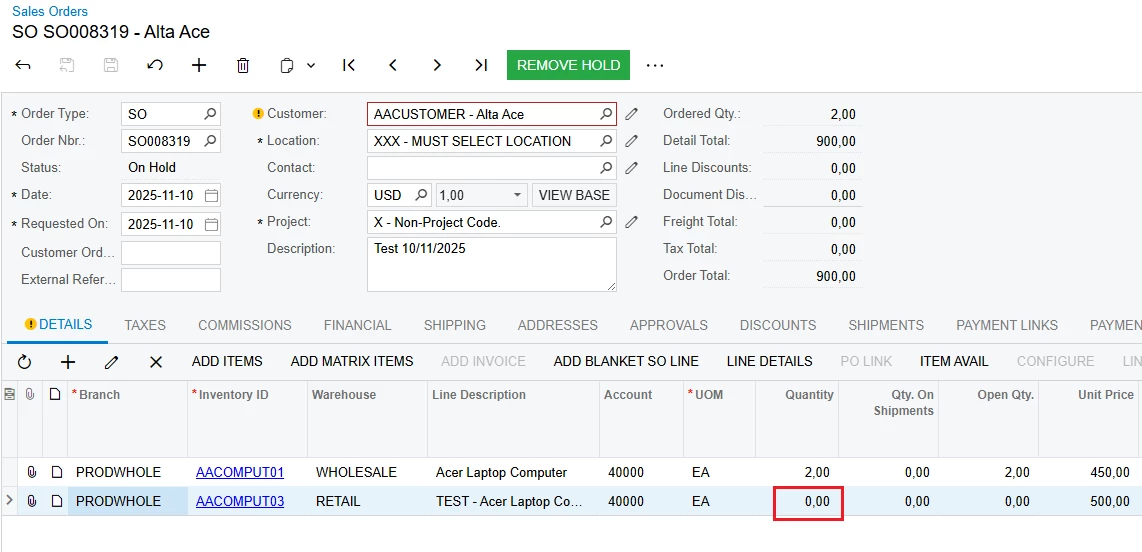
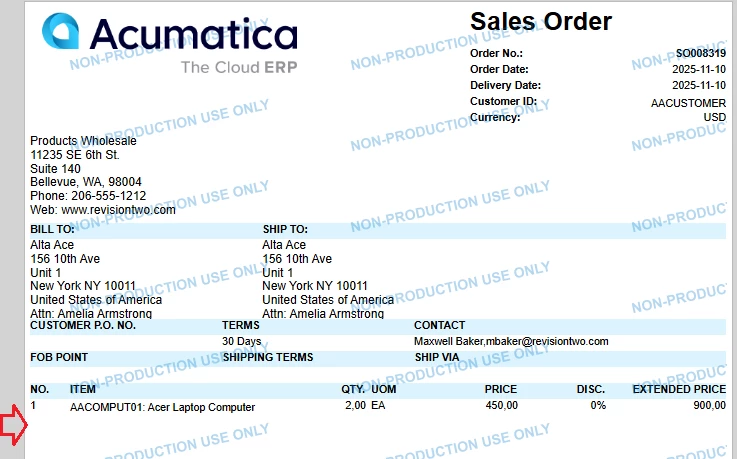
How to make the quantity in the printed form blank when the quantity in transaction is 0 and show qty if transaction has quantity? Currently, it is not visible. If I make it visible, it is going to show quantity for all transactions even with quantity 0.00.

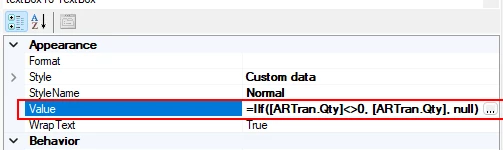
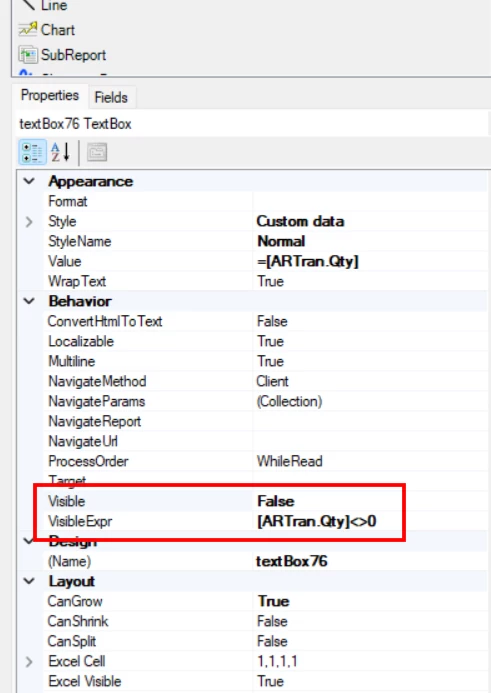
Can someone please guide me? Below is my expression:
 

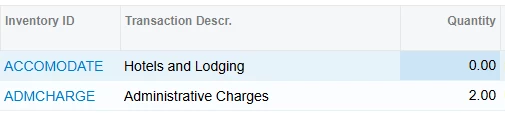
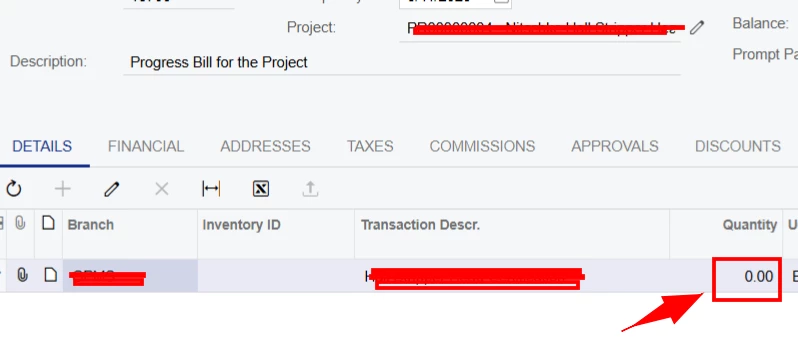
Sample transaction ran from Project Billing:
 

Best answer by aleksandrsechin

Do you intend to display the Qty field as blank only (and not hide the entire row)? If so, you can use this formula for the Qty field:
=IIf([ARTran.Qty]<>0, [ARTran.Qty], null)


6 replies

nhatnghetinh
Captain II
Forum|alt.badge.img+11
  • Captain II
  • November 10, 2025

Hi ​@MarkD 

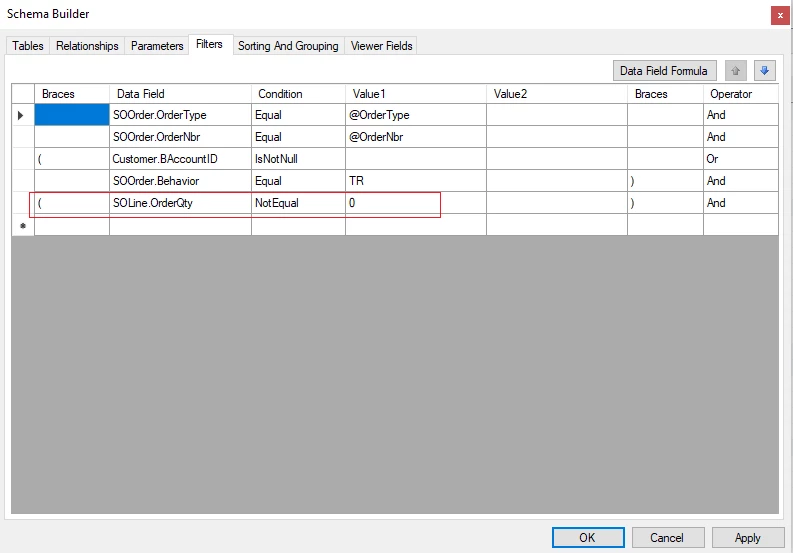
Try creating conditions in Schema Builder's Filter.


Best Regards,

NNT


Forum|alt.badge.img+3
  • Jr Varsity I
  • Answer
  • November 10, 2025

Do you intend to display the Qty field as blank only (and not hide the entire row)? If so, you can use this formula for the Qty field:
=IIf([ARTran.Qty]<>0, [ARTran.Qty], null)


DrewNisley
Pro I
Forum|alt.badge.img+3
  • Pro I
  • November 10, 2025

@MarkD I think the only thing wrong with your current expression is that there needs to be an equals sign in front of it.


Forum|alt.badge.img
  • Author
  • Freshman I
  • November 10, 2025

Hi ​@MarkD 

Try creating conditions in Schema Builder's Filter.


Best Regards,

NNT

Thanks Nhat. Unfortunately, they still want to see that line but this is good resource in future if other clients ask for it.


Forum|alt.badge.img
  • Author
  • Freshman I
  • November 10, 2025

Do you intend to display the Qty field as blank only (and not hide the entire row)? If so, you can use this formula for the Qty field:
=IIf([ARTran.Qty]<>0, [ARTran.Qty], null)


Hi ​@aleksandrsechin, this works too. I actually kept my simple formula and set the value to “True”. Currently, if the quantity in my invoice is 0 which I call invoice by amount, qty column shows blank just like yours and shows otherwise if there is a quantity. Many thanks for sharing this!


Forum|alt.badge.img
  • Author
  • Freshman I
  • November 10, 2025

@MarkD I think the only thing wrong with your current expression is that there needs to be an equals sign in front of it.

This works too, Drew! Thanks for that. Although, I set the value to True and added = in front of my expression which worked miraculously.