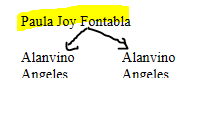
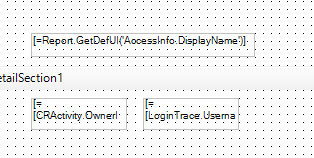
Hi all,
what do I put in my filter condition to get the results of task created by this createdbyID?
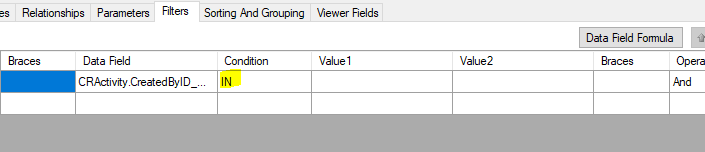
Say I only have this CRActivity table, I have nothing in relationships or parameters.
Thank you!
Hi all,
what do I put in my filter condition to get the results of task created by this createdbyID?
Say I only have this CRActivity table, I have nothing in relationships or parameters.
Thank you!
Best answer by aaghaei
Your best bet is to Add AccessInfo to the report Tables and in the report Relationships
join
CRActivity-Inner-AccessInfo
on
CRActivity.CreatedByID-Equal-AccessInfo.UserID
Considering AccessInfo always has ONLY the CURRENT user info, by joining it with CRActivity, automatically report will filter those records created by the current user.
Enter your E-mail address. We'll send you an e-mail with instructions to reset your password.