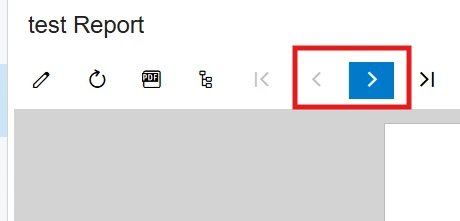
I have been working on creating a very simple report. Based on a single view which has 1000 row.
To Start I tried adding adding a single column.
But only 10 rows are getting printed with the same data
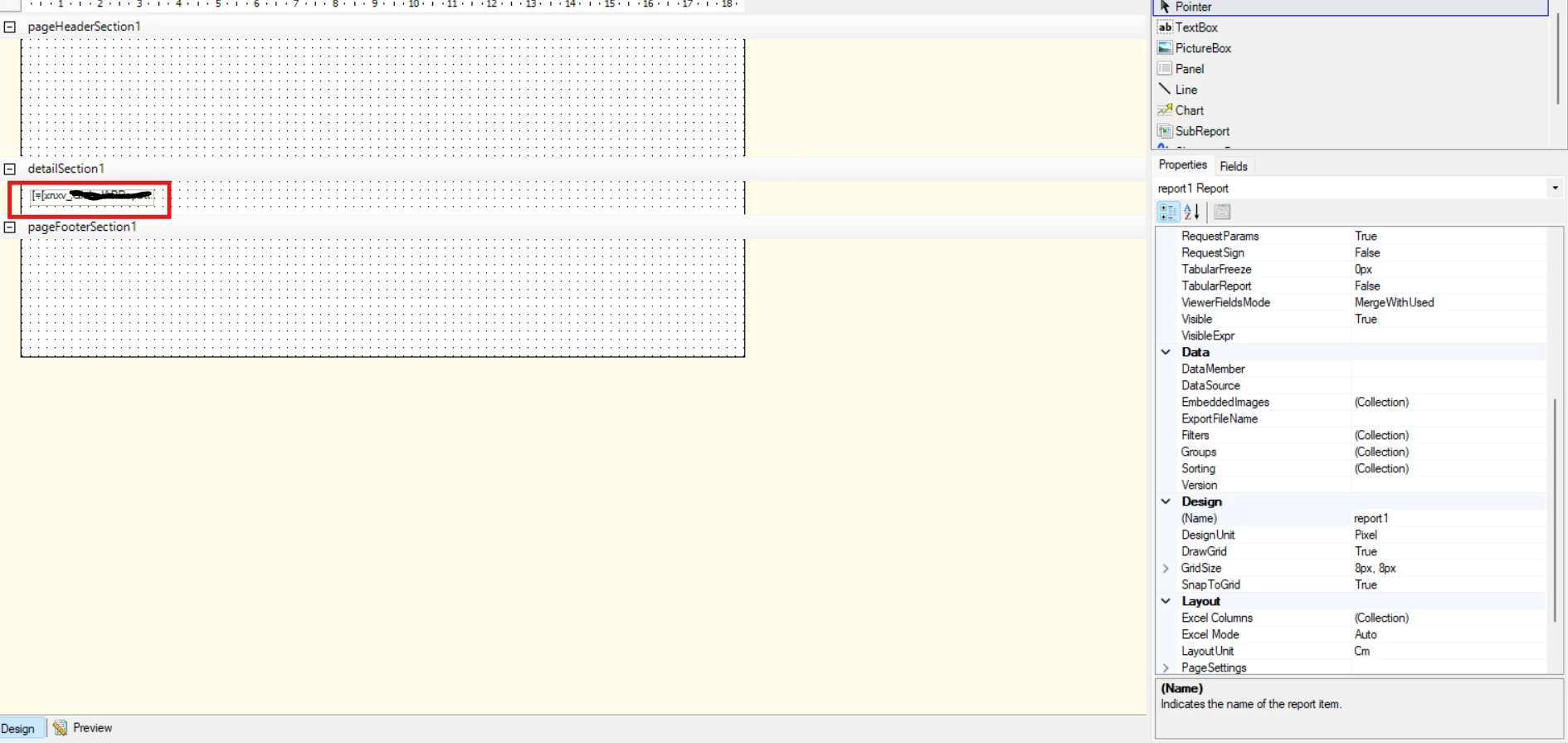
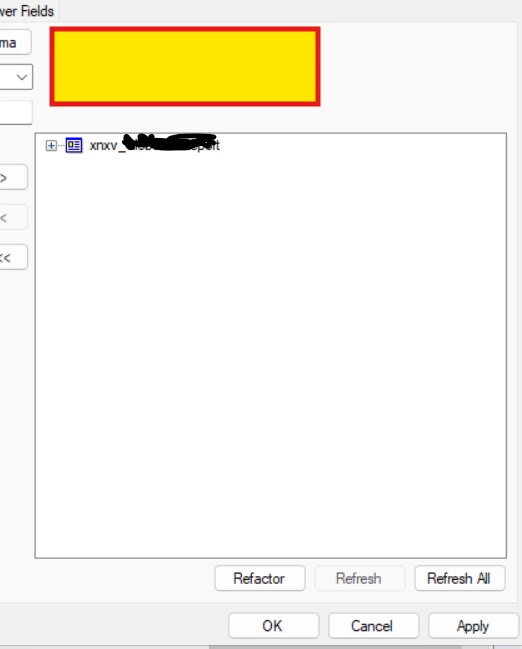
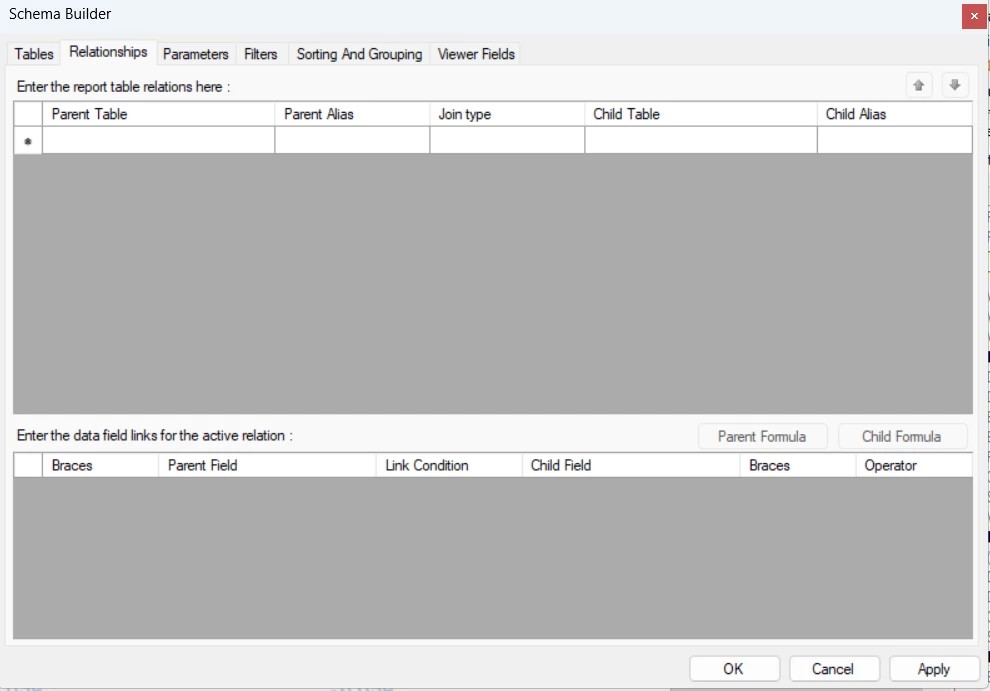
I am attaching the images for the reference
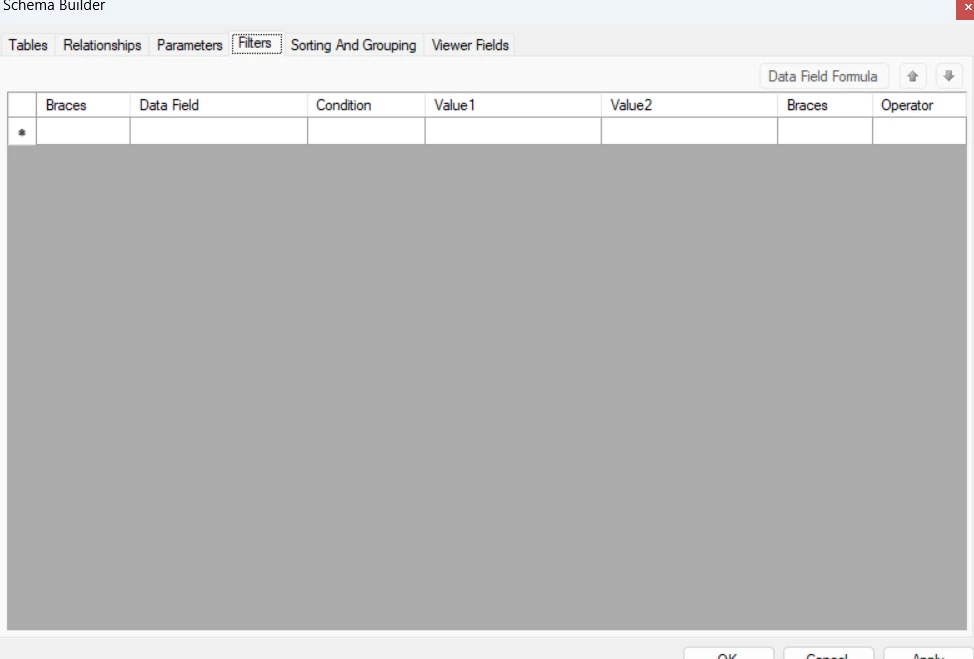
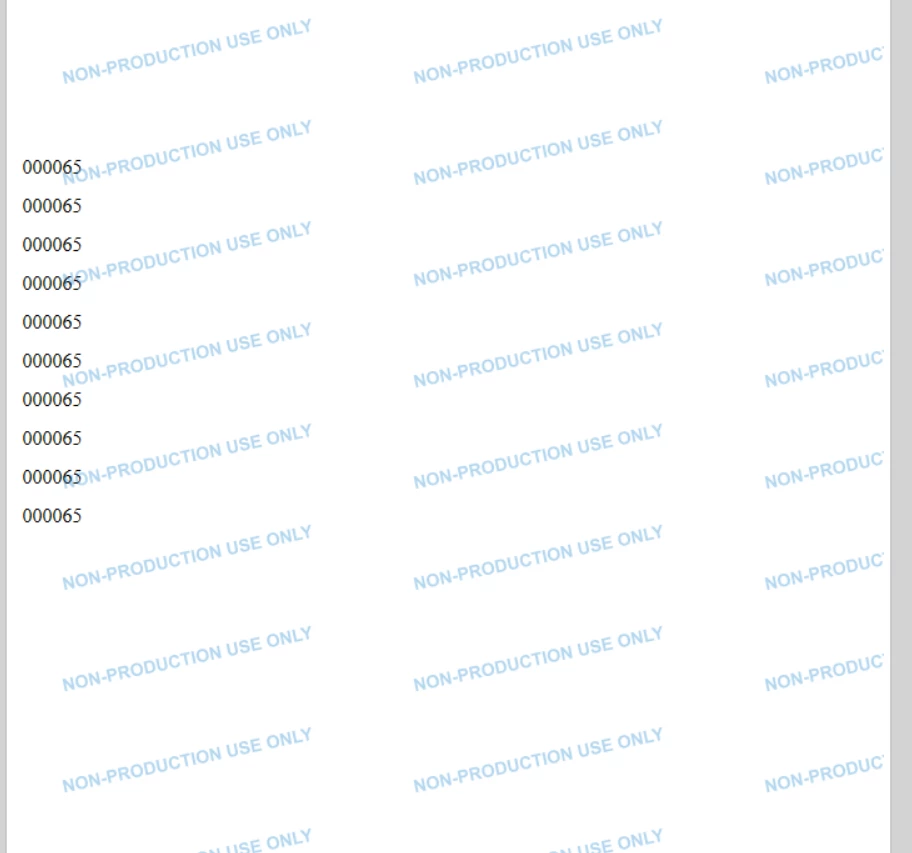
I have been working on creating a very simple report. Based on a single view which has 1000 row.
To Start I tried adding adding a single column.
But only 10 rows are getting printed with the same data
I am attaching the images for the reference
Best answer by lauraj46
Hi
If your view is a custom DAC, make sure that key fields are marked with IsKey=True on the DAC class definition in the customization project. Acumatica relies on this to optimize data retrieval and if the key is wrong or not specified I have seen wrong results in GIs and reports.
Hope this helps!
Laura
No account yet? Create an account
Enter your E-mail address. We'll send you an e-mail with instructions to reset your password.