Answer

Report

  • September 12, 2025
  • 4 replies
  • 94 views

I have a customized report . I have two users and both users have the same roles assigned . Both have administrator access. Both are able to open the report but only one user can see the data in the report, for the other user the report although opens there is a no data. Basically the report works for one user and for other user the report is blank (it opens). I have tested with the same document number to open in the report.

Is there any setting ? I want to make this report visible for both.

Best answer by SaravanaR

Fixed the issue in ‘Restriction Groups by User’ screen

4 replies

bwhite49
Captain II
Forum|alt.badge.img+11
  • Captain II
  • September 12, 2025

Access rights should control whether the user can see the report but should have no impact on what data is displayed.

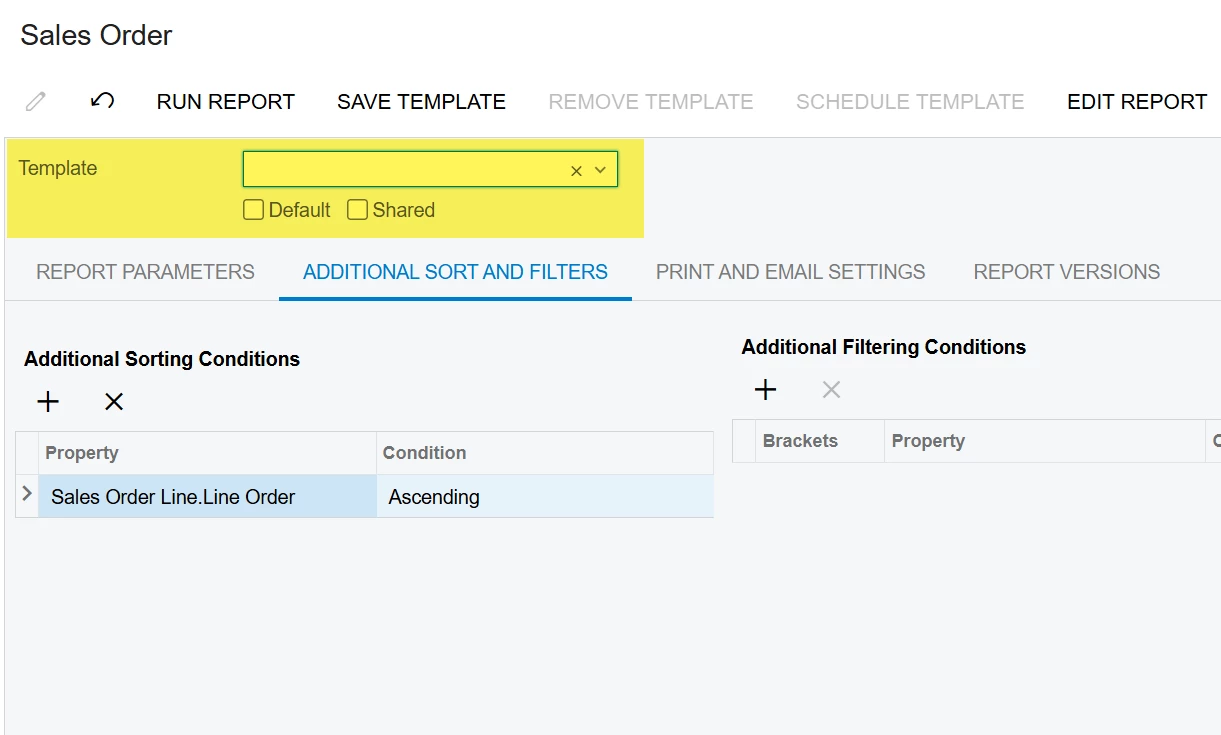
Are they running the report with a default template assigned to the report that may be adding additional filters when the report runs?


jhouser
Captain II
Forum|alt.badge.img+6
  • Captain II
  • September 12, 2025

@SaravanaR Do you have any active restriction groups in the Row Level Security workspace? Could be data is restricted for one user. 

Also, are there any user-related parameters or conditions in the report, such as Branch, Department, etc.? 


bwhite49
Captain II
Forum|alt.badge.img+11
  • Captain II
  • September 12, 2025

@SaravanaR Do you have any active restriction groups in the Row Level Security workspace? Could be data is restricted for one user. 

Also, are there any user-related parameters or conditions in the report, such as Branch, Department, etc.? 

Ah, this is likely it. A parameter in the report that restricts the user.


  • Author
  • Freshman II
  • Answer
  • September 16, 2025

Fixed the issue in ‘Restriction Groups by User’ screen