



We have a report that serves multiple functions. There is a NOTE field that we would like to display if the [SOOrder.OrderType] <> ‘RQ OR [Note.NoteText] <> “”. ChatGPT search came up with recommendations, but none of them are working. The formula that I have so far is =IIF([SOOrder.OrderType] <> ‘RQ’, OR [Note.NoteTest] <> “”) then the NOTE field should appear, if the [SOOrder.OrderType] = ‘RQ’ the NOTE field should disappear. The NOTE field is showing up no matter what the condition is. The Visible condition is set to True. If I run the code =[SOOrder.OrderType] <> ‘RQ’ the NOTE field does not show up. There is only an issue when there are two (or more) conditions.
Solved
Question about hiding a field using multiple criteria
Best answer by darylbowman
A few things:
- All my formulas were using a misspelled field name due to one of the formulas in your original post being misspelled:
=IIF([SOOrder.OrderType] <> ‘RQ’, OR [Note.NoteTest] <> “”)
- If the goal is to always hide the note for ‘RQ’ orders, this formula works for me:
=[SOOrder.NoteText]<>Null And [SOOrder.NoteText]<>'' And [SOOrder.OrderType]<>'RQ'
(the null-check is just in case no note has been created yet)
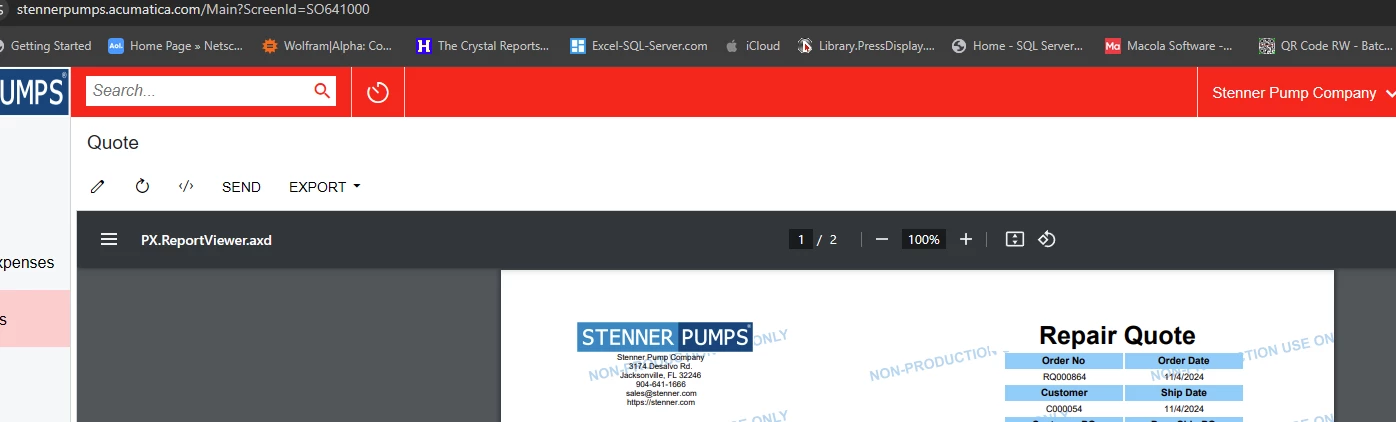
- Make sure you’re actually testing the SO641000 report. This was probably just me, but I was working on this for a bit before I realized the report launching from the Sales Order ‘print’ option was SO.64.10.10, not SO.64.10.00



Enter your E-mail address. We'll send you an e-mail with instructions to reset your password.