Question

Portal with e-mail notification not working

  • December 2, 2025
  • 6 replies
  • 40 views

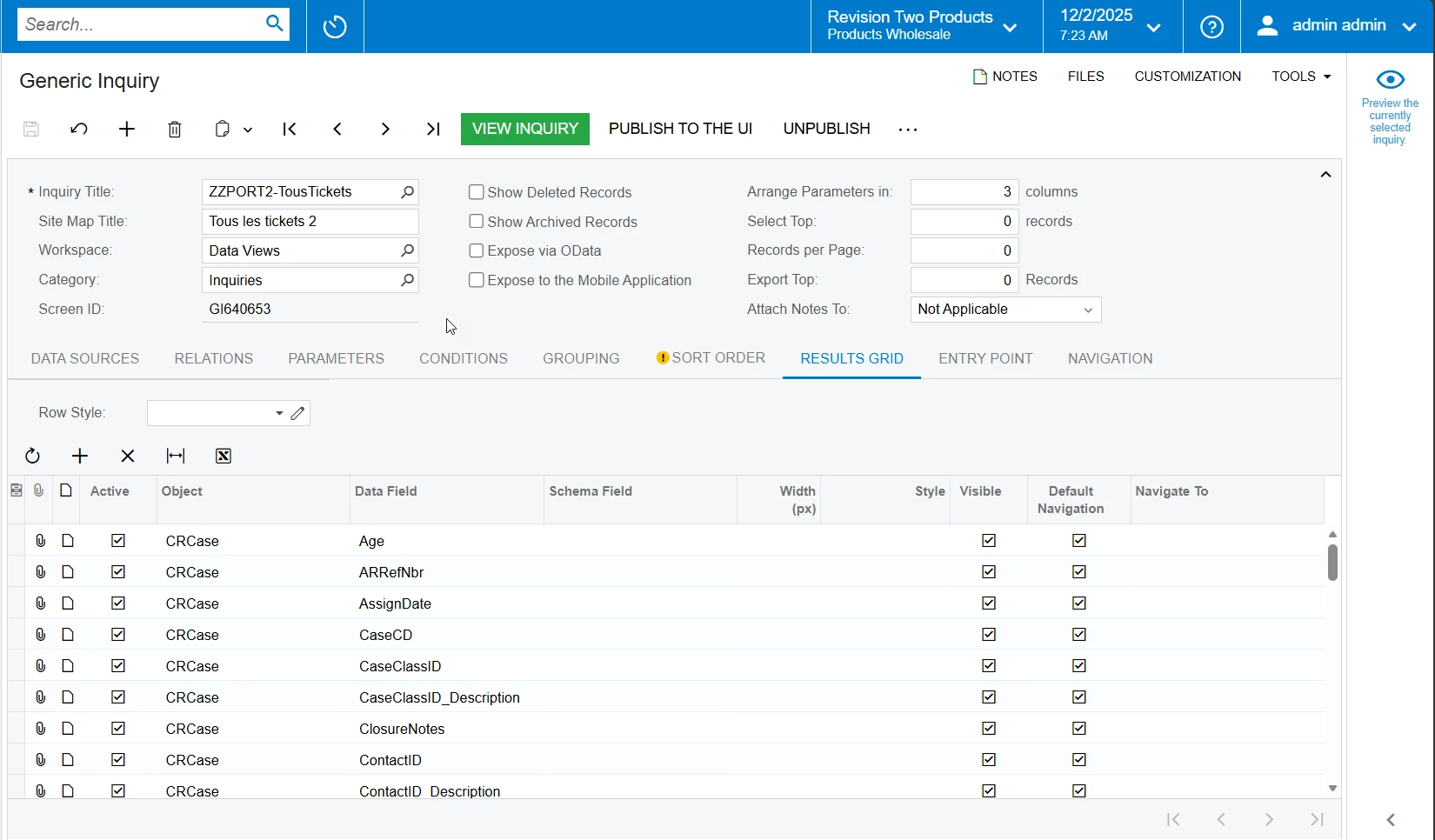
In Acumatica version 24R2, I deployed the customer portal. I want an email notification to be sent to my team whenever a ticket is created on the portal. I haven’t found a simple solution. So I created a generic inquiry on all tickets, then a business event based on this inquiry that triggers for any inserted record with status “New” and the screen ID of the portal. I linked an email notification to the event.

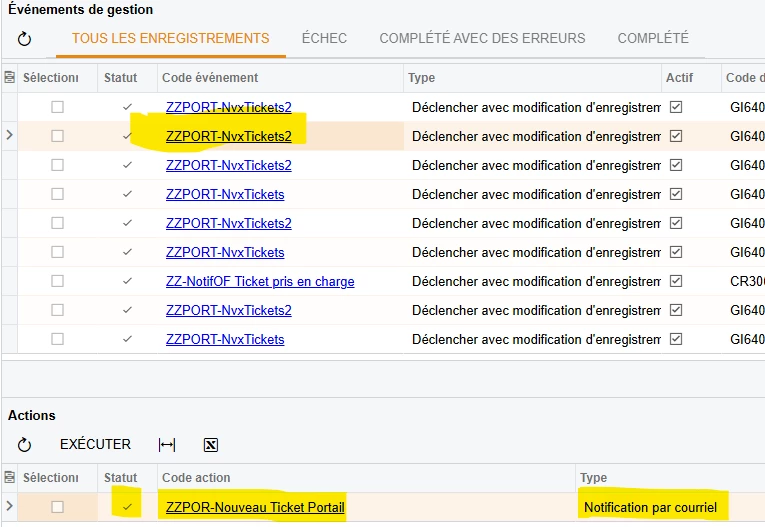
The event triggers perfectly well. But when a ticket is created on the portal, the event does trigger, yet it doesn’t send an email (the email isn’t even created in the “All Emails” view). However, the event history doesn’t show any failure and indicates that the action was executed.

Finally, when I create a ticket directly in the ERP, it works fine and I do receive the email.

Does anyone have an idea?
6 replies

MissyMain41
Jr Varsity I
Forum|alt.badge.img
  • Jr Varsity I
  • December 2, 2025

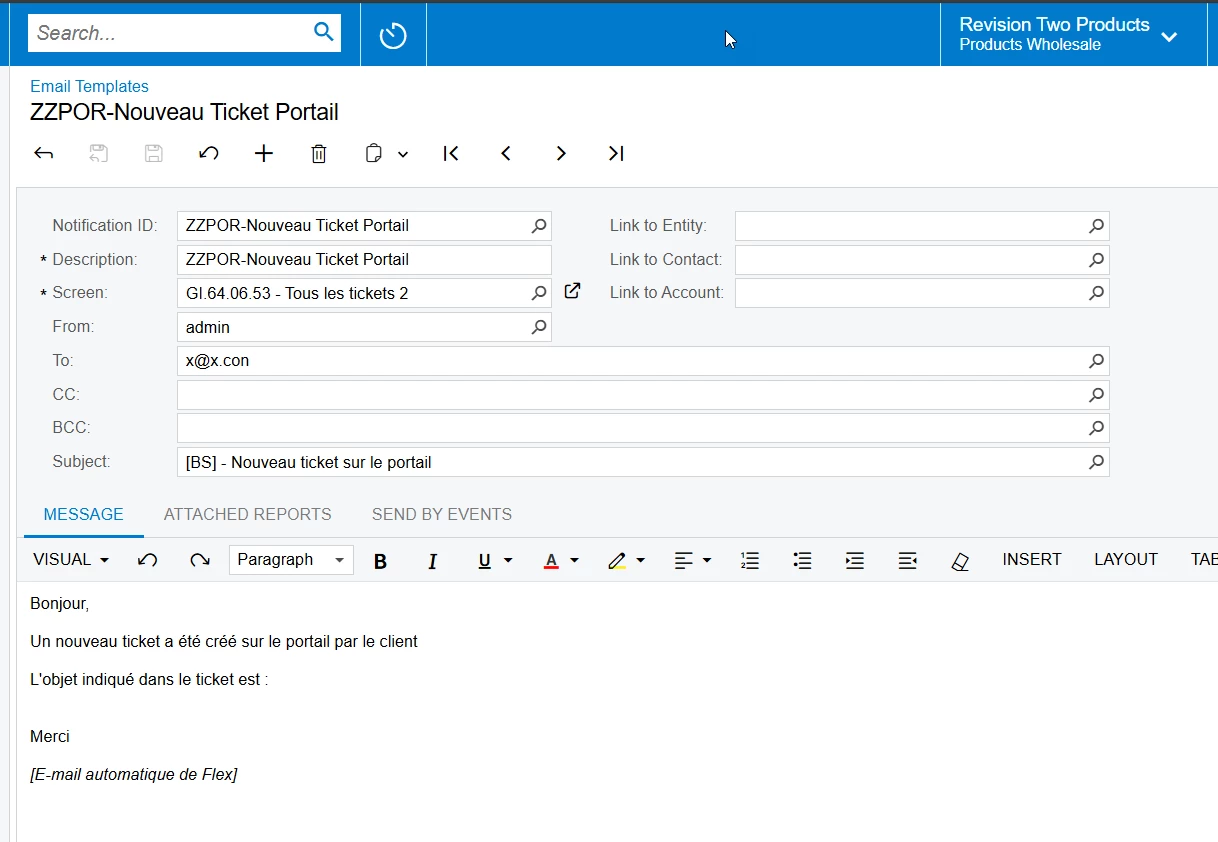
I have an idea, in my numerous testing of business events I found that if the TO field of an email notification did not have data in it for some reason, then the email would not be generated even though the BE triggers. Great way to test and isolate the issue would be to use a static email in the TO field when performing tests that trigger email notifications (such as a fake email - x@x.con). Then, insert all data fields into the body of the email instead to ensure they pull actual data before using those data fields in the TO field of the email template. 


  • Author
  • Freshman I
  • December 2, 2025

Hye ! Thank’s for yours answer ! 

You’re right, but I kew that and my e-mail template have a fix address. It seems to be another problem….


MissyMain41
Jr Varsity I
Forum|alt.badge.img
  • Jr Varsity I
  • December 2, 2025

Could you attach the GI and BE XMLs to this post so I can take a peek? 


  • Author
  • Freshman I
  • December 2, 2025

Thank’s veery much for your help ! ;) Here are the XML.


MissyMain41
Jr Varsity I
Forum|alt.badge.img
  • Jr Varsity I
  • December 2, 2025

Hey Ofay! 
You may want to test on a sales demo local environment, if not already, perhaps some customization is getting in the way or maybe something else? This configuration worked for me without any issue, and the email was generated. I will add my steps as images below.

  • added GI and BE to system (removed fields on GI that had yellow warnings to clean it up a bit) 
  • Changed the email notification to include a static FROM and a static TO 
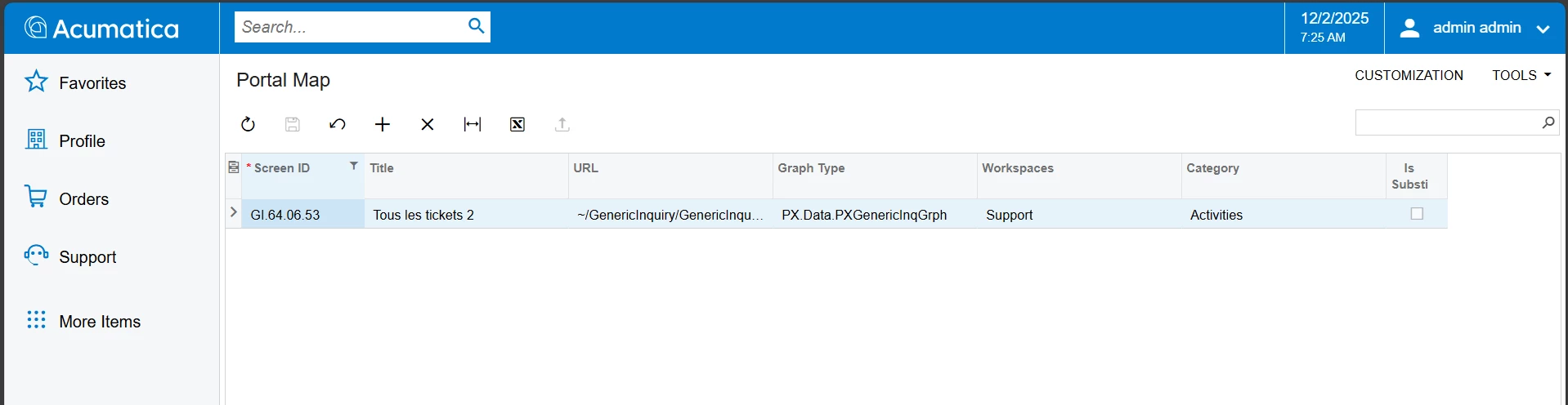
  • Added the GI to my portal site map 
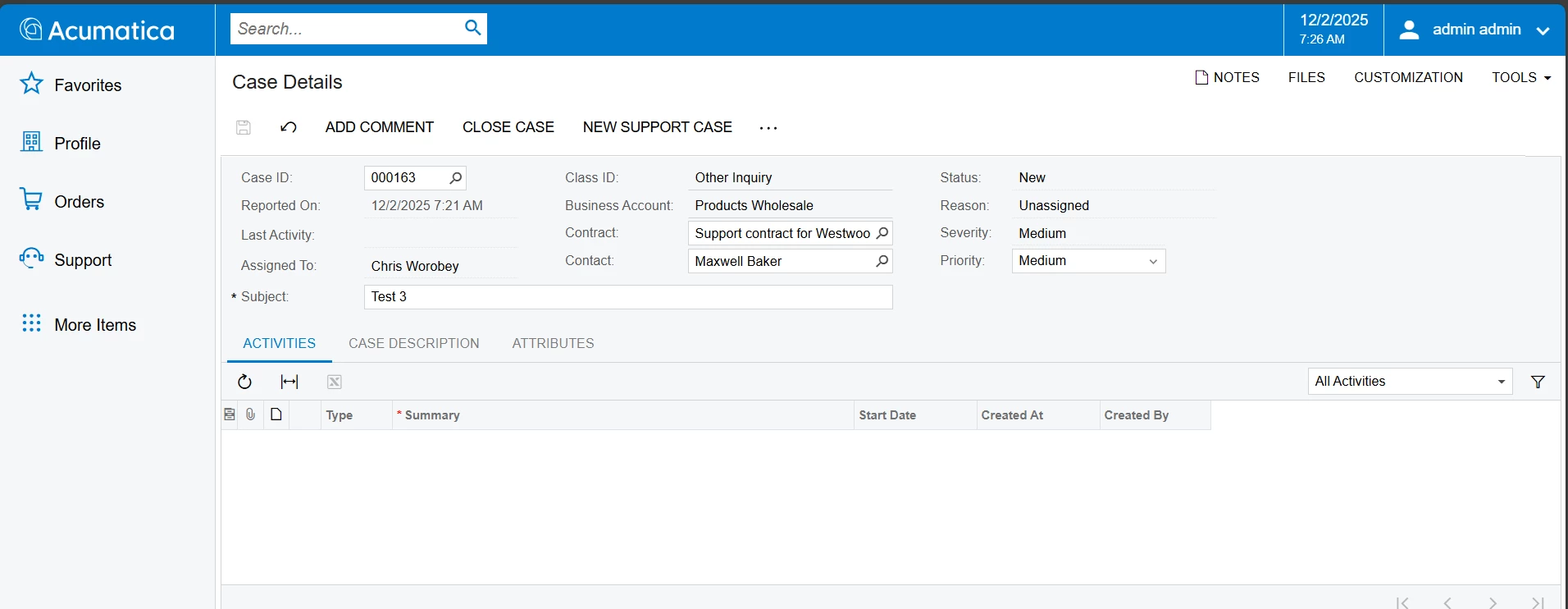
  • Triggered the BE by creating a new case via portal 
  • Checked the “All Emails” screen and the email was generated 


  • Author
  • Freshman I
  • December 2, 2025

Thank you very much for your attention! I repeated exactly the same steps. I unpublished all my portal customizations. I created a case in the portal. The event still triggers correctly, it appears in the history, the associated action (Email notificationi) seems to be executed properly, but the email is still not created.


And in the same way, just after, when I create a case in the ERP, the email is created and sent correctly… Impossible to understand.


I will try tomorrow in another instance of Acumatica.

I will tell you !