Answer

Pivot Table values showing codes instead of descriptions at the row level

  • October 30, 2025
  • 3 replies
  • 32 views

plambert
Semi-Pro I
Forum|alt.badge.img+2

I’d like to start using pivot tables more, mainly as a way to collapse groups of items for better browsing. However, when I’m adding certain fields to the Values section of the pivot table, it is displaying the code instead of the description.
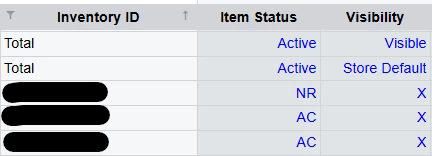
When the group is collapsed then the Aggregate function (min) rows show the description, but the expanded rows are not. Is there a way to display the description at the row level?


For more context - if it helps - there are two attributes of stock items that I am grouping on, say, CATEGORY and SUBCATEGORY. It’s much more convenient to have all the SUBCATEGORY groups collapsed by default so you can view information for each group at a time. I don’t expect people to have to memorize all the different code values.

Thank you for any insight you can provide,

Best answer by lauraj46

Hi ​@plambert ,

For that scenario you could add a formula column in your results and use the switch function to provide a user friendly description for each of the possible codes.  

Laura

3 replies

lauraj46
Captain II
Forum|alt.badge.img+8
  • Captain II
  • November 3, 2025

Hi ​@plambert ,

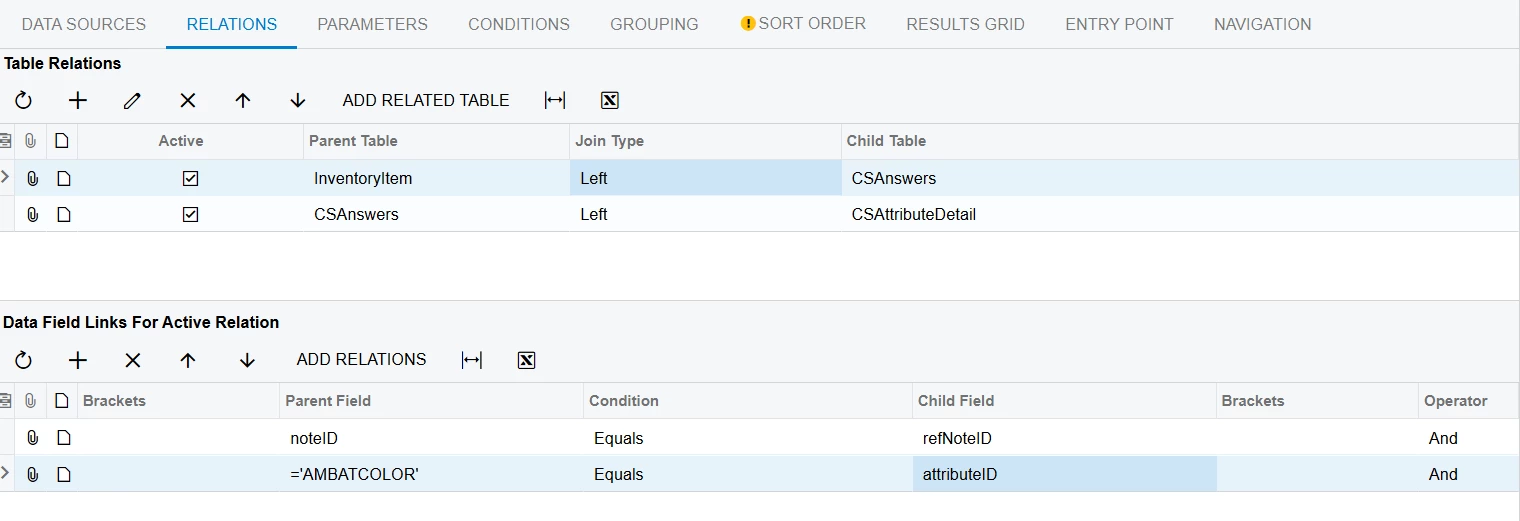
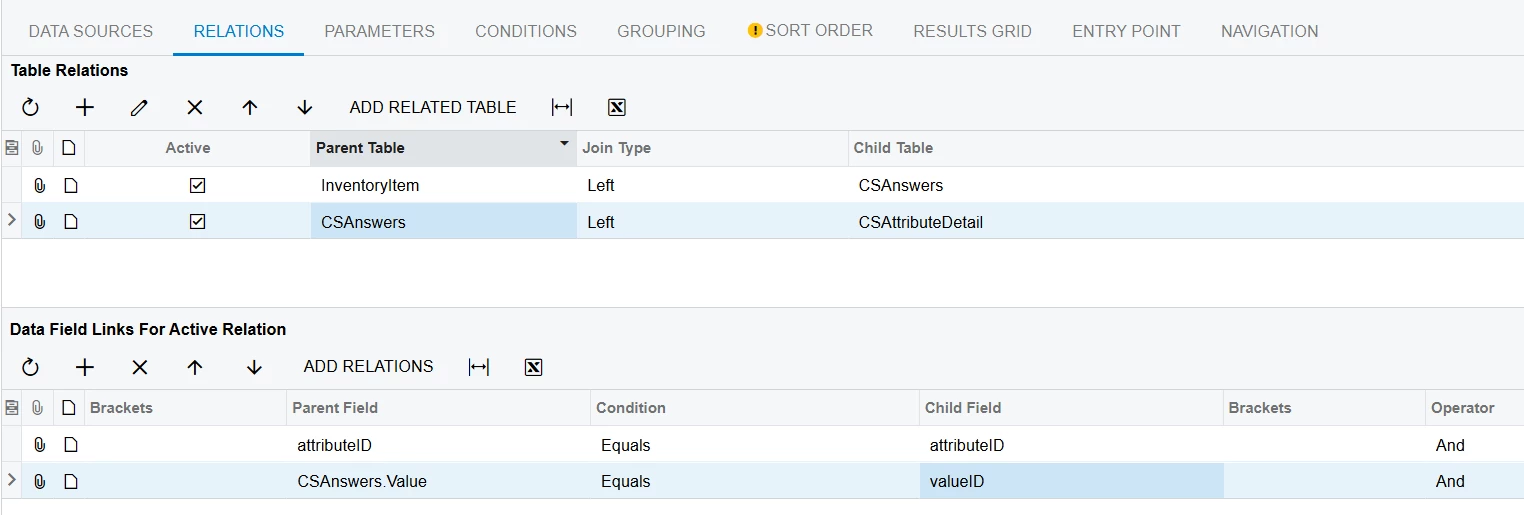
I would suggest joining on the CSAnswers and CSAttributeDetail tables directly.  That way you can add the CSAttributeDetail.Description field to your results and use this in your pivot table.  If you have multiple attributes, you will need multiple joins to CSAnswers and CSAttribute Detail with a different alias for each.


Hope this helps!

Laura


plambert
Semi-Pro I
Forum|alt.badge.img+2
  • Author
  • Semi-Pro I
  • November 3, 2025

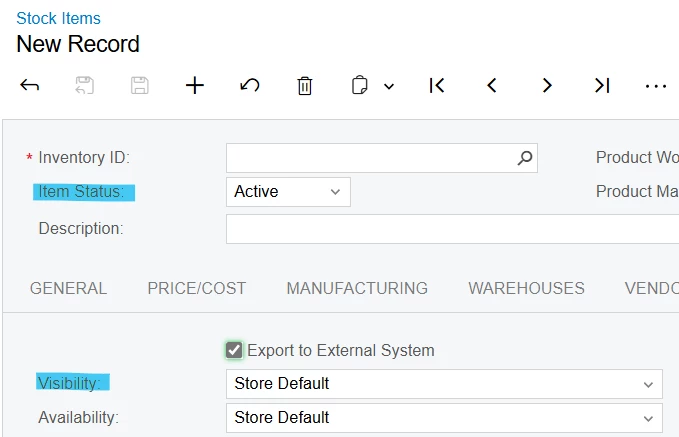
For the values which are attributes, that is helpful. Unfortunately, this effect of showing the code is happening with, say, core values of the inventory items. Specifically, [InventoryItem.ItemStatus] and [InventoryItem.Visibility]. To my knowledge, there isn’t an [InventoryItem.ItemStatus_description] that I can force to keep the table from displaying the code.


The pivot looks a bit more like what I would like if I change those fields from being Values to being Rows, but I still find the behavior a bit strange. When a group is collapsed then the aggregate of those fields display as the description, but when expanded the code displays.

The comparison of making the fields Rows vs Values


lauraj46
Captain II
Forum|alt.badge.img+8
  • Captain II
  • Answer
  • November 3, 2025

Hi ​@plambert ,

For that scenario you could add a formula column in your results and use the switch function to provide a user friendly description for each of the possible codes.  

Laura