I was trying to set up the Lot/Serial Numbers Report (IN.61.30.00) to be an automated report (CST.SM.20.50.20) that gets emailed out, but I did not see it under the Screen ID selection. Or maybe it was Business Events (CST.SM.30.20.50) that I was thinking of that would send out emails.
Is this an access thing I need to turn on or it cant be done?
Best answer by marilizevanzyl
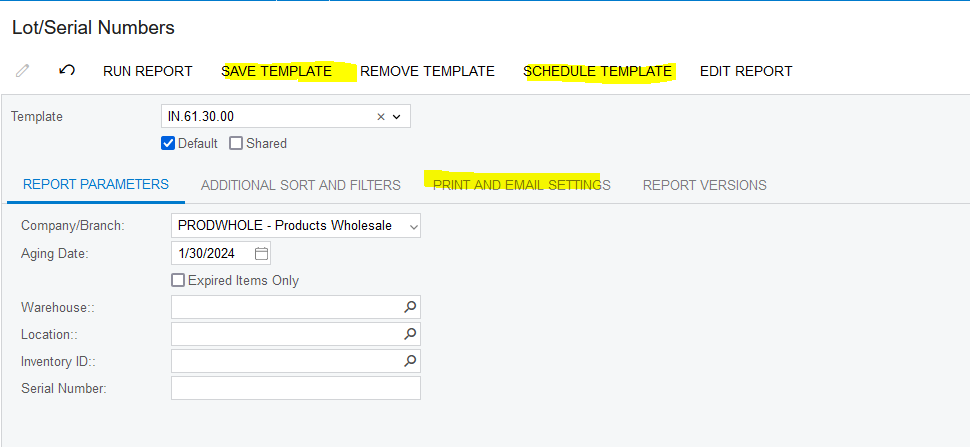
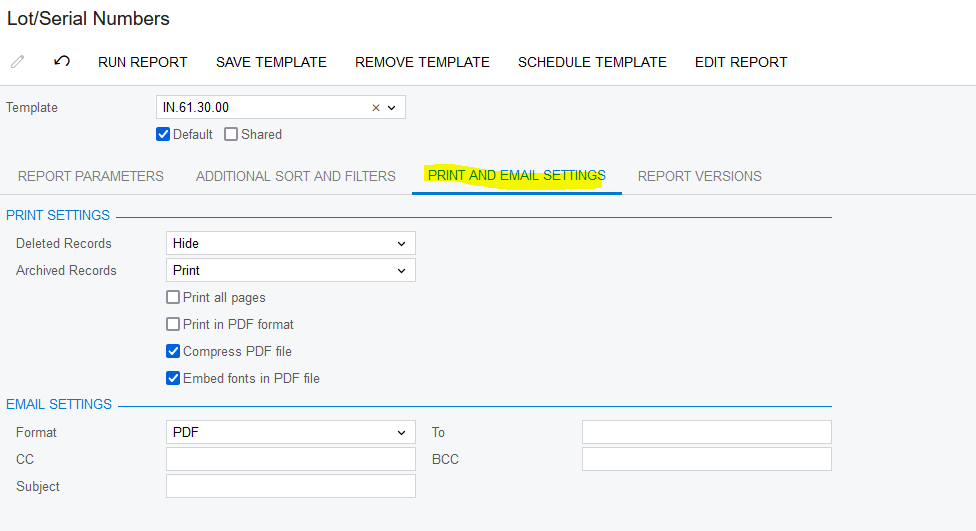
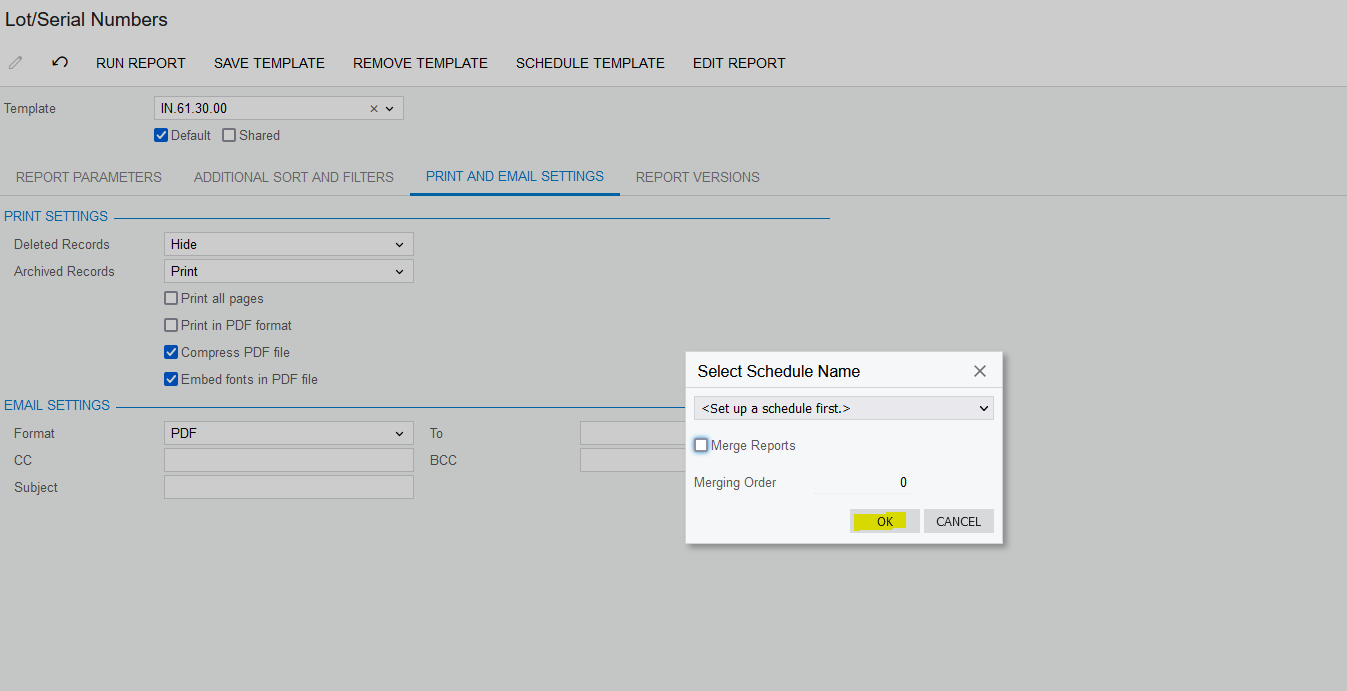
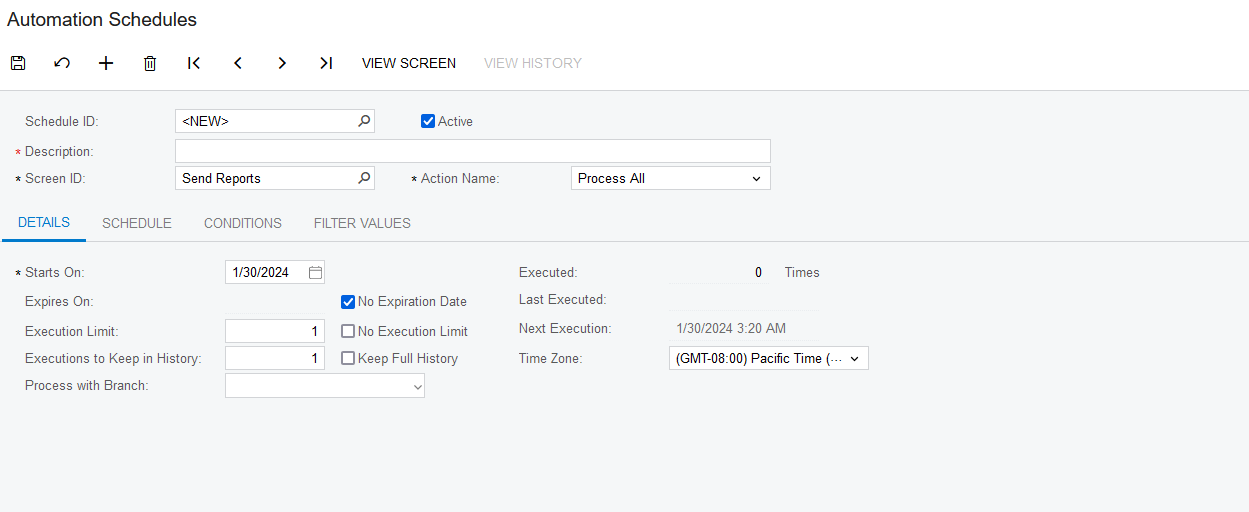
@jyounes you need to save a Template first from where you run the report with who gets the email and the Report Parameters. Then you click on “SAVE TEMPLATE”. Your next step is to click on “SCHEDULE TEMPLATE” and click “OK”. It will then take you the Automation Schedule to setup how often it should email out:
@jyounes you need to save a Template first from where you run the report with who gets the email and the Report Parameters. Then you click on “SAVE TEMPLATE”. Your next step is to click on “SCHEDULE TEMPLATE” and click “OK”. It will then take you the Automation Schedule to setup how often it should email out: