I have a GI that is pulling another GI in as a data source.
Both GIs have a similar Formulated field that is just the code for the month.
“=Year([SOOrder.OrderDate]) * 100 + Month([SOOrder.OrderDate])” which should return something like this: 202506 meaning 06 2025 (June). And they both do this on their own correctly.
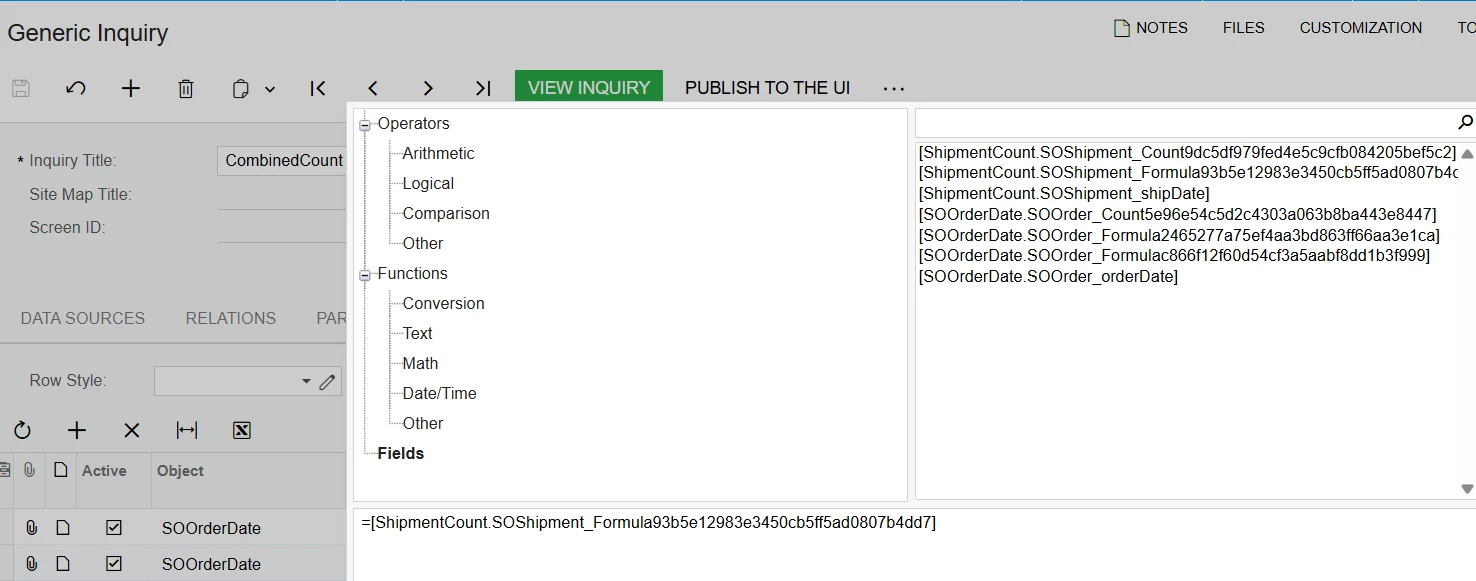
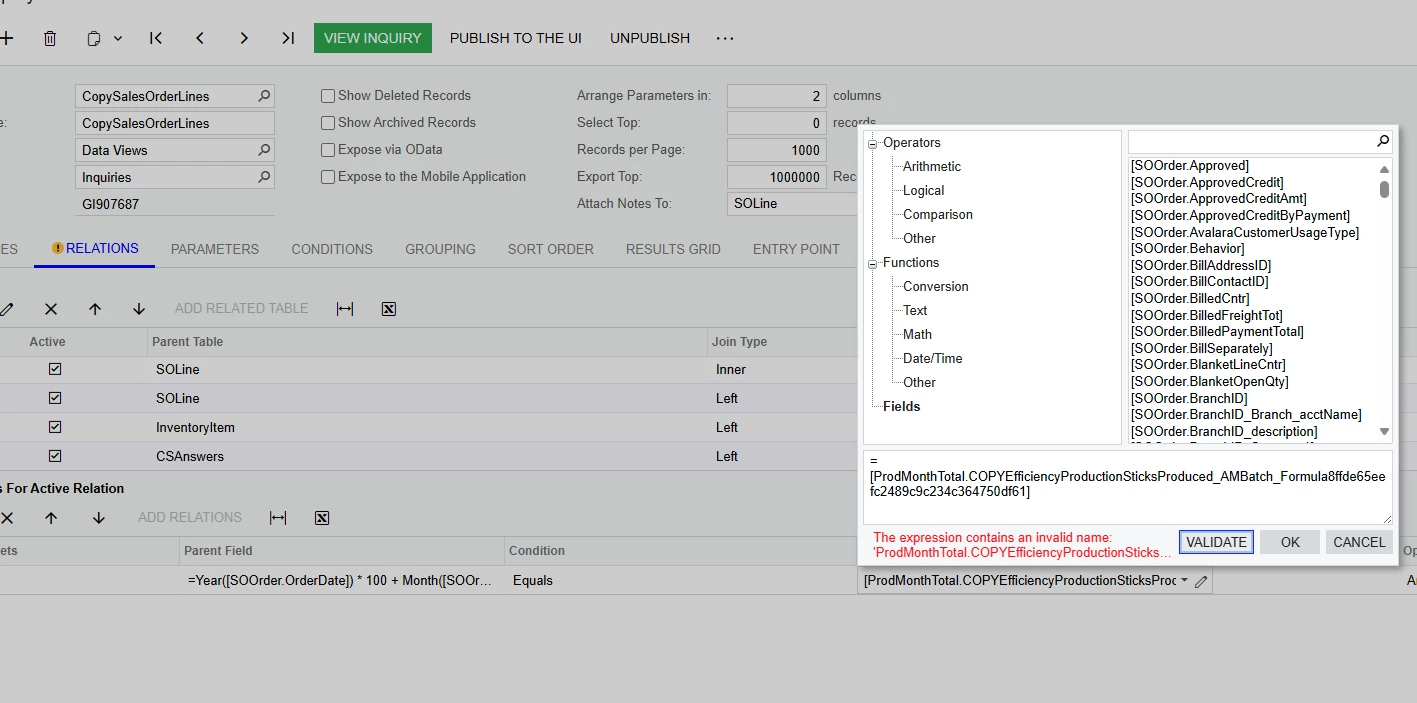
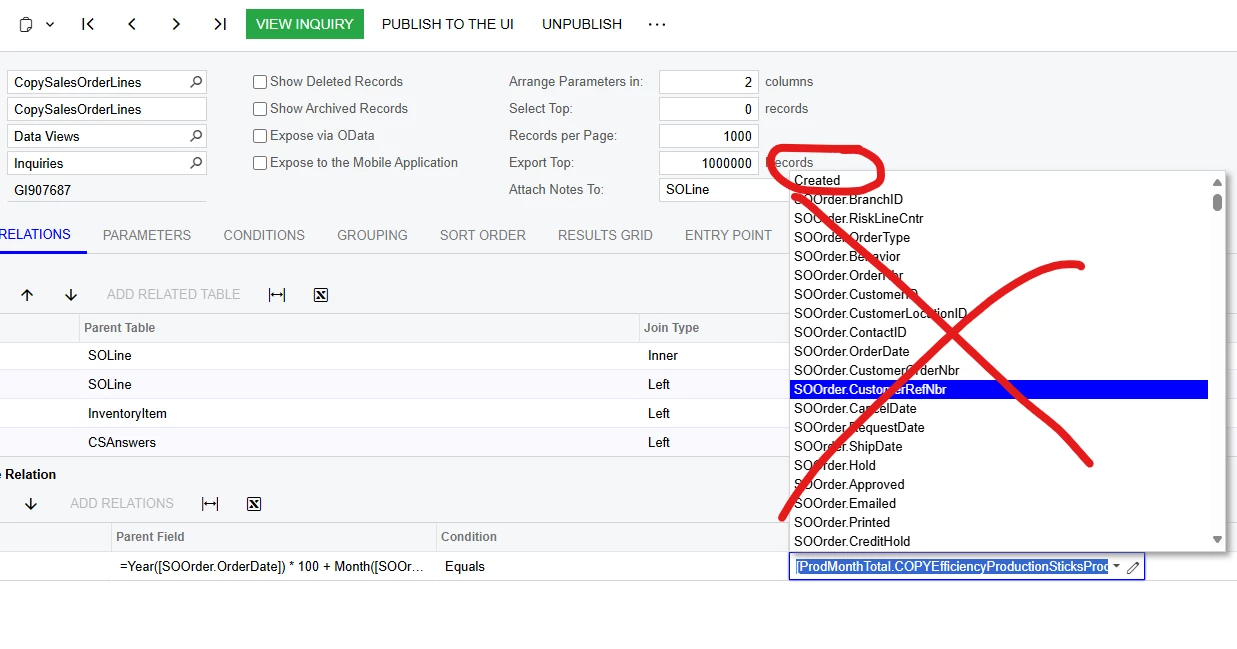
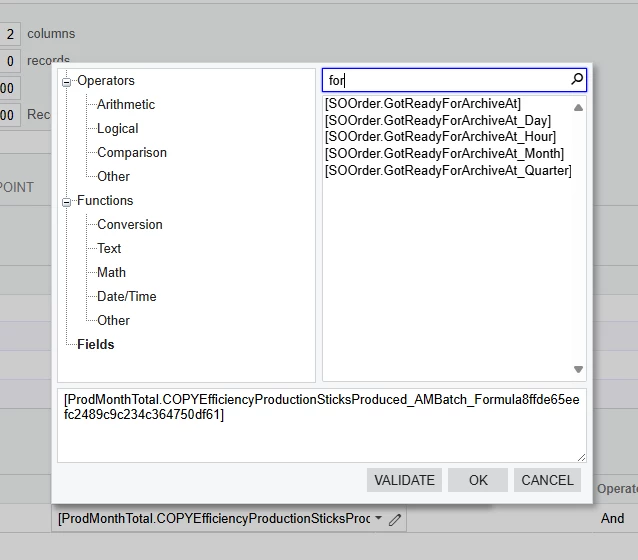
But when I try to bring the other GI in as a data source, the formulated field is not an option in the relations tab which I believe is normal, so I re-enter the expression into the active relations:
=Year([SOOrder.OrderDate]) * 100 + Month([SOOrder.OrderDate]) equals =Year([AMBatch.CreatedDateTime]) * 100 + Month([AMBatch.CreatedDateTime])
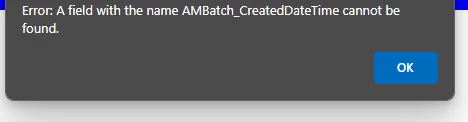
But for some reason, the system can’t find [AMBatch.CreatedDateTime] as an actual field?
Which doesn’t make any sense because I can pick the [AMBatch.CreatedDateTime] as a field by itself, but when it’s in this expression it cannot find it?
The idea for this is, I want to have a simple GI that is grouped by month, with a column for the total qty we have on sales orders that month, and a column for the total qty of FG that we produced that month.
Again, both of these GI’s work on their own, but I would like them to be on the same GI. I don’t really want to just make a dashboard and place them next to each other.
Does anyone know why the system might not be able to find [AMBatch.CreatedDateTime] as an actual field in the relations expression?