Answer

Inventory Item Labels Prints Additional Label According to Number of Cross References on the Stock Item

  • December 4, 2024
  • 5 replies
  • 87 views

Forum|alt.badge.img

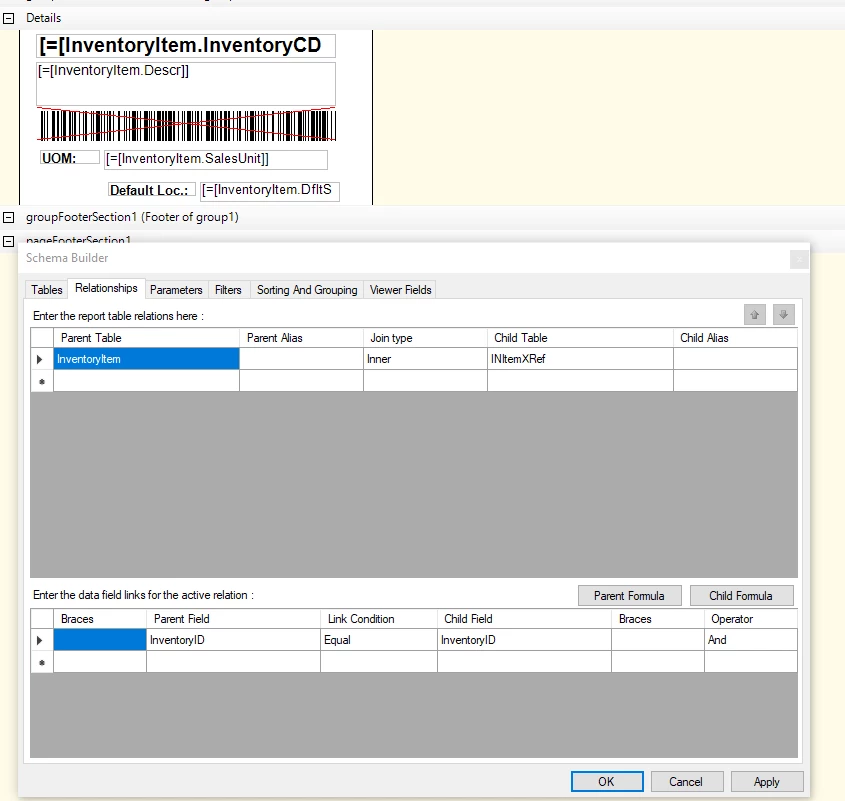
We have the following inventory labels form, and it prints additional labels based on the number of cross-references on the item profile. If there are three references or alternate IDs, then it prints three labels automatically. 

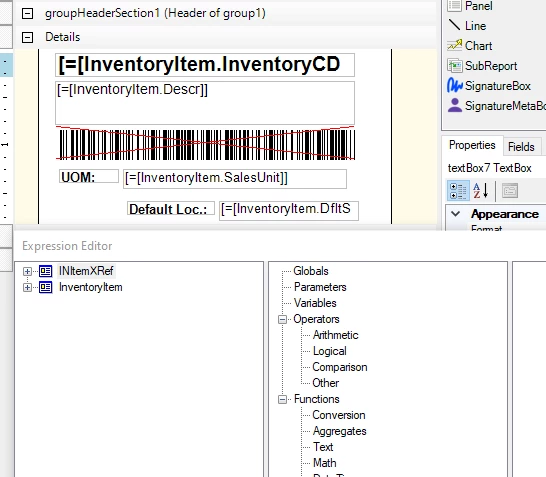
It might do because we added this table (INItemXRef) to the Schema Builder, but when I remove the table, then the label does not work. 


Best answer by lauraj46

Hi ​@Dawood ,

You can remove the join to this table on the Relationships tab.

If you receive an error after the table is removed, there are probably still some references to this table elsewhere in your report.  In addition to the obvious references in the controls on the report, I would recommend checking the other tabs of the Schema Builder.  There are sometimes artifacts there, often on the Sort and Grouping or Viewer Fields tabs, which will say ‘DELETED’ if the field no longer exists.  If so, you should be able to delete those rows.  

Hope this helps!

5 replies

Laura03
Captain II
Forum|alt.badge.img+19
  • Captain II
  • December 4, 2024

Hello,

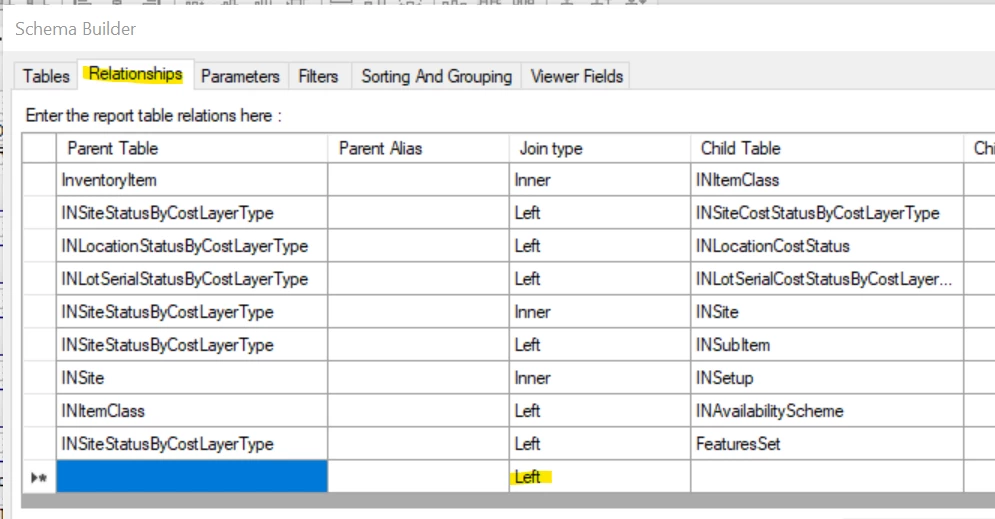
Duplicate records in a report nearly always point to a problem with the JOIN on the Relationships tab of Schema Builder. How was this table (INItemXRef) joined?  If one join type does not work, try another (Left and Inner are the most common correct answers.)

If you can’t solve your report duplication with this hint, please reply back with a screenshot of your relationships tab.

Best,


Laura


Forum|alt.badge.img
  • Author
  • Jr Varsity III
  • December 5, 2024

Hello ​@Laura02 

The relationship was Left, and I changed it to Right and Inner and still prints additional labels. 


Laura03
Captain II
Forum|alt.badge.img+19
  • Captain II
  • December 5, 2024

Hi,

Are you wanting to print one of the alternate ids on your label? If yes, we need to add a condition, I think, telling Acumatica report designer which alternate to print. 
If you are not trying to print one of the alternates, it may help to add a Group by InventoryItem.ItemCD.

Laura


Forum|alt.badge.img
  • Author
  • Jr Varsity III
  • December 5, 2024

Hello ​@Laura02 ,


We do not print any alternate IDs on the form; therefore, we do not use this table (INItemXRef). Also, we did not reference any field from this table to our form. Is there any way to remove this table in order to avoid printing additional label copies? 


lauraj46
Captain II
Forum|alt.badge.img+8
  • Captain II
  • Answer
  • December 5, 2024

Hi ​@Dawood ,

You can remove the join to this table on the Relationships tab.

If you receive an error after the table is removed, there are probably still some references to this table elsewhere in your report.  In addition to the obvious references in the controls on the report, I would recommend checking the other tabs of the Schema Builder.  There are sometimes artifacts there, often on the Sort and Grouping or Viewer Fields tabs, which will say ‘DELETED’ if the field no longer exists.  If so, you should be able to delete those rows.  

Hope this helps!