Solved

I want to add existing schedule to notification email template

  • August 14, 2025
  • 4 replies
  • 67 views

Forum|alt.badge.img

how to existing schedule to email template


Best answer by ranjithduraisamy72

@vannakheng I don’t think the reason for that was explained, but you can check with Acumatica Support or submit it as an idea in the community.

4 replies

Forum|alt.badge.img+2
  • Pro II
  • August 14, 2025

@vannakheng 

This article that might help you:https://www.acumatica.com/blog/technical-tuesday-use-business-events-acumatica-automate-processes/?utm_source=chatgpt.com

It explains step-by-step how to set up Business Events in Acumatica.


Forum|alt.badge.img
  • Author
  • Freshman II
  • August 14, 2025

@vannakheng 

This article that might help you:https://www.acumatica.com/blog/technical-tuesday-use-business-events-acumatica-automate-processes/?utm_source=chatgpt.com

It explains step-by-step how to set up Business Events in Acumatica.

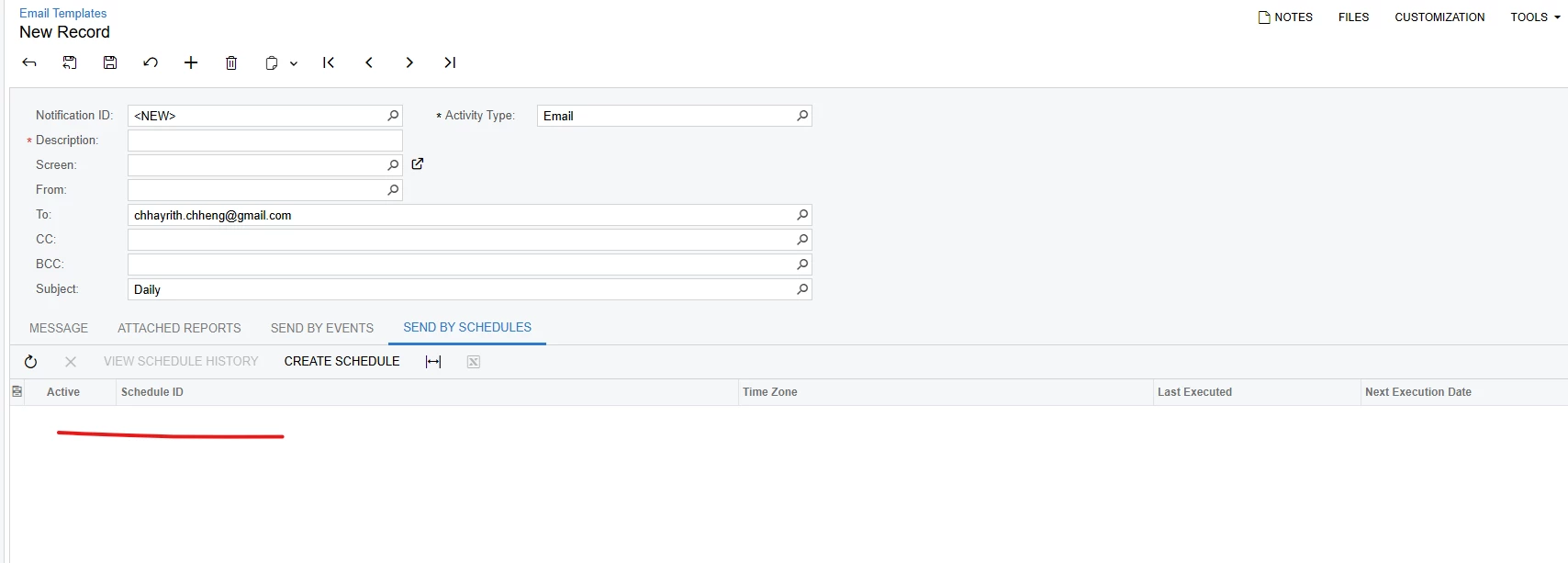
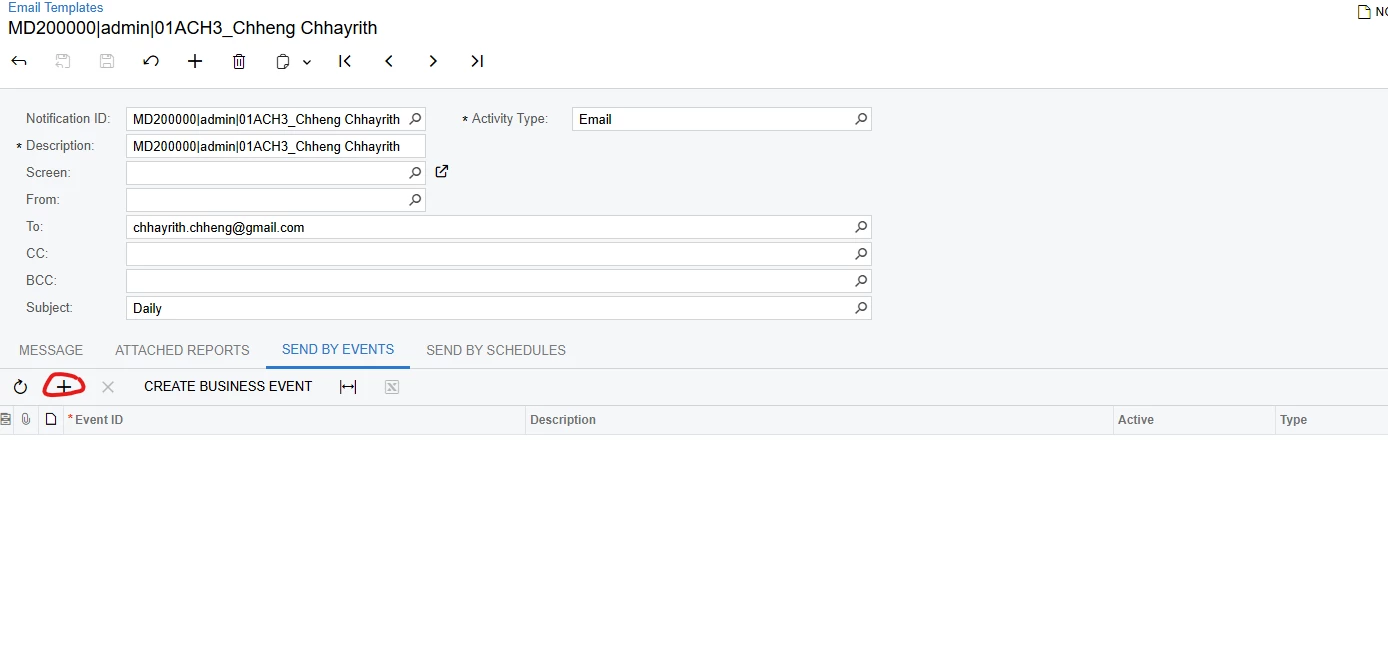
I know it but what I mean is why in send by schedule no add action and only have create new schedule. sometime we have schedule already, we’re just want to add schedule and no need to create new schedule. It like send by events picture below.


Forum|alt.badge.img+3

@vannakheng I don’t think the reason for that was explained, but you can check with Acumatica Support or submit it as an idea in the community.


abrunner78
Jr Varsity III
Forum|alt.badge.img
  • Jr Varsity III
  • January 27, 2026

@vannakheng did you figure anything out?

I’m using a report that has several templates which correspond to different vendors that I had sent monthly. I had this all on a single schedule, but with the update to 25R1 and per you post, I cannot select an existing schedule to use for each of the emails.

Am I just stuck creating a unique schedule for each email?