



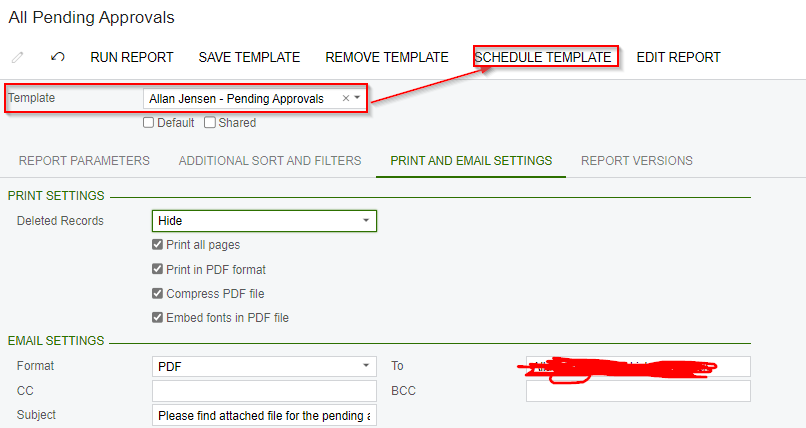
we have scheduled a report template to email it to user, but facing a problem where system is still printing and sending blank report if there are no records, so how we can stop it ?
Solved
How to stop printing report if there is no record in the report
Best answer by brendan91
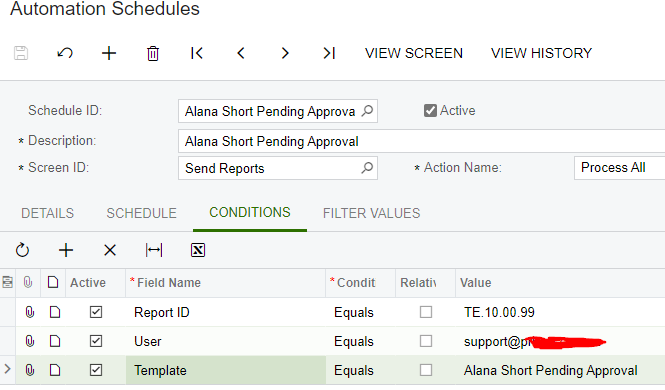
What are the conditions you setup in the automation schedule to allow the report to send?
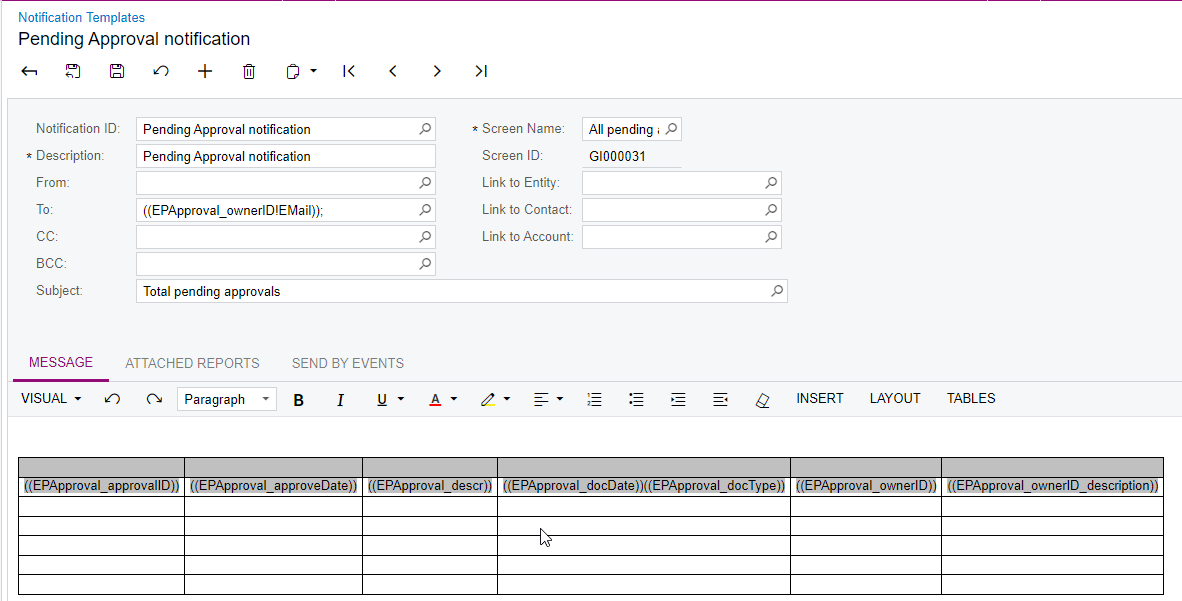
Looking at what is available to the Send Reports Screen ID, I believe you will need to set this up as a business event triggered by a record change.
The send reports screen automation is good for sending reports that don’t necessarily require a condition. For example, if you want a sales summary report sent to you every Monday at 9:00 AM, this screen is great for that.
The business event emailing tool allows you to send reports based on certain controlling conditions. The most important one for this example being that the order is in approval status and maybe a few others. It will resolve your issue.
If you need assistance figuring out how to set that up, I’m happy to help!



Login to the community
No account yet? Create an account
Social Login
Login with your Acumatica accountEnter your E-mail address. We'll send you an e-mail with instructions to reset your password.