Answer

How to print correct page numbers in report?

  • March 27, 2025
  • 7 replies
  • 125 views

Forum|alt.badge.img

Hello all,

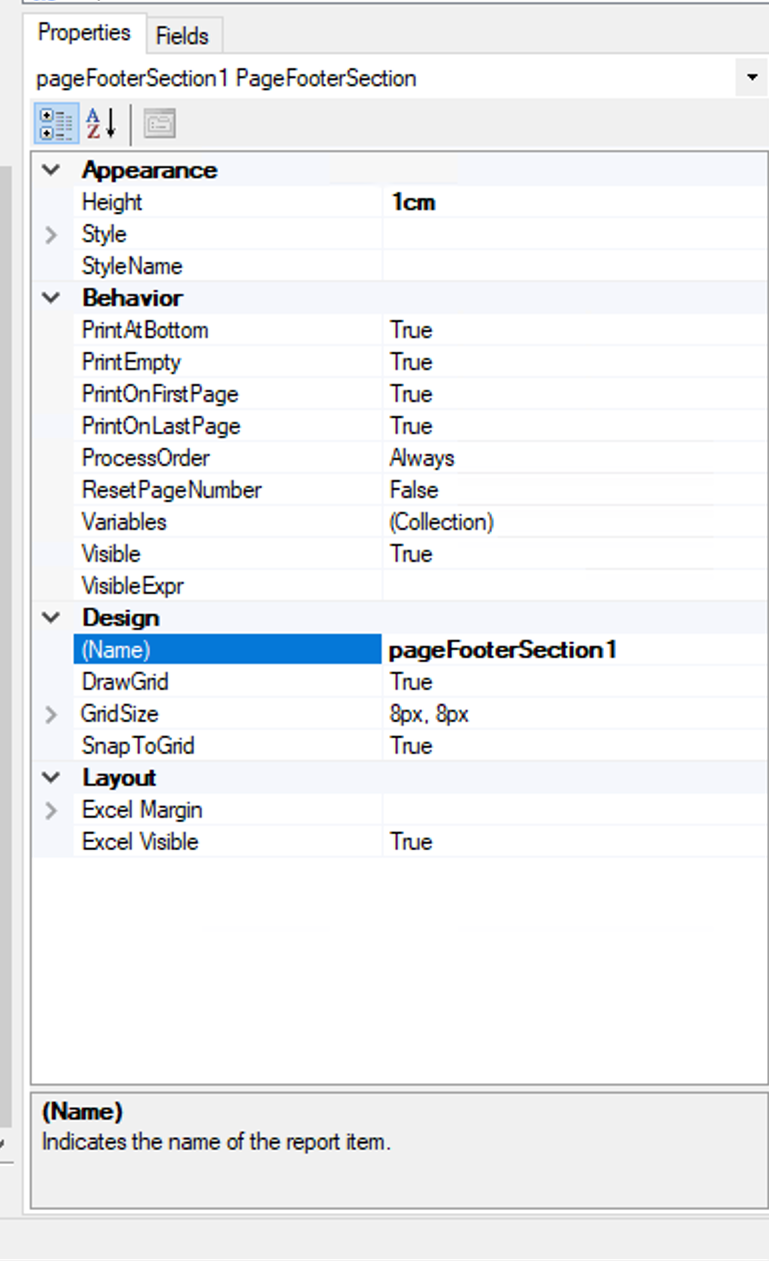
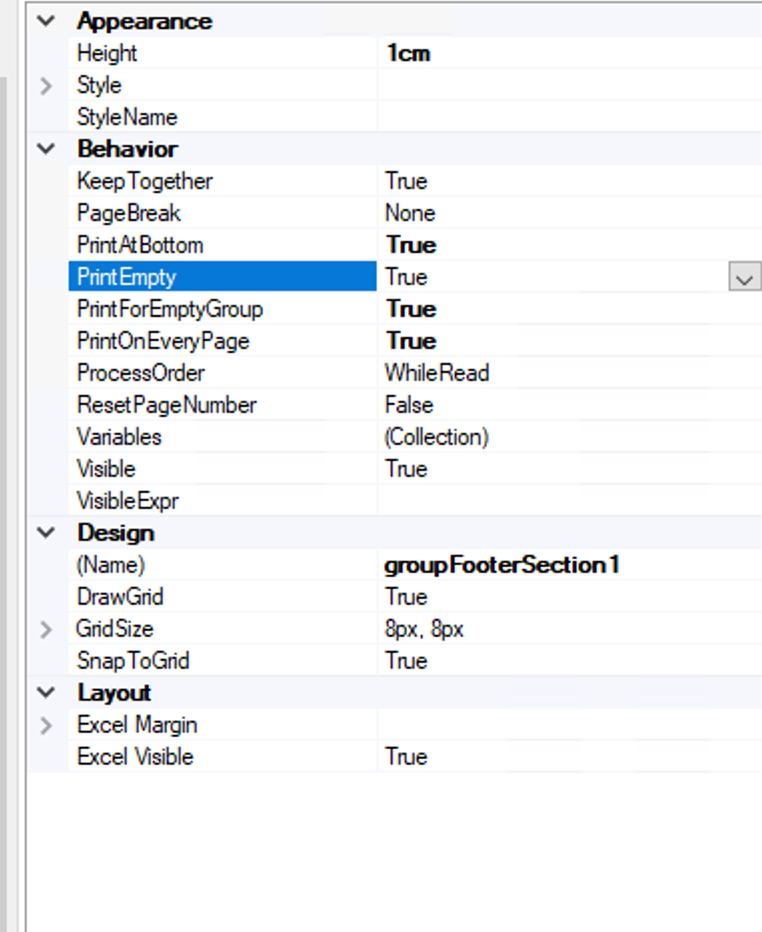
How can I print the page numbers in a correct way? I now there’s an option under the properties section - Print on Every Page but I’m unable to find that option in report designer. 


FYI, there are no joins/tables being used in here as it is just a simple form.

Best answer by WillH

@Harry  - That’s not really how it’s designed to be used.  
If you want to explicitly control page breaks, then you’re looking at doing as Arthia suggested, you can force page breaks in a group footer to start a new page.

If you’re looking to do a bunch of different reports as a batch, it might be worth investigating setting up each page as a sub report, and then just having the main report call a series of subreports?   
It would probably perform terribly compared to coding everything into 1 report, but might make more sense for what you’re trying to achieve.

What are you wanting to achieve with your different pages?

7 replies

Forum|alt.badge.img+3
  • Varsity I
  • March 27, 2025

Hi ​@Harry , Use =[PageOf] to print the page numbers


Forum|alt.badge.img
  • Author
  • Semi-Pro II
  • March 27, 2025

Hello, just an update,

I currently added a group footer, and added the Page Count text box in it. But it not displays the page number still. Whereas the other content in the same group footer is getting printed on every page.


Forum|alt.badge.img+3
  • Varsity I
  • March 27, 2025

Refer this link , hope this will help you. If you need further assistance, please share your report in .rpx format to review.


Forum|alt.badge.img
  • Author
  • Semi-Pro II
  • March 27, 2025

Hi ​@Harry , Use =[PageOf] to print the page numbers

Hey ​@arthia98 , thanks a lot. I have a set of 20 pages needed to be designed in the same report. So I assume 20 pages would be displaying in the report. I have designed the first page but unable to move the content of the 2 page from my original doc into report designed so that it should also display it in second page in acumatica’s report output. How to do so?


Forum|alt.badge.img+3
  • Varsity I
  • March 27, 2025

You can use PageBreak in sections to get the data to display in new page of the report.


Forum|alt.badge.img
  • Author
  • Semi-Pro II
  • March 27, 2025

You can use PageBreak in sections to get the data to display in new page of the report.

But then the report designer is leaving space for the content in the first page if i m going to pring it on second page using page break. I added a new section for the new page.


WillH
Varsity III
Forum|alt.badge.img+3
  • Varsity III
  • Answer
  • March 27, 2025

@Harry  - That’s not really how it’s designed to be used.  
If you want to explicitly control page breaks, then you’re looking at doing as Arthia suggested, you can force page breaks in a group footer to start a new page.

If you’re looking to do a bunch of different reports as a batch, it might be worth investigating setting up each page as a sub report, and then just having the main report call a series of subreports?   
It would probably perform terribly compared to coding everything into 1 report, but might make more sense for what you’re trying to achieve.

What are you wanting to achieve with your different pages?