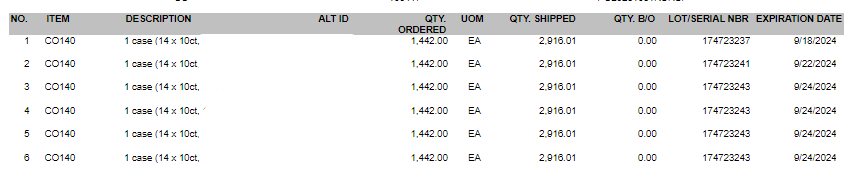
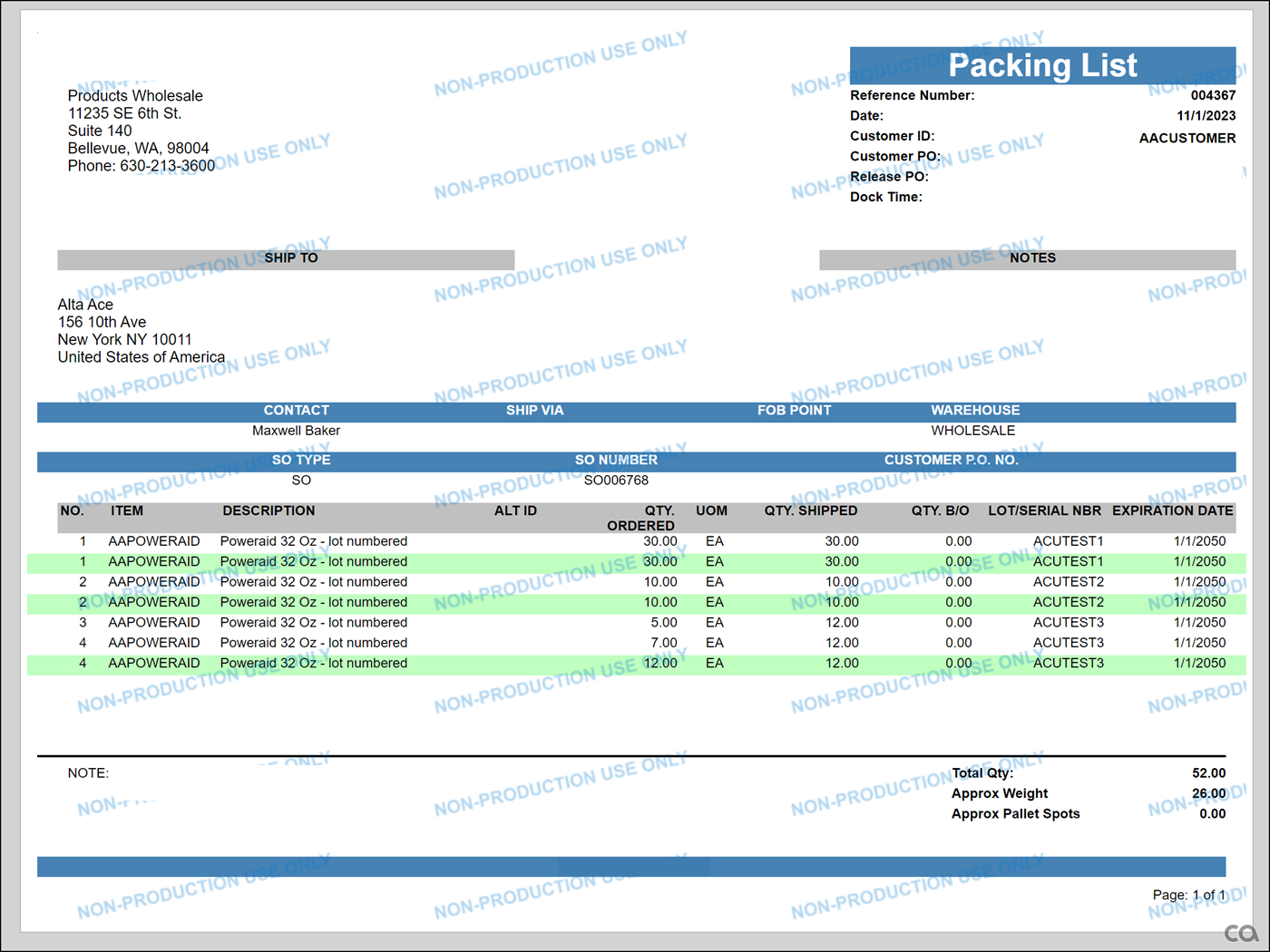
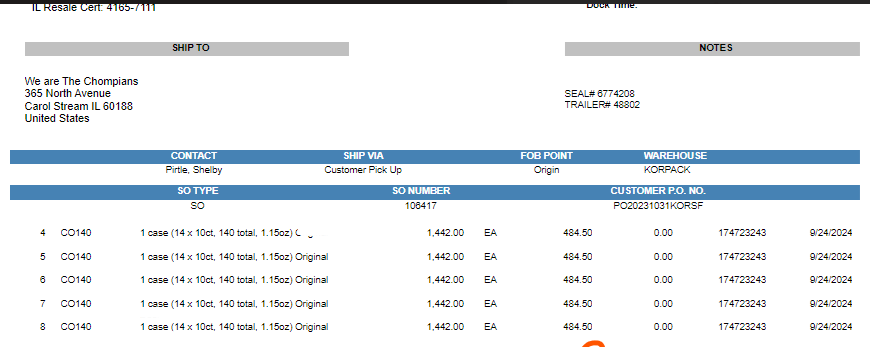
We have a report that prints the pack list along with Lot Serial Nbr. Currently the items on a shipment are repeating multiple times because the items are located on multiple locations.
Current Output
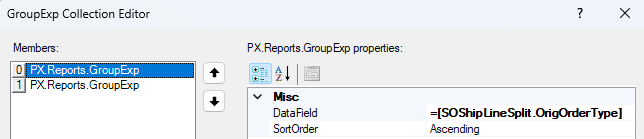
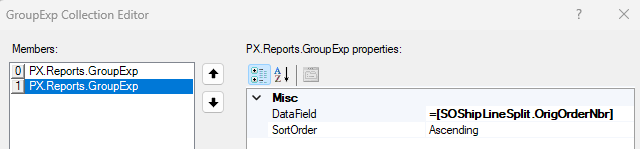
How can we display items along with lot serial number, total shipped qty but not have it split these lines based on location? We currently have it grouped by Sales Order Nbr and Order type.
I have also attached the rps file of the report for reference. Thank you for the help in advance!
Best answer by Robert Sternberg
Hi @kanupindi
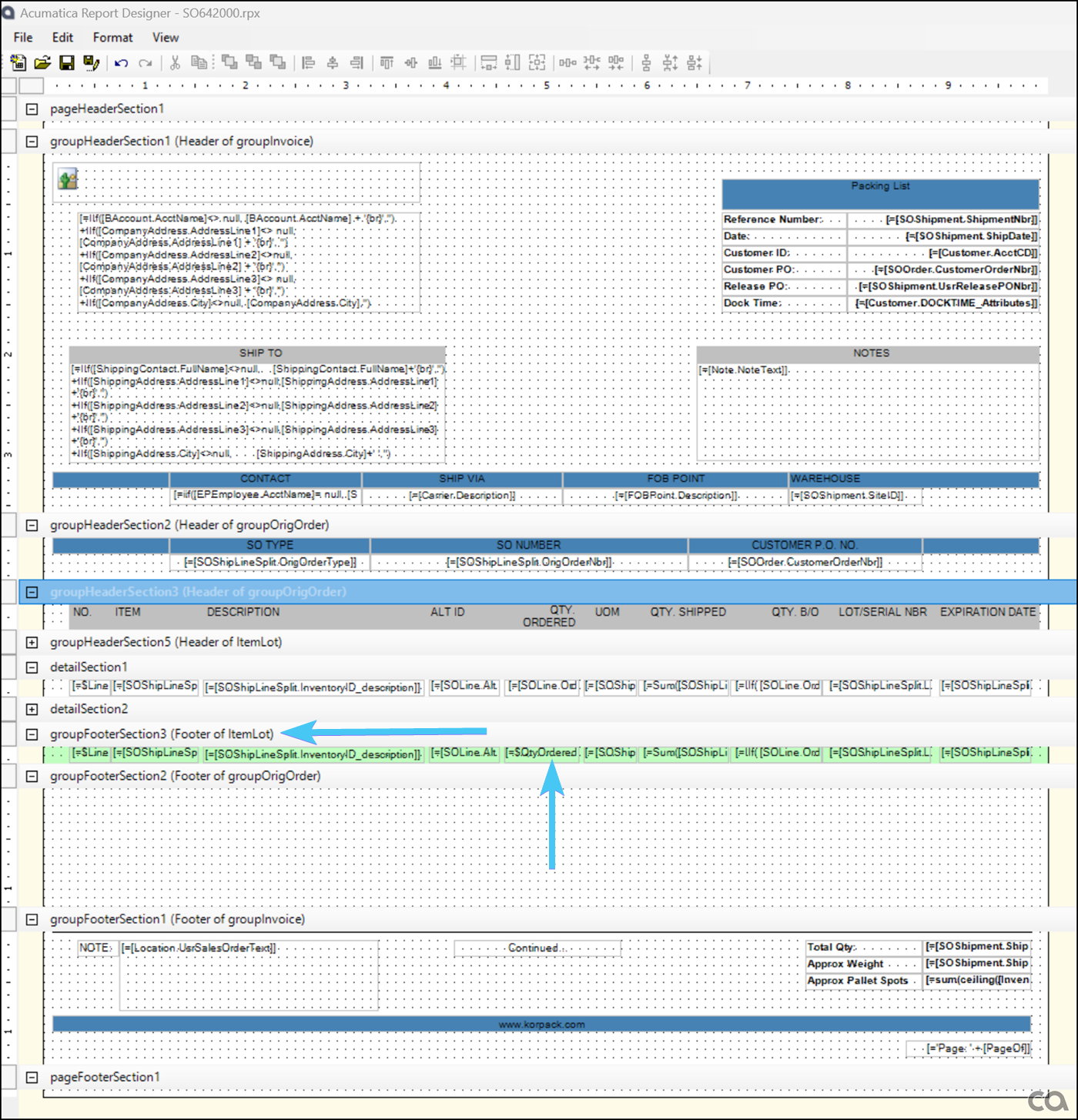
Please take a look at the attached, I have highlighted the section footer in green which only prints once per lot/serial group. Notice how the detail section prints for every shipment line.
To finalize this solution you will need to:
Set detailSection1 to Visible = False, this will hide the ‘duplicates’
Remove the green backcolor from groupFooterSection3 under Properties>Style>Backcolor
Follow my example on the QTY. ORDERED column to create an aggregate total for your group when necessary. (QTY. SHIPPED, QTY. BACKORDERED)
Update the NO. Column to more accurately describe the group(s) line nbrs.
Hi @kanupindi can you share how you would like the lot/serial number to appear. Are you expecting a single line with the lot/serial numbers listed, separated by commas?
Inventory ID
Qty
Lot/Serial Nbr
Invt001
3
0001, 0002, 0003
If not could you provide a quick mockup similar to the above of what you are looking for?
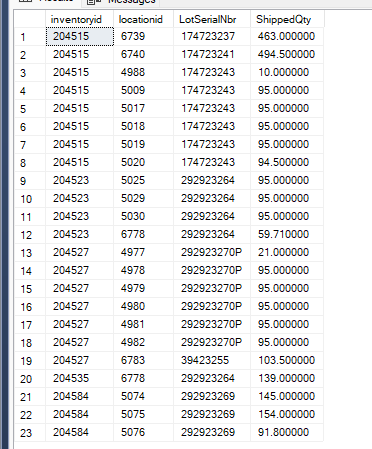
Hi @Robert Sternberg, We did try grouping by lot serial nbr but that did not work. Is there a different way we can try? I have attached the rpx file below. The reason why they are duplicating is because of different locations
Below is a snapshot from our database. We also grouped by Lot Serial, Location and Inventory ID on the report and that did not work either.
Hello, thanks for the file, you are seeing this because you are still reporting in the detail (ungrouped section) of the report, if you move your fields into a grouped section you will only see one result line per group. Do not put anything in the detail section unless you want it to print ungrouped results.
Please take a look at the attached, I have highlighted the section footer in green which only prints once per lot/serial group. Notice how the detail section prints for every shipment line.
To finalize this solution you will need to:
Set detailSection1 to Visible = False, this will hide the ‘duplicates’
Remove the green backcolor from groupFooterSection3 under Properties>Style>Backcolor
Follow my example on the QTY. ORDERED column to create an aggregate total for your group when necessary. (QTY. SHIPPED, QTY. BACKORDERED)
Update the NO. Column to more accurately describe the group(s) line nbrs.
Hi @kanupindi can you share how you would like the lot/serial number to appear. Are you expecting a single line with the lot/serial numbers listed, separated by commas?
Inventory ID
Qty
Lot/Serial Nbr
Invt001
3
0001, 0002, 0003
If not could you provide a quick mockup similar to the above of what you are looking for?
Thanks!
Hi @Robert Sternberg can we do it in report designer with separated by commas
Please create a new variable in the details section. Call the new variable $CSVLotSerial, for the value formula use Concat($CSVLotSerial, ‘, ’, [SOShipLineSplit.LotSerialNbr]) with a reset group of ItemLot and a reset expression of =’’.
Replace the field where you would like to see the CSV values with $CSVLotSerial