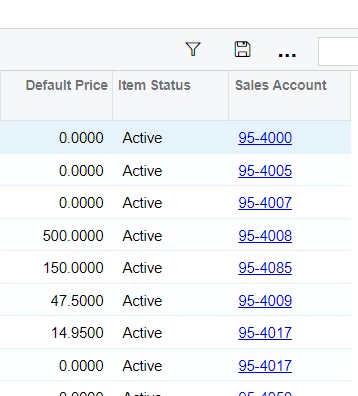
Answer

How to get list of Non-Stock Items showing the Expense and Sales GL Codes

  • November 4, 2024
  • 4 replies
  • 66 views

Hello everyone. 

I am trying to see how to modify the GI for Non-Stock items to include the GL Codes/Accounts for Expense and Sales.  I don’t see any other report I could manipulate and that’s why I thought I could get that through the Generic Inquiry by Editing the Generic Inquiry.  I cannot seem to find what fields should be added to the Results Grid.  Currrently on 2023R1.

Any help in this regard would be greatly appreciated.
 

Best answer by josborn02

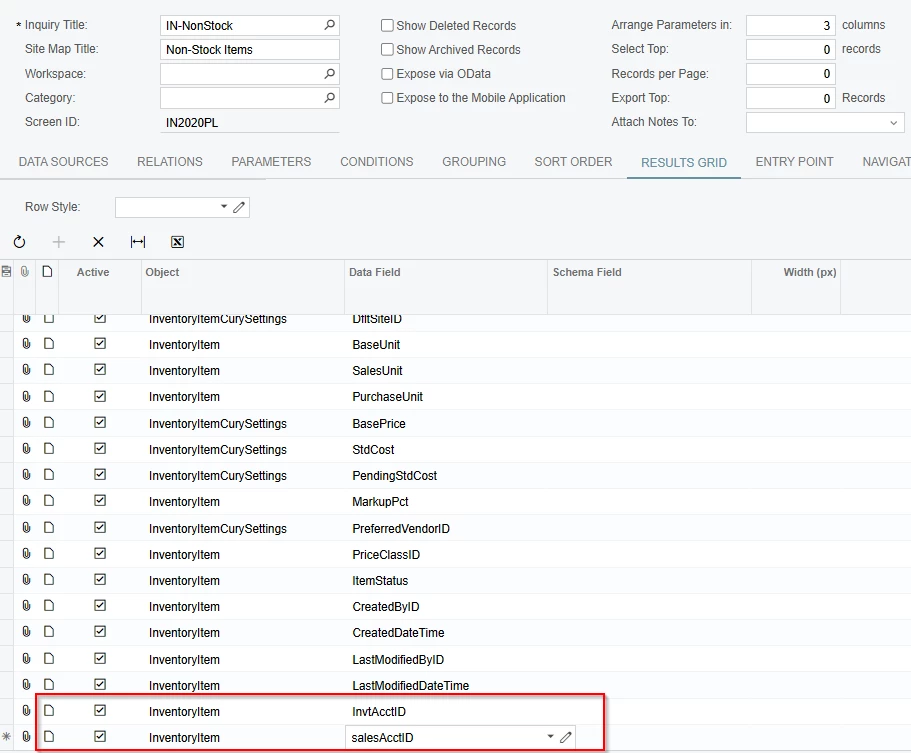
Add these fields to your results grid.


4 replies

josborn02
Varsity III
Forum|alt.badge.img+1
  • Varsity III
  • Answer
  • November 4, 2024

Add these fields to your results grid.


  • Author
  • Freshman I
  • November 4, 2024

Hello josborn02!


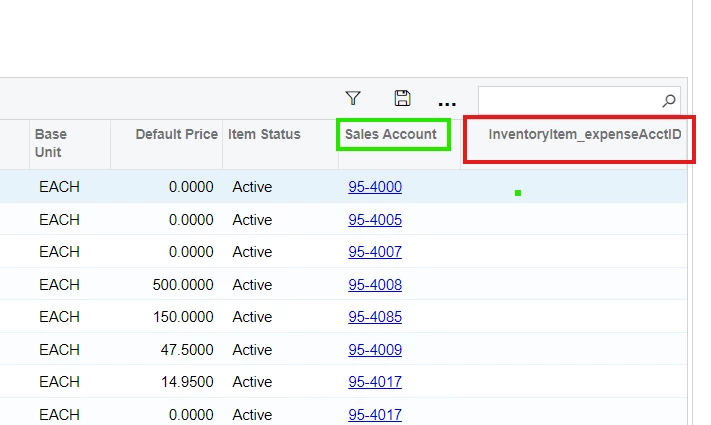
That’s GREAT! I got the Sales Account to show. I tried using the field I thought would give me the (continued below)

Expense Account to show but that didn’t work as you can see below.  Any ideas on getting that field?

THANKS very much for your help so far!


josborn02
Varsity III
Forum|alt.badge.img+1
  • Varsity III
  • November 4, 2024

Try COGSAcctID


  • Author
  • Freshman I
  • November 5, 2024

That’s it!!! Exactly what we needed to audit all that data efficiently…...truly appreciate your time to respond.


Have a good one!!!