Question

How to display the 13th period on a Monthly ARM report

  • May 26, 2025
  • 10 replies
  • 192 views

Forum|alt.badge.img

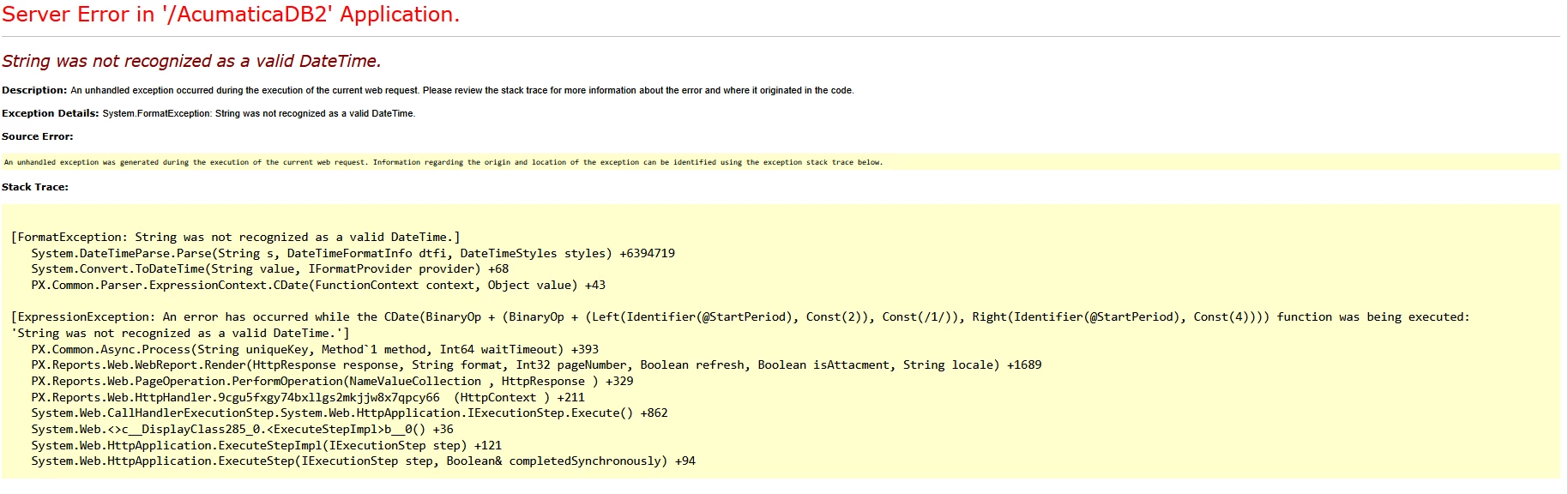
Hi everyone, I am working on a report to display the monthly General & Administrative Expenses. I was able to create the report, but it runs into an error whenever I try to run the 13th period. I tried to research why this is happening and found out that it’s because of the formulas I used to display the column headers. However, I can’t find an alternative or a solution for it. Could anyone have any idea about this? I have attached the XML file for the report.

 

10 replies

nhatnghetinh
Captain II
Forum|alt.badge.img+11
  • Captain II
  • May 27, 2025

Hi ​@lorach 

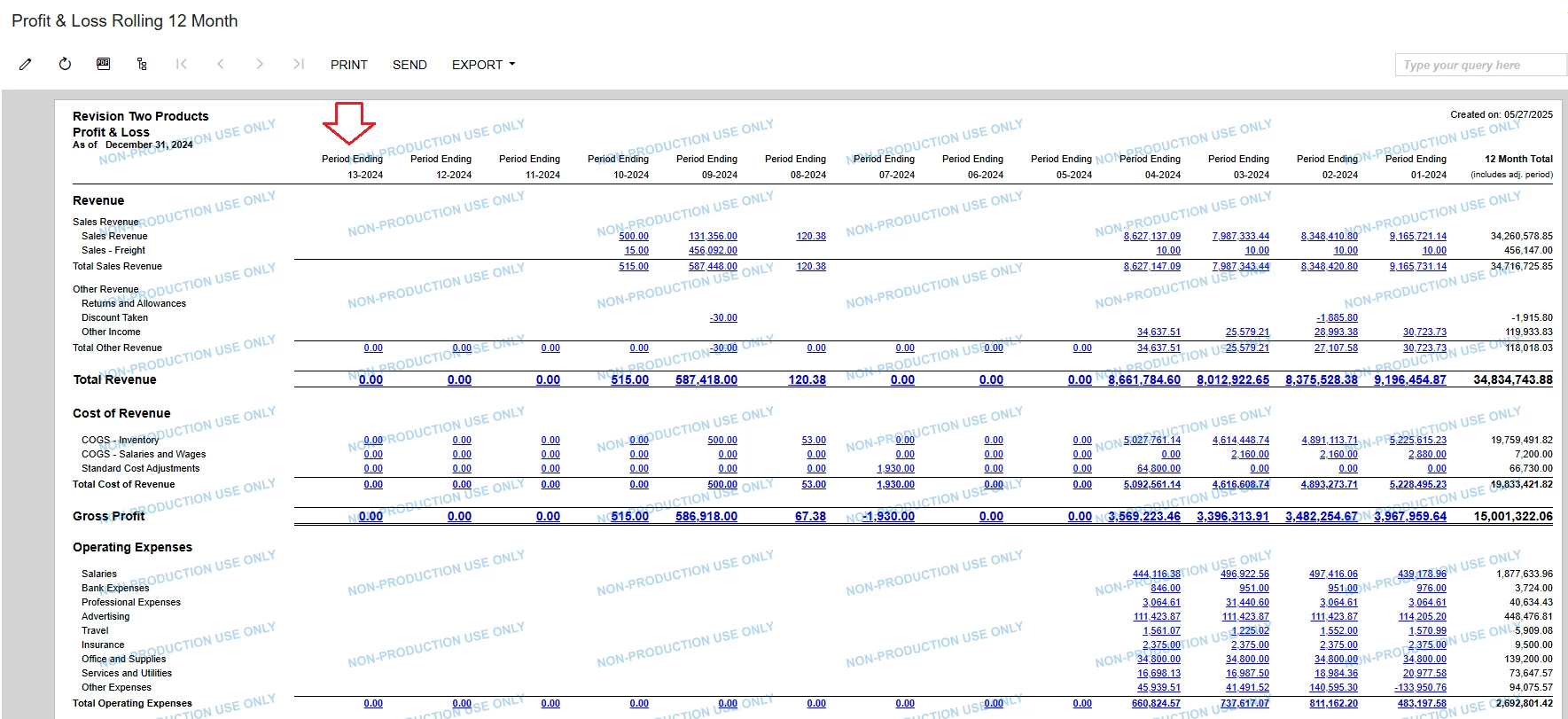
I think there is a problem with Visible Formula in your report and your report is missing a column if there is 13th period.

Please refer to the ARM report in the attached file. This report works fine with 13th period.


Best Regards,

NNT


Forum|alt.badge.img
  • Author
  • Jr Varsity II
  • May 27, 2025

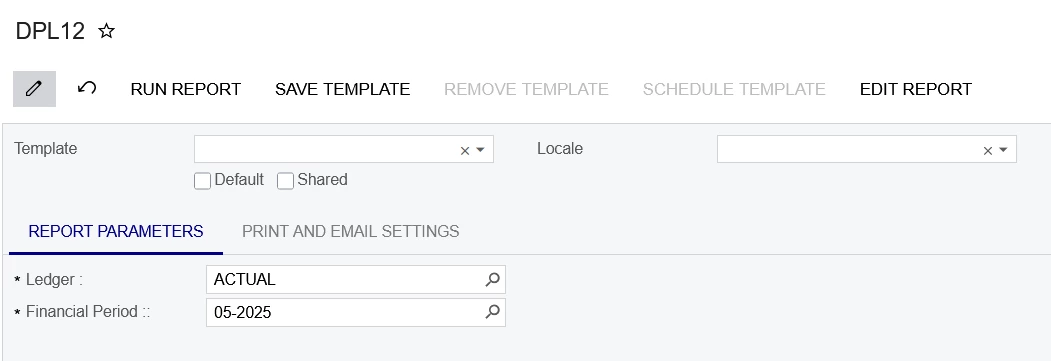
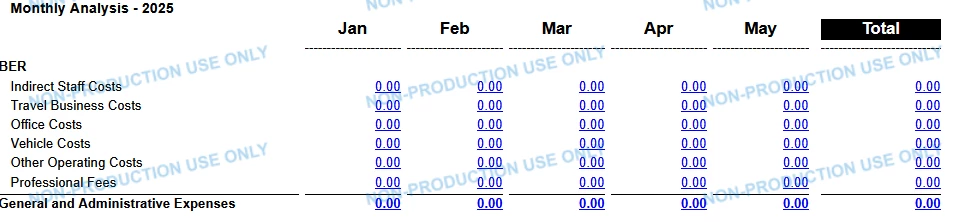
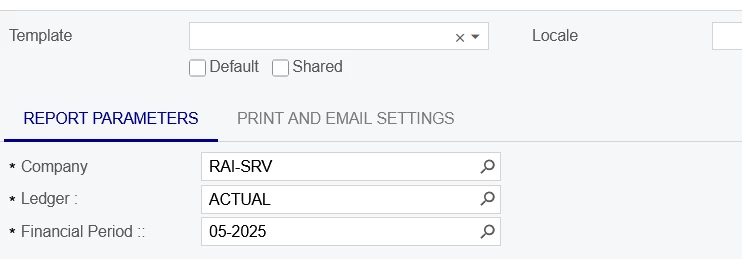
Hi ​@nhatnghetinh, I actually used the rolling 12-month report as a basis to create the modified report. The only issue is that it doesn’t meet the requirement since the client expects, for example, that if you run the report with a parameter of 05-2025, it should only display columns 01-2025 to 05-2025, not considering the previous months. Hence, the visible formula I used to condition that, though it’s limiting to the 13th period.


The required format 


nhatnghetinh
Captain II
Forum|alt.badge.img+11
  • Captain II
  • May 27, 2025

Hi ​@lorach 

If you want to display all 12 previous periods when selecting any period, please refer to the attached report.


Best Regards,

NNT


Forum|alt.badge.img
  • Author
  • Jr Varsity II
  • May 27, 2025

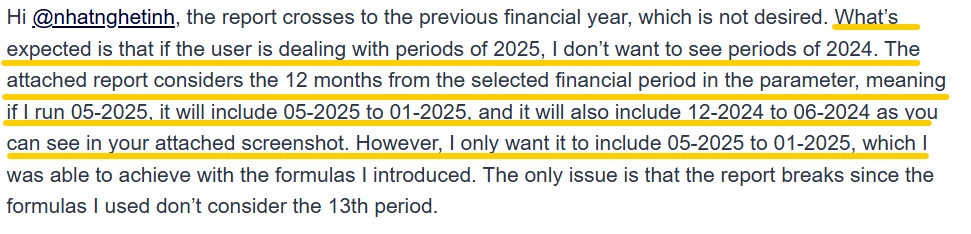
Hi ​@nhatnghetinh, the report crosses to the previous financial year, which is not desired. What’s expected is that if the user is dealing with periods of 2025, I don’t want to see periods of 2024. The attached report considers the 12 months from the selected financial period in the parameter, meaning if I run 05-2025, it will include 05-2025 to 01-2025, and it will also include 12-2024 to 06-2024 as you can see in your attached screenshot. However, I only want it to include 05-2025 to 01-2025, which I was able to achieve with the formulas I introduced. The only issue is that the report breaks since the formulas I used don’t consider the 13th period.


meganfriesen37
Captain II
Forum|alt.badge.img+12

Assuming the report will always go from period 01 on the left and then add columns to the right throughout the year, I have done something similar in the past.

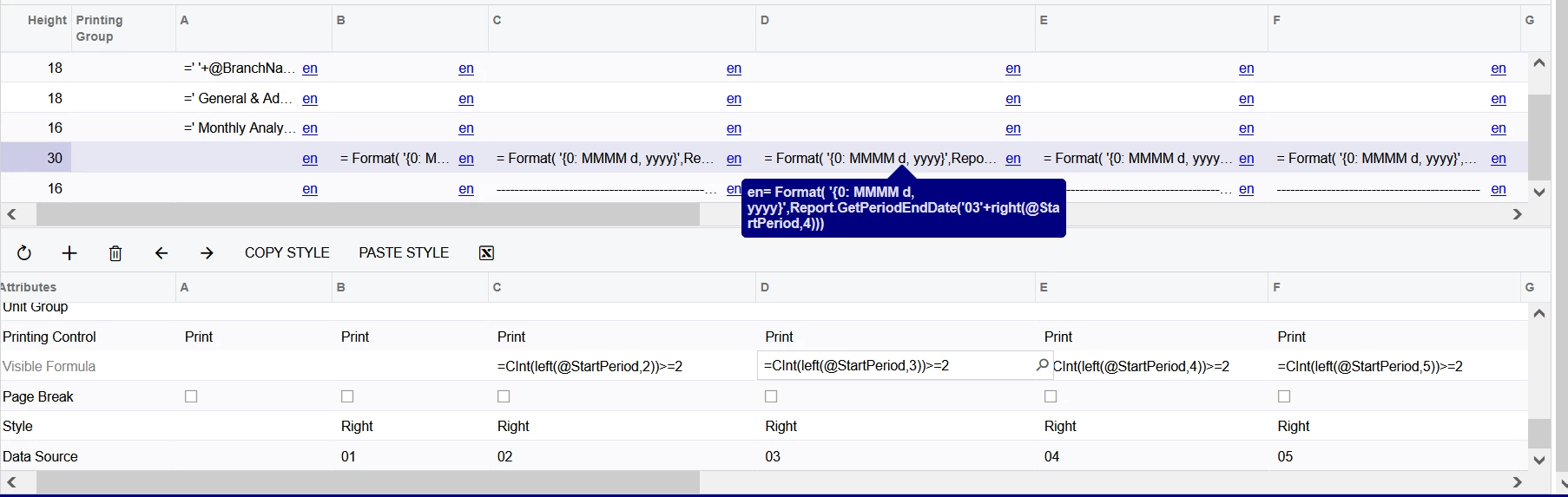
In the Column Headers, I’ve used “= Format( '{0: MMMM d, yyyy}',Report.GetPeriodEndDate('02'+right(@StartPeriod,4)))” (replacing the period number for each column)

Your column for period 1 would always be visible.  Visibility formulas for periods 2 - 13 would be “=CInt(left(@StartPeriod,2))>=2” (for period 2, and replace 2 with 3 for the next column, etc.)

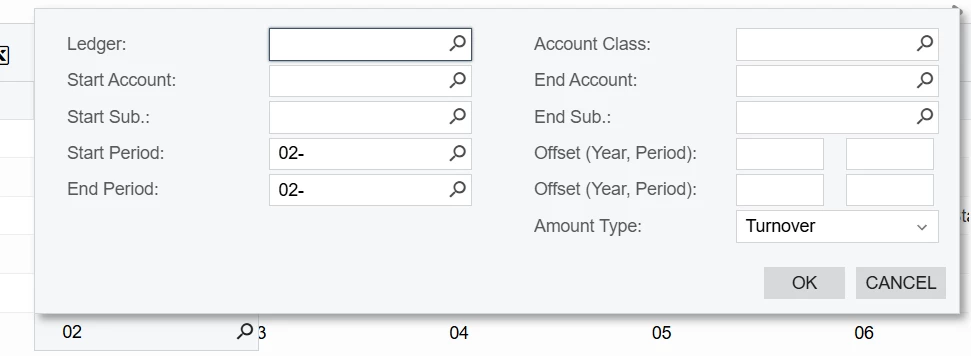
Your data source would have the period number hard coded in for each column:


For my YTD columns at the end, I hardcode in period 01 as the start period.


Forum|alt.badge.img
  • Author
  • Jr Varsity II
  • May 28, 2025

Hi @meganfriesen37, thanks for the suggestion. However, it still doesn’t meet the requirement I mentioned earlier. Your suggestion lists the future period after what was specified in the parameter; for example, if you run 05-2025, it will also show the columns for 06-2025, 07-2025…….. so yes, it doesn’t list the previous periods, but it lists the future ones.


meganfriesen37
Captain II
Forum|alt.badge.img+12

With putting in the visibility rules it should hide the “future” periods.


Forum|alt.badge.img
  • Author
  • Jr Varsity II
  • May 28, 2025

Hi ​@meganfriesen37 , I used the visible formula you shared, but I am still getting the same results, maybe I am missing something, I have attached the Excels of the column set .


Chris Hackett
Community Manager
Forum|alt.badge.img
  • Acumatica Community Manager
  • July 3, 2025

Hi ​@lorach were you able to find a solution? Thank you!


Forum|alt.badge.img
  • Author
  • Jr Varsity II
  • July 4, 2025

Hi ​@Chris Hackett, unfortunately, not yet.