Answer

How to display currency rate of Invoice screen in report?

  • October 6, 2023
  • 5 replies
  • 207 views

I want to display the above highlighted field in my report .

Best answer by Laura03

Hello,

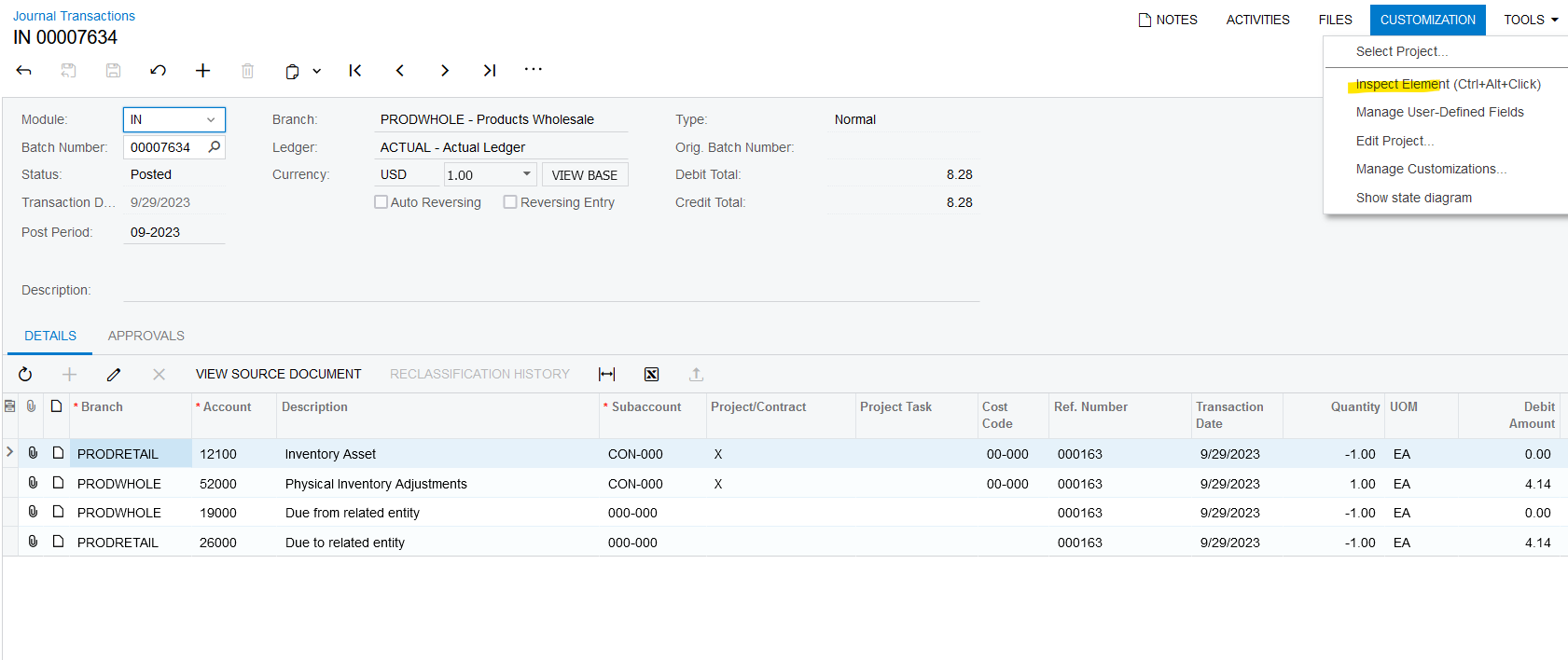
When I clicked Customization → Inspect Element in Invoices & Memos screen, Acumatica didn’t show me the field name that holds the currency rate.
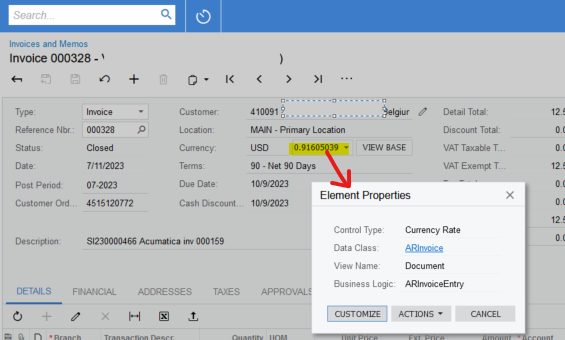
No field name shown for currency rate

Next I created a simple GI to show every field of ARInvoice table:  I cannot see the currency rate 0.91605039 in any field of ARInvoice table.

I think it will be tricky to find a proper rate stored in a table; it looks to me like you’ll need to join your Invoice Report to Currency Rate table and use the Invoice Date + Invoice Currency to find a proper rate.

Find To Currency = Currency of Document, find most recent Effective Date prior to invoice date

Exchange Rate field in the above report is RowCurrencyRate.CuryRate.

Hope this helps you.


Laura

5 replies

StevenRatner
Varsity I
Forum|alt.badge.img
  • Varsity I
  • October 6, 2023

@debas56 - You would need to do inspect element on that field to figure out the field name and then you can add it to the report if that table structure exists.  If not you would need to do a join to have that table added and the field be pulled onto the report.


RohitRattan88
Acumatica Moderator
Forum|alt.badge.img+4
  • Acumatica Moderator
  • October 6, 2023

@debas56 , @StevenRatner  is correct. In addition, I suggest completing the S150 course to learn more on how to work on reports in Acumatica

S150 Report Designer 2023 R1 (acumatica.com)


Laura03
Captain II
Forum|alt.badge.img+19
  • Captain II
  • Answer
  • October 6, 2023

Hello,

When I clicked Customization → Inspect Element in Invoices & Memos screen, Acumatica didn’t show me the field name that holds the currency rate.

No field name shown for currency rate

Next I created a simple GI to show every field of ARInvoice table:  I cannot see the currency rate 0.91605039 in any field of ARInvoice table.

I think it will be tricky to find a proper rate stored in a table; it looks to me like you’ll need to join your Invoice Report to Currency Rate table and use the Invoice Date + Invoice Currency to find a proper rate.

Find To Currency = Currency of Document, find most recent Effective Date prior to invoice date

Exchange Rate field in the above report is RowCurrencyRate.CuryRate.

Hope this helps you.


Laura


  • Author
  • Freshman I
  • October 10, 2023

Thanks @Laura02 


Forum|alt.badge.img
  • Varsity III
  • November 19, 2025

This is the correct way to find the general currency rate on a specific date, but it is not necessarily correct for this specific document, because the user can override the currency rate on the document.

You need to use the CurrencyInfo table for this.