Question

How to define sorting conditions for Segmented cost codes

  • May 22, 2026
  • 2 replies
  • 24 views

Forum|alt.badge.img

Hello all,

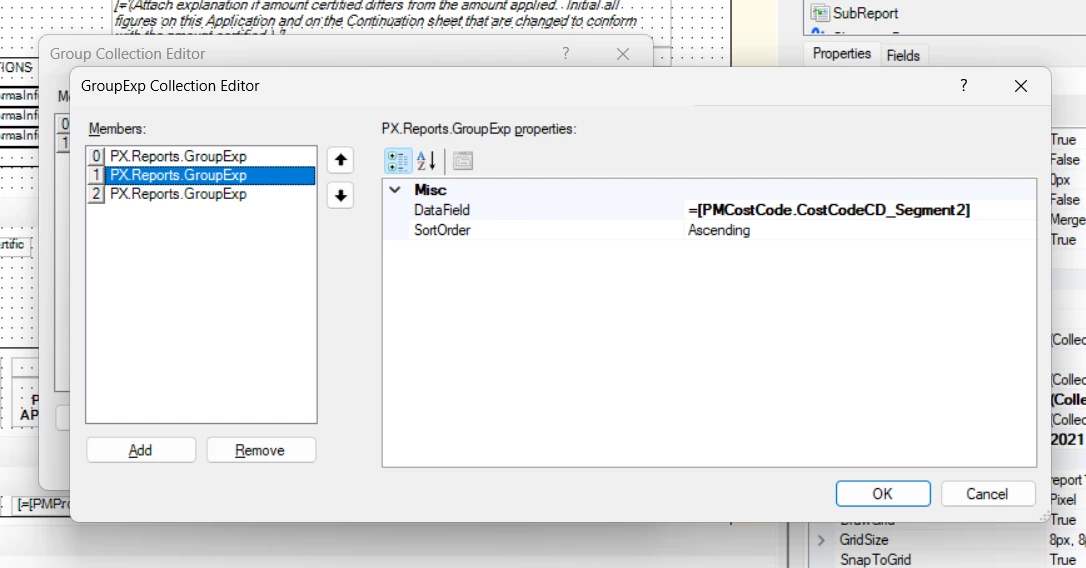
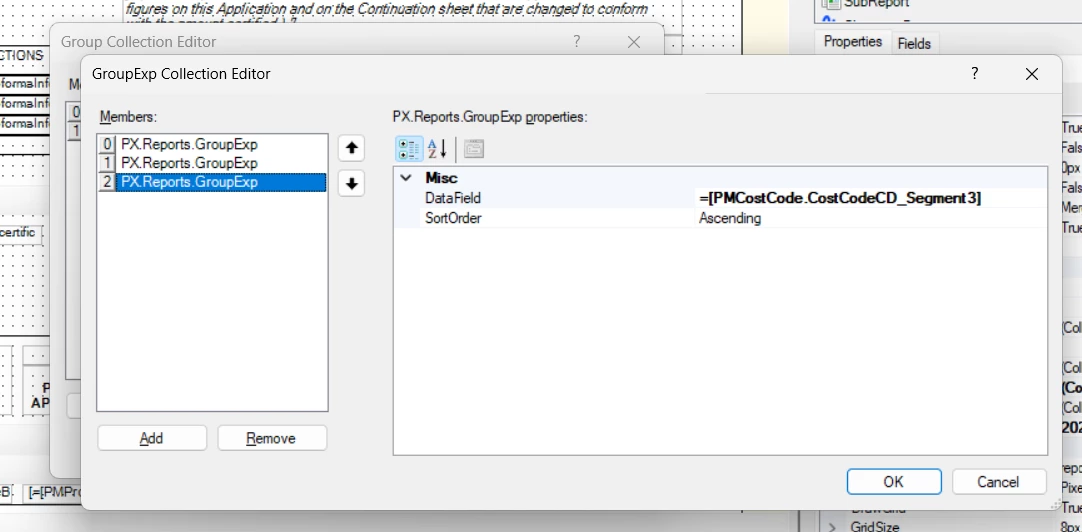
How can I define sorting conditions for cost codes with segments. I tried to define as:
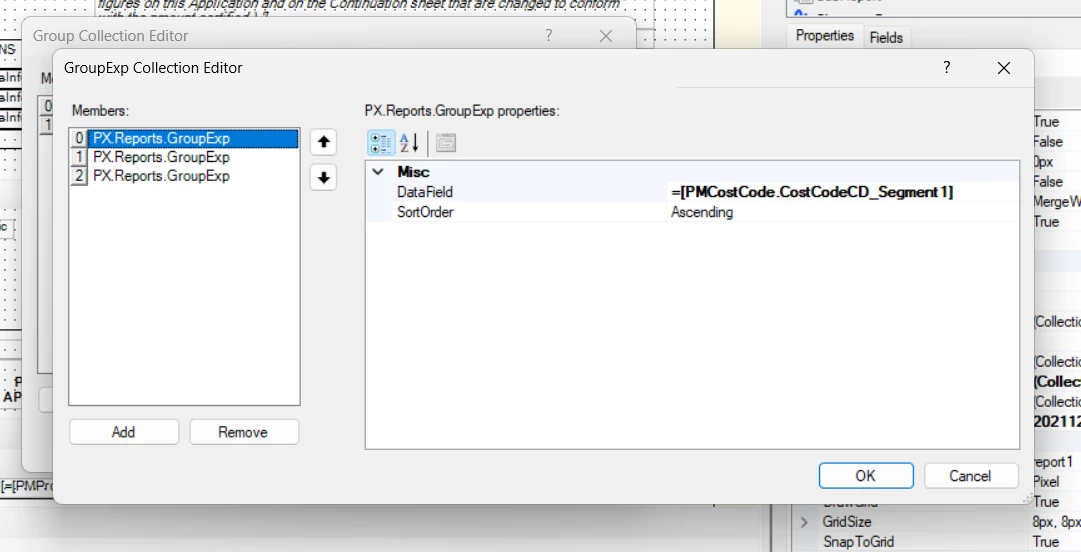


Still no impact.

2 replies

BenjaminCrisman
Acumatica Employee
Forum|alt.badge.img+4
  • Acumatica Support Team
  • May 22, 2026

@Harry For the first and last segments you can probably just use Left() and Right() functions, for the middle you’ll need to use one, then the other. So if the cost code is 0123-456-7890, your function would look like: Right(Left([PMCostCode.CostCodeCD], 8), 3). This will take the left most 8 characters and then of those, only return the last 3.

Have you tried something like this?


Forum|alt.badge.img
  • Author
  • Semi-Pro II
  • May 23, 2026

@Harry For the first and last segments you can probably just use Left() and Right() functions, for the middle you’ll need to use one, then the other. So if the cost code is 0123-456-7890, your function would look like: Right(Left([PMCostCode.CostCodeCD], 8), 3). This will take the left most 8 characters and then of those, only return the last 3.

Have you tried something like this?

Hi ​@BenjaminCrisman , thanks for your prompt response. My cost code segment is like 01.020.99. I tried the following for first segment: Left ([PMCostCode.CostCodeCD],2), still it didnt work out. Am I missing something or doing something wrong?