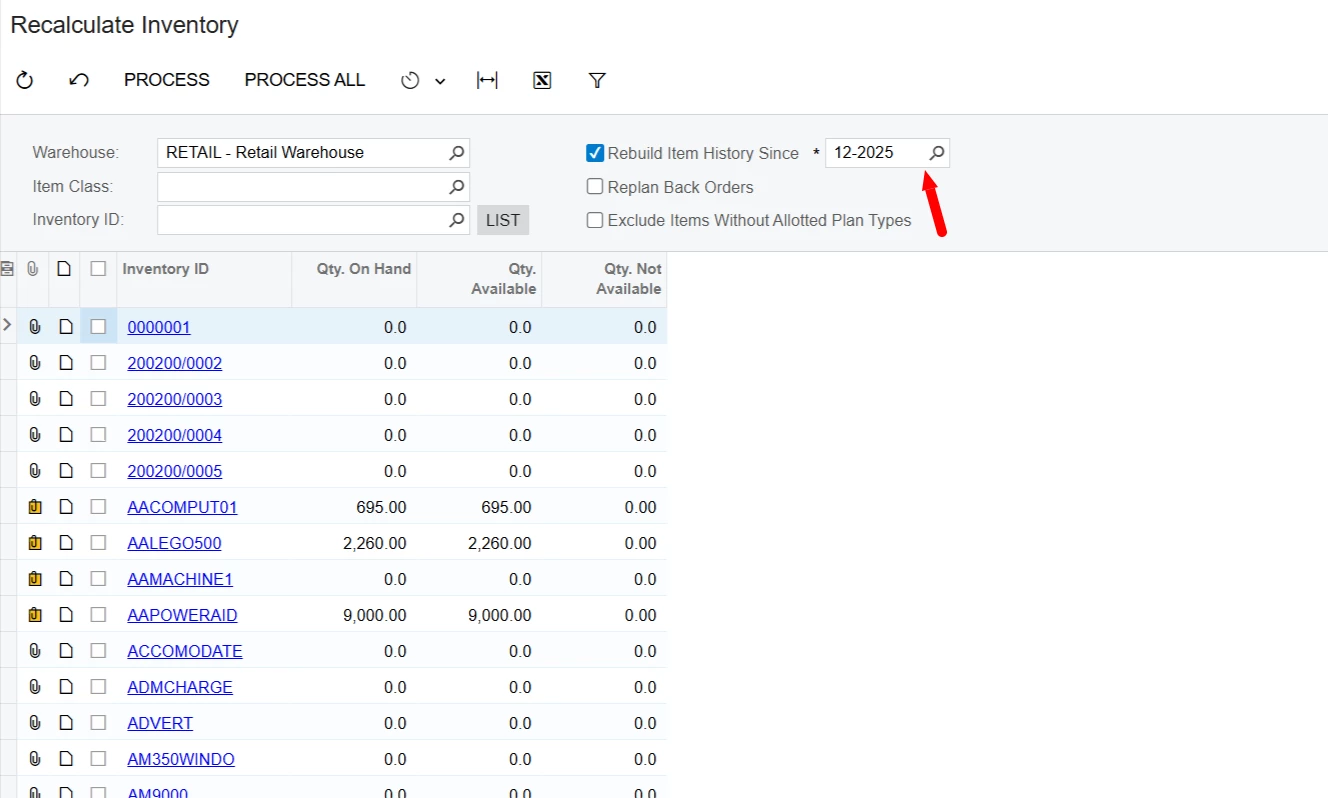
In December, I identified discrepancies in my historical inventory valuation report. I was able to isolate the specific transactions causing the issue; however, I require guidance on how to properly resolve it.
The issue appears to have originated from the following sequence of events:
A purchase order was created, and the items were subsequently received into inventory in November. Upon receipt, the Inventory account was debited and the Inventory Purchase Accrual account was credited. The customer was then billed in December, resulting in a debit to Accounts Receivable and a credit to Revenue. After billing, the inventory was allocated to the job, at which point Inventory was credited and Cost of Sales was debited.
For this particular item, the historical inventory valuation report reflects a beginning cost, which is the correct value, followed by a sale amount that is double the beginning value, ultimately resulting in a negative inventory balance. I don’t understand why the sale column has double the value of the cost of sales. I looked in my GL transactions to find out why the amount was doubled but only one transaction is recorded. What else would populate the sales column in the inventory valuation report other than cost of sales?
I suspect this discrepancy may be related to the timing of the transactions—specifically, that the inventory was allocated to the job after the customer was billed. I would appreciate your assistance in confirming the cause and advising on the appropriate corrective action. See below the historical inventory valuation item line for your reference.
| DISTRIBUTION | 84,454.00 | ||||||||||
| Period | Beg. Cost/Qty. | Receipt | Transfer In | Assembly In | Credit Memo | Adjustment | Transfer Out | Assembly Out | Sale | Issue | End Cost/Qty. |
| 12-2025 | 84,454.00 | 0.00 | 0.00 | 0.00 | 0.00 | 0.00 | 0.00 | 0.00 | 168,908.00 | 0.00 | -84,454.00 |
| 1.00 | 0.00 | 0.00 | 0.00 | 0.00 | 0.00 | 00 | 0.00 | 2.00 | 0.00 | -1.00 |