Answer

HIde time from orderDate and dueDate

  • May 2, 2025
  • 3 replies
  • 76 views

Hi community,

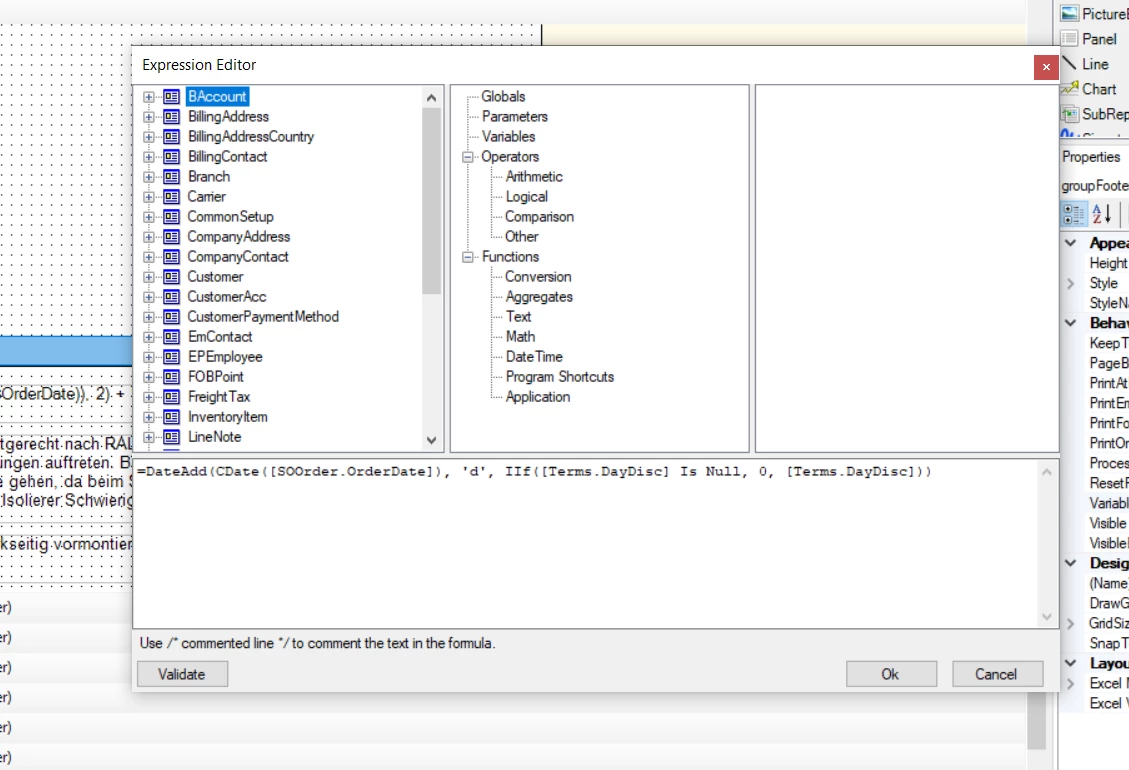
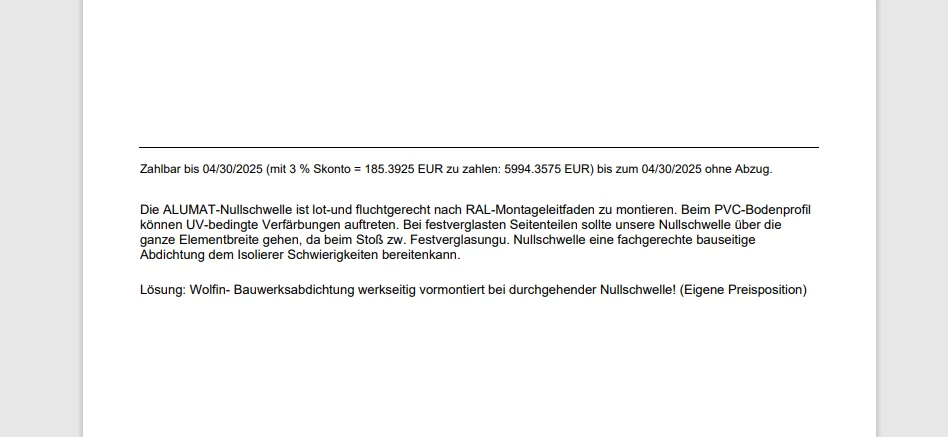
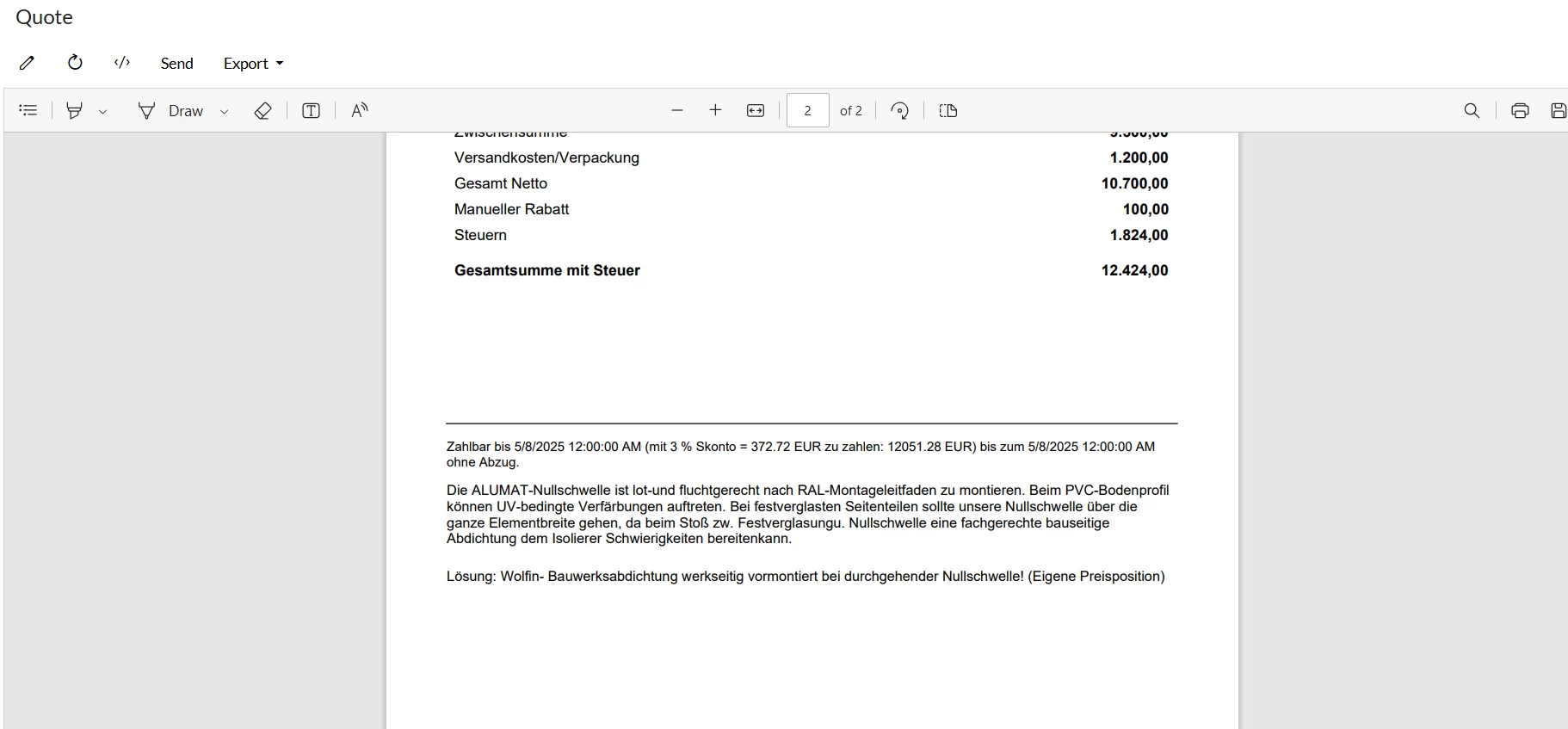
I have an expression that displays the orderDate and percentage data as on following screenshot. However, I want to hide the time part of both the OrderDate and DueDate, only showing the date. How can I achieve this?

= 'Zahlbar bis ' + 
Format(DateAdd(CDate([SOOrder.OrderDate]), 'd', IIf([Terms.DayDisc] Is Null, 0, [Terms.DayDisc])), 'dd.MM.yyyy') + 
' (mit ' + 
Format(CDbl(IIf([Terms.DiscPercent] Is Null, 0, [Terms.DiscPercent])), '0.00') + 
' % Skonto = ' + 
Format(CDbl(IIf($TotWithTax Is Null, 0, 
    $TotWithTax * IIf([Terms.DiscPercent] Is Null, 0, [Terms.DiscPercent]) / 100)), '#0.00') +
' EUR zu zahlen: ' + 
Format(CDbl(IIf($TotWithTax Is Null, 0, 
    $TotWithTax - ($TotWithTax * IIf([Terms.DiscPercent] Is Null, 0, [Terms.DiscPercent]) / 100))), '#0.00') + 
' EUR) bis zum ' + 
Format(
    DateAdd(
        CDate([SOOrder.OrderDate]),
        'd',
        IIf(
            [Terms.DayDue00] Is Null,
            IIf([Terms.DayDue01] Is Null, 0, [Terms.DayDue01]),
            [Terms.DayDue00]
        )
    ),
    'dd.MM.yyyy'
) + ' ohne Abzug.'


Best answer by lauraj46

Hi ​@kviranga38 ,

There may be other ways, but you could build the date format like this:

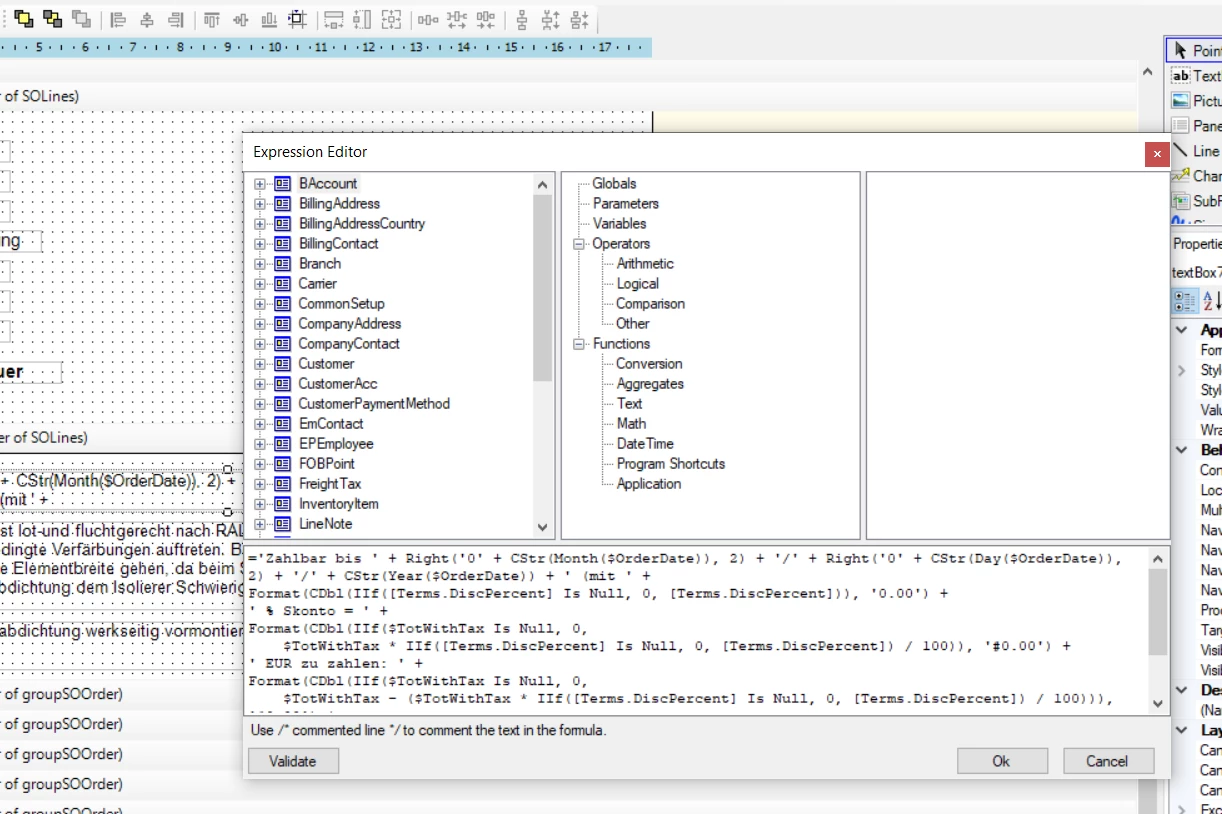
To keep the formula readable, I would define a variable for $DueDate: DateAdd(CDate([SOOrder.OrderDate]), 'd', IIf([Terms.DayDisc] Is Null, 0, [Terms.DayDisc])

Then this:

Right('0' + CStr(Day($DueDate)), 2) + "." + Right('0' + CStr(Month($DueDate)), 2) + '.' + CStr(Year($DueDate)) 

Hope this helps!

Laura 


3 replies

lauraj46
Captain II
Forum|alt.badge.img+8
  • Captain II
  • Answer
  • May 2, 2025

Hi ​@kviranga38 ,

There may be other ways, but you could build the date format like this:

To keep the formula readable, I would define a variable for $DueDate: DateAdd(CDate([SOOrder.OrderDate]), 'd', IIf([Terms.DayDisc] Is Null, 0, [Terms.DayDisc])

Then this:

Right('0' + CStr(Day($DueDate)), 2) + "." + Right('0' + CStr(Month($DueDate)), 2) + '.' + CStr(Year($DueDate)) 

Hope this helps!

Laura 


plambert
Semi-Pro I
Forum|alt.badge.img+2
  • Semi-Pro I
  • May 2, 2025

I think that you are using the Format( format, args ) function with the parameters reversed so it isn’t applying the format in the way you are expecting. In addition to Laura’s suggestion, you should be able to make a clean looking formula with:


=Format('Zahlbar bis {0:dd.MM.yyyy} (mit {1:0.00}%  Skonto = {2:#0.00} EUR zu zahlen: {3:#0.00} EUR) bis zum {4:dd.MM.yyyy} ohne Abzug.’, $OrderDate, $DiscPercent, $DiscAmount, $TotWithTaxAfterDisc, $DueDate)


Typically I have only done one argument placeholder in my text, but the formula reference gives an example of multiple arguments in one string.


  • Author
  • Freshman I
  • May 9, 2025

Hi ​@lauraj46 ​@plambert ,

Thank you for your suggestions. I have successfully applied your changes and resolved the issue.