Answer

GI report

  • October 12, 2025
  • 4 replies
  • 82 views

how to create a report to see history purchase by customer. i’d like to choose the customer and see all alternative id’s he bought. Maybe so and invoice can be included but main thing i’d like to see all alternative id’s per certain period of time. 

Best answer by aaghaei

Hi ​@rrekhtman Not sure how much you familiar are with creating GI. Assuming you know how to create GI the tables you need are

ARTran

ARInvoice

Customer

InventoryItem

INItemXRef

and they are joind as follows

ARTran.TranType = ARInvoice.DocType  and ARTran.RefNbr = ARInvoice.RefNbr  type Inner Join

ARInvoice.CustomerID = Customer.BAccountID Type Inner Join

ARTran.InventoryID = InventoryItem.InventoryID Inner Join

ARTran.InventoryID = INItemXRef.InventoryID (narrow to customer Customer.BAccountID = INItemXRef.BAccountID) Left Join 

The alternate column is INItemXRef.AlternateID and you can add as many as parameter or filters or columns to the inquiry from the above tables

 

4 replies

aaghaei
Captain II
Forum|alt.badge.img+10
  • Captain II
  • Answer
  • October 13, 2025

Hi ​@rrekhtman Not sure how much you familiar are with creating GI. Assuming you know how to create GI the tables you need are

ARTran

ARInvoice

Customer

InventoryItem

INItemXRef

and they are joind as follows

ARTran.TranType = ARInvoice.DocType  and ARTran.RefNbr = ARInvoice.RefNbr  type Inner Join

ARInvoice.CustomerID = Customer.BAccountID Type Inner Join

ARTran.InventoryID = InventoryItem.InventoryID Inner Join

ARTran.InventoryID = INItemXRef.InventoryID (narrow to customer Customer.BAccountID = INItemXRef.BAccountID) Left Join 

The alternate column is INItemXRef.AlternateID and you can add as many as parameter or filters or columns to the inquiry from the above tables



  • Author
  • Freshman I
  • October 13, 2025

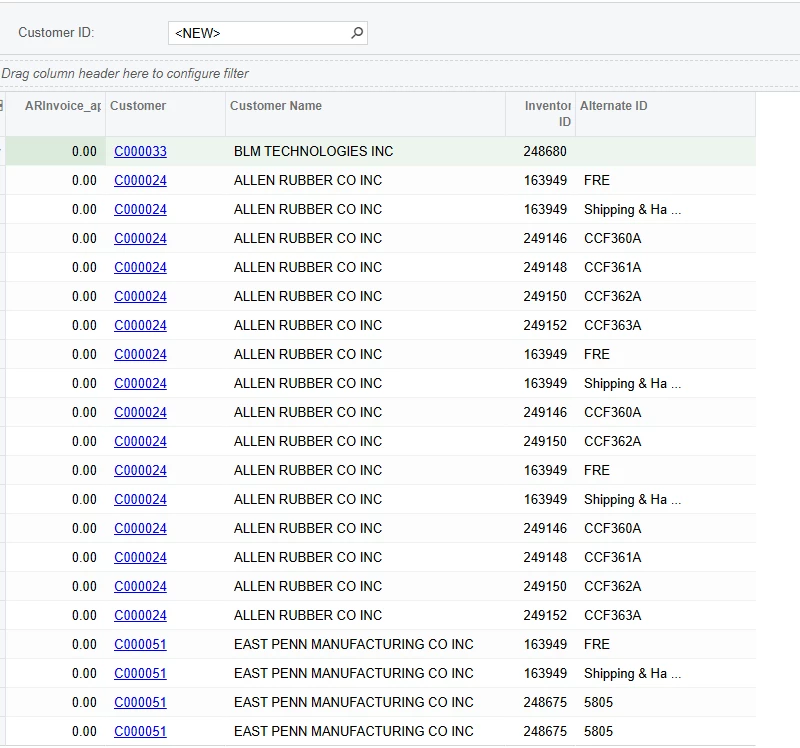
Hello, thank you very much for your help. Here is what i got which is not exactly what  i wanted , Can you please help me to correct it? on the top customer id if I choose the name, nothing happens. I still can see all customers. and I’d like to add Sales invoice number and sales order number .


aaghaei
Captain II
Forum|alt.badge.img+10
  • Captain II
  • October 13, 2025

Happy it helped. In GI condition you will need to set the ARInvoice.CustomerID (or any column that you are selecting as parameter and its scheme) equal to Customer parameter. You can find a decent training course on Acumatica University for GI designing.


  • Author
  • Freshman I
  • October 14, 2025

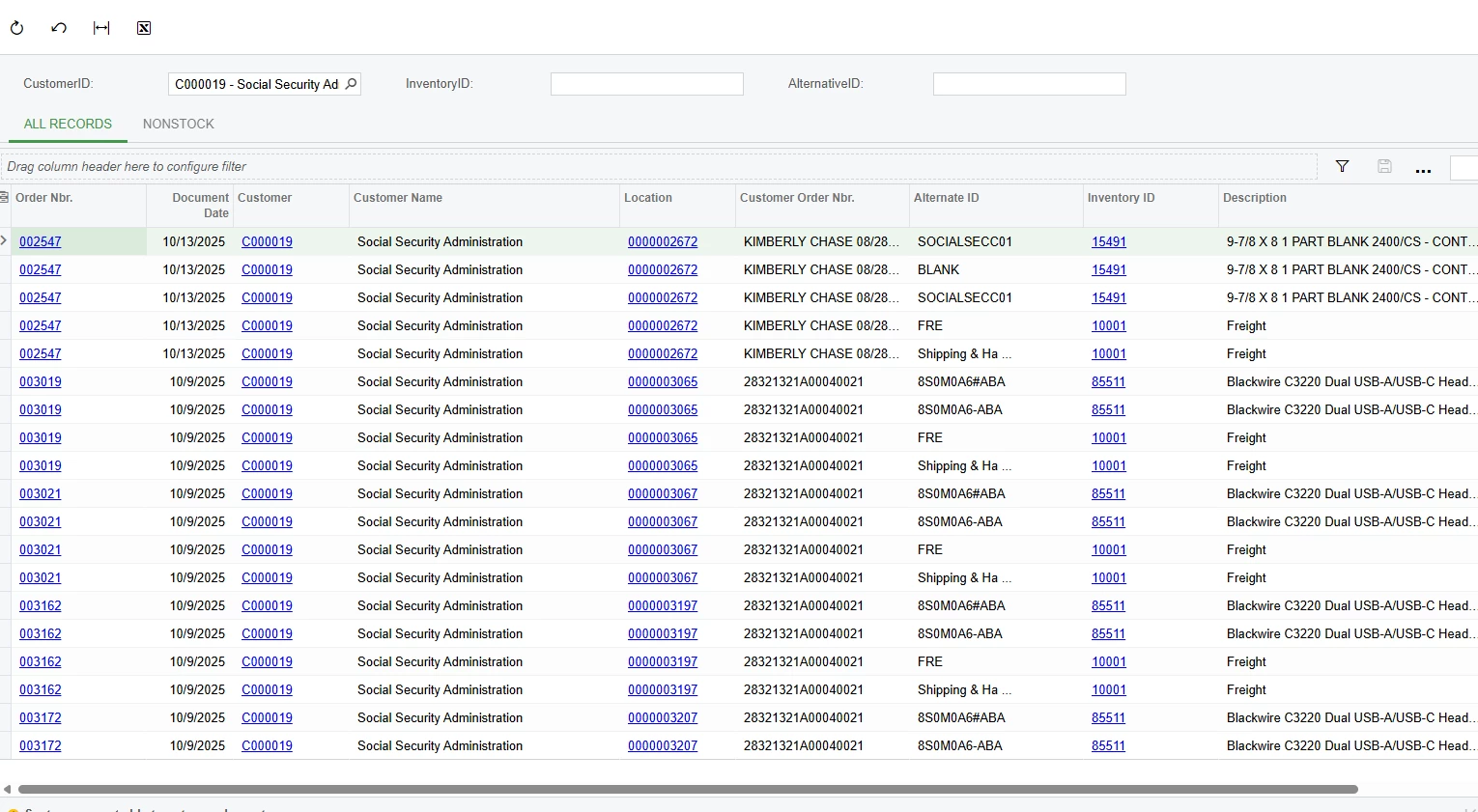
Hello, Thank you!!!. i think i got the info i needed but I have 2 more questions. 

  1. I created 3 parameters but i can search only by one . How can i search by other 2? 
  2. As you can see i have alot of blue links but I cannot open them by clicking. .I can open only customer id and inventory id. I need to open order number as well and location if its possible. how can i do it?