Answer

GI Display Year To Date

  • July 23, 2025
  • 3 replies
  • 63 views

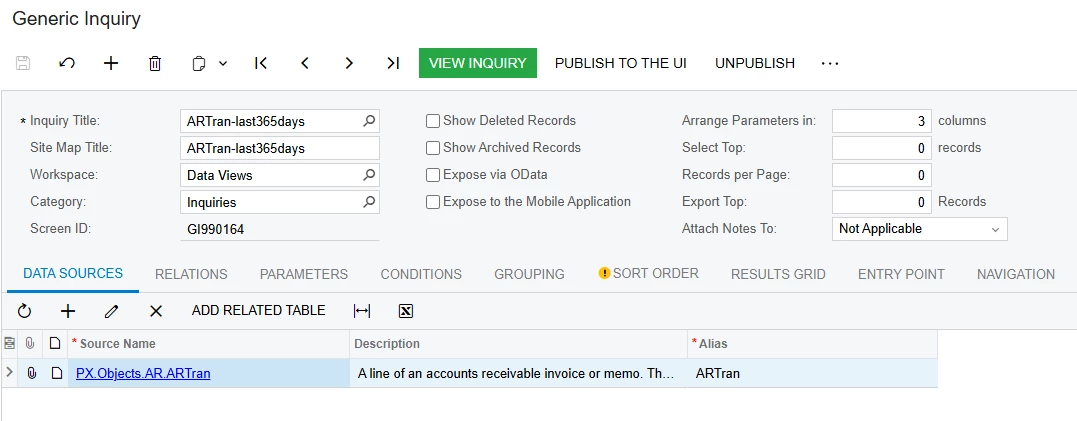
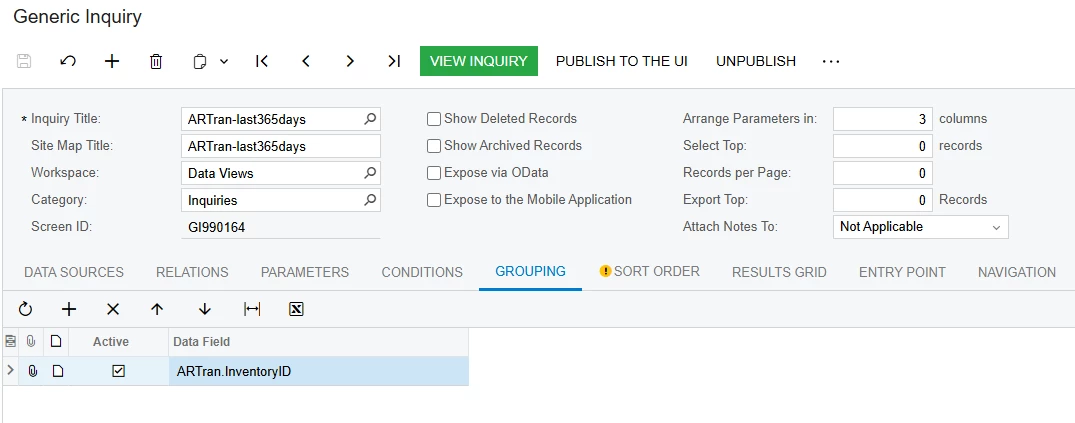
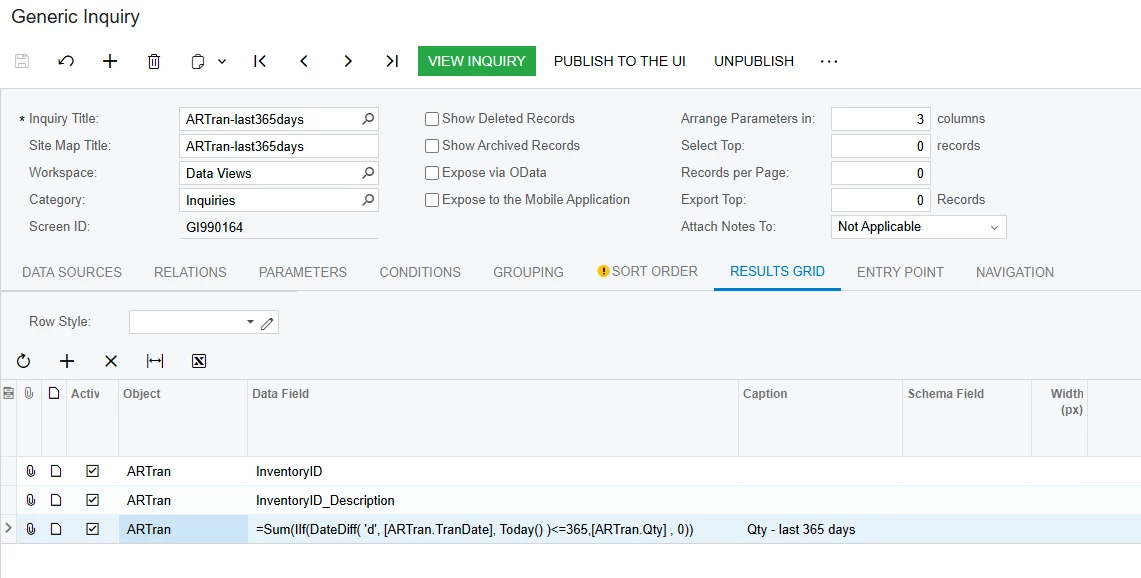
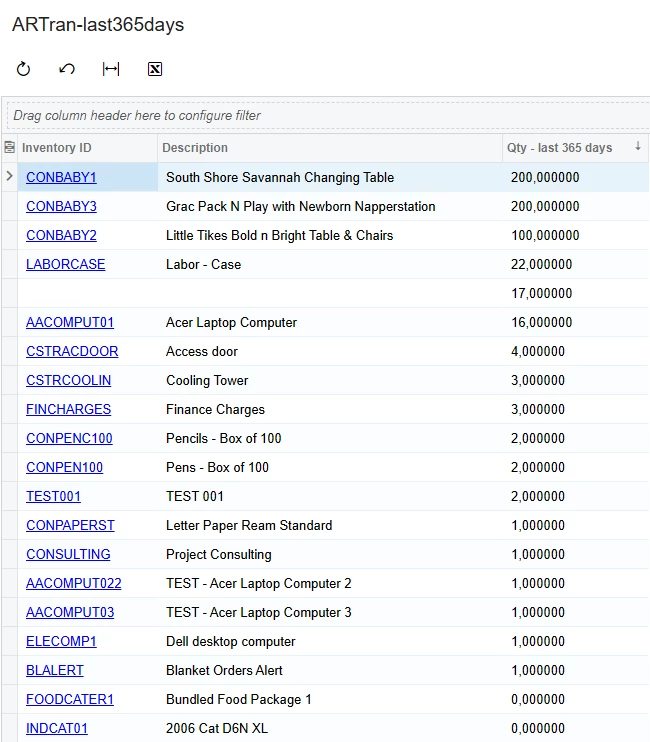
The below formula is currently working for me to display the [ARTran.Qty] for the last 365 days. Now I need to add a seperate column to my GI that displays [ARTran.Qty] for Year To Date in the Results Grid > Data Field. Any advise on how to achieve this?


=Sum(IIf(DateDiff( 'd', [ARTran.TranDate], Today() )<=365,[ARTran.Qty] , 0))


Thanks in advance! 

Best answer by lauraj46

Hi ​@FreddyDelRio96 ,

For YTD, you could use the formula:

=Sum(IIf(Year(Today() )=Year([ARTran.TranDate]),[ARTran.Qty] , 0))

Hope this helps!

Laura 

3 replies

nhatnghetinh
Captain II
Forum|alt.badge.img+11
  • Captain II
  • July 23, 2025

Hi ​@FreddyDelRio96 

I have done this as below.


Best Regards,

NNT


lauraj46
Captain II
Forum|alt.badge.img+8
  • Captain II
  • Answer
  • July 23, 2025

Hi ​@FreddyDelRio96 ,

For YTD, you could use the formula:

=Sum(IIf(Year(Today() )=Year([ARTran.TranDate]),[ARTran.Qty] , 0))

Hope this helps!

Laura 


Hi ​@FreddyDelRio96 ,

For YTD, you could use the formula:

=Sum(IIf(Year(Today() )=Year([ARTran.TranDate]),[ARTran.Qty] , 0))

Hope this helps!

Laura 

This worked, thank you!