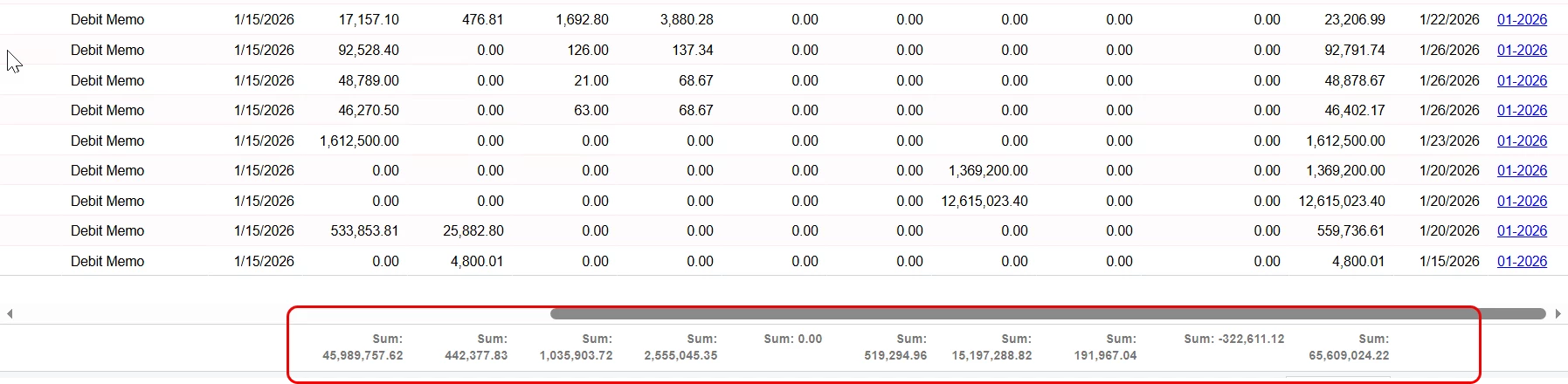
Hey, team - is there a way, short of a customization, to print the sum row in an excel output, similar to how a report prints? I built a custom GI and wanted to know if the excel output was configurable. As it currently stands, it only outputs the data, not the total row.
Thanks in advance!
Best answer by aiwan
@nickcerri32
I don’t think so, but you could copy the GI into a new one, then group the records (By AR Doc Type from what I can see) then use the SUM aggregate function on the fields in the results grid.
Or if you have Velixo, pull the GI into excel and combine in a pivot table which will allow you to get a SUM value too.
I don’t think so, but you could copy the GI into a new one, then group the records (By AR Doc Type from what I can see) then use the SUM aggregate function on the fields in the results grid.
Or if you have Velixo, pull the GI into excel and combine in a pivot table which will allow you to get a SUM value too.