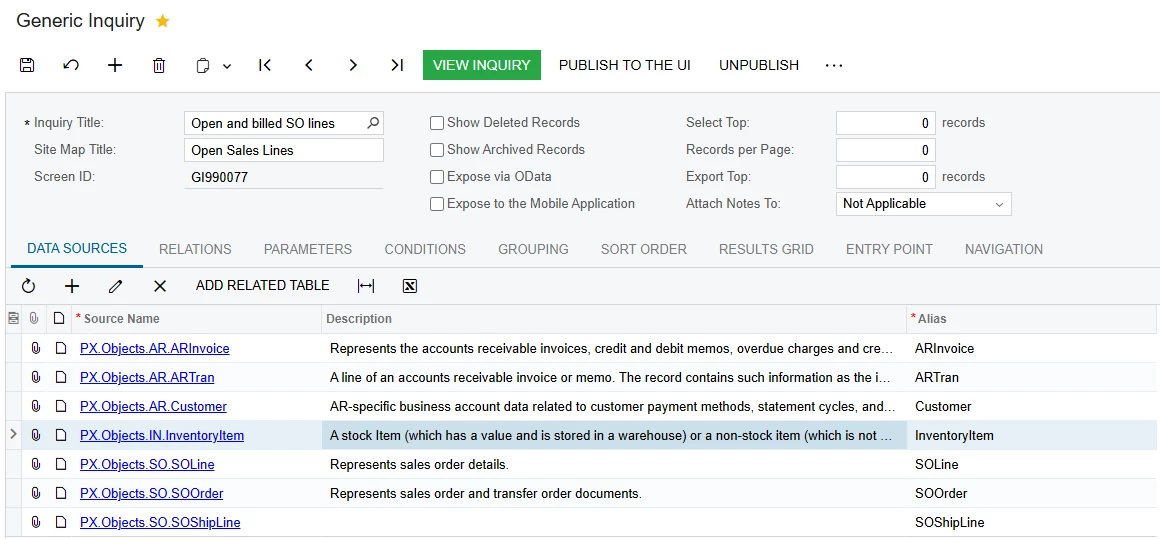
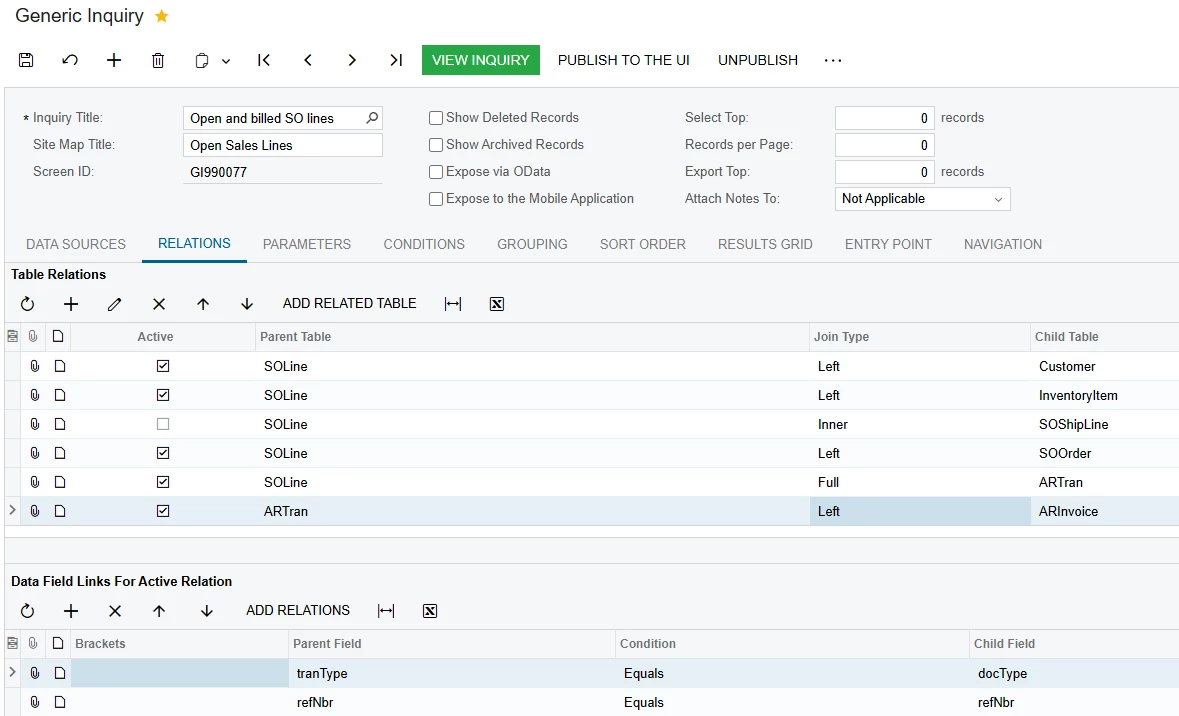
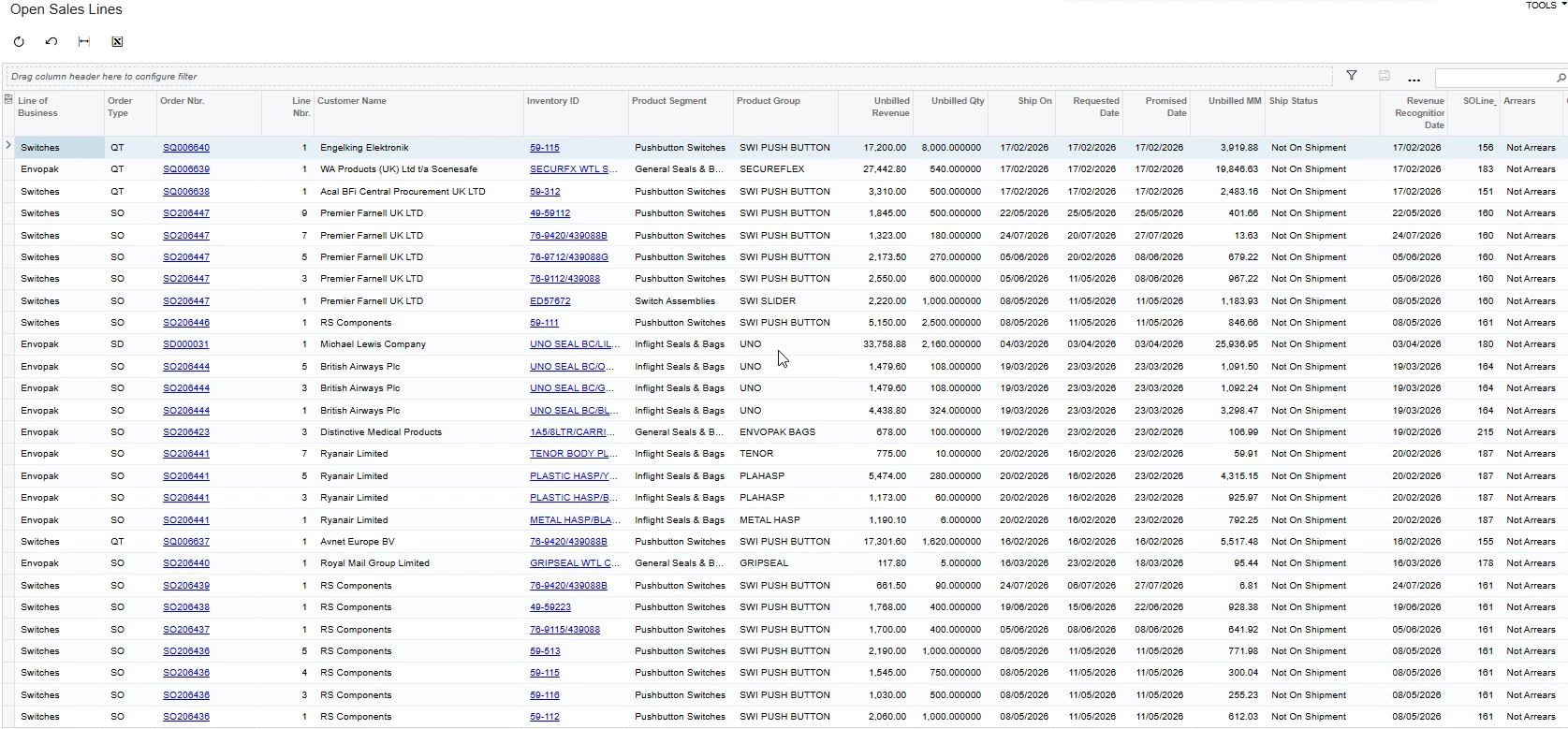
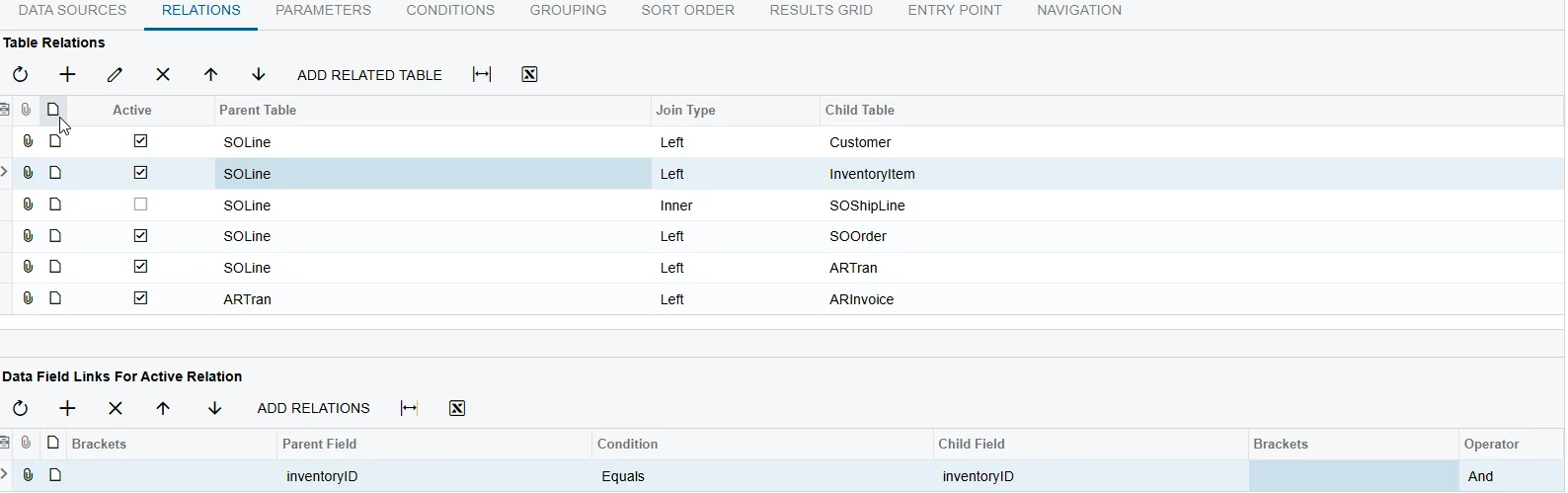
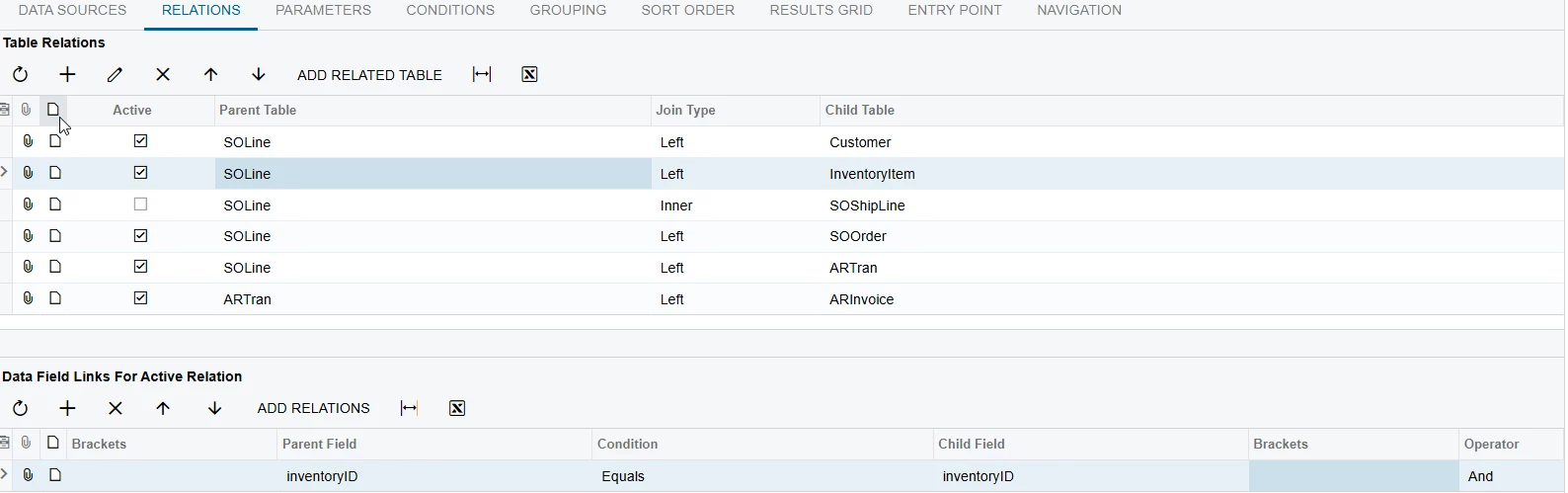
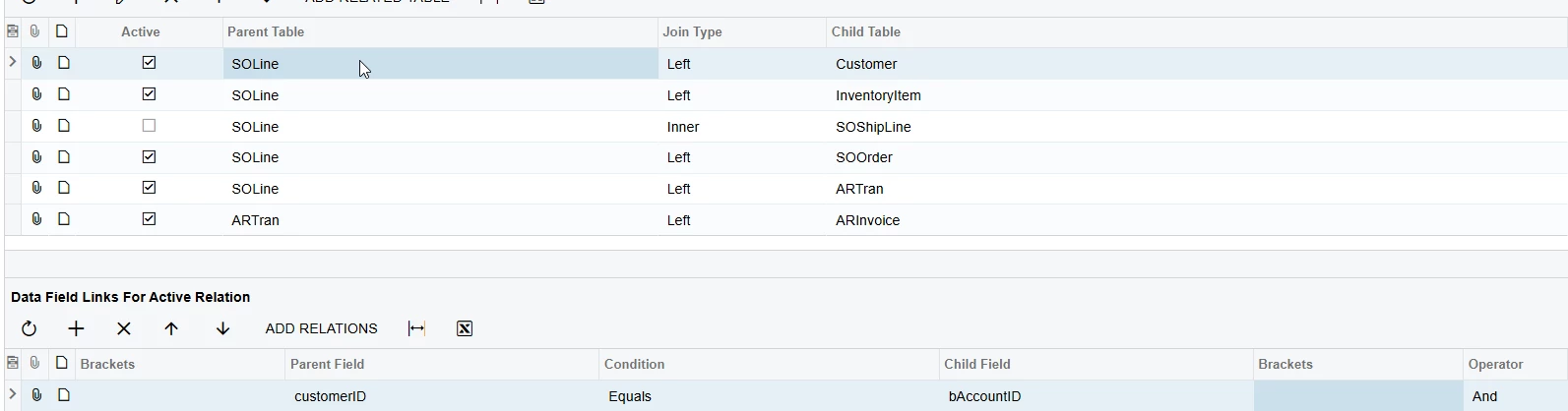
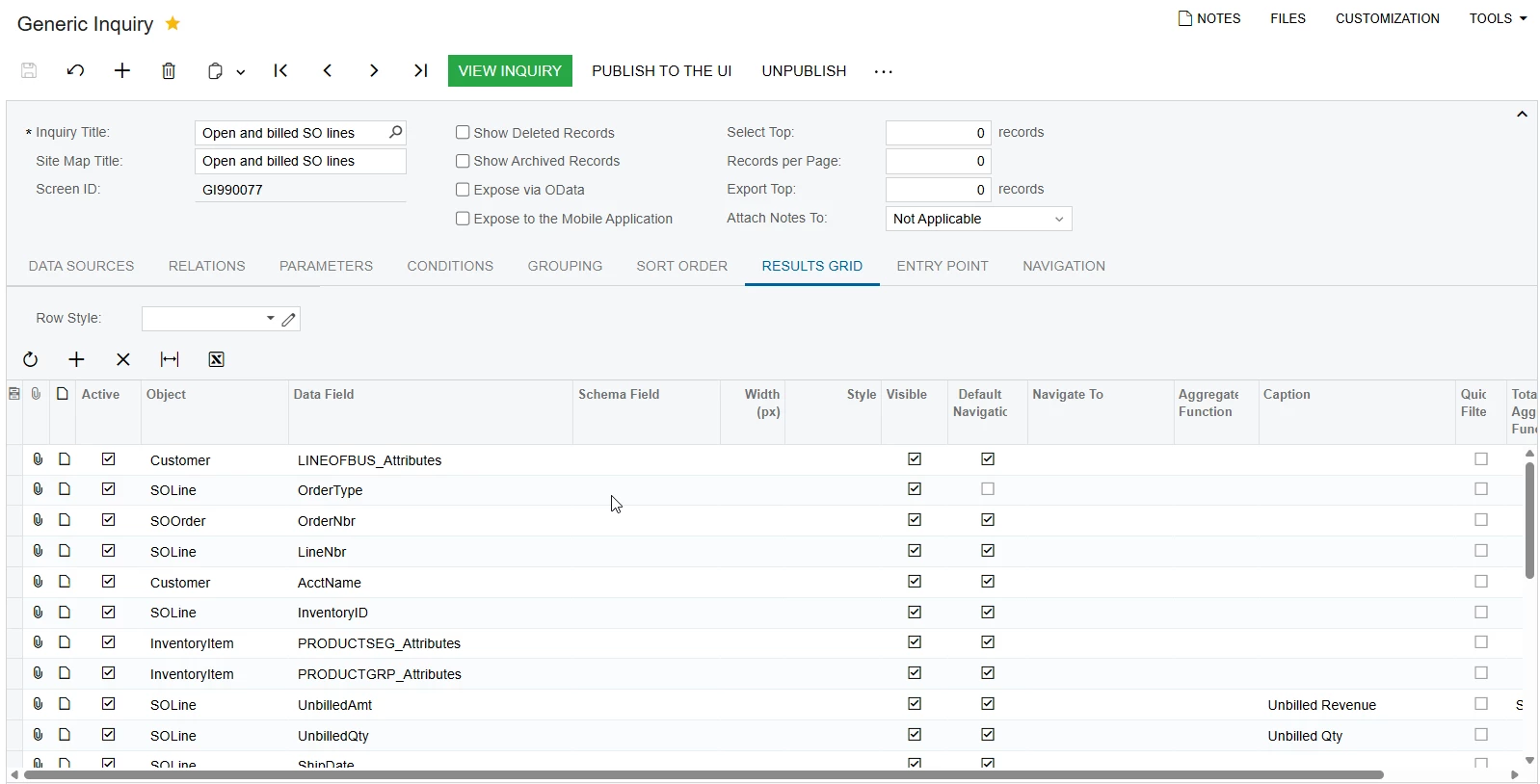
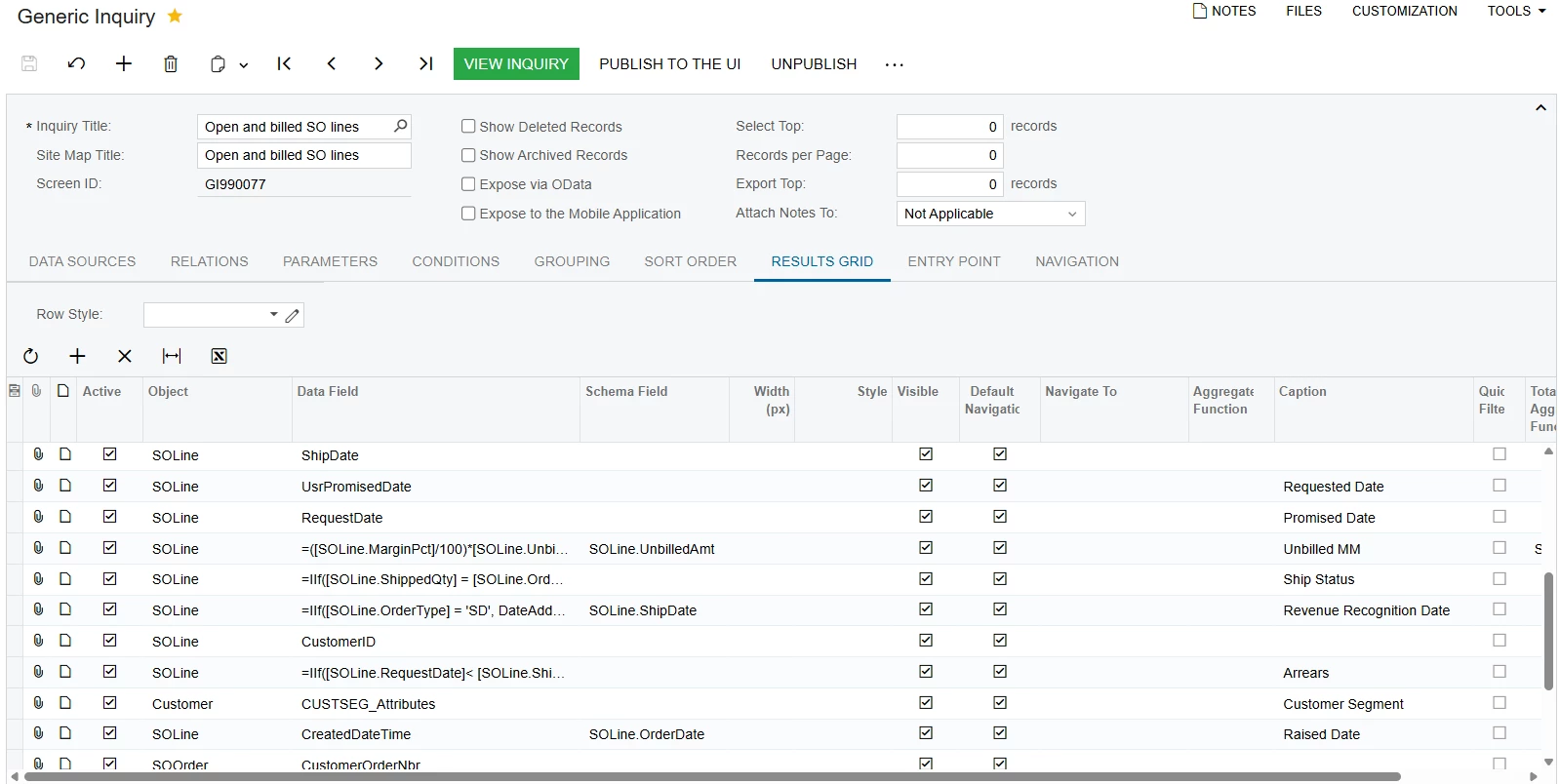
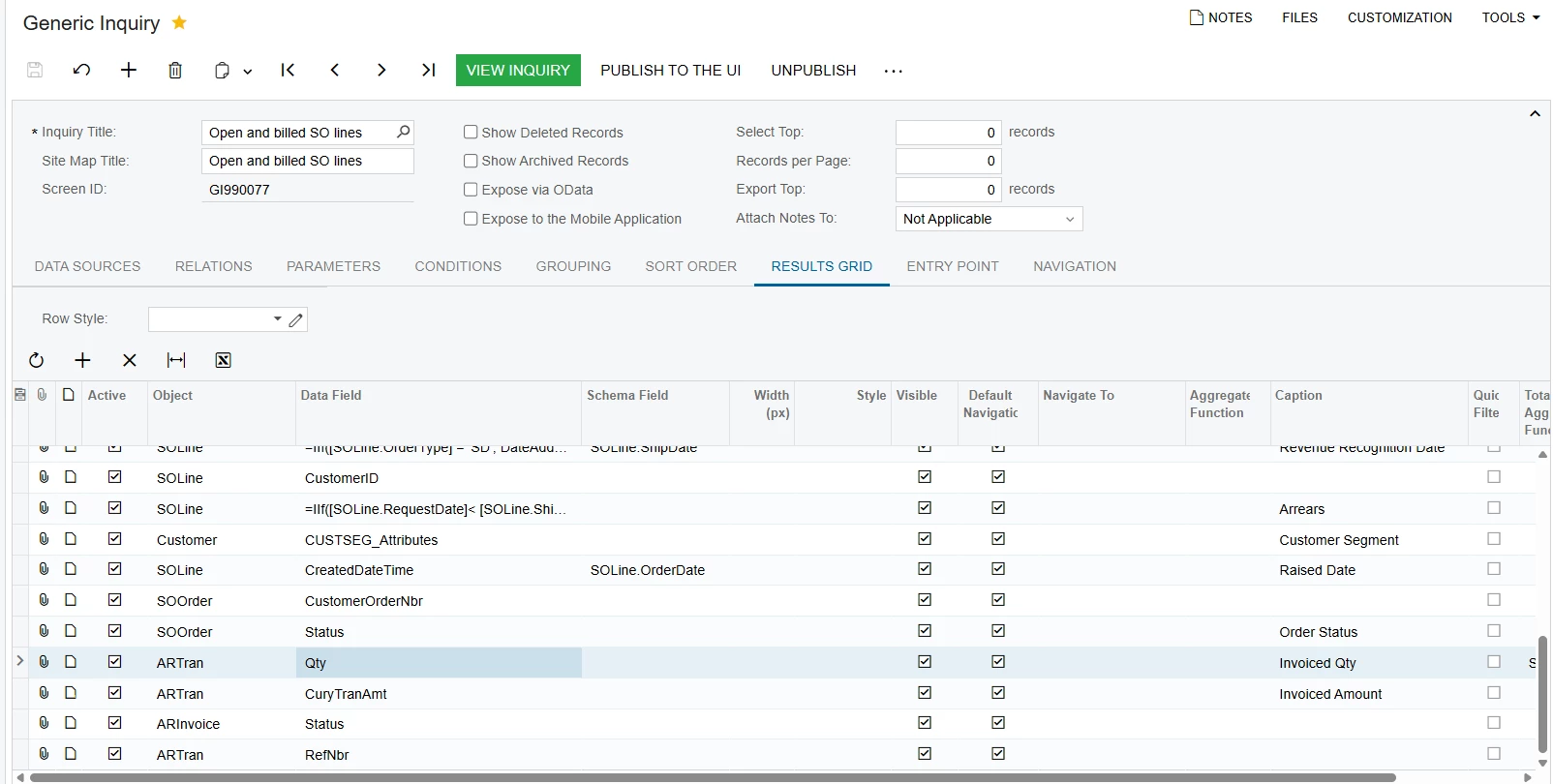
The missing invoiced lines are usually caused by the join setup.
Use the following structure:
Base table
SOLine
Relations
SOLine → SOOrder
Join Type: Inner
SOLine.OrderType = SOOrder.OrderType
SOLine.OrderNbr = SOOrder.OrderNbr
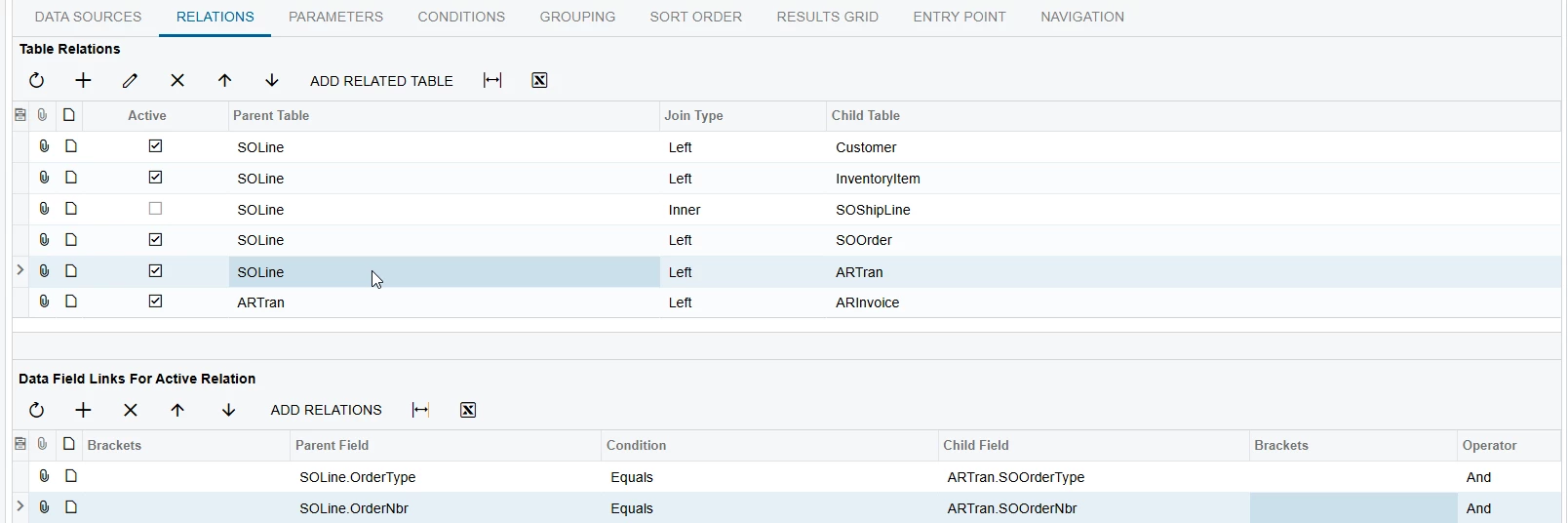
SOLine → ARTran
Join Type: Left
ARTran.SOOrderType = SOLine.OrderType
ARTran.SOOrderNbr = SOLine.OrderNbr
ARTran.SOOrderLineNbr = SOLine.LineNbr
This is the correct link between sales order lines and invoice lines. Do not join ARTran by RefNbr only.
ARTran → ARInvoice
Join Type: Left
ARTran.TranType = ARInvoice.DocType
ARTran.RefNbr = ARInvoice.RefNbr
Important checks
Make sure you do not add conditions on ARTran fields in the Conditions tab (for example ARTran.Released = True), because this will turn the Left join into an Inner join and remove open lines.
If you need only released invoices, use:
ARInvoice.Released = True
For partial invoices, group by:
SOLine.OrderType
SOLine.OrderNbr
SOLine.LineNbr
Sum ARTran.Qty and ARTran.CuryTranAmt to get total invoiced quantity and amount.
If some invoiced lines are still missing, verify in ARTran that the fields SOOrderType, SOOrderNbr, and SOOrderLineNbr are populated. If these fields are empty, the invoice was not created from the sales order and cannot be linked to SOLine.
With this setup, the GI will show open, partially invoiced, and fully invoiced sales order lines correctly in one inquiry.
Try this once.