Answer

Error: Multi part identifier could not be bound

  • July 24, 2024
  • 8 replies
  • 411 views

Forum|alt.badge.img

Hello all,

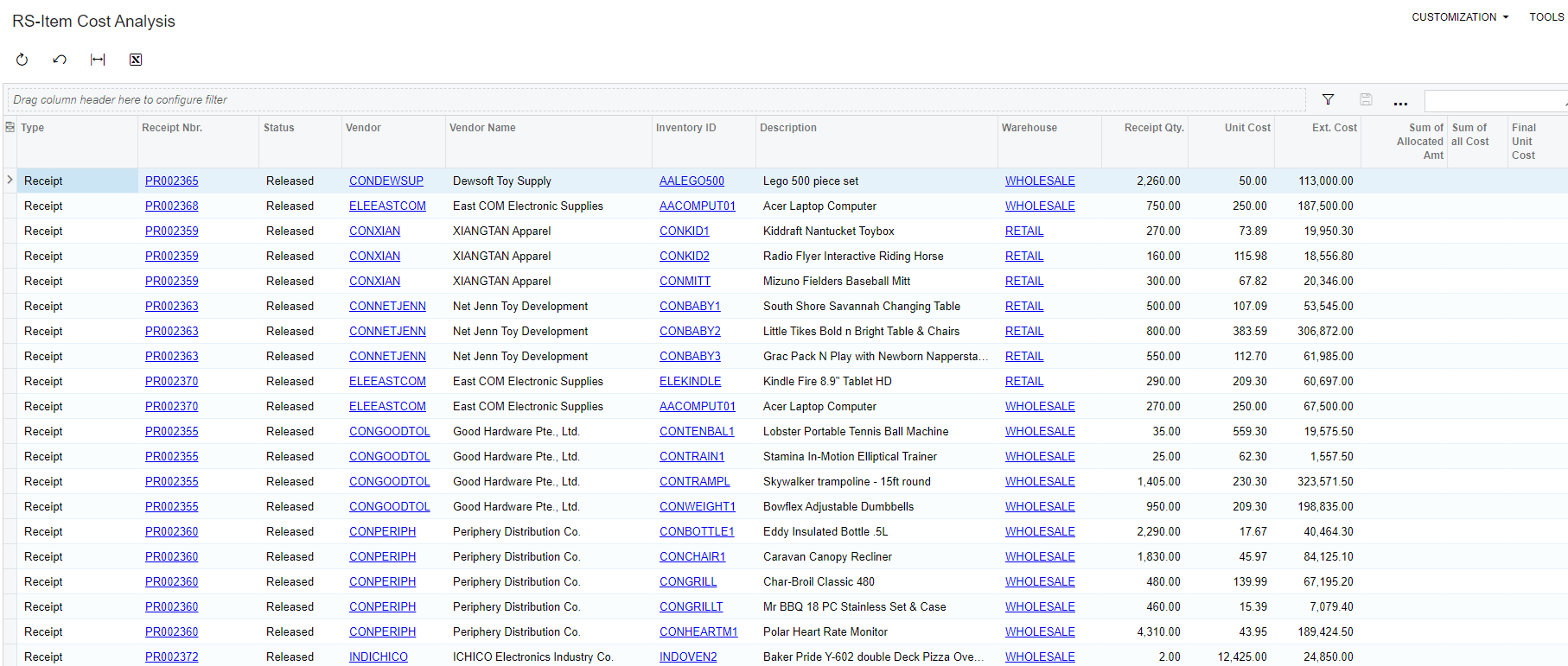
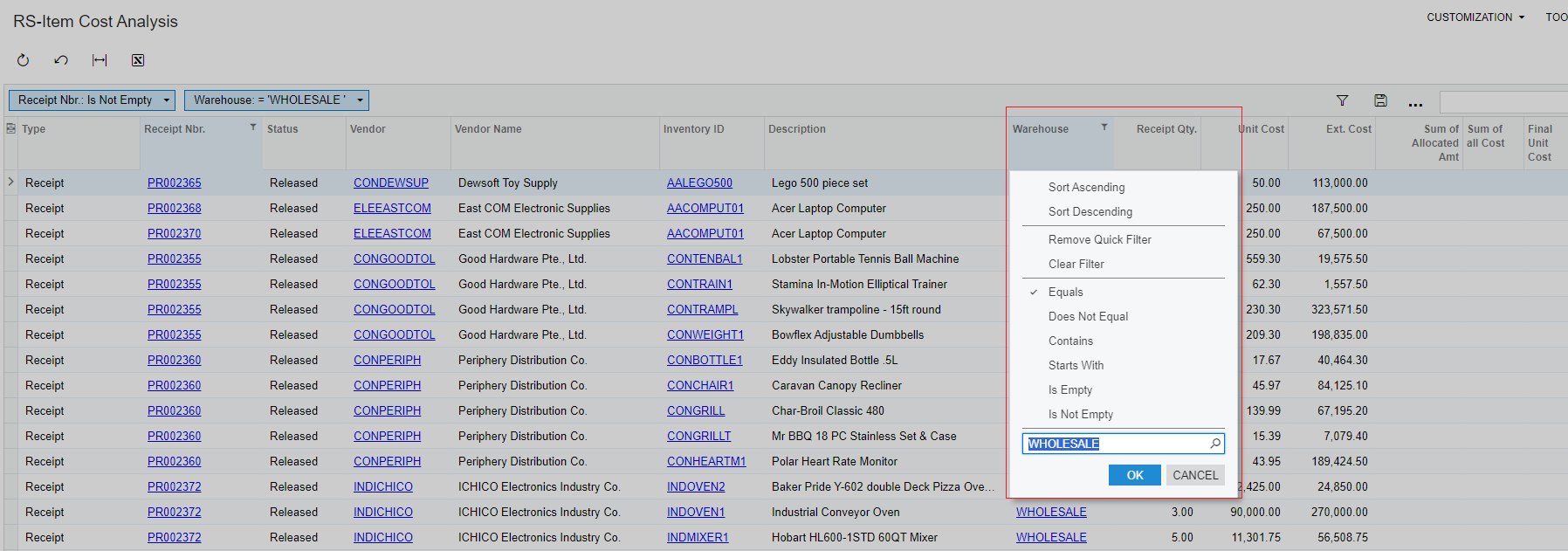
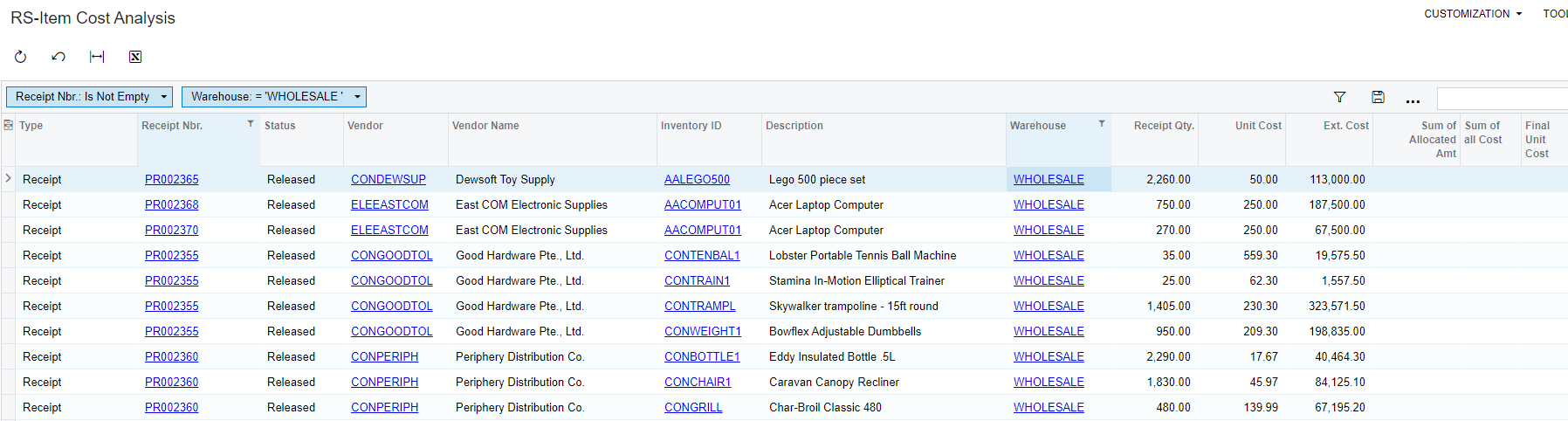
I have been working on a GI where I am referencing a sub-GI. But whenever I apply any filter it throws me the following error:
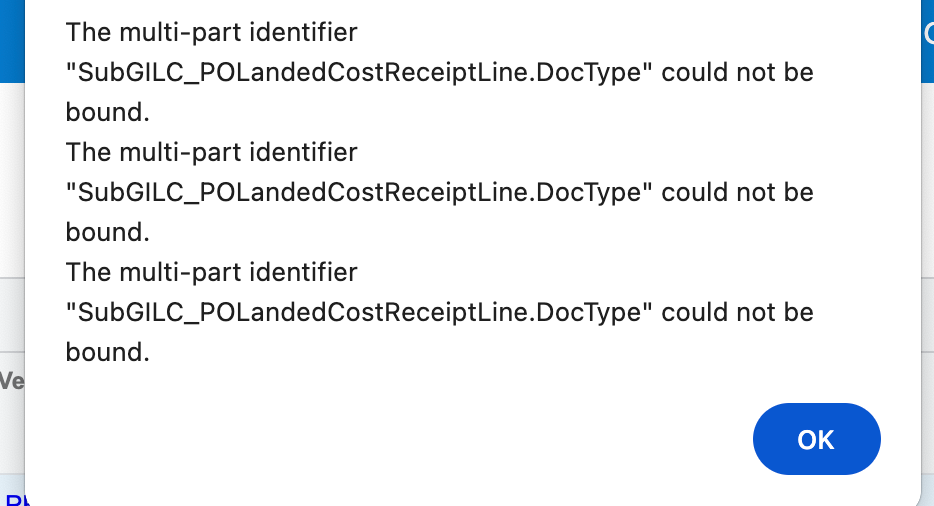
 

How to resolve this?

Best answer by DipakNilkanth

Hi @Harry ,

This might be caused by specific data, as I've tried it in the 24 R1 sales demo instance. After applying filters, the GI is working fine and I'm not encountering any errors.

8 replies

nhatnghetinh
Captain II
Forum|alt.badge.img+11

Hi @Harry 

Please send the xml file of this GI so we can find out the cause of the error.


Best Regards,

NNT


Forum|alt.badge.img
  • Author
  • Semi-Pro II
  • July 24, 2024

Hi @Harry 

Please send the xml file of this GI so we can find out the cause of the error.


Best Regards,

NNT

Attached are the files.


nhatnghetinh
Captain II
Forum|alt.badge.img+11

Hi @Harry 

I tested on the version_2024R1_24.107.0004 and found no errors.


Best Regards,

NNT


Forum|alt.badge.img
  • Author
  • Semi-Pro II
  • July 24, 2024

Hi @Harry 

I tested on the version_2024R1_24.107.0004 and found no errors.


Best Regards,

NNT

Hey @nhatnghetinh ,
its just when I filter some value → click OK and then click on any of the column names then the error gets triggered.


DipakNilkanth
Pro III
Forum|alt.badge.img+13

Hi @Harry ,

This might be caused by specific data, as I've tried it in the 24 R1 sales demo instance. After applying filters, the GI is working fine and I'm not encountering any errors.


Forum|alt.badge.img

I am getting the error The multi-part identifier "PMQuote.QuoteID" could not be bound.

Relationship CROpportunityProducts Inner join PMQuote

Link CROpportunityProducts.QuoteID Equals PMQuote.QuoteID

This worked well on version prior to upgrade to 2024R1.

How can this be resolved On the DAC the QuoteID  is visible on both tables


  • Freshman I
  • June 5, 2025

@rethavanalphen11 
Did you figure it out? I got the exact same error on with the same tables.
It works on one GI but can’t have it working on a new one...


Forum|alt.badge.img

Hi Yes, I updated the Table relationship from PMQuote to PMQuoteTask. Link CROpportunityProducts.QuoteID to PMQuoteTask.QuoteID.

Then added the PMQuoteTask to the PMQuote Table.

This update resolved the issue. Hope this help?