Answer

Embedding a Report into an Email

  • June 10, 2025
  • 3 replies
  • 78 views

Forum|alt.badge.img

I’d like to embed a report into an email.  After my set up, the report is attached as an html form to the email.  What am I missing?

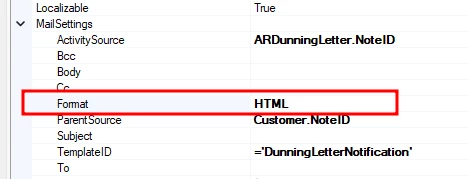
  1. In the Report Designer, I’ve set the Mail Setting format to HTML:
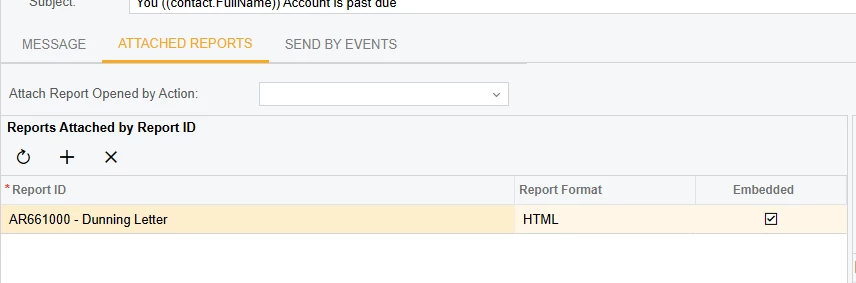
  2. In the Email Template:

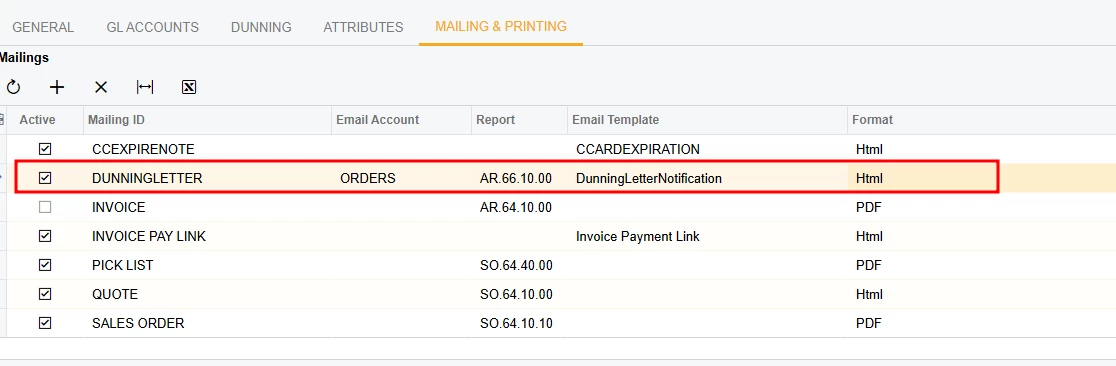
  3. In preferences of Receivables, Customer Class and Customer:

  4.  

Best answer by brucewarrell96

Support indicated that embedding a report in an email is for business events and not for emailing from native screens.

3 replies

lauraj46
Captain II
Forum|alt.badge.img+8
  • Captain II
  • June 11, 2025

Hi ​@brucewarrell96 ,

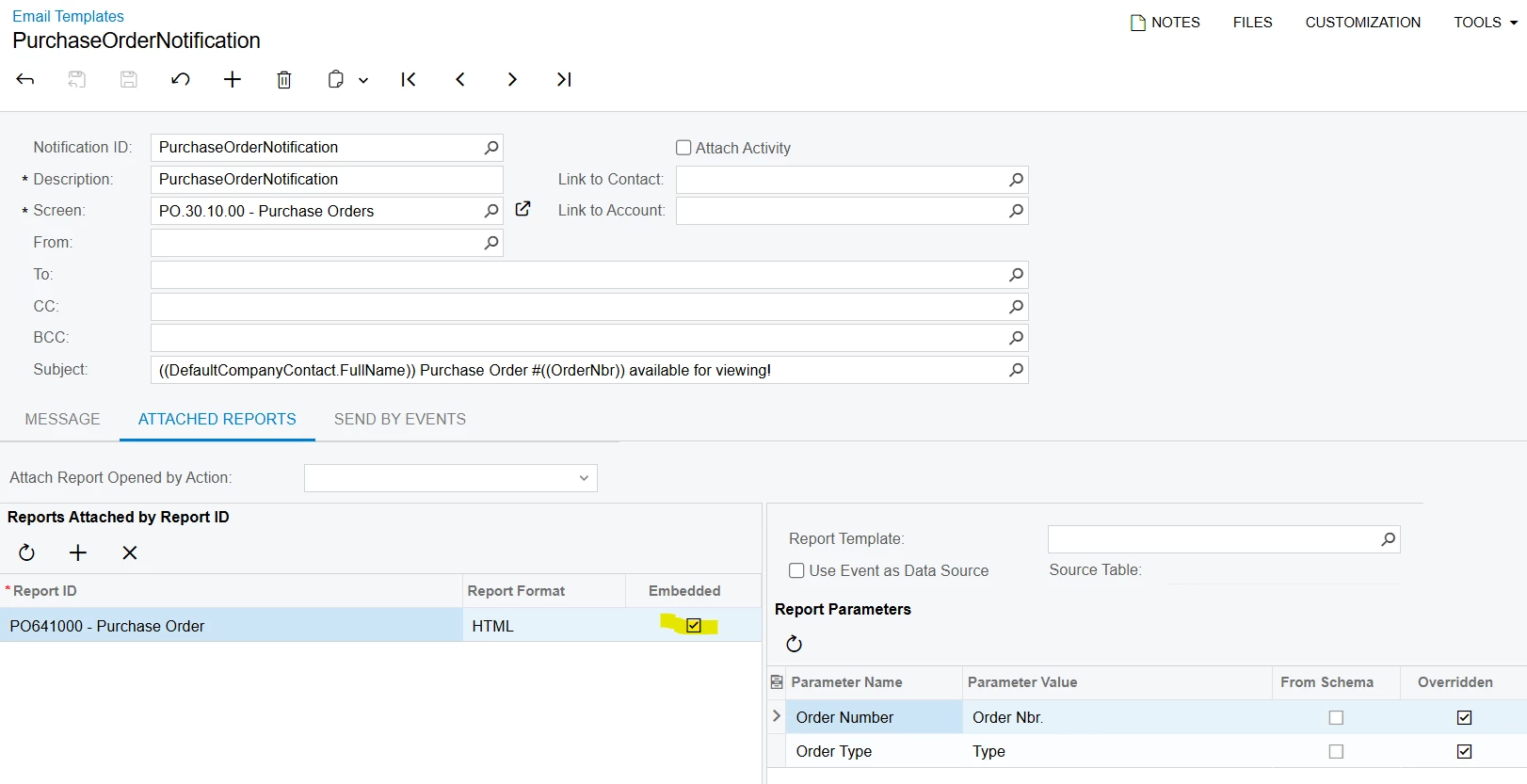
On the Email Template there is check box to specify if a report should be embedded.  I tested this functionality on Purchase Orders and despite the setting it still created an attachment.  I’ve never had a need to embed (usually the attachment is preferred), so I’m not sure if this is an issue or just something in my setup.  Just sharing that I am seeing the same behavior.  Maybe someone else knows what we are missing 😁.

Laura


Forum|alt.badge.img
  • Author
  • Varsity I
  • Answer
  • June 16, 2025

Support indicated that embedding a report in an email is for business events and not for emailing from native screens.


Chris Hackett
Community Manager
Forum|alt.badge.img
  • Acumatica Community Manager
  • June 16, 2025

Thank you for sharing the solution with the community ​@brucewarrell96!