



I’m building a scheduled Business Event to send vendors a consolidated PO status update. The Generic Inquiry and subject line tokens work fine, but the email body is always blank — even if I simplify it to just <p>Test</p>.
Has anyone else seen this behavior?
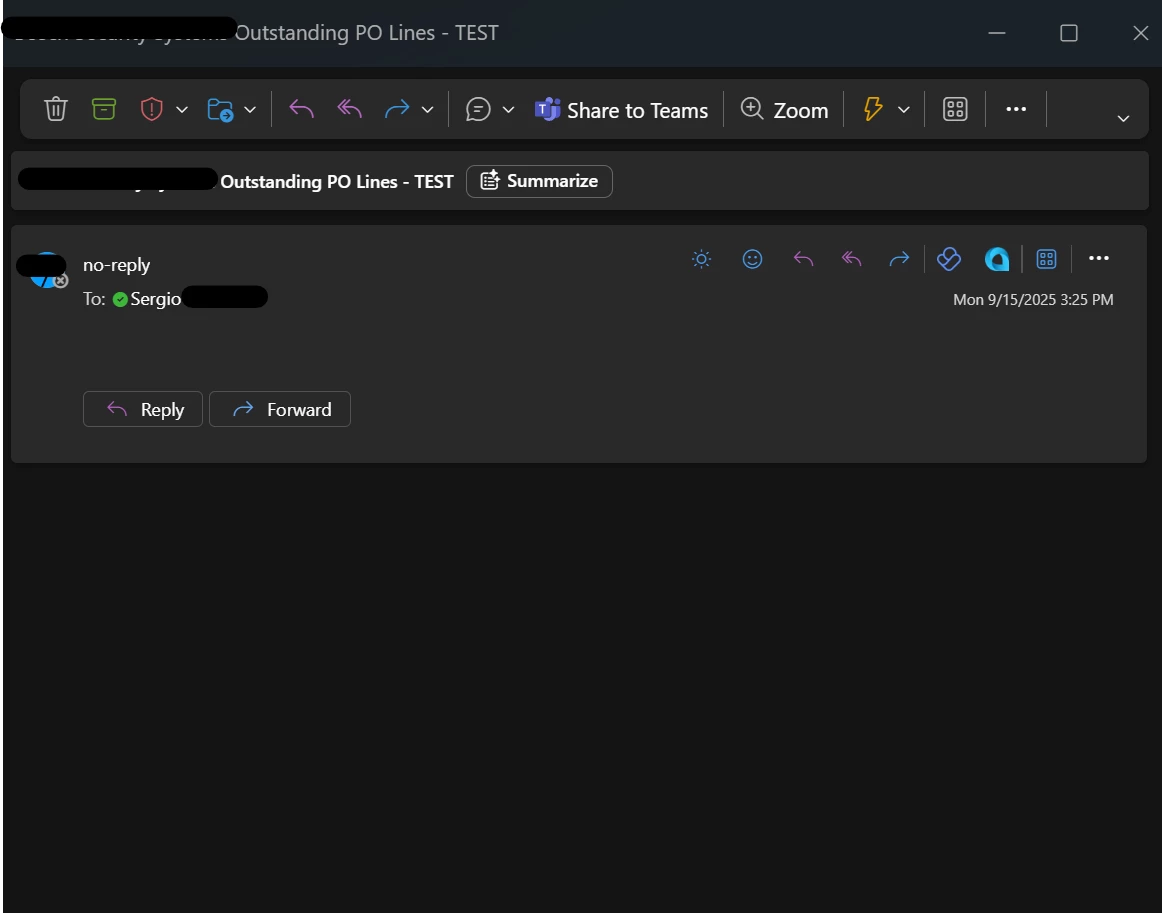
So, I’m working on a scheduled Business Event that groups Purchase Order lines by vendor and sends each vendor a consolidated notification email.
-
Generic Inquiry:
OutstandingPOLines -
Business Event: Trigger by Schedule, “For Group of Records” grouped by
Vendor.AcctCD -
Notification Template: Includes branding, explanatory text, and a
<foreach>loop to list all PO lines per vendor.
The goal is:
-
One email per vendor (instead of one per line).
-
The body should include a table of open PO lines.
Issue
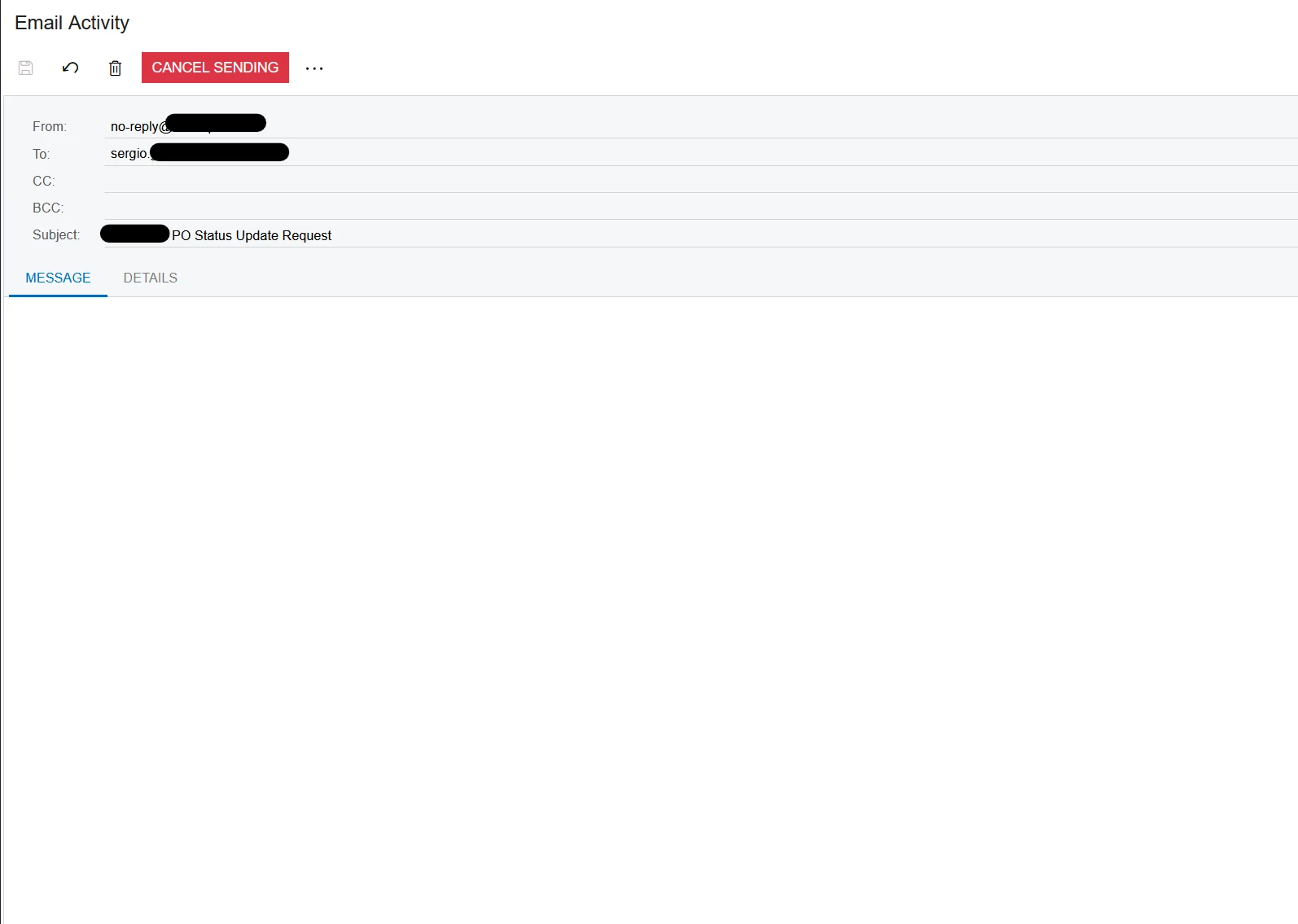
The Subject line renders correctly with tokens like ((Vendor_acctCD_description)), but the body is completely blank in Email Activity and in Outlook. Even if I remove all tokens and leave only <p>Test</p> in the body, it still sends with an empty body.
Troubleshooting Already Done
-
Verified Subscriber setup
-
Business Event → Subscriber = Email Notification.
-
Confirmed the Notification Template is linked.
-
-
Notification Template checks
-
HTML body populated with text and table markup.
-
Send by Events tab shows my Business Event is linked.
-
Subject line token updates as expected.
-
Tried stripping the body down to plain text
<p>Test Body</p>— still blank.
-
-
Format checks
-
Tried switching editor between Visual/HTML
-
-
Email Activity review
-
Body shows empty, so the issue isn’t Outlook rendering. Acumatica never wrote content into the email.
-


