Hello Acumatica Support Team,
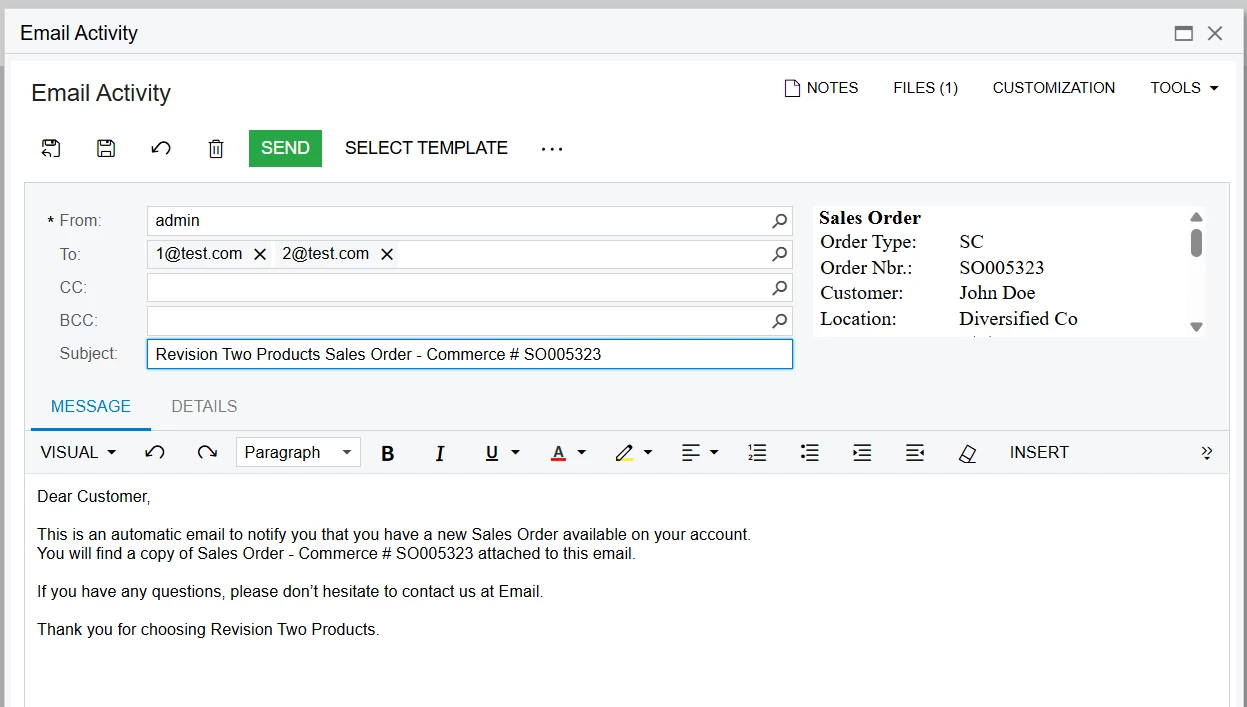
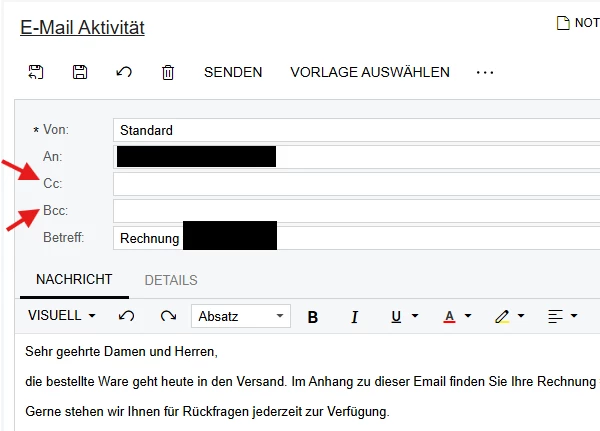
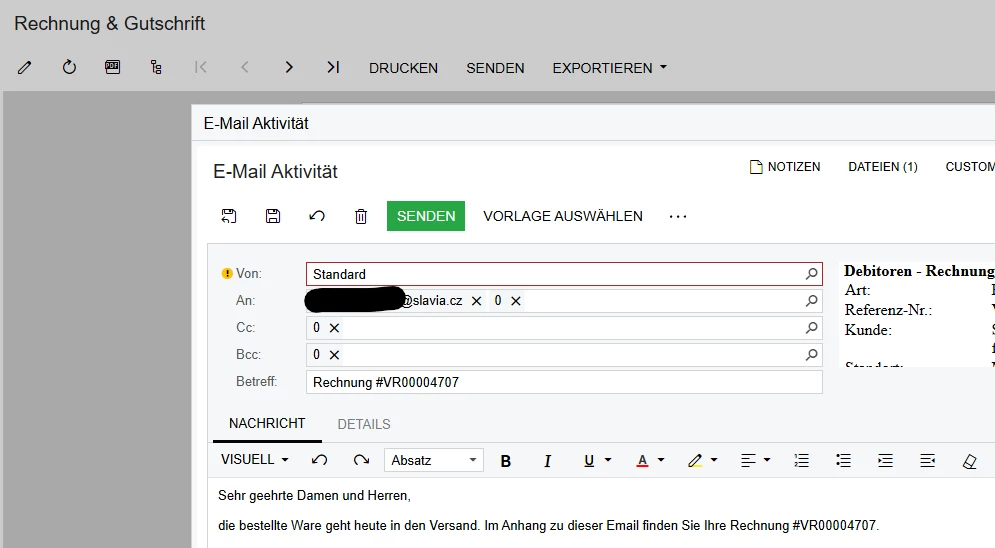
I'm having trouble getting the email addresses from our customer screen to show up when sending invoices through email templates.
Here's what I'm trying to do:
-
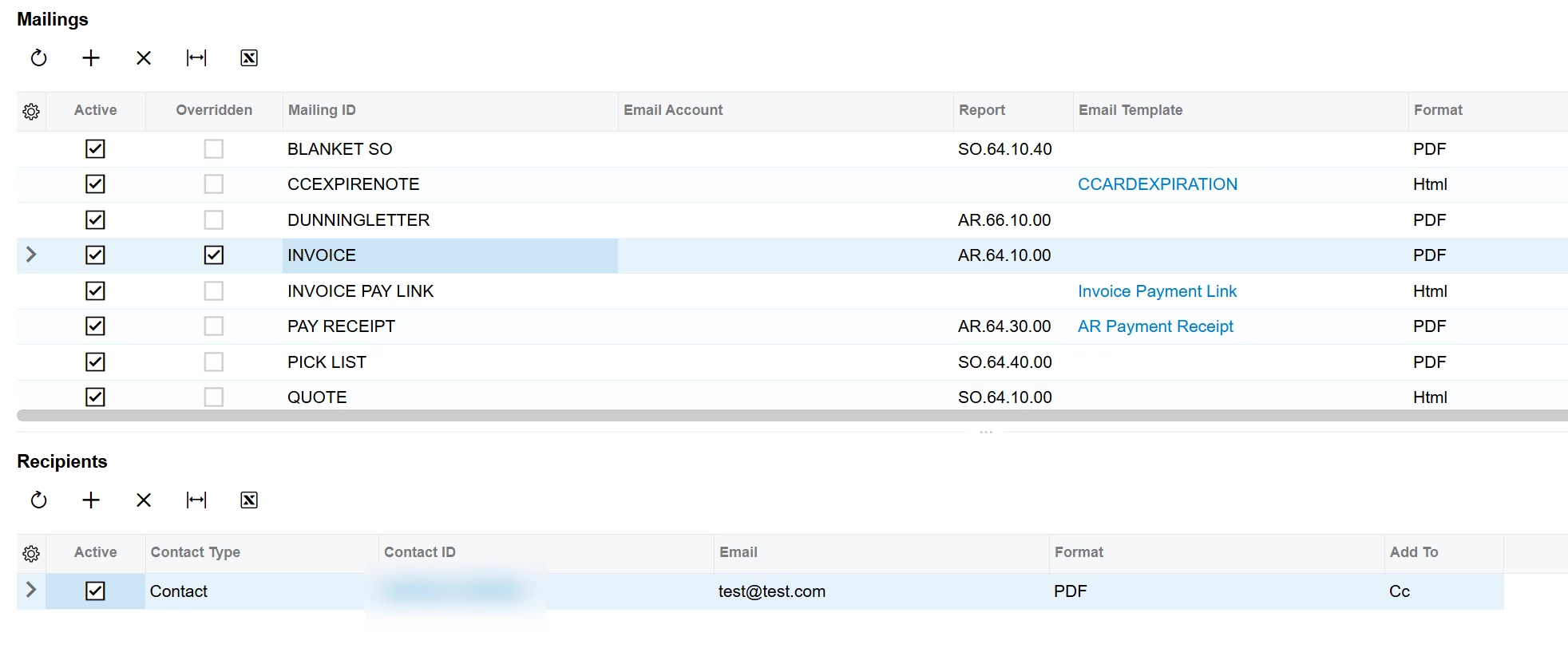
When we send invoices by email, I want to use the email addresses that are set up in the customer screen under "Send & Print"
-
These email addresses should go to the correct fields: To, Cc, or Bcc
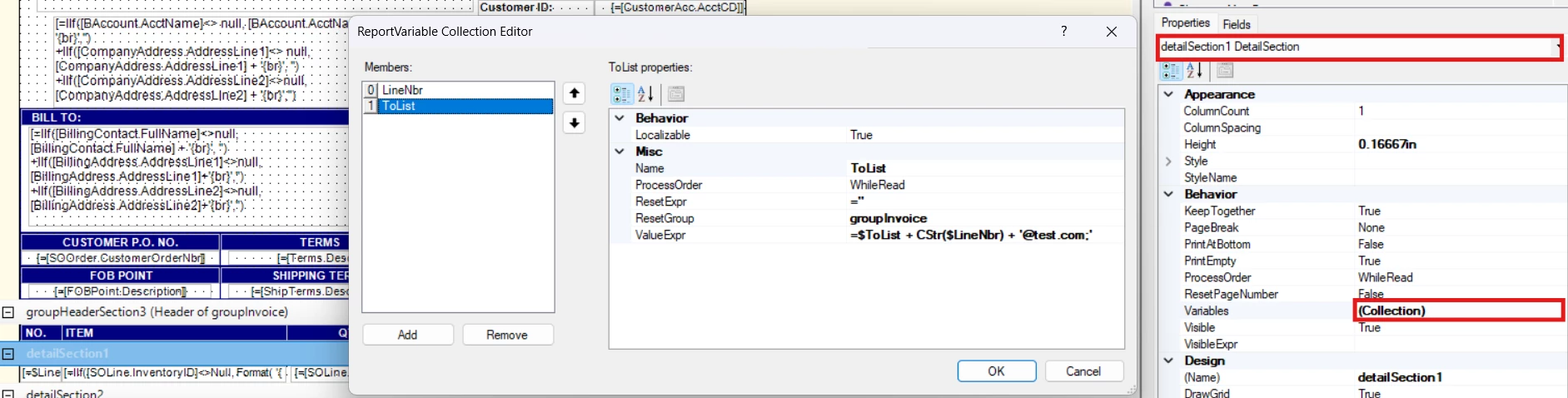
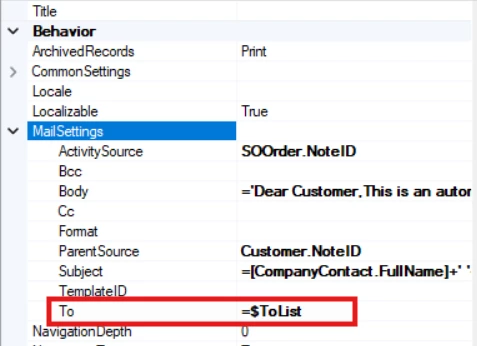
Here's what I set up in Report Designer:
For the "To" field:
= IsNull([BillingContact.Email],'') + IIf([NotificationSource.SetupID] = 'INVOICE' And [NotificationRecipient.AddTo] = 'An', '; ' + [NotificationRecipient.Email], '')
For the "Cc" field:
=IIf(
[NotificationSource.SetupID] = 'INVOICE' And [NotificationRecipient.AddTo] = 'Cc',
[NotificationRecipient.Email] + '; ',
''
)
For the "Bcc" field:
=IIf(
[NotificationSource.SetupID] = 'INVOICE' And [NotificationRecipient.AddTo] = 'Bcc',
[NotificationRecipient.Email] + '; ',
''
)
The problem:
-
Only the main customer email address works
-
The additional email addresses from the "Send & Print" section are ignored
-
No error messages - it just doesn't work
-
Simple formulas work, but the more complex ones with conditions don't
What I've tried:
-
Checked that all the data fields contain the correct values
-
Tested simple formulas (they work)
-
Verified the email formats are correct
Could you please help me figure out why these formulas aren't working? Is there something special I need to configure, or is there a better way to set this up?
Thank you for your help!
Best regards,
Pantea