Solved

Changing report parameter result from VendorID to Vendor Name

  • Aug 4, 2021 9:12 AM UTC
  • 7 replies
  • 258 views
  • Translate All

Forum|alt.badge.img

Hi Guys,


I am building a report that prompts for a vendor:

When I run the report it shows the Vendor ID:

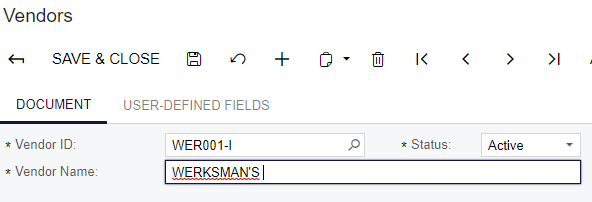
I would like it to show the vendor name:
 

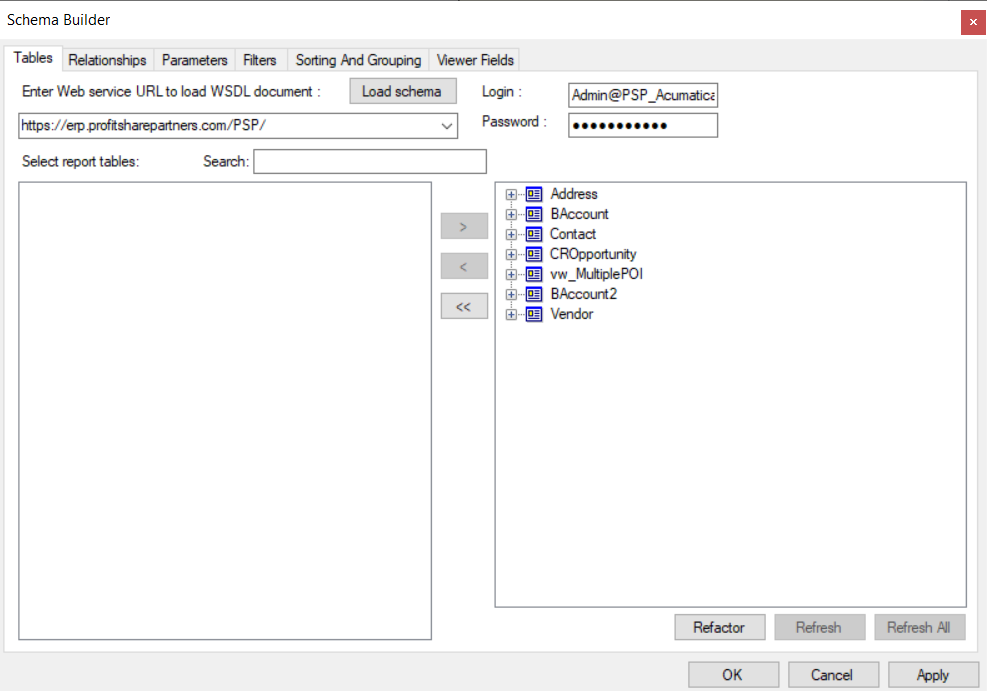
Currently my schema on report designer looks like this:
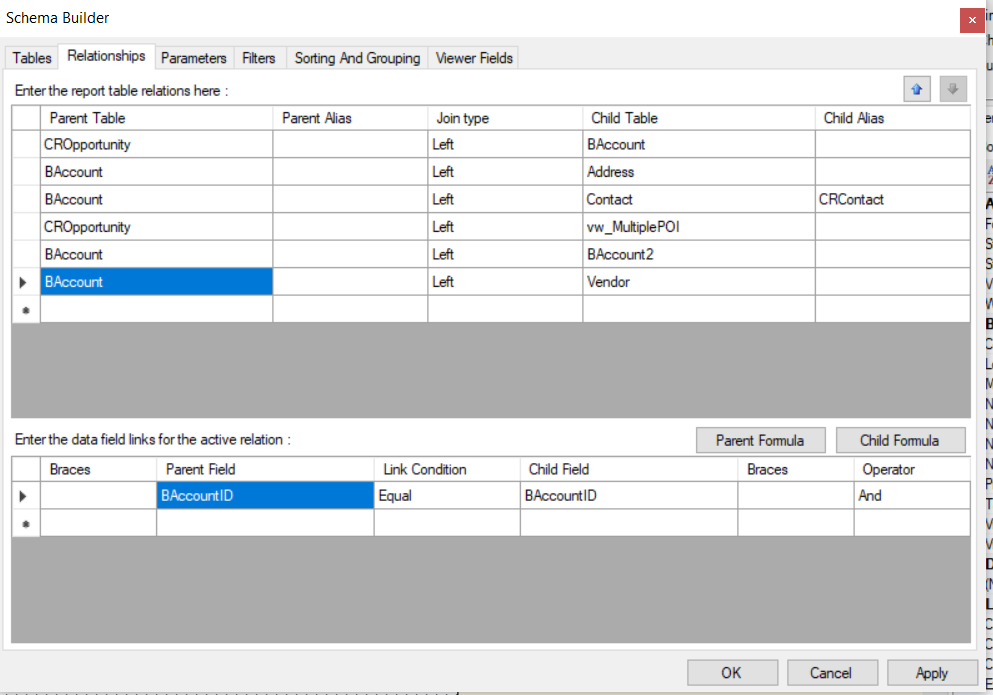
And no filters for that particular field:
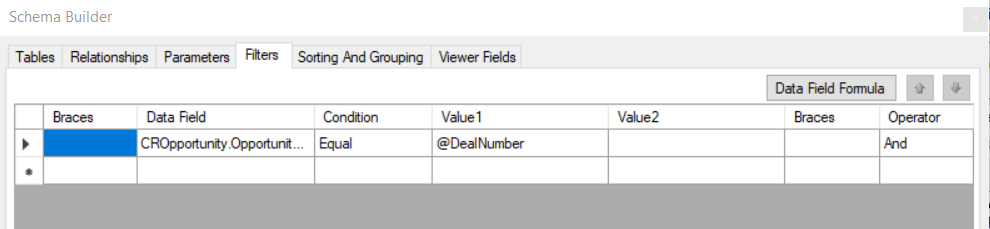
Here is the report:

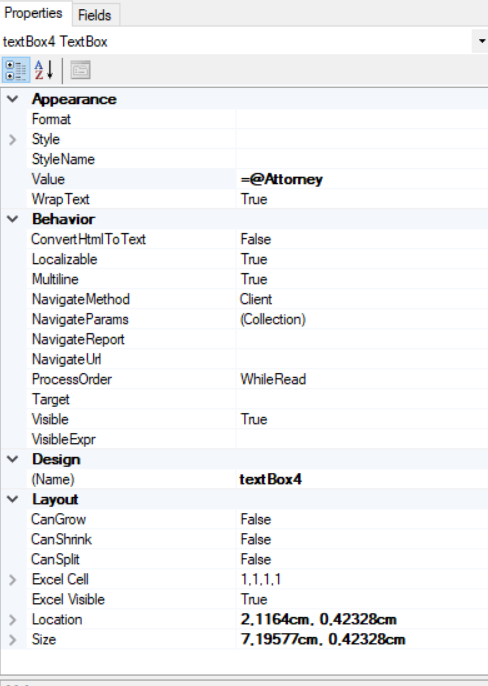
Does anyone know what I should do to display the Vendor name

Best answer by BenjaminCrisman

@francoisroux96 Did you ever get this solved? There was a recent post which may be able to help if you are still working on this:


View original

7 replies

Forum|alt.badge.img
  • Semi-Pro I
  • Aug 4, 2021 1:49 PM UTC

You can use AcctName from the vendor table. 

=[Vendor.AcctName] instead of @Attorney.

Translate

Forum|alt.badge.img

Hi Yisroel39,


When i use acctName the field is no longer a lookup field

Translate

Forum|alt.badge.img
  • Semi-Pro I
  • Aug 4, 2021 2:00 PM UTC

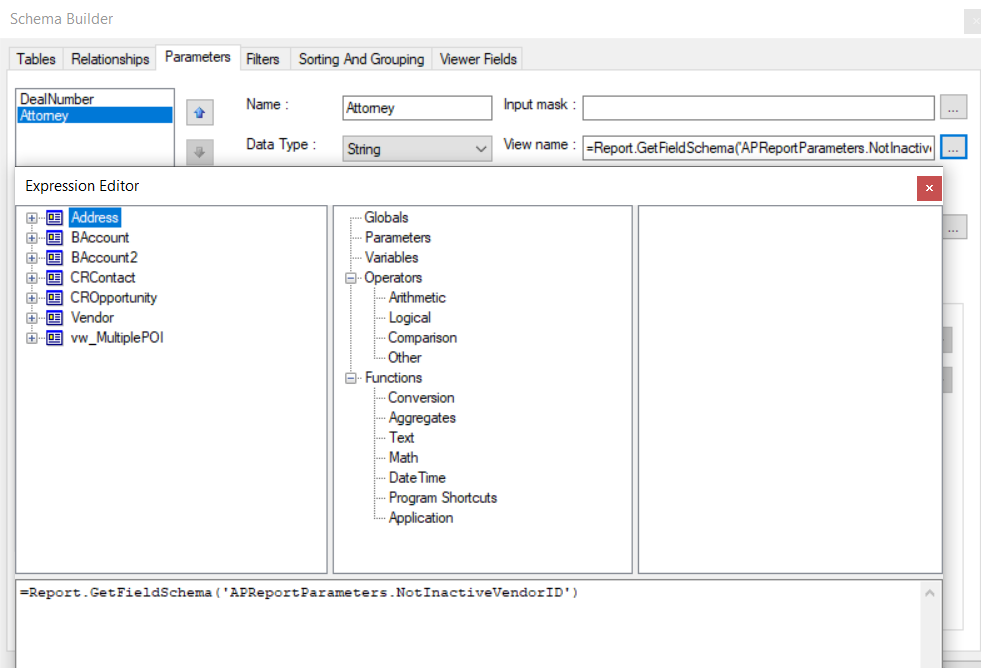
Change it here. 


Also, under your filter image above does not show ‘attorney’ parameter being used.

Translate

Forum|alt.badge.img

Hi Yisroel39,


When i change it 

this is the result:


Translate

Forum|alt.badge.img
  • Semi-Pro I
  • Aug 4, 2021 2:19 PM UTC

Review your table joins.

Translate

Forum|alt.badge.img

Any Ideas?


Translate

BenjaminCrisman
Acumatica Employee
Forum|alt.badge.img+4
  • Acumatica Support Team
  • Answer
  • Dec 29, 2022 2:45 PM UTC

@francoisroux96 Did you ever get this solved? There was a recent post which may be able to help if you are still working on this:


Translate