



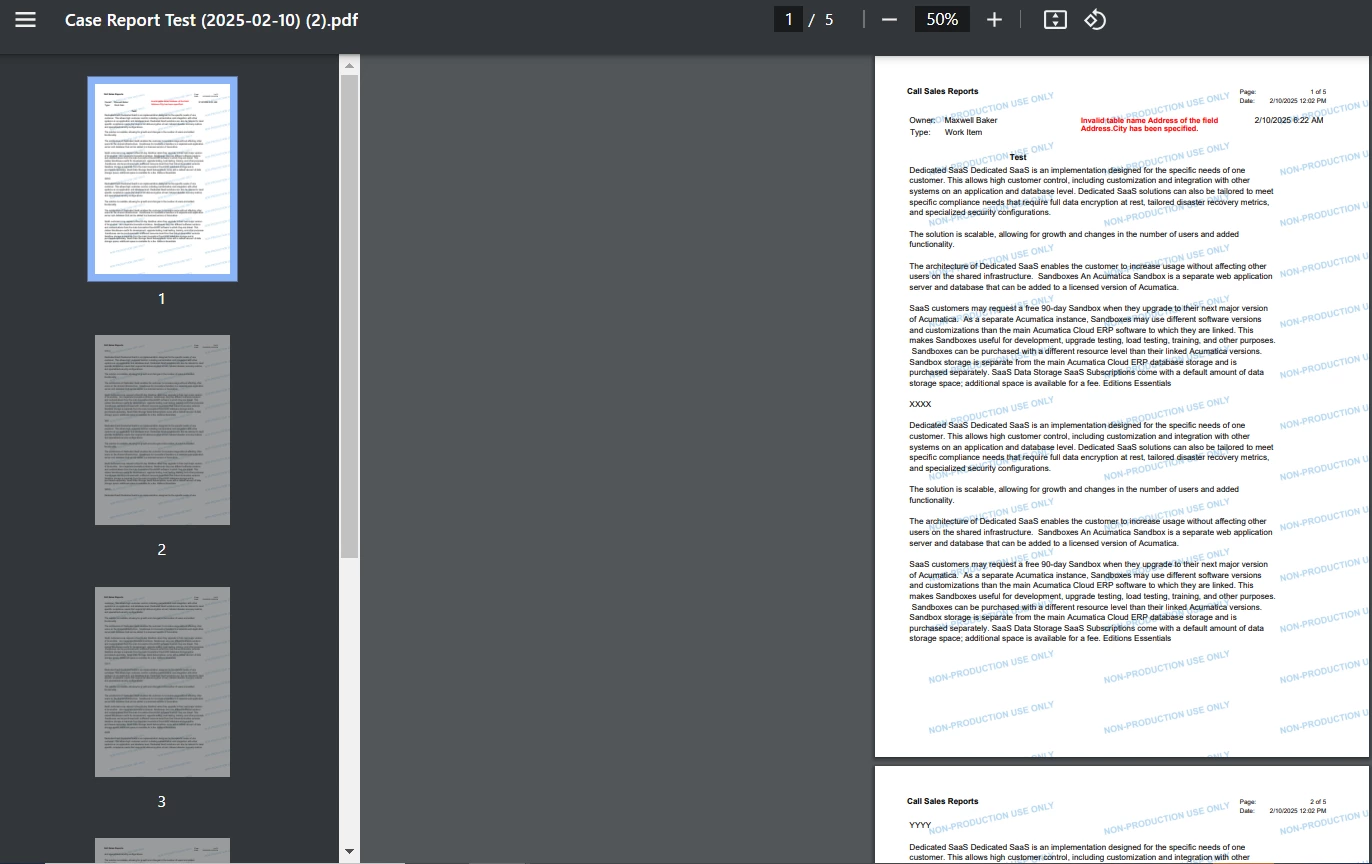
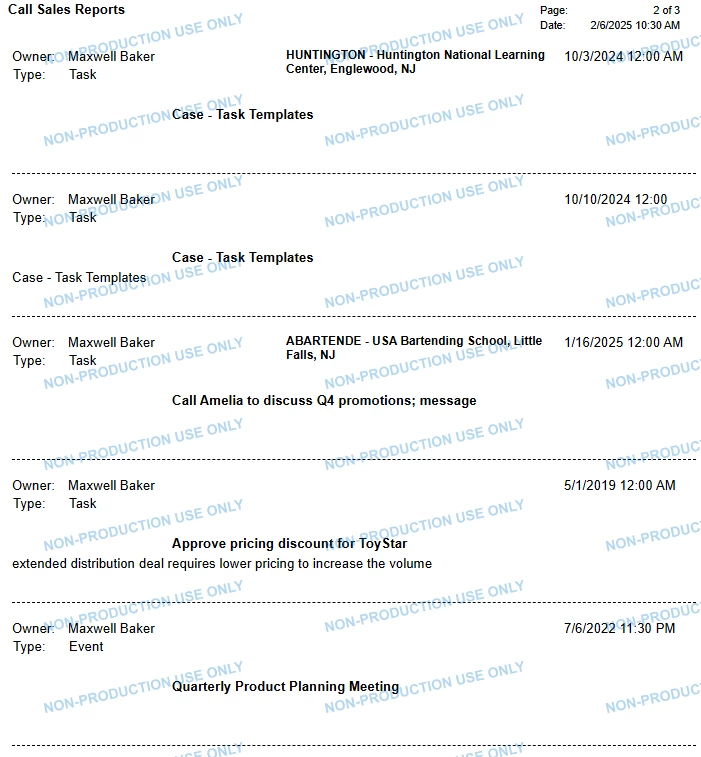
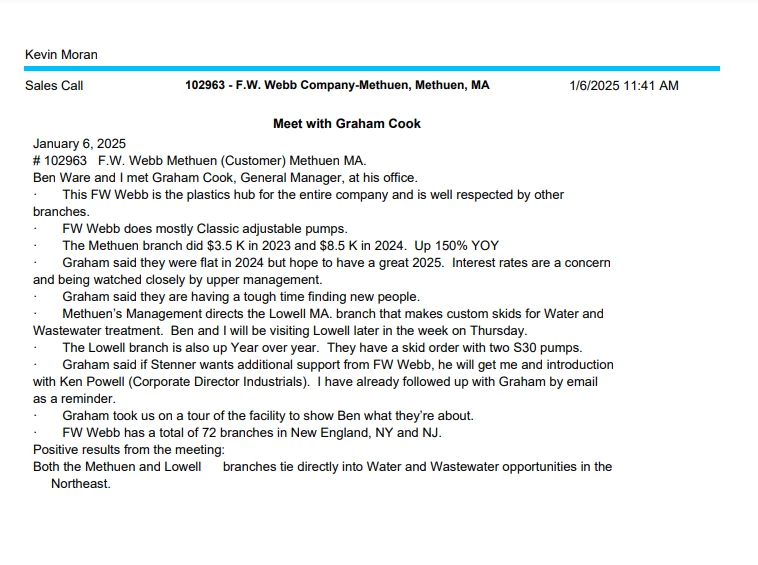
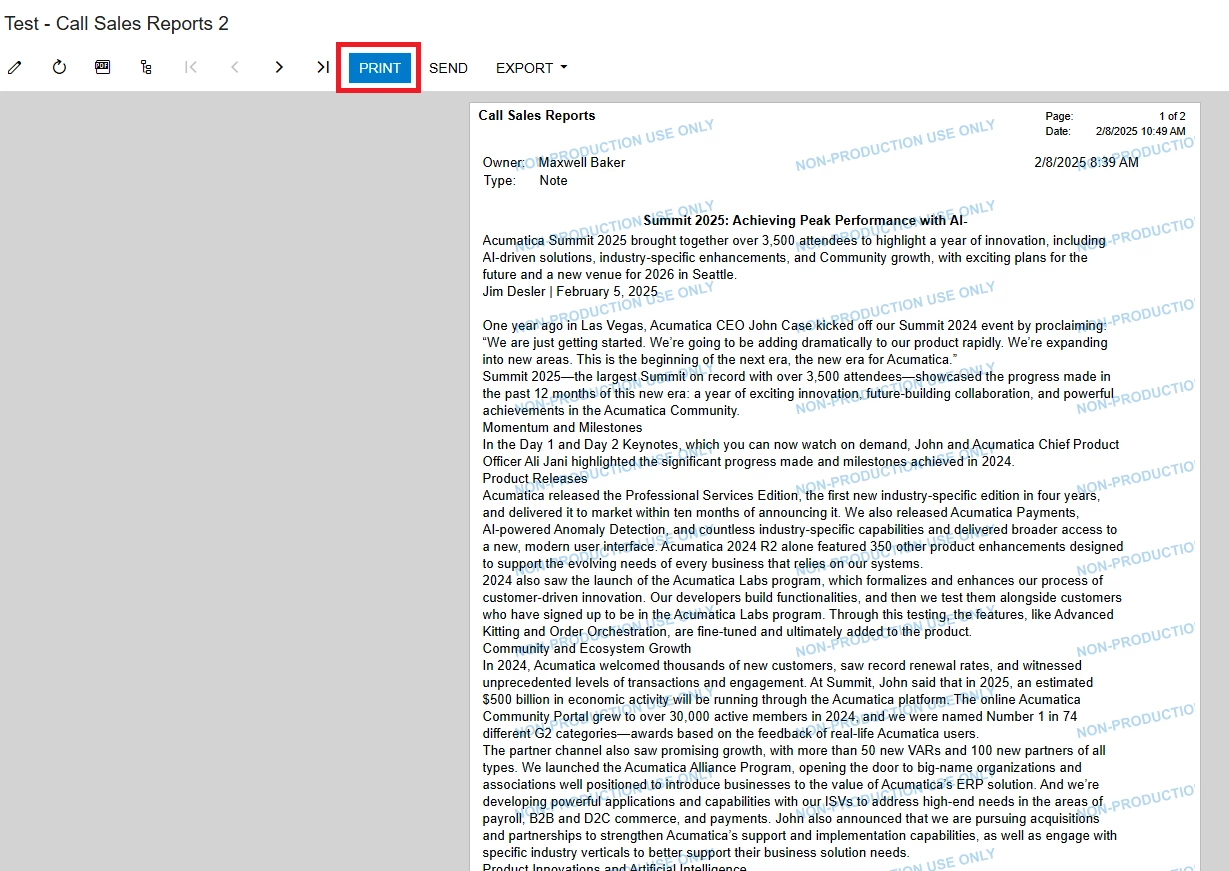
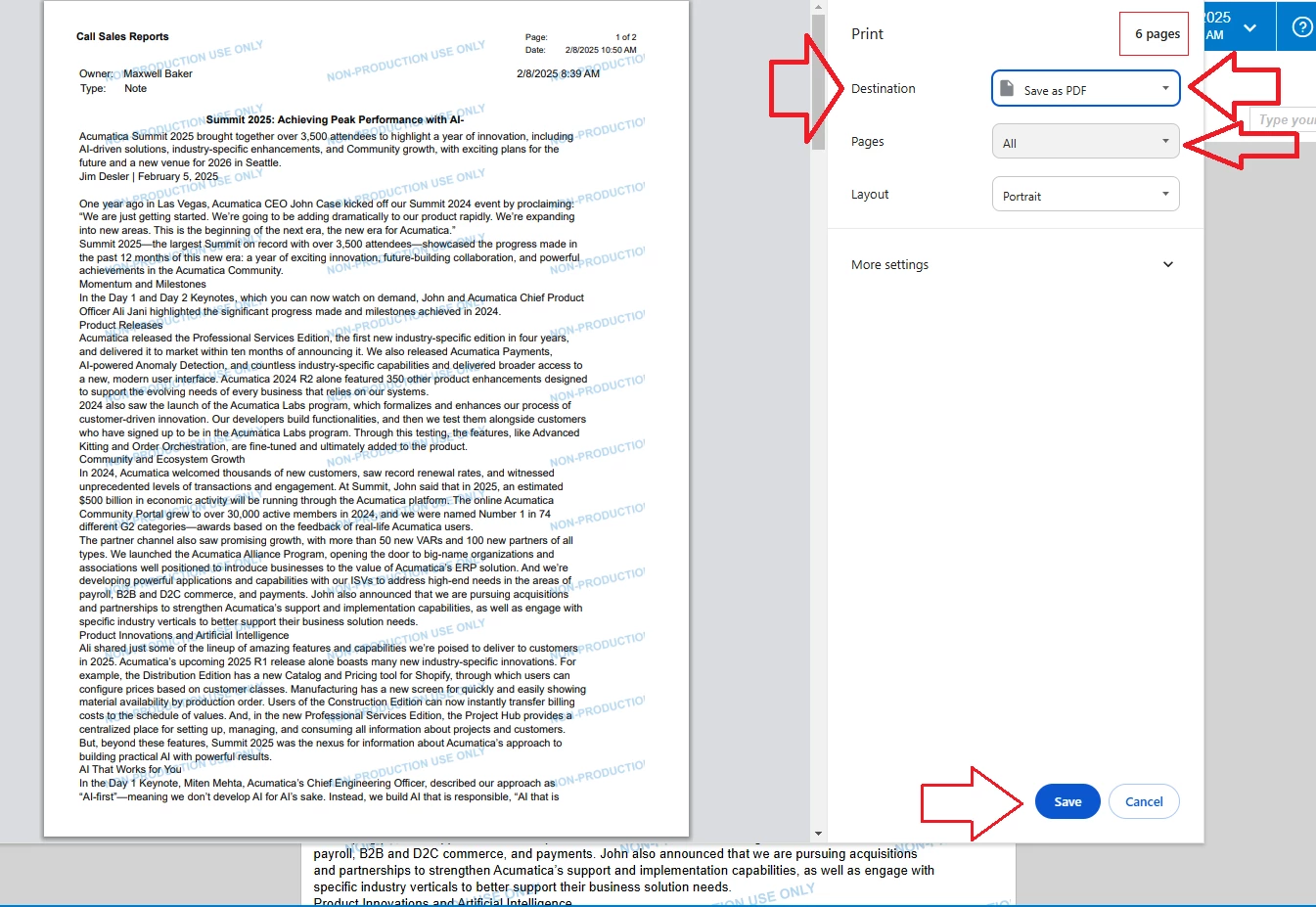
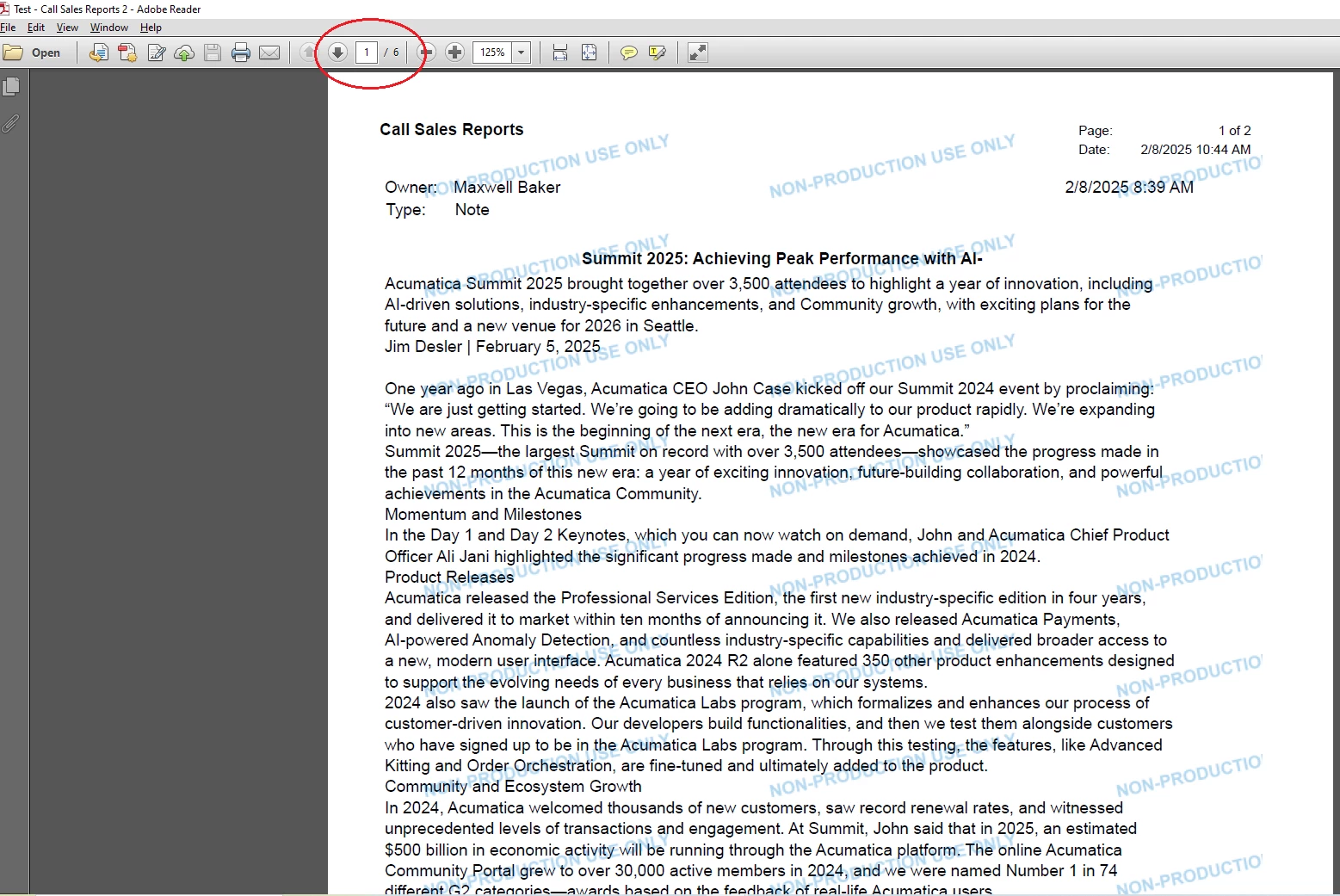
We have a Call Sales Report in Report Designer that shows all of the notes/comments a sales rep has entered based on a date range. When the report is put into production and brought up as an axd the full report does not show. Clicking on the HTML also reveals that a major portion of the report is missing as the report should be several pages long, but only one page shows up. Even exporting the report as a PDF has missing parts of the report. In the Report Designer → Common Settings, PdfCompressed = TRUE, PDFFontEmbedded = TRUE, PrintAllPages = TRUE, ViewPDF = TRUE. I’ve tried using the ConvertHtmlToText = False, that cut off the headers (headers have the account number and business name for each visit) for each days entrys. CanGrow = True, CanShrink = True, CanSplit=True. Any suggestions as to how this can be fixed will be appreciated.
Solved
Call Sales Reports working in Report Designer, incomplete when rendering as a PDF
Best answer by lauraj46
Hi
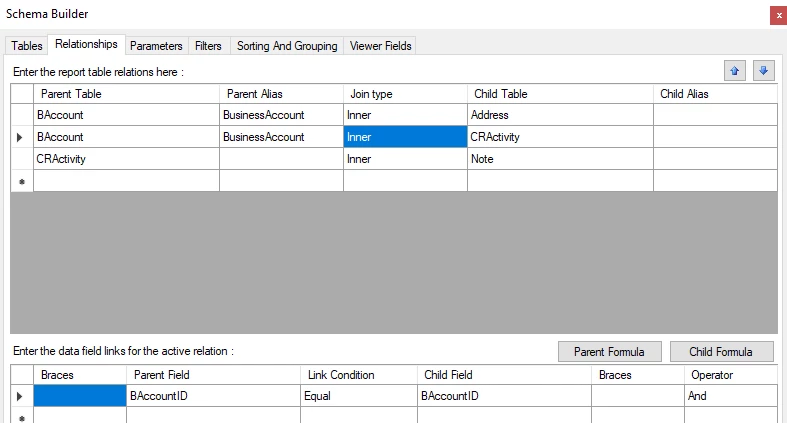
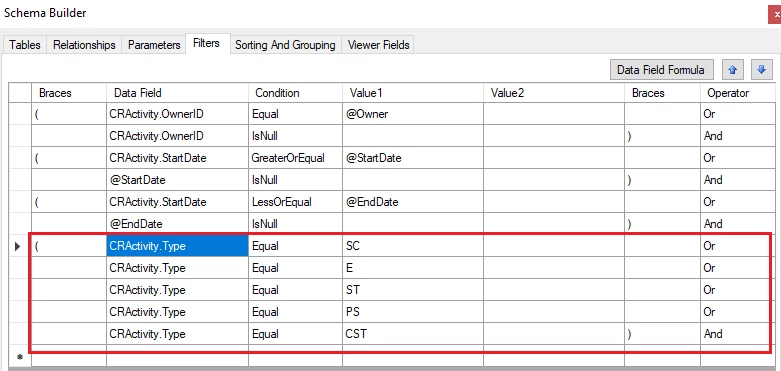
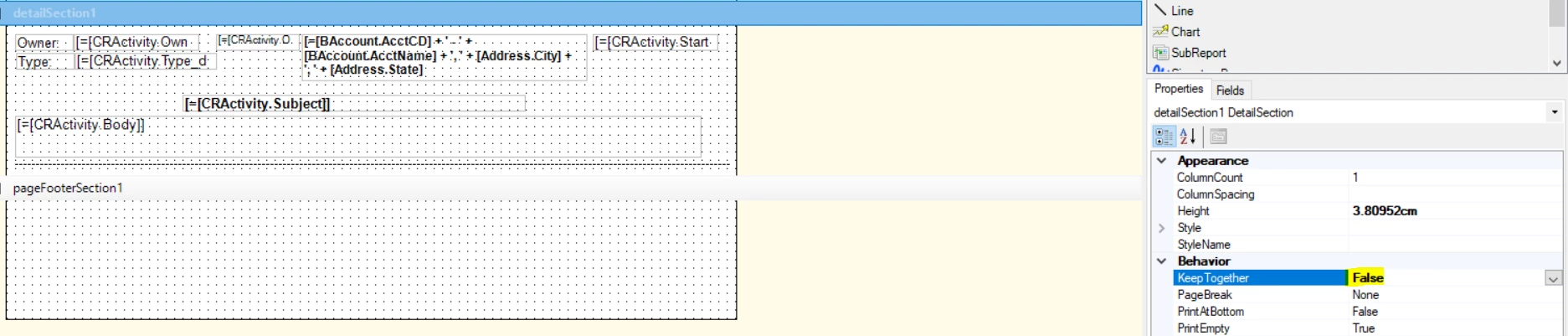
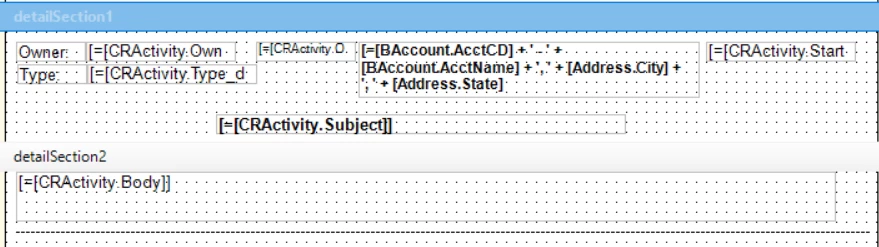
I tested and it seems to work properly for me. Did you reduce the height sections to eliminate white space, and set the ‘Keep Together’ property to false for the new detail section?




Enter your E-mail address. We'll send you an e-mail with instructions to reset your password.