

Solved

Bug or seeting issue--Using AR64100 for emailing but SO643000 attached in email

  • July 27, 2026
  • 3 replies
  • 34 views

Forum|alt.badge.img+6

Hello, I checked, on Account receivable preferences , customer classes , customer it self, all mailing setting on invoice is using AR641000
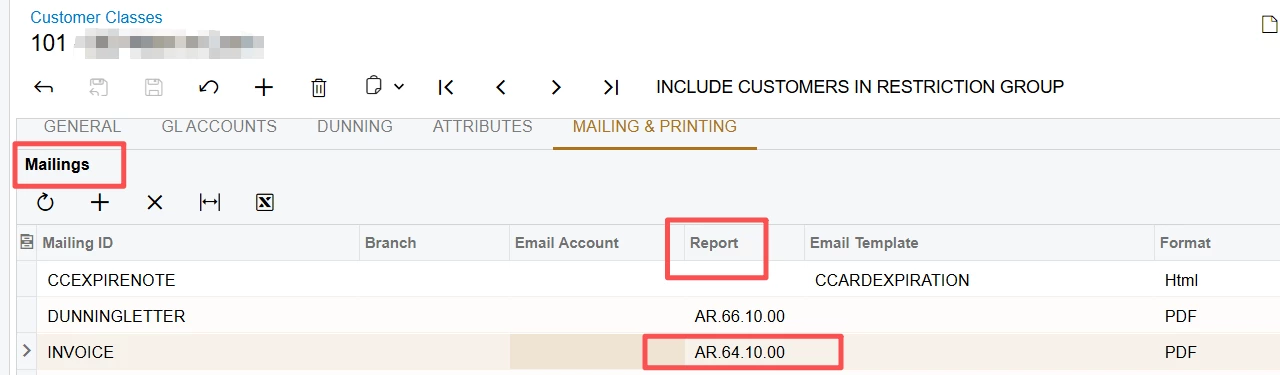
When  I print the invoice on Print/Email AR documents, ScreenId=AR508000, it is fine.
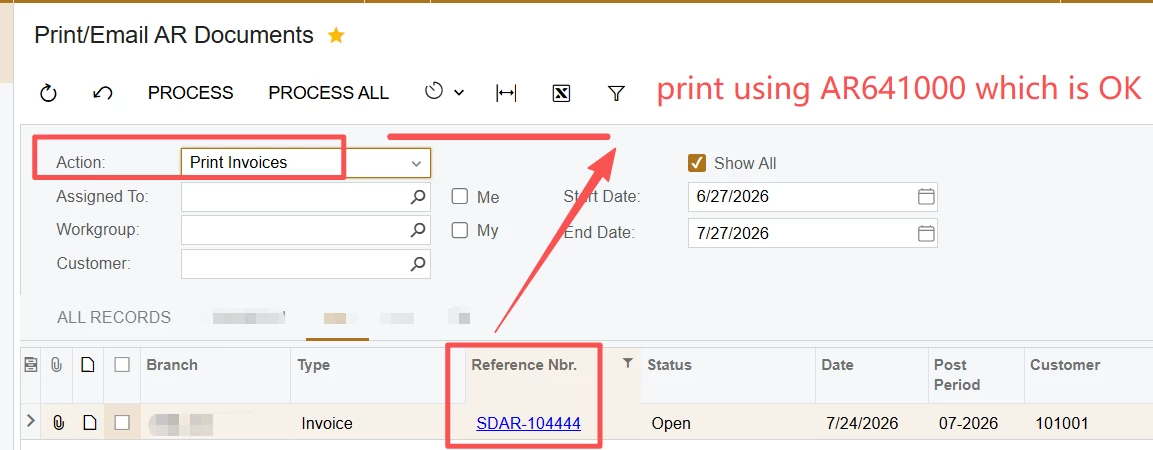
But when I try to email the invoice on this same screen, it is attached PDF generated from SO643000 instead.
The reason I can tell the difference is I made a little trick, on SO643000  the price won’t show this customer,on AR64100 it will always show price.
My need describes here:

Print and Send Email in Different Invoice Formats (Price Hidden)? | Community

My rpx is attached, please help. I need to email in format of AR641000
Best answer by lauraj46

Hi ​@ray20 ,

I think this might be related to this known issue:

https://community.acumatica.com/known-issues-232/known-issue-email-invoices-process-on-the-print-email-ar-documents-form-uses-the-incorrect-so-template-and-fails-after-acumatica-erp-patch-updates-35516

Laura 

3 replies

Forum|alt.badge.img+6
  • Author
  • Captain II
  • July 27, 2026

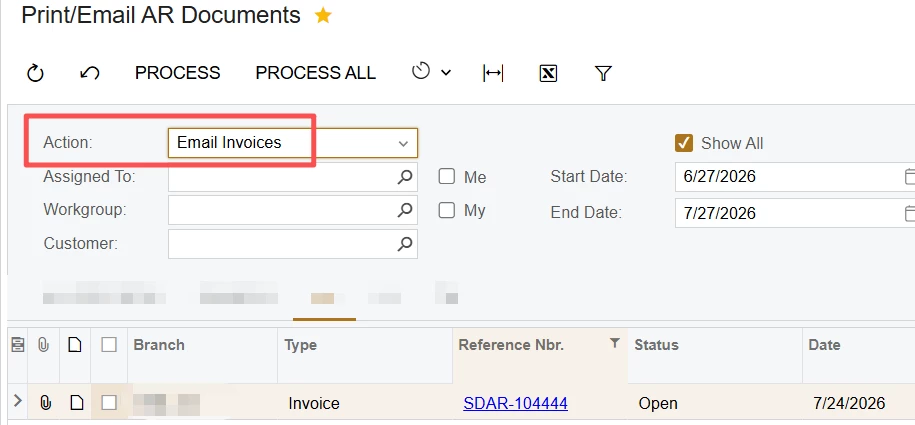
To add, if I click email on AR301000 screen, the attached report is correct


So I largely suspect it is a bug on AR508000

We are using Build 25.201.0213.3


lauraj46
Captain II
Forum|alt.badge.img+9
  • Captain II
  • Answer
  • July 27, 2026

Forum|alt.badge.img+6
  • Author
  • Captain II
  • July 28, 2026

@lauraj46 Thank you, yes, it is the same issue. Now, I am using option 2 and option 4 to work around.

