Answer

Adding additional lines to Check Stubs

  • October 23, 2025
  • 10 replies
  • 112 views

Forum|alt.badge.img

Hi Community,

Does anyone know how to get 15 lines per sub on a Check Layout? I have changed this on the payment method, but the report only returns 10. 
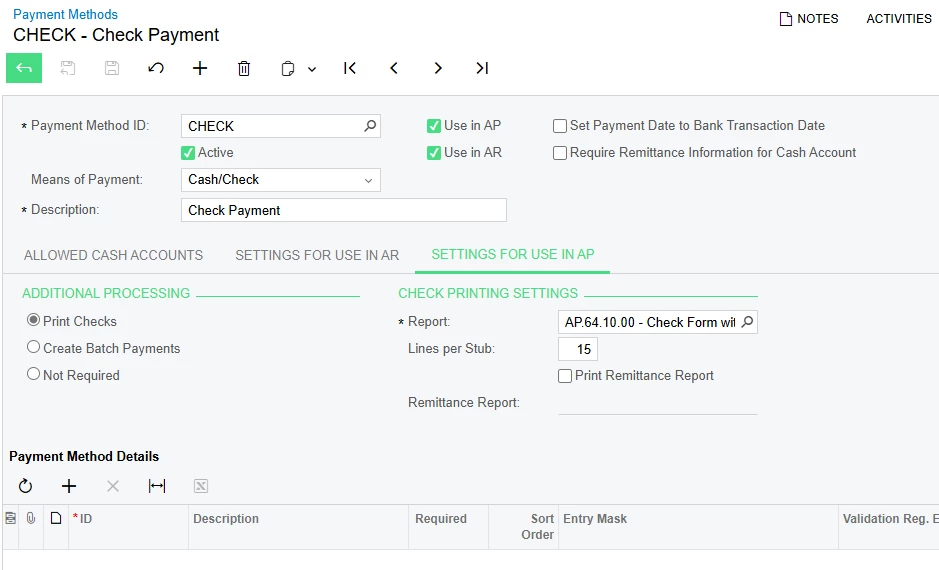


I have tried editing the RPX file to include more lines based on the lines Acumatica has out of the box, but I am getting inconsistent results when the additional lines print. I have added in Variables for additional lines and added the lines to the Report, but some of my lines are duplicating without me being able to figure out why. 

I don’t seem to be able to add my RPX file to this post, but I am happy to send it if needbe.


Thanks,
RJ

Best answer by PaulMainard55

Interesting.  So the original logic has 12 rows (0 thru 11), and the duplicate is appearing on the 13th row, or $12.  Are the amounts and other related row data duplicating as well?  The other question is, does it only happen for variable “$...12”, or is the behavior inconsistent?  If this is happening consistently, it could be that something is getting in the way of the counter advancing when you get to $12.  

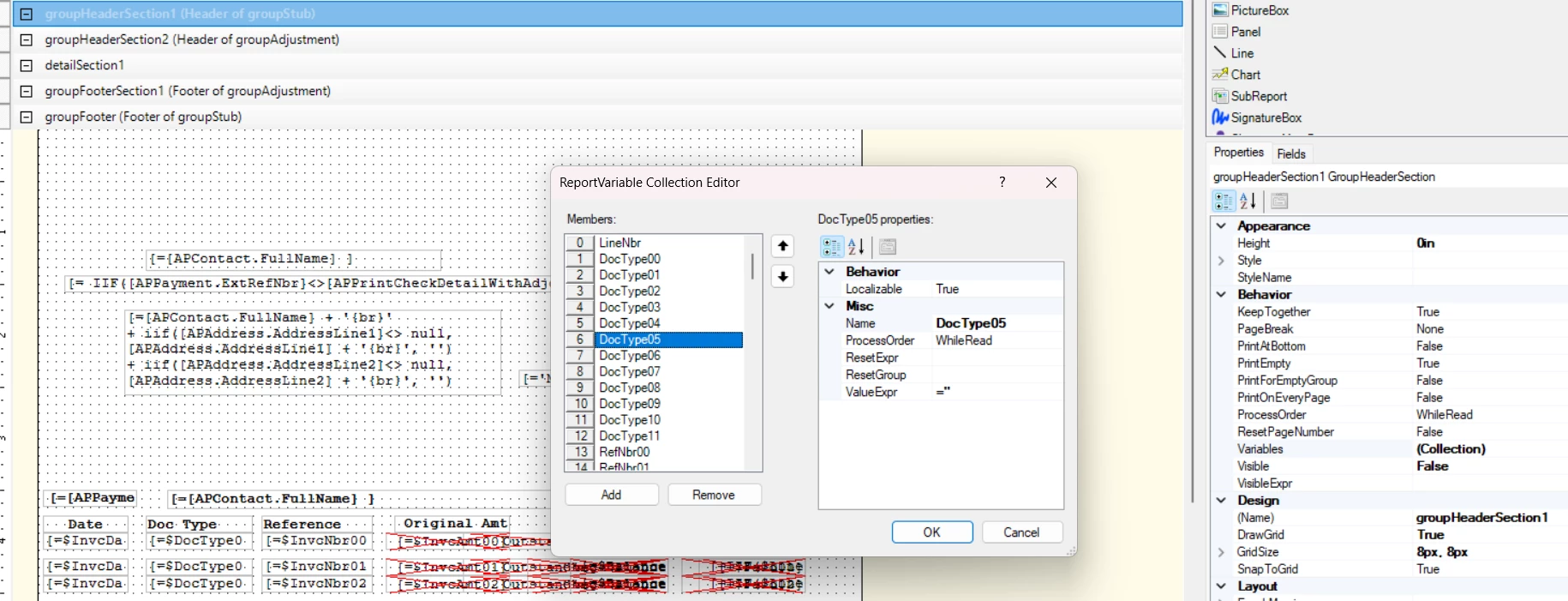
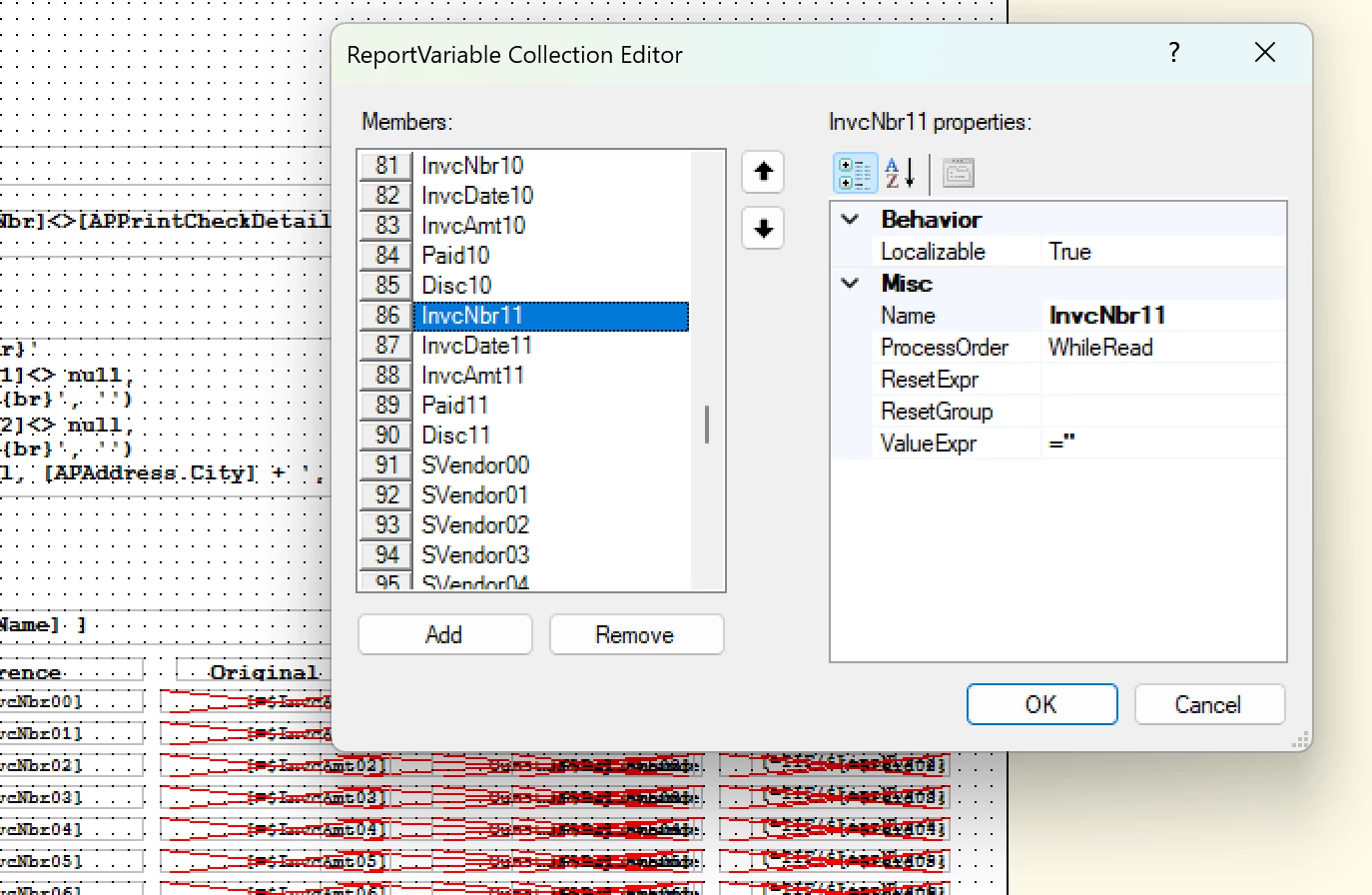
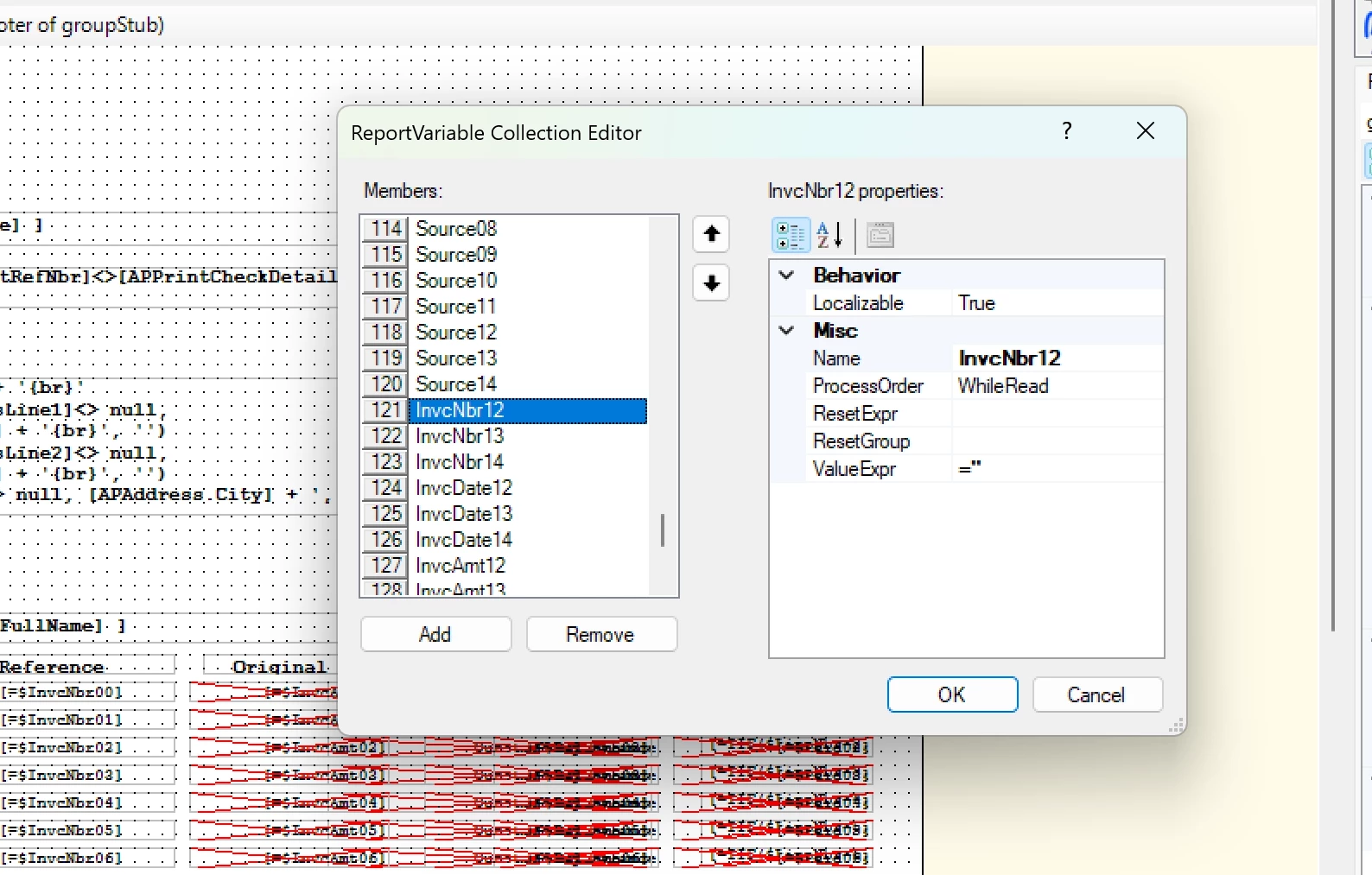
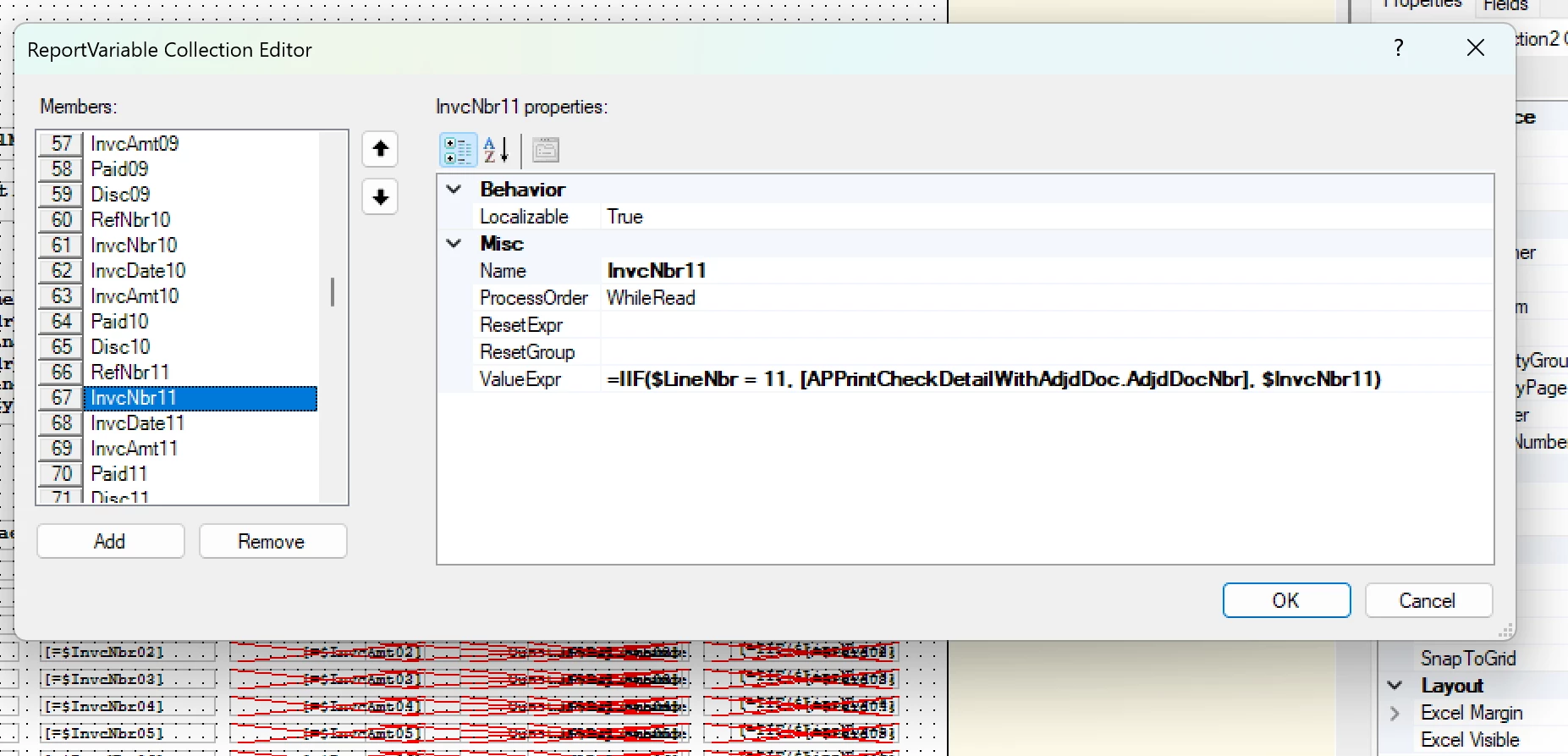
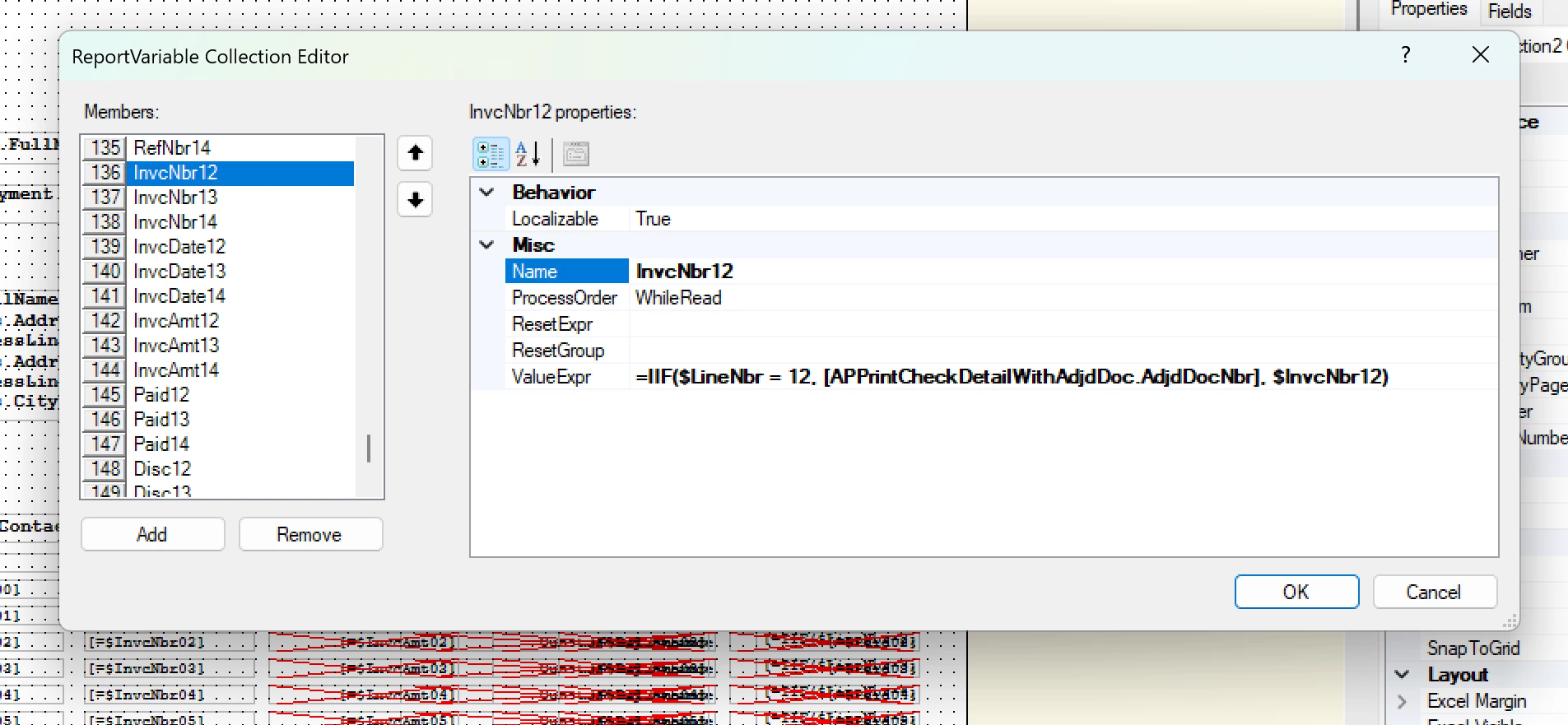
Without having the ability to review the file, one recommendation I might try would be reposition the newly added variables in a way that’s consistent with the original report for both groups of variables.  I’ve seen situations with the report designer where the order of operations is important.  Based on the screenshot of your top set of variables, where you’re casting the fields as null, your date, doc type and ref # are all below the source and “SVendor” defintions.  Try moving them up above those variables and group them accordingly.  Do the same with with the bottom set of variables; repositing the variable defintions in a way that follows the original report design exactly.

It may not make a difference, but at least you could rule it out.  

10 replies

BenjaminCrisman
Acumatica Employee
Forum|alt.badge.img+4
  • Acumatica Support Team
  • October 23, 2025

@rkenna I’m pretty sure you need to click the box to add the Additional Remittance Report. This will print the normal amount on the stub, but then the remittance report will print after it containing the number of lines indicated.

Have you already tried checking that box to print the Additional Remittance Report?


Forum|alt.badge.img
  • Author
  • Captain I
  • October 24, 2025

Hi ​@BenjaminCrisman, I have, but the goal is to eliminate the need for additional stock paper being used, so they would like 15/stub. Any other thoughts?


Thanks,
RJ


PaulMainard55
Captain I
Forum|alt.badge.img+2

@rkenna - unfortunately, the solution is not that simple.  The report is designed to specifically print up to 10 lines as this the capacity that can be printed on a tri-fold check stub.  

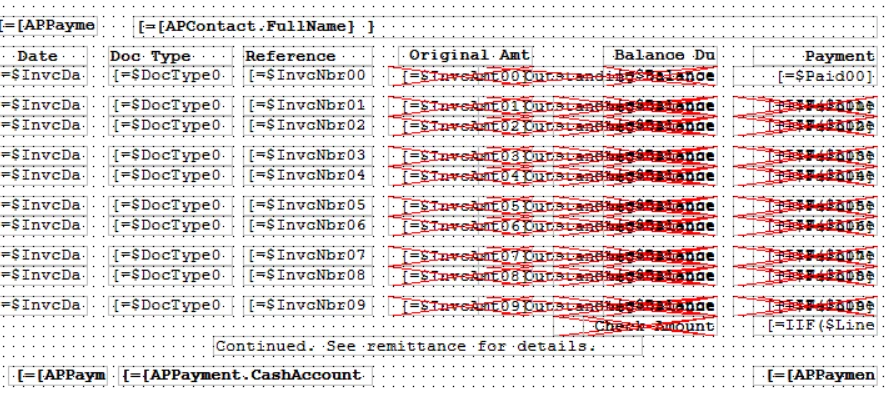
If you look at the report design, you’ll see that there are multiple rows with defined variables; each representing a specific field for specific rows.  The first row has a starting sequence value of “00” and increases to “09”.


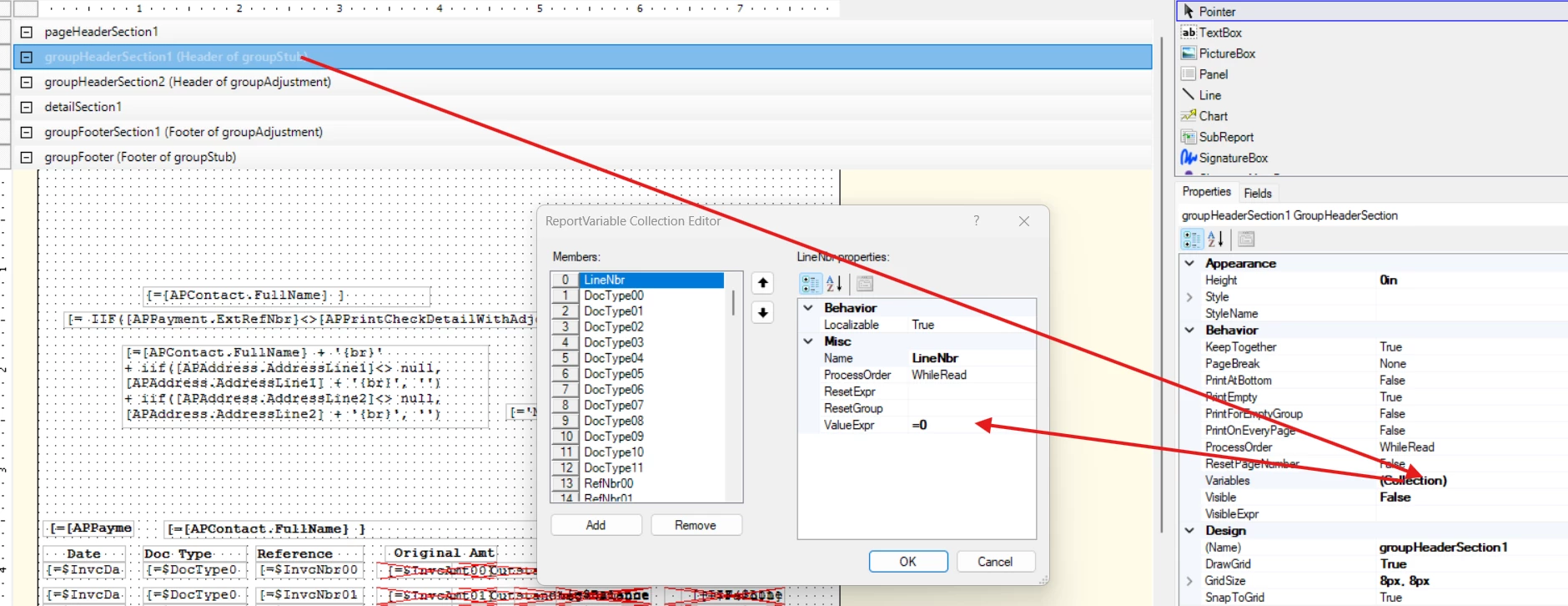
To allow this form to support 15 rows, there are multiple sets of variables that need to be added; to first clear the row count for each new check, and then define the row numbers that need to be printed.  

It’s a very complicated report layout, that requires some expertise in report designer to support.  Changing the configuration will only work to reduce the rows printed, but increasing the number of rows printed will be governed by report design.  


PaulMainard55
Captain I
Forum|alt.badge.img+2

@rkenna - Sorry I missed the part where you stated you added the variables to create the lines.  There are two sets of varialbles that you need to update.  One set clears the line counter, and the other establishes the lines.  Did you create the additional variables to reset the line count?


Forum|alt.badge.img
  • Author
  • Captain I
  • October 27, 2025

Hi ​@PaulMainard55,

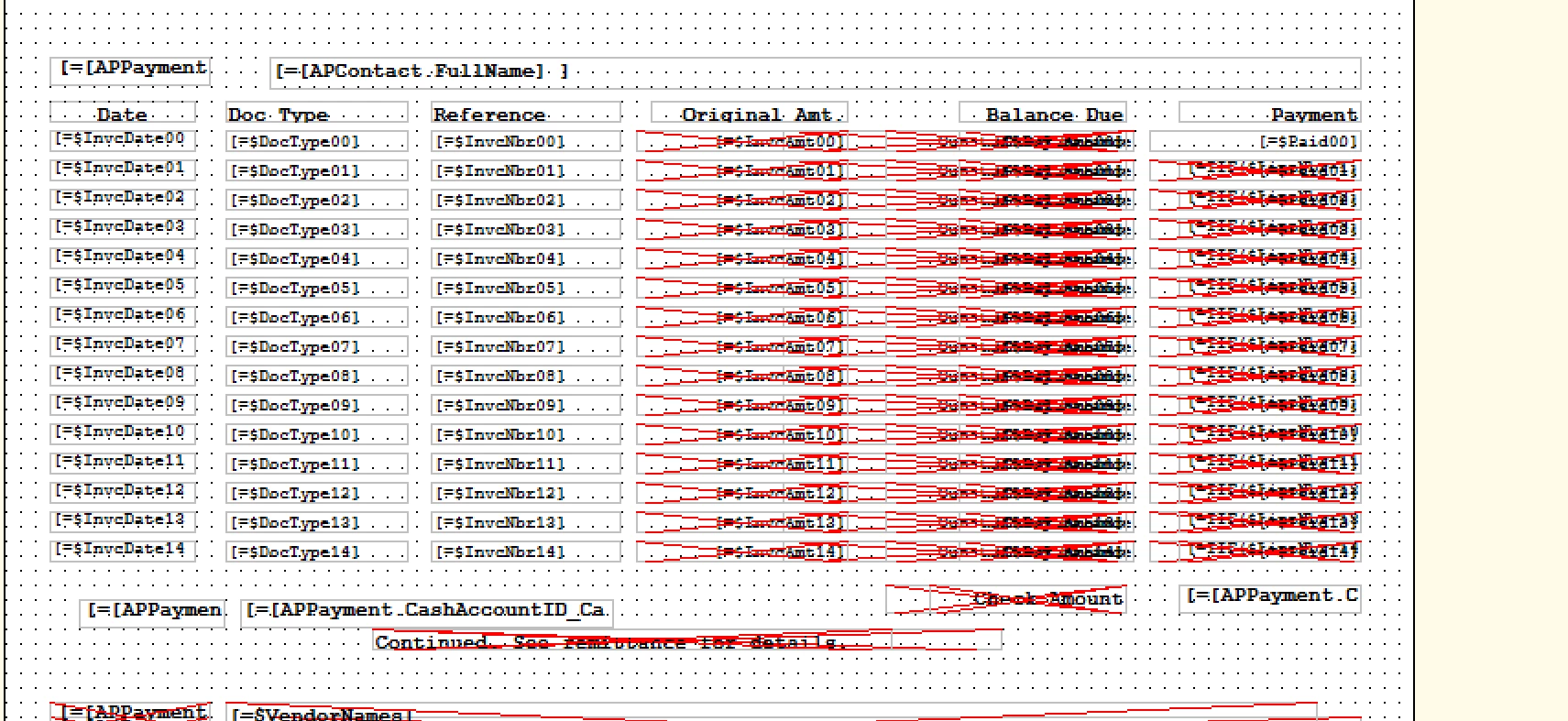
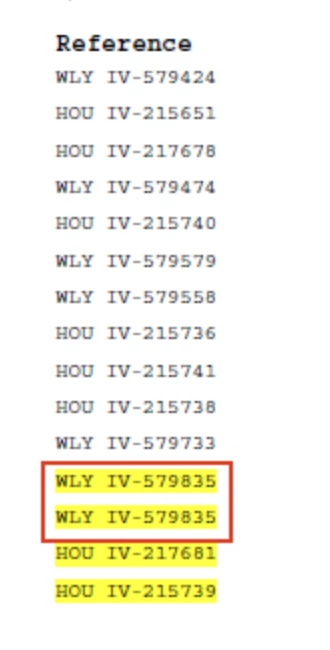
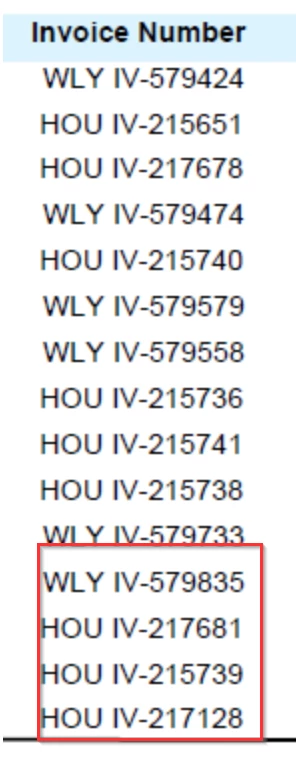
I did do this yes in both places, and I updated the rows accordingly. The issue I am running into is for lines 13-15 (which are with Variable 12,13,14) I am receiving some duplicate/non accurate rows in a couple columns from the Payment that is paid… one is the Reference column. It seems very arbitrary and there is no difference in the Variables between 11 and 12, but they are showing duplicates from the payment.


This is the check

This is what is should show


PaulMainard55
Captain I
Forum|alt.badge.img+2
  • Captain I
  • Answer
  • October 28, 2025

Interesting.  So the original logic has 12 rows (0 thru 11), and the duplicate is appearing on the 13th row, or $12.  Are the amounts and other related row data duplicating as well?  The other question is, does it only happen for variable “$...12”, or is the behavior inconsistent?  If this is happening consistently, it could be that something is getting in the way of the counter advancing when you get to $12.  

Without having the ability to review the file, one recommendation I might try would be reposition the newly added variables in a way that’s consistent with the original report for both groups of variables.  I’ve seen situations with the report designer where the order of operations is important.  Based on the screenshot of your top set of variables, where you’re casting the fields as null, your date, doc type and ref # are all below the source and “SVendor” defintions.  Try moving them up above those variables and group them accordingly.  Do the same with with the bottom set of variables; repositing the variable defintions in a way that follows the original report design exactly.

It may not make a difference, but at least you could rule it out.  


Forum|alt.badge.img
  • Author
  • Captain I
  • October 29, 2025

Hi ​@PaulMainard55 ,


The behavior is incredibly inconsistent starting at row 13, or $12 through row 15, or $14. It seems very arbitrary what it is showing vs what it is not showing.

Thanks for the tip on the variables order. That could be something as I have gone through each variable and do not notice any differences. I will give that a shot and let you know. 

-RJ


Forum|alt.badge.img
  • Author
  • Captain I
  • November 3, 2025

@PaulMainard55,

That is it!! Thank you greatly for your help. It was the order of the Variables that was causing the issues. Once I changed this order to match how the rest of the Variables of the Check that Acumatica has out of the box, I printed a new check and it worked. I printed the same Payment with my old layout vs my new one, and the new one was just as I needed.

Thanks so much!


PaulMainard55
Captain I
Forum|alt.badge.img+2

Hey ​@rkenna,

That’s great news!  It was a bit of a shot in the dark, but somewhere in the recesses of my brain, I vaguely remember encountering a similar issue; probably with the same report.  Sometimes, even a blind squirell finds an acorn once in a while.  😀

I’m so glad this worked for you.  Keep posting questions to the community. 

Best of luck, RJ!


BenjaminCrisman
Acumatica Employee
Forum|alt.badge.img+4
  • Acumatica Support Team
  • November 3, 2025

Just to add to this win, this is definitely the report I’ve gotten the most cases on regarding variable order. Maybe a few cases on single reports, but a number on this one. Variable order definitely matters :)